1. How to use CSV payload with /V4/integrate?
Introduction:
⦁ Our V4/integrate rest variant supports JSON,XML and CSV therefore it is possible to pass the Rest envelope XML or JSON or CSV to the body of the v4/integrate. This means that for invoking the skyvva API we use only the rest variant../services/apexrest/skyvvasolutions/v4/Integrate with either XML or JSON or csv payload. ⦁ In the URL of V4 API, the query parameter is added in URL only. We have two type of response:
- standard response
- custom response using the response (outbound) interface to do the mapping
- standard response
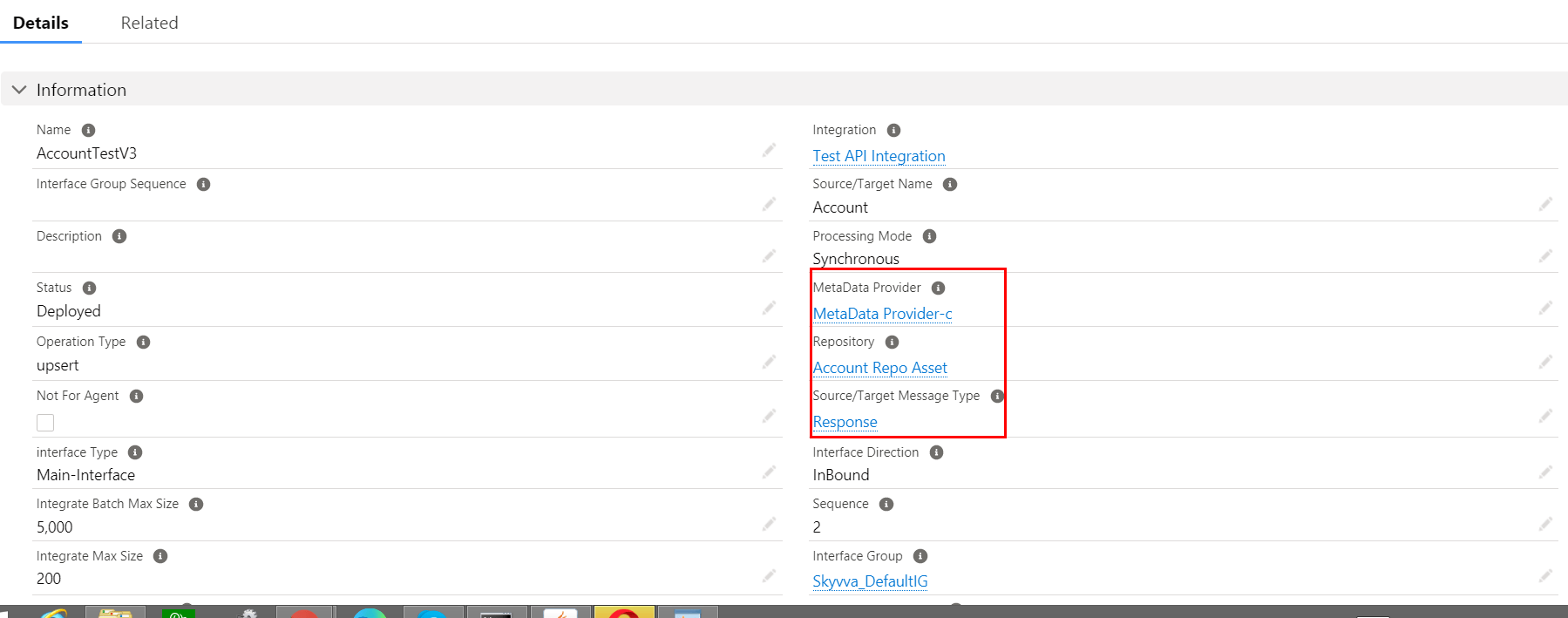
2. Do Mapping:-
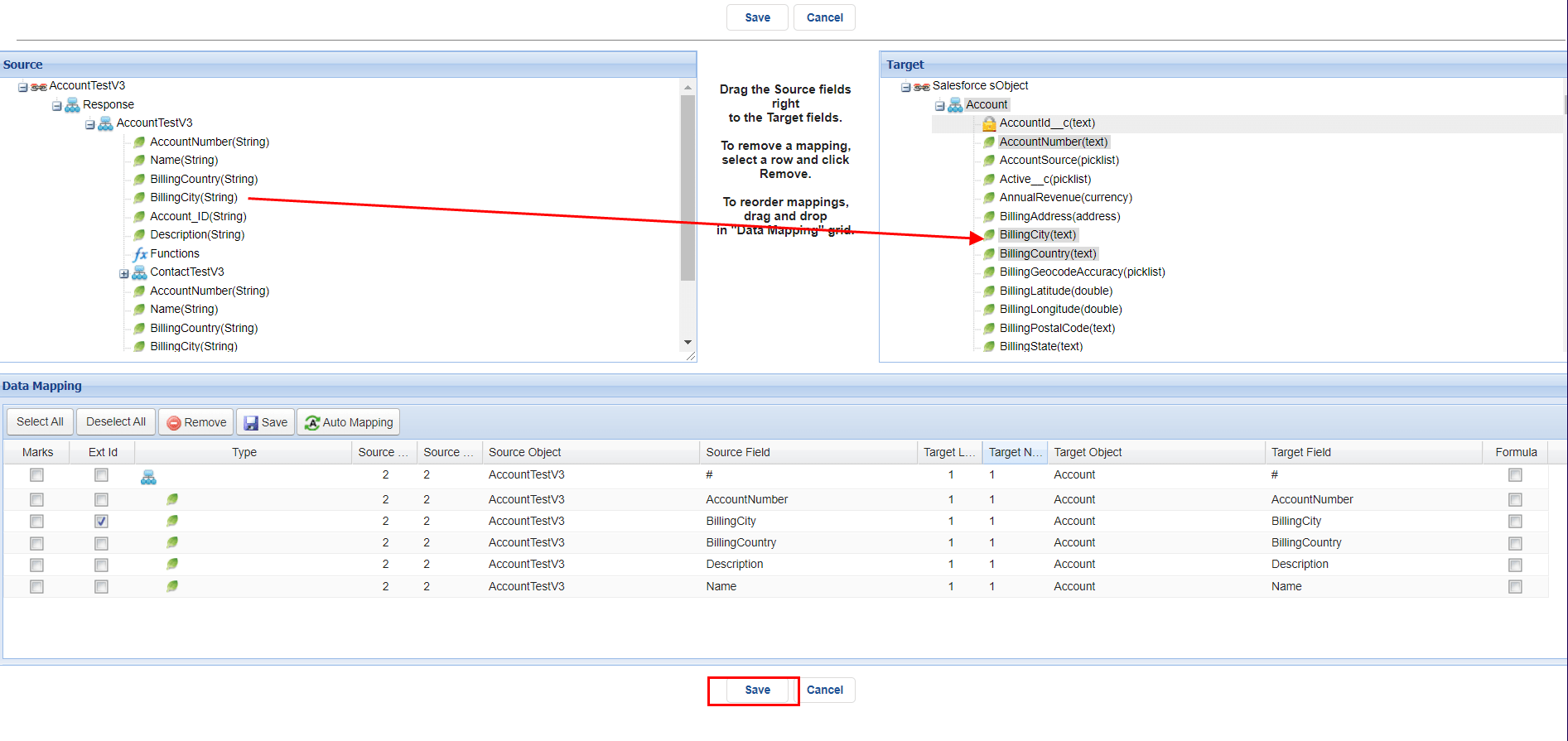
⦁ Save Mapping:** ** 3. Configuration on postman side:-
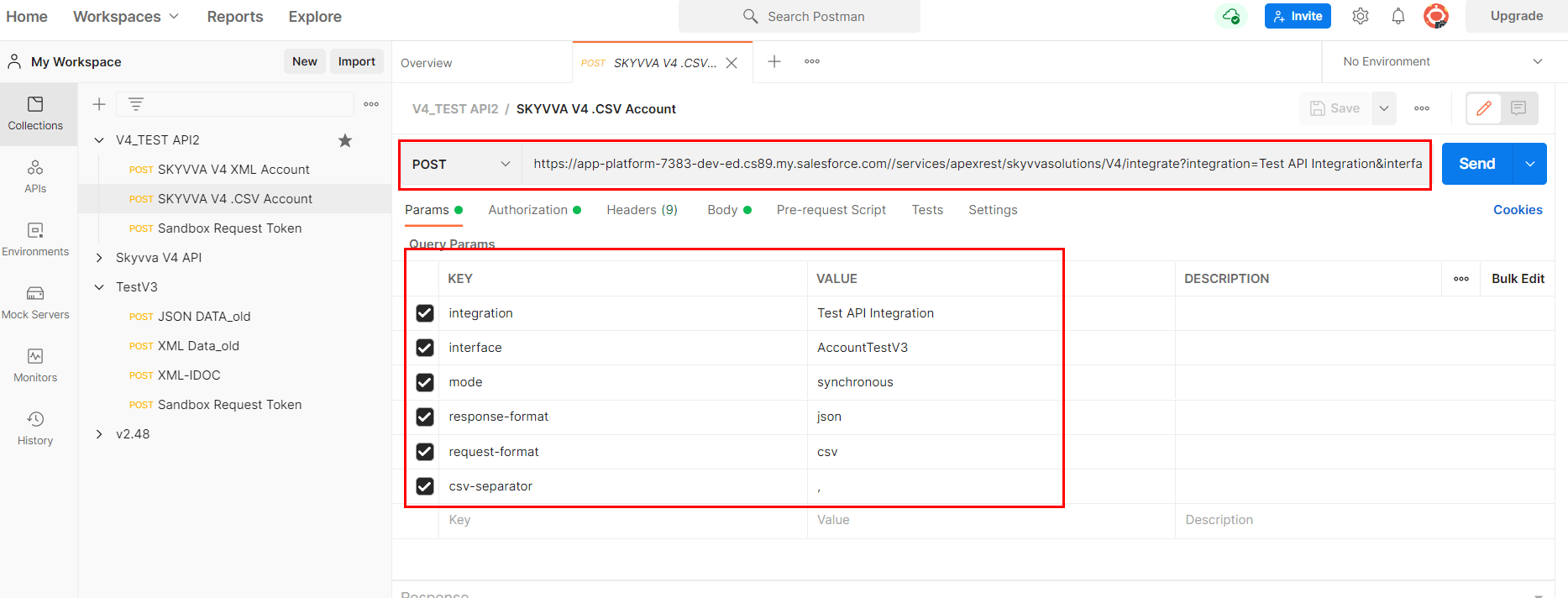
1. V4 API:- V4 API pass Integration, Interface, mode, request-format, response-format parameter inside the URL query parameter. 2. The URL contains:- ⦁ Salesforce classic URL. ⦁ Integration name. ⦁ Interface name. ⦁ mode. ⦁ response-format. ⦁ request-format.
3. Authorization:- ⦁ Select Bearer token.
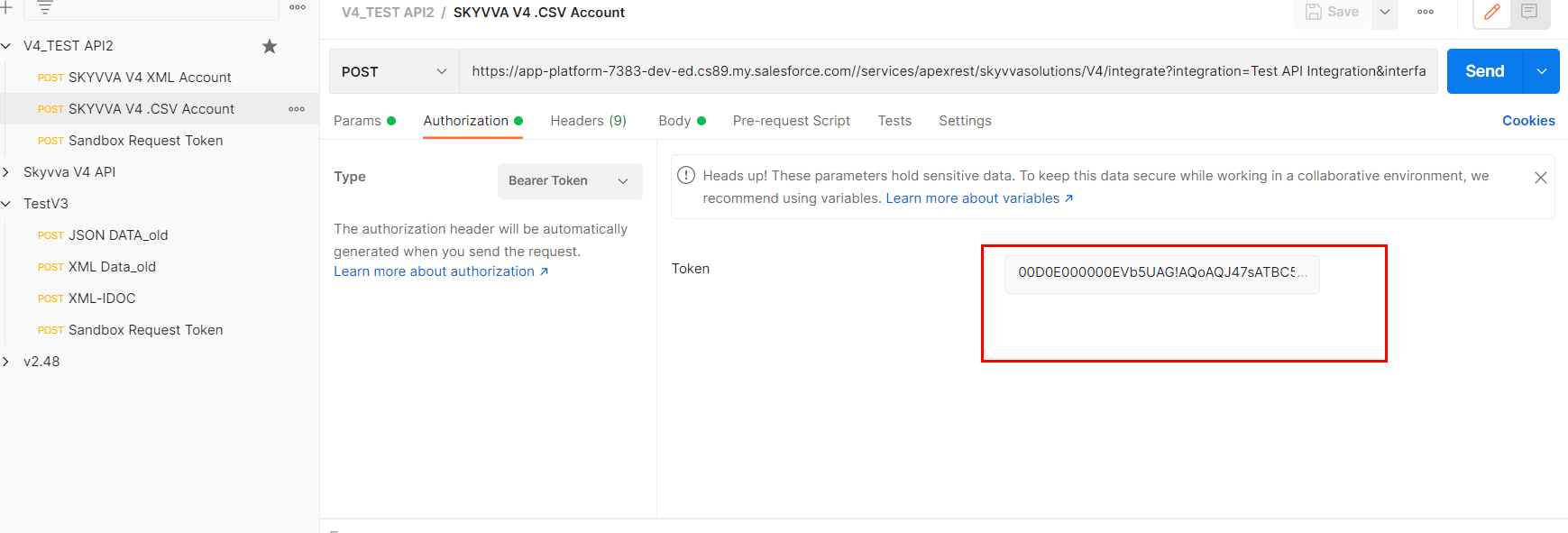
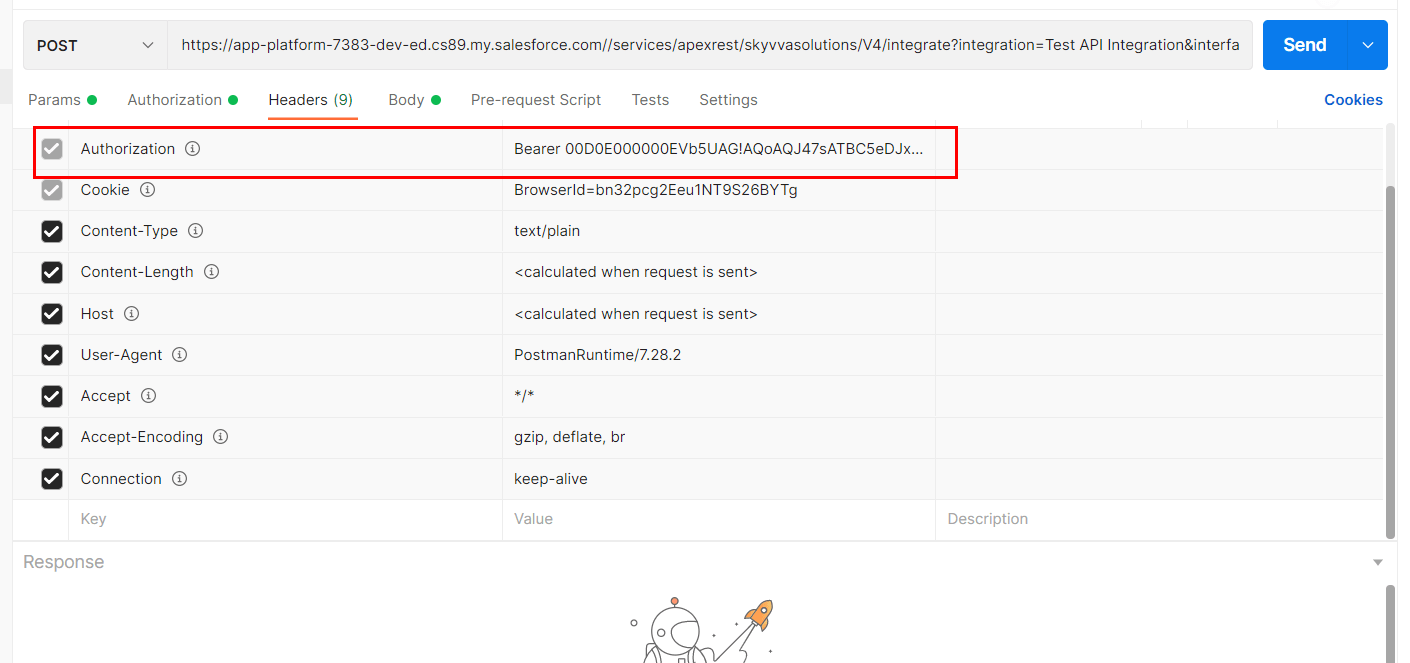
4. Header:- ⦁ Enter “Bearer+Session ID”.
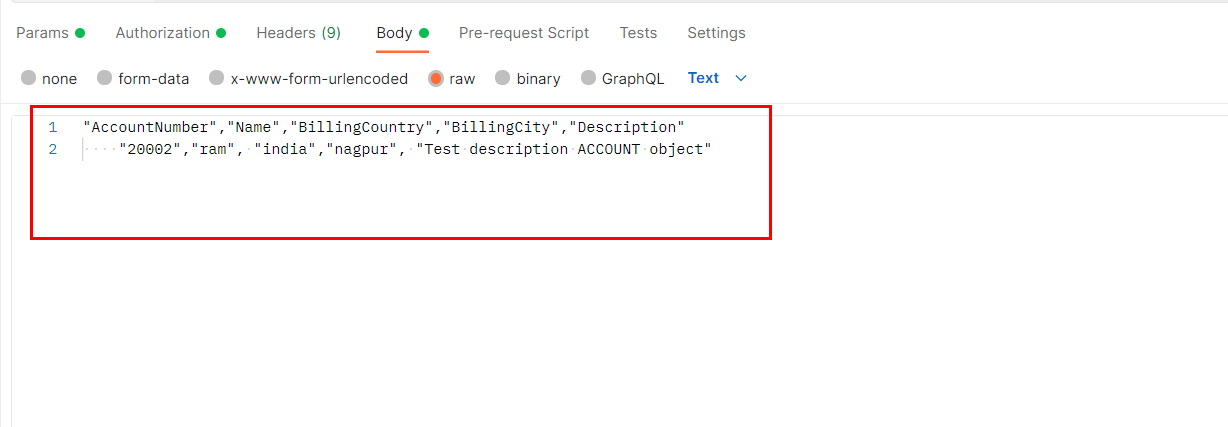
5. Body:- ⦁ Enter CSV payload as per your message type which we have created earlier.
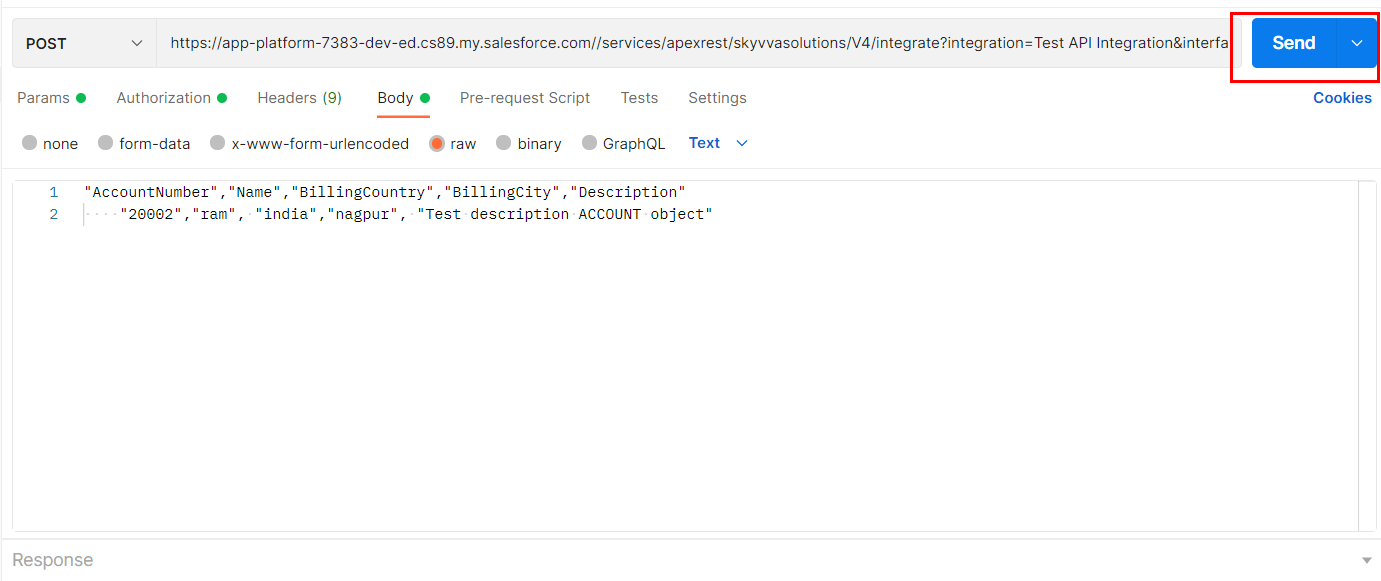
6. Send the Request:- Click on send button.
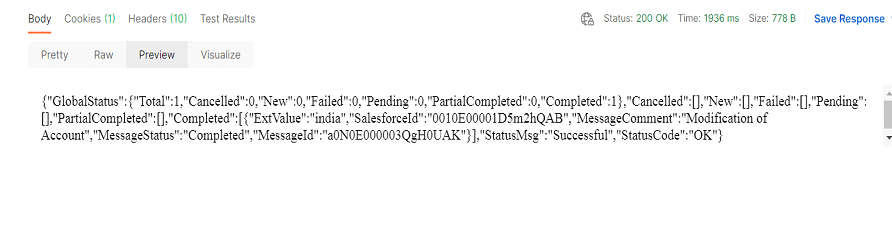
7. Check the Result:-
8. Check Result on Message monitoring:-

SUMMARY Finally, we have learned about how to use csv payload with ../V4/integrate. We have understood the MessageType and checking results on postman.