2. Using Scheduler tab to search scheduler by functional group
Introduction
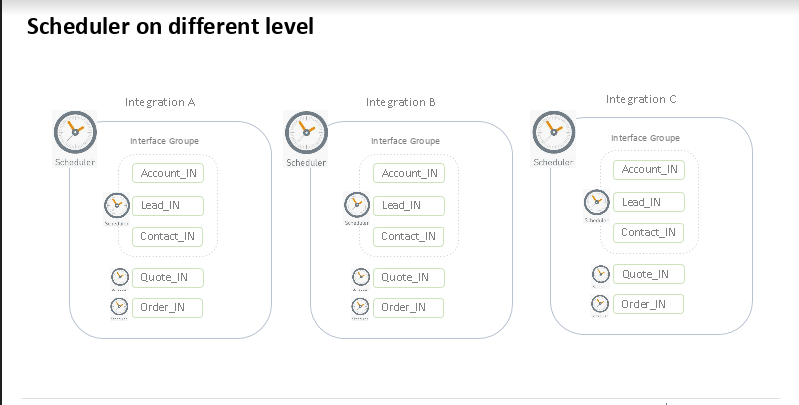
We have different schedules for different functions. To keep an easy overview we need to provide the user the option to search by the functional group. Some Schedulers have to change the value picklist to become more ready for the users. The new name for the Schedulers are:
- Message Reprocessing
- Message Deletion => old value was Deletion
- CDD Change Data Detection
- CDT Change Data Transfer
- Batch Processing => old value was Batch
- Bulk Processing => old value was Bulk
- Interface Execution
[su_box title="Note" box_color="#2a8af0" title_color="#000000"] We don't provide the category 'Checker' to the list because we have only a global scheduler and not many based on integration, interface group or interface level. The current test result that this scheduler always gets shown is correct. We can keep this behavior. But the Scheduler 'DoMaintenance' is the Message Deletion and should only be shown when the category 'Message Deletion' is selected as well.[/su_box]
Schedulers on a different level:
Why we use this feature?
We use this feature to filter the specific scheduler. It’s easy for the user to filter any Scheduler they want.
How to filter the Scheduler by a functional group?
To use filter the Scheduler by functional group, you can.
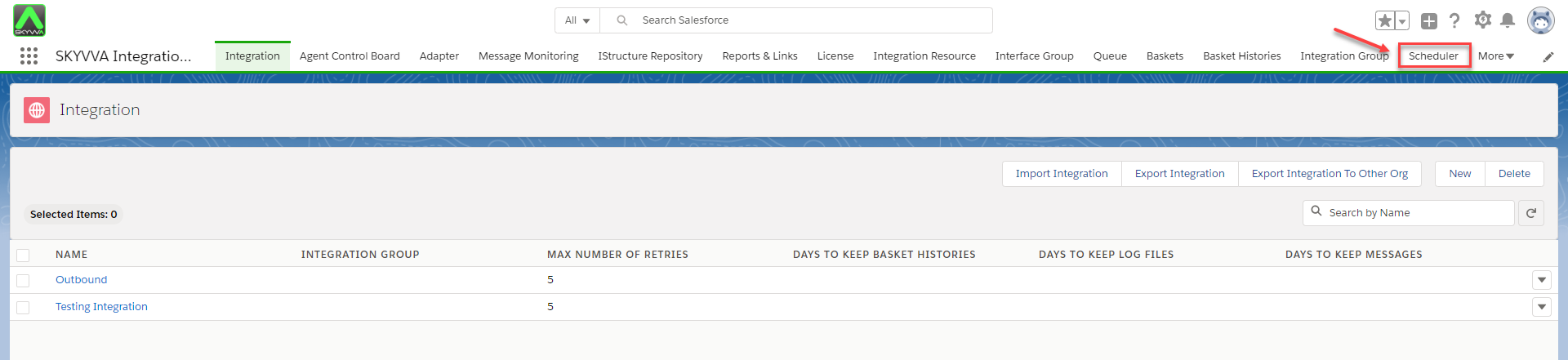
- Navigate to Scheduler Tab and choose Integration Name
- Choose Interface Group
- Choose Interface Name
- Choose Functional Category
- Click Apply Filter button
