124. How to develop inbound interface to consume message from RabitMQ queue?
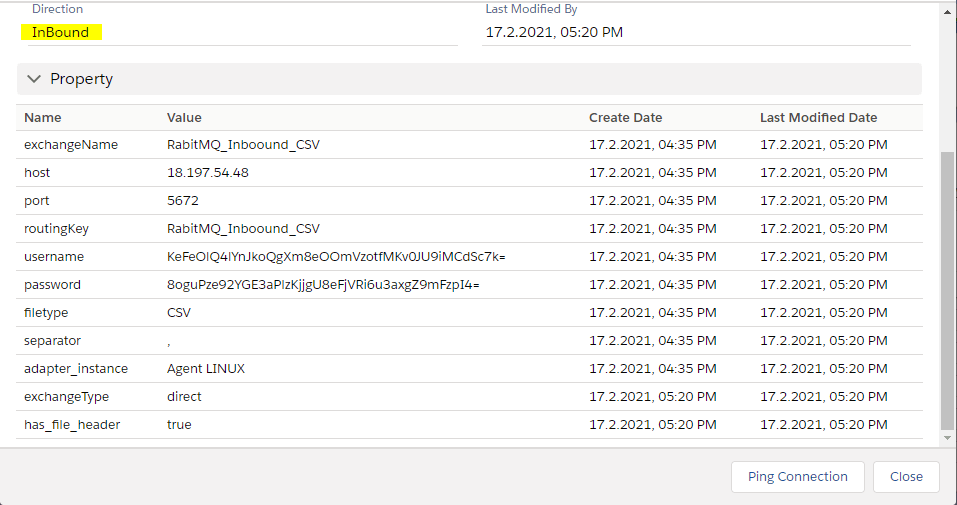
Rabbit MQ differs from Active MQ and other message brokers in a way that we need to post a message to an Exchange provided by it. This Exchange will then forward the message to a queue or topic based on the routing key property. This adapter supports 3 types of data formats i.e. CSV, XML and JSON.
Mandatory Properties
- exchangeType - Pick List consisting of 4 values i.e. direct, topic, headers, fanOut. direct will be the default value. Its a String type value.
- exchangeName - Name of the exchange. Its a String type property.
- host- String type. Denotes the IP address of the Rabbit MQ server.
- port- String type. Denotes the port number of the Rabbit MQ server.
- routingKey - String type. Denotes the key with which an Exchange will bind in order to deliver or consume a message.
Common Properties
- username - String type. Contains the connection username.
- password - String type. Contains the connection password.
- isSSLRequired - Boolean. Default is false. Denotes whether to use SSL to connect to Message Broker.
- filetype - Pick List. Should contain CSV, XML, JSON, Binary & EXCEL
- separator - Pick list. Should contain following values , ; | Tab
- has_file_header - Boolean
- has_quotes - Boolean
- xmlRootTag- String type.
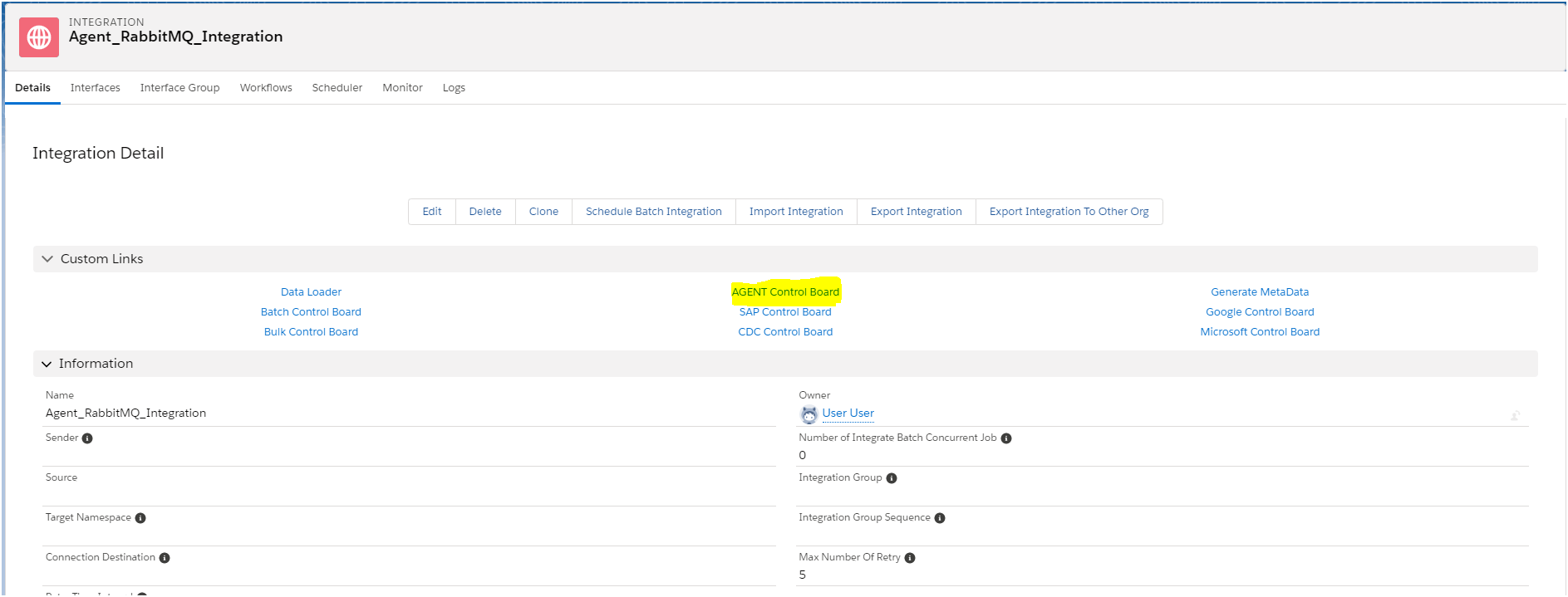
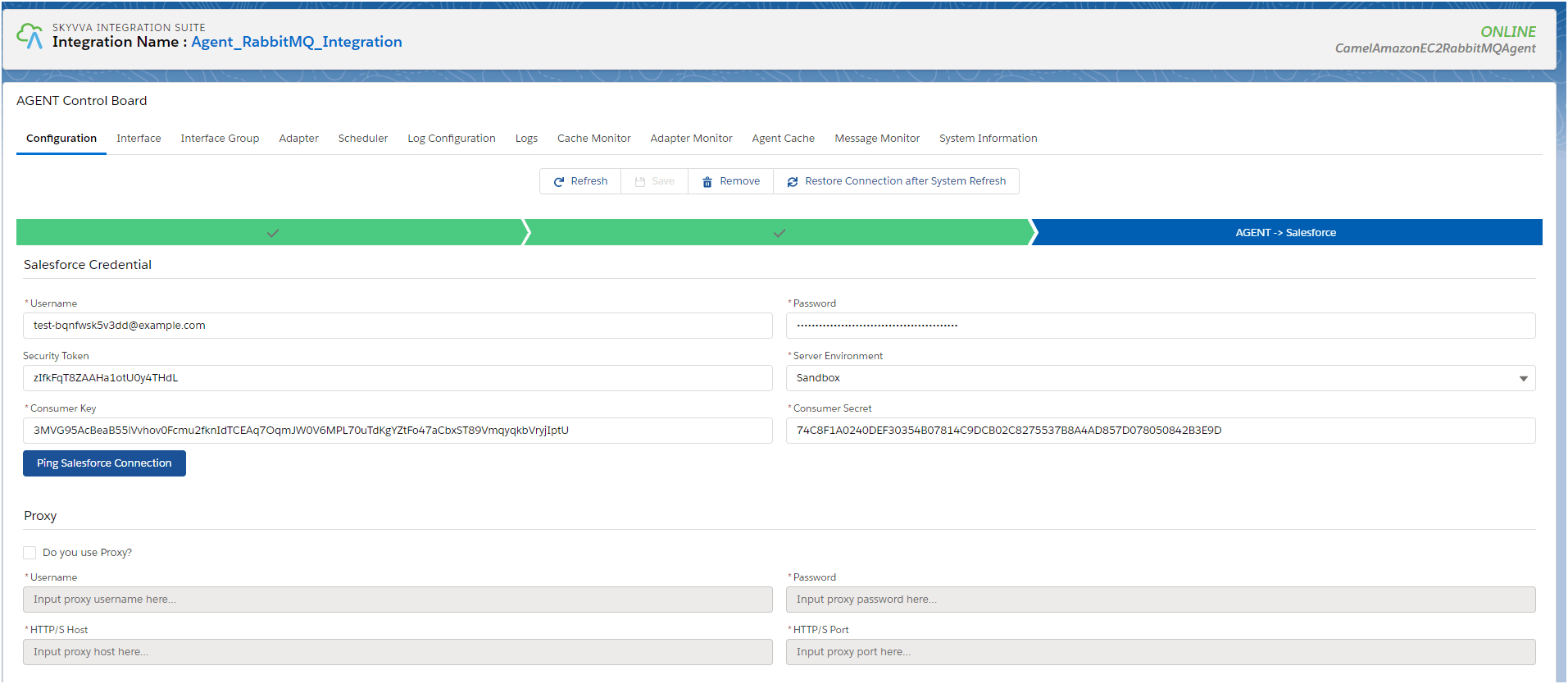
How to configure New Agent Control Board? To configure new agent control board follow the given steps: Step1: Create Integration. => Go custom Link => Clickon agent control board.
Step2: The custom link (Agent control board) Navigate to Dashboard of new agent control board.
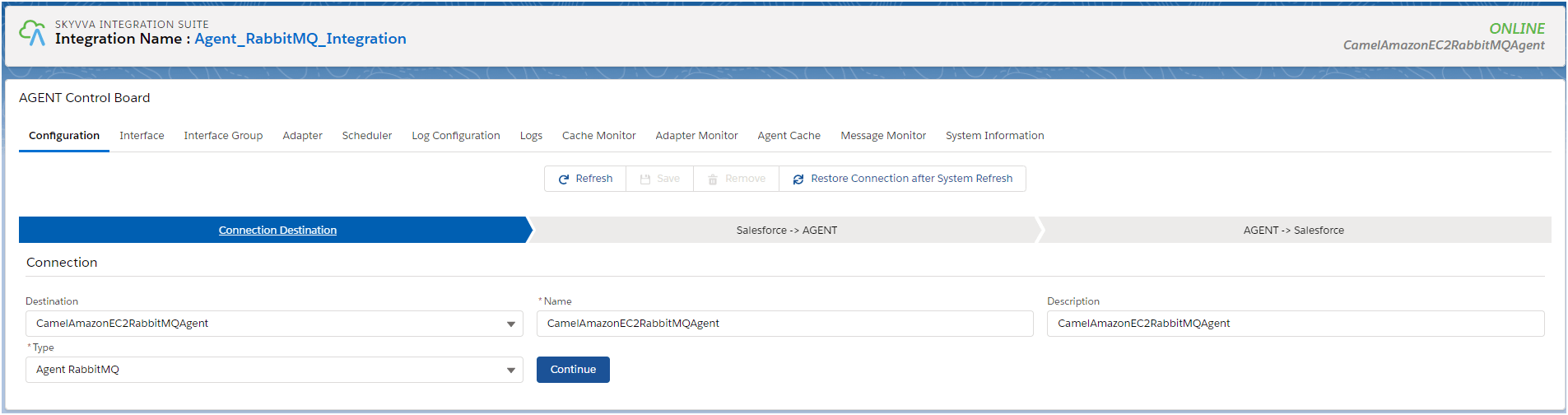
Step 3: Create your own " Connection destination file or you can select existing one". Then click on Ping connection button. Make sure server is running.
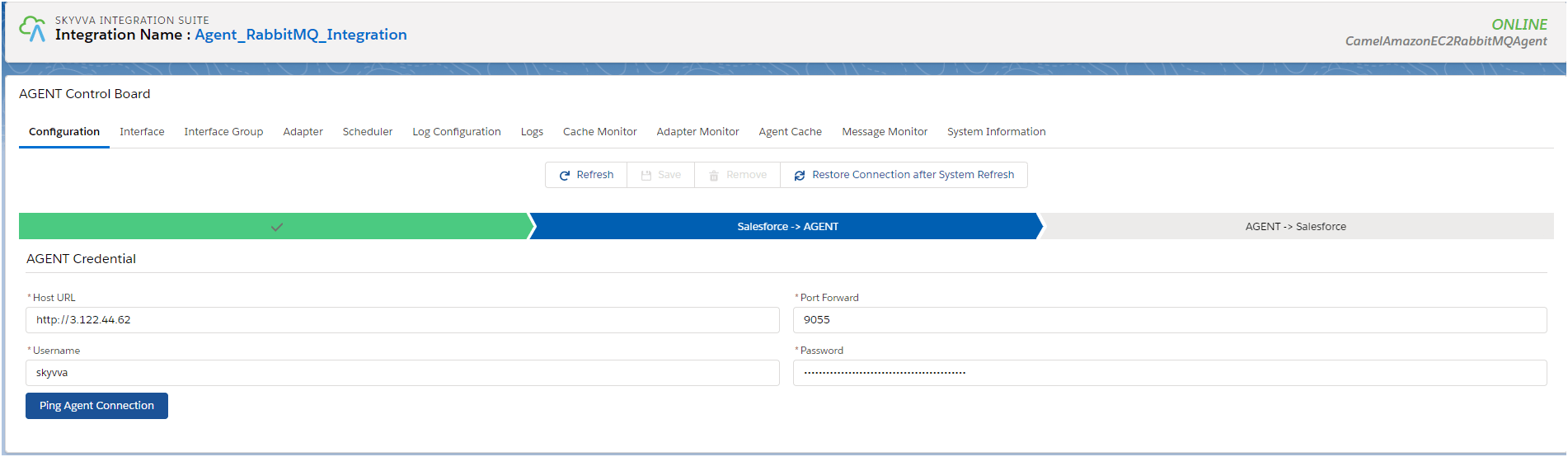
Step4: Click on ping connection button to make it online.
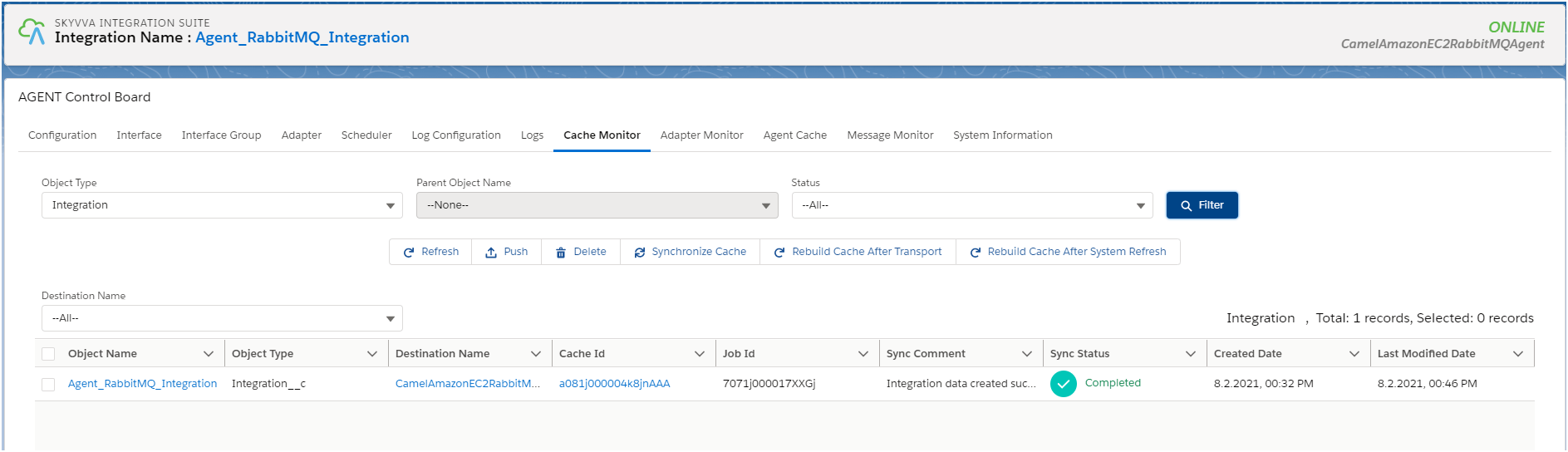
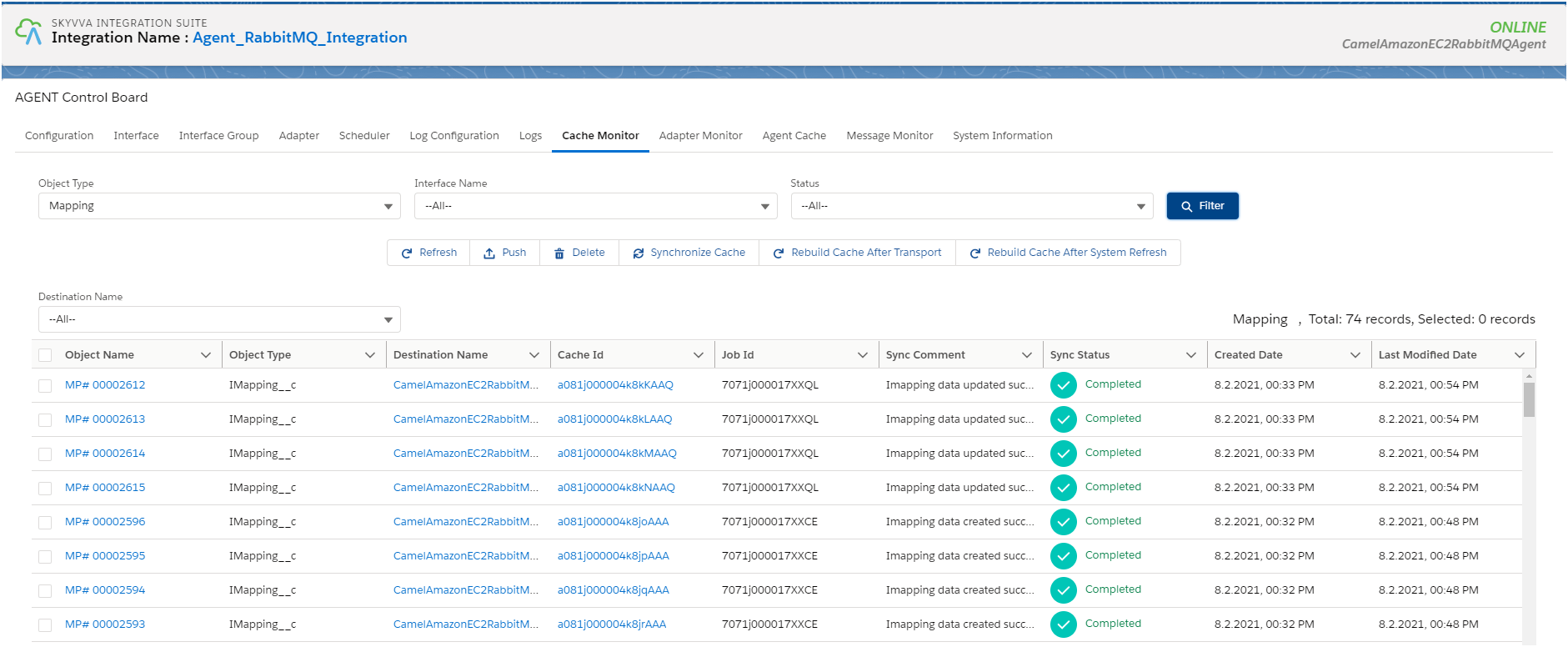
How to check caching New Agent Control Board: To check caching first you should create all the data. Integration:
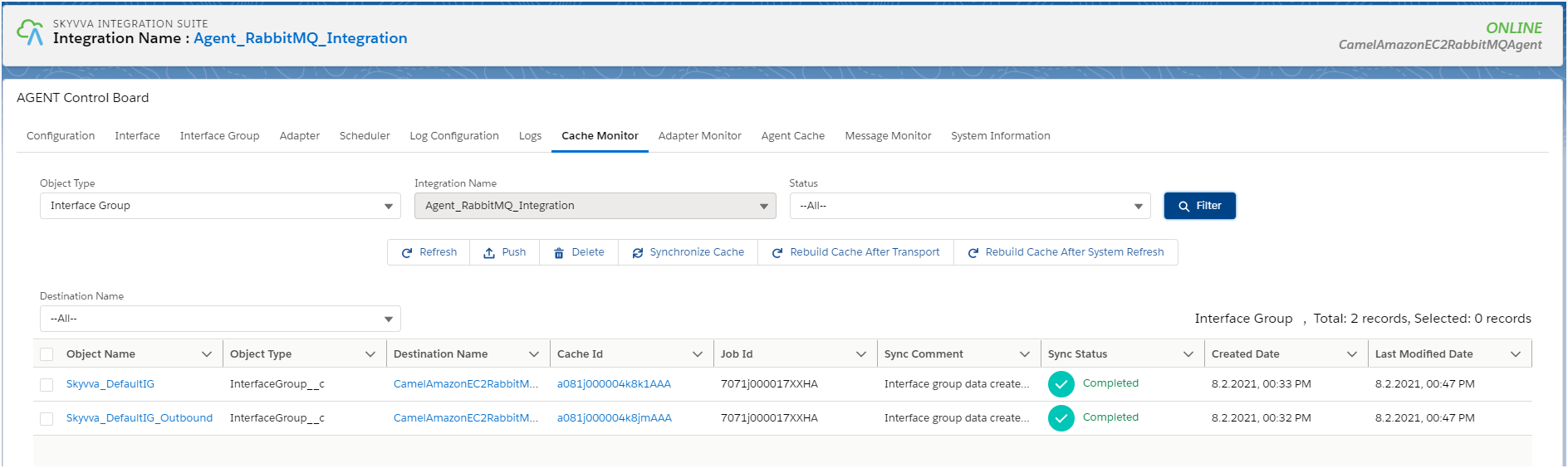
Interface Group:
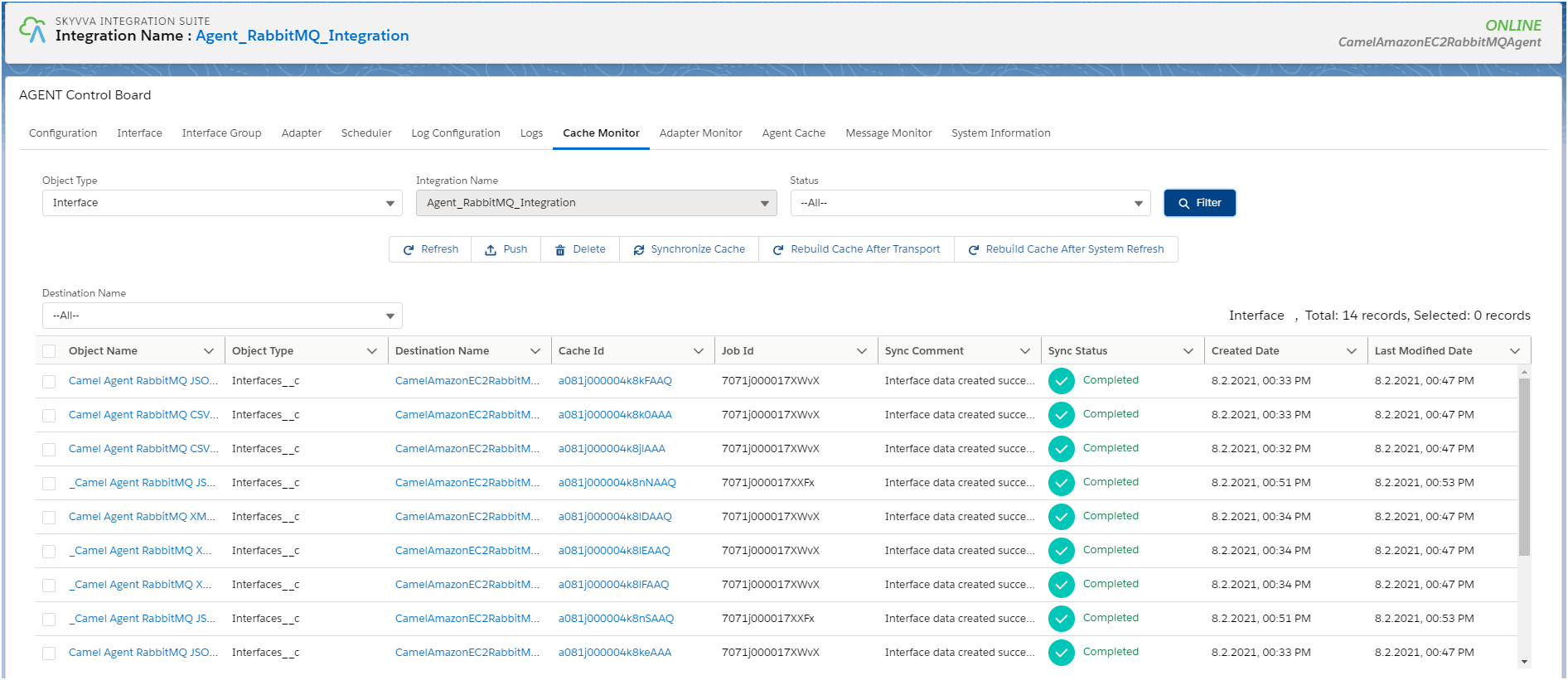
Interfaces:
Mapping:
Here we are showing usecase with Flat CSV, Hierarchical XML and Hierarchical JSON payload format. Usecase with Flat CSV: Find the tutorial for "How to use RabbitMQ Inbound Adapter with CSV Payload?"