125. How to develop inbound interface to consume message from ActiveMQ queue?
ActiveMQ adapter is used to send messages. Messages are just what they sound like, payloads of data that can be shipped between various systems. These payloads can have headers and properties associated with them This adapter supports 3 types of data formats i.e. CSV, XML and JSON.
Common Properties
Following are mandatory properties: host - Specify the activemq host server domain name/ip address e.g. localhost port - Specify the activemq port, default or standard port is 61616 destinationType - This is a pick list, it can only have the following values i.e. queue or topic. destinationName - This is the name of the queue or topic e.g. test-queue, test-topic1 etc. filetype
These are optional common properties. clientId - String value to specify an id for the client. durableSubscriptionName - String value to describe the subscription name username - String value to denote the username used to authenticate to ActiveMQ password - String value to denote the password for ActiveMQ authentication. isSSLRequired - boolean value to denote whether connection has to be configured with SSL or not. separator has_file_header has_quotes adapter_instance
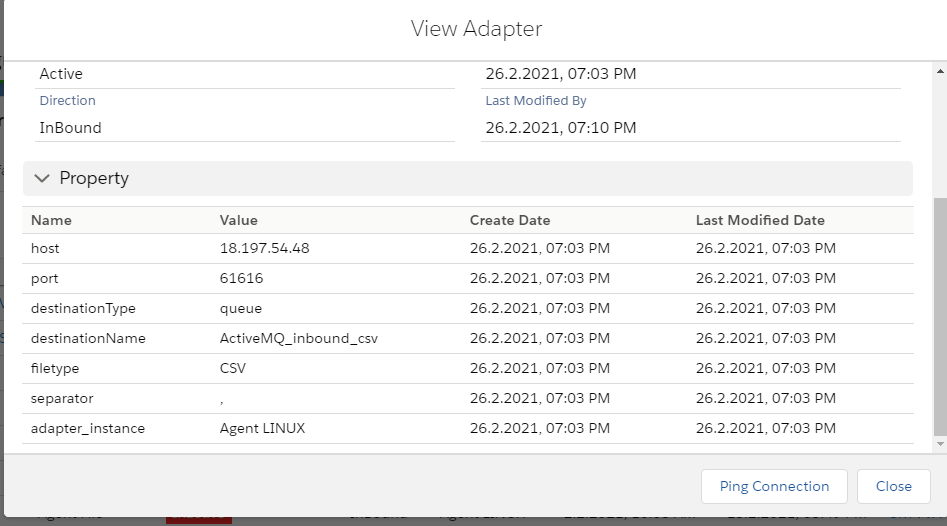
How to configure New Agent Control Board:
- Go to Integration (New_Agent_Integration)
- Click on link AGENT Control Board
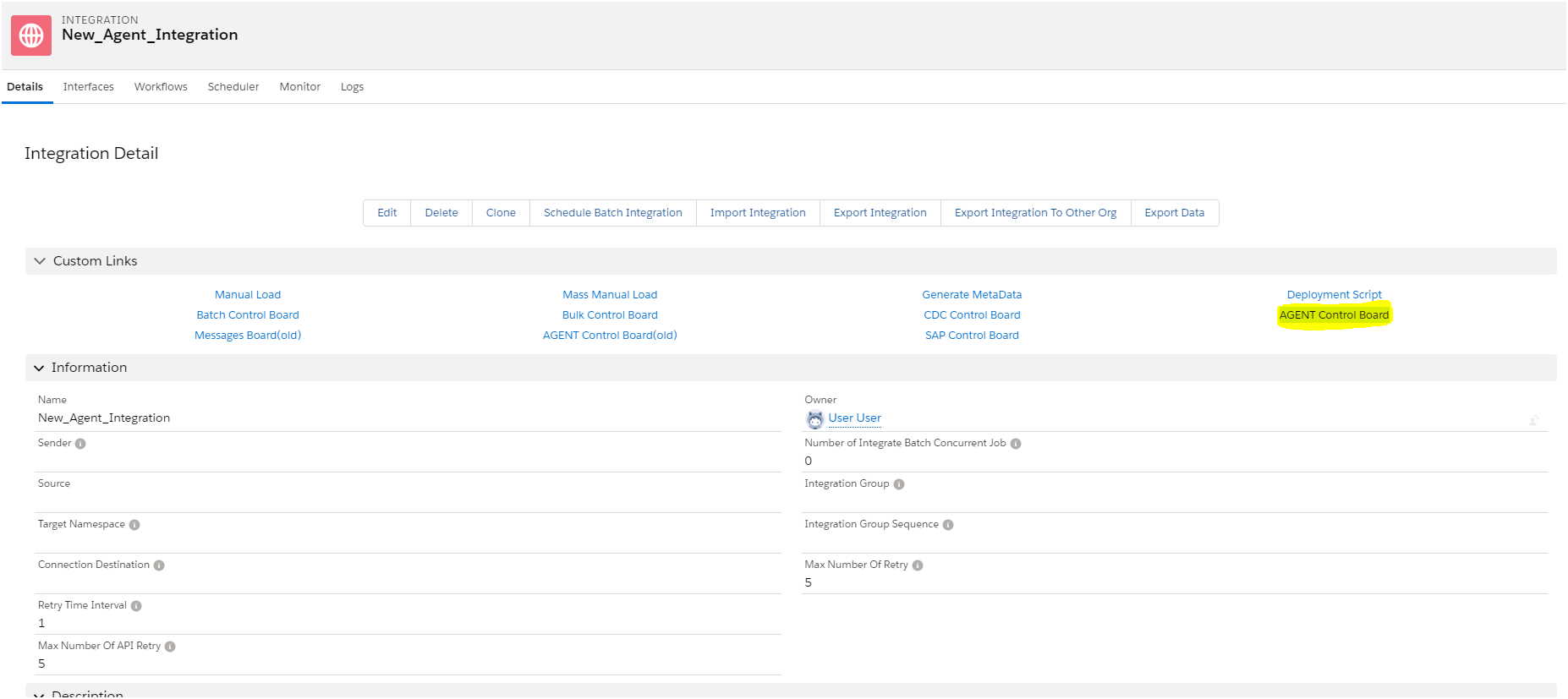
It navigate to:

- Select Connection destination file or you can create new connection destination.
- Click on Continue button.

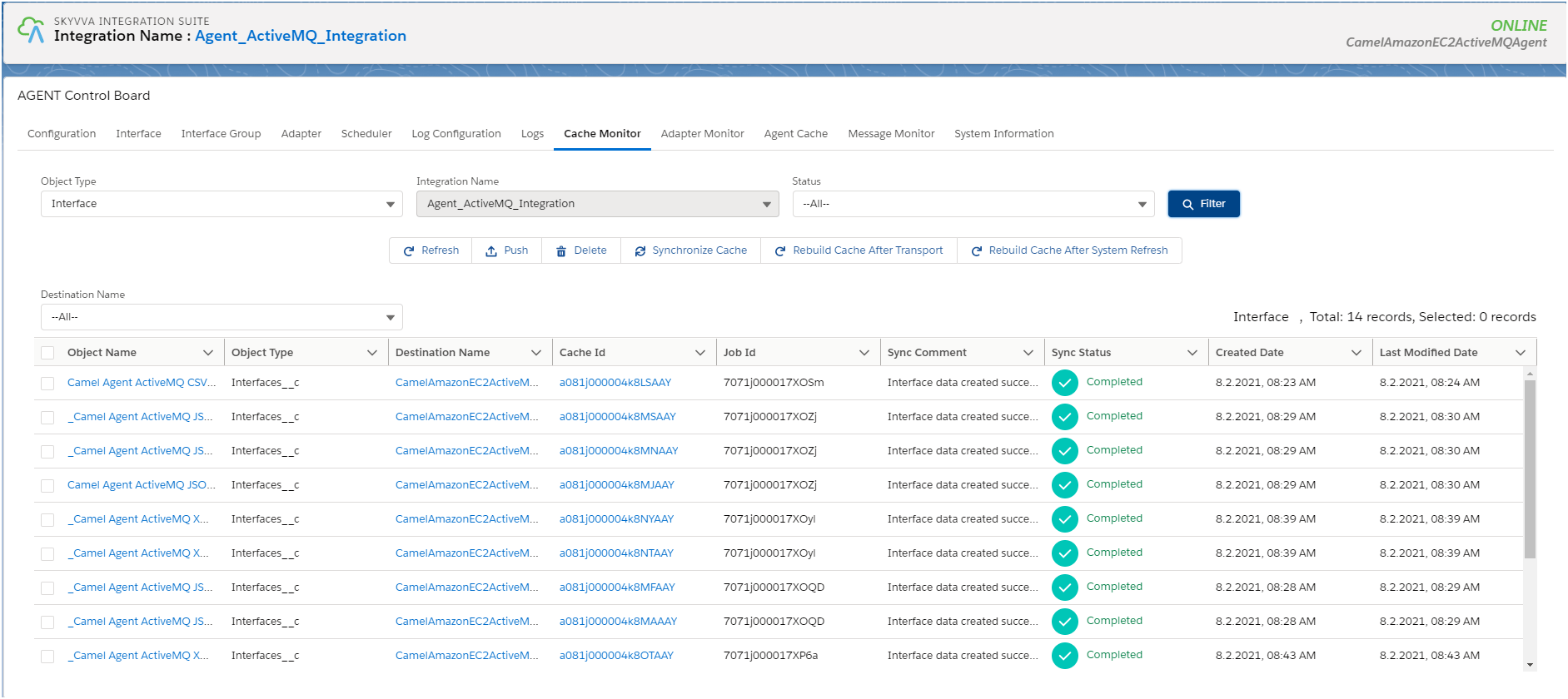
How to check caching New Agent Control Board: ** Integration**:

Interface Group:

Interfaces
Mapping

Note: Check other required caches base on your requirement. As the ActiveMQ supports all the three type of data formats i.e. CSV, XML and JSON. We will see usecase for all payload format.
UseCAse for CSV payload for Inbound Direction:
To find the tutorial for CSV payload please click on the link.