147.3 How to get Token for OAuth2?
Follow these steps to get token for OAuth2
- Go to Google API Console to get Client Id and Client Secret
- Enable Google Drive API
- Go to Google OAuth2 Playground to get Refresh Token
Step-1 Generate Client Id and Client Secret Go to Google API Console: https://console.developers.google.com
- Create a new cloud Project if you don’t have

- Provide the required information then click CREATE

- Click APIs & Services => OAuth consent screen

- Choose External then click CREATE

Enter the information that is required then click SAVE AND CONTINUE until step 4: Summary Now navigate to Credentials for generating Client Id and Client Secret Create new Create Credentials and choose OAuth client ID

- Enter required information
- URIs: https://developers.google.com/oauthplayground
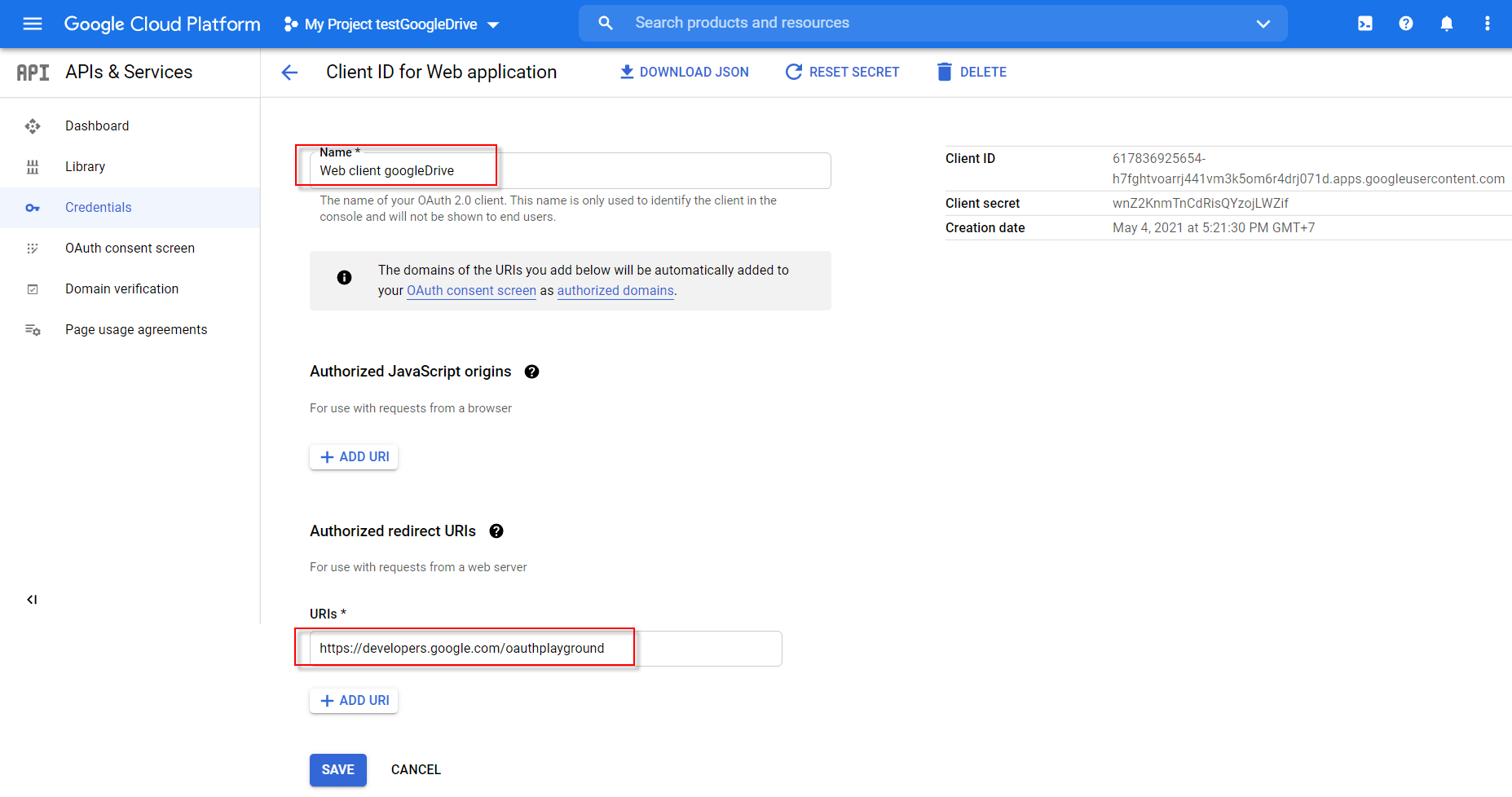
Now we get Client Id and Client Secret. Keep these keys for another next step

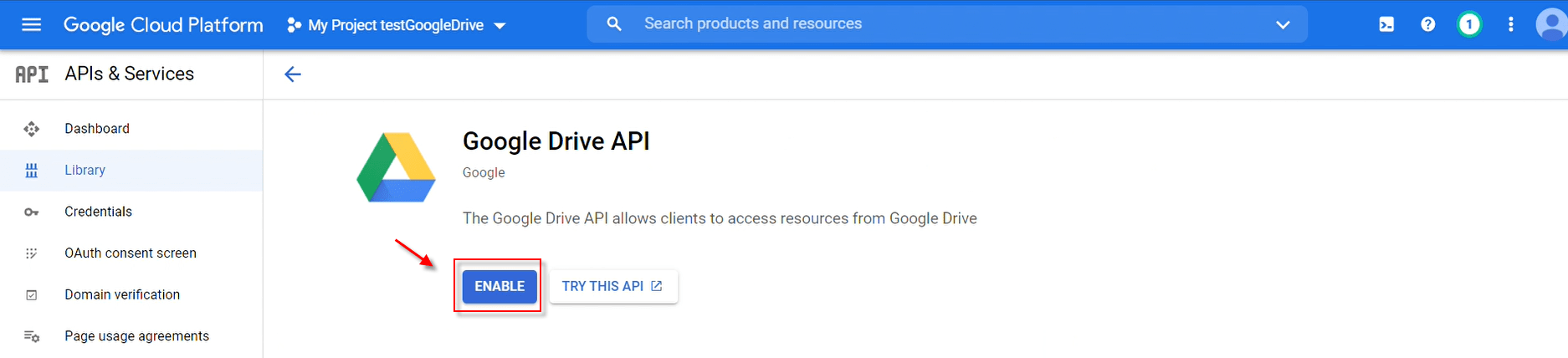
Step - 3: Enable Google API Go to Library to enable google drive API

- Click Google Drive API

- Click ENABLE
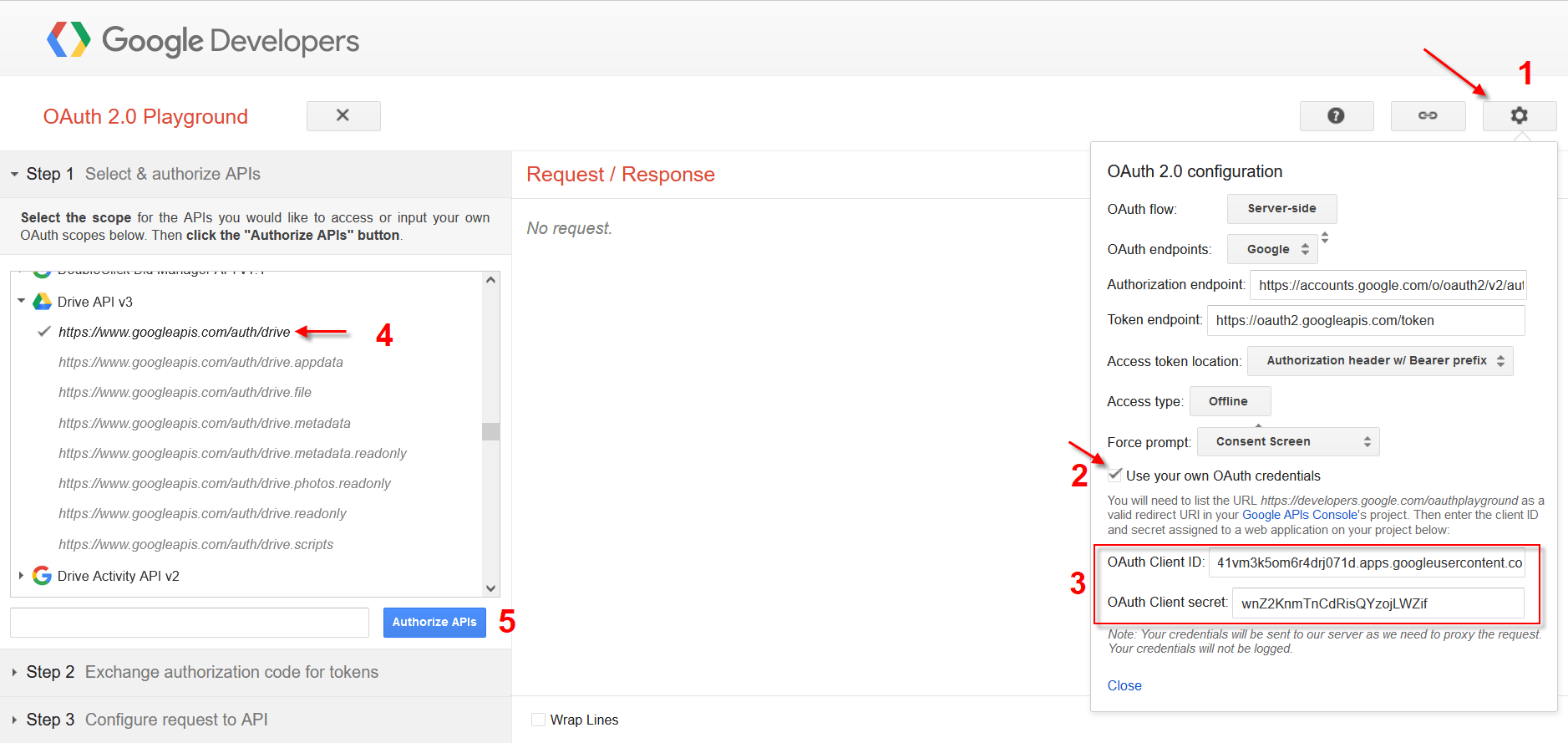
Step -3 Generate token Go to Google OAuth2 Playground https://developers.google.com/oauthplayground/ Fill in the Client Id and Client Secret that we got from step 1. Choose Google API then click Authorize APIs
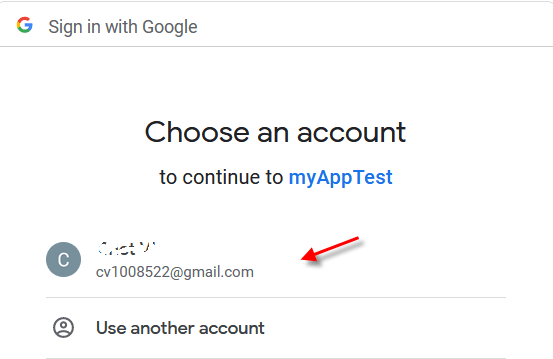
- Choose your email address
- Click Continue
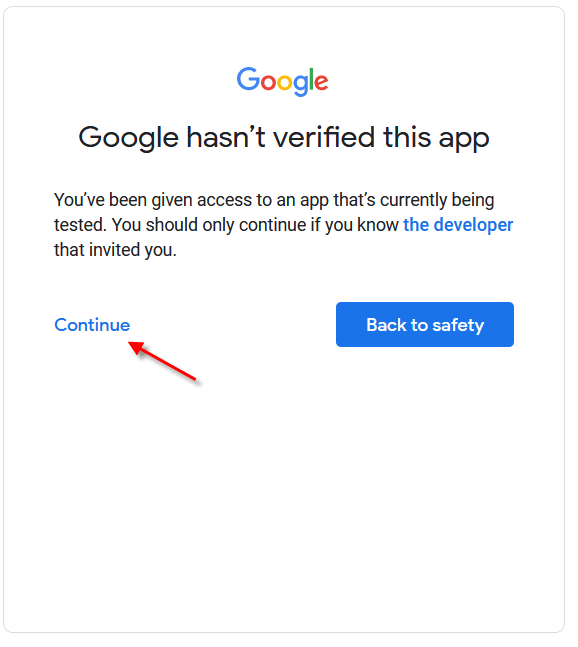
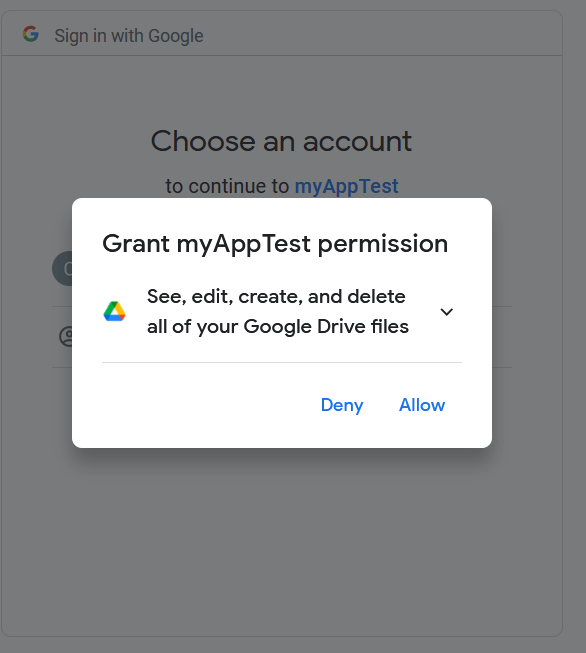
- Click Allow
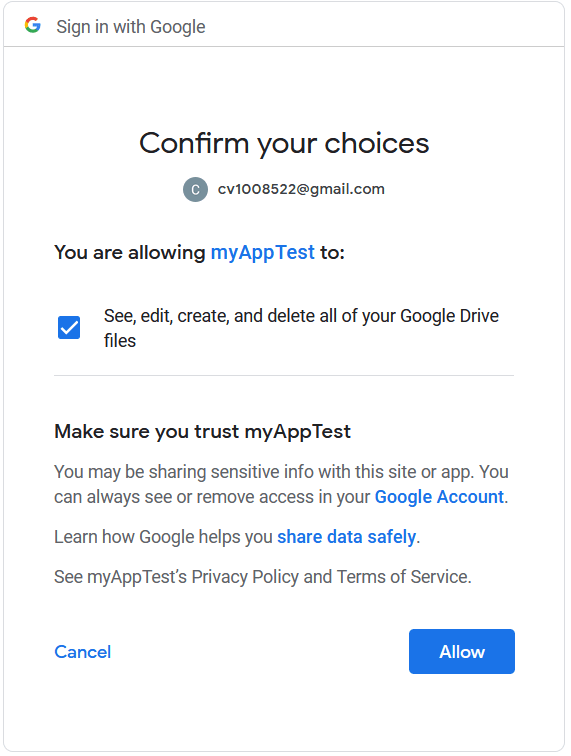
- Click button Allow
- Click Exchange authorization code for tokens
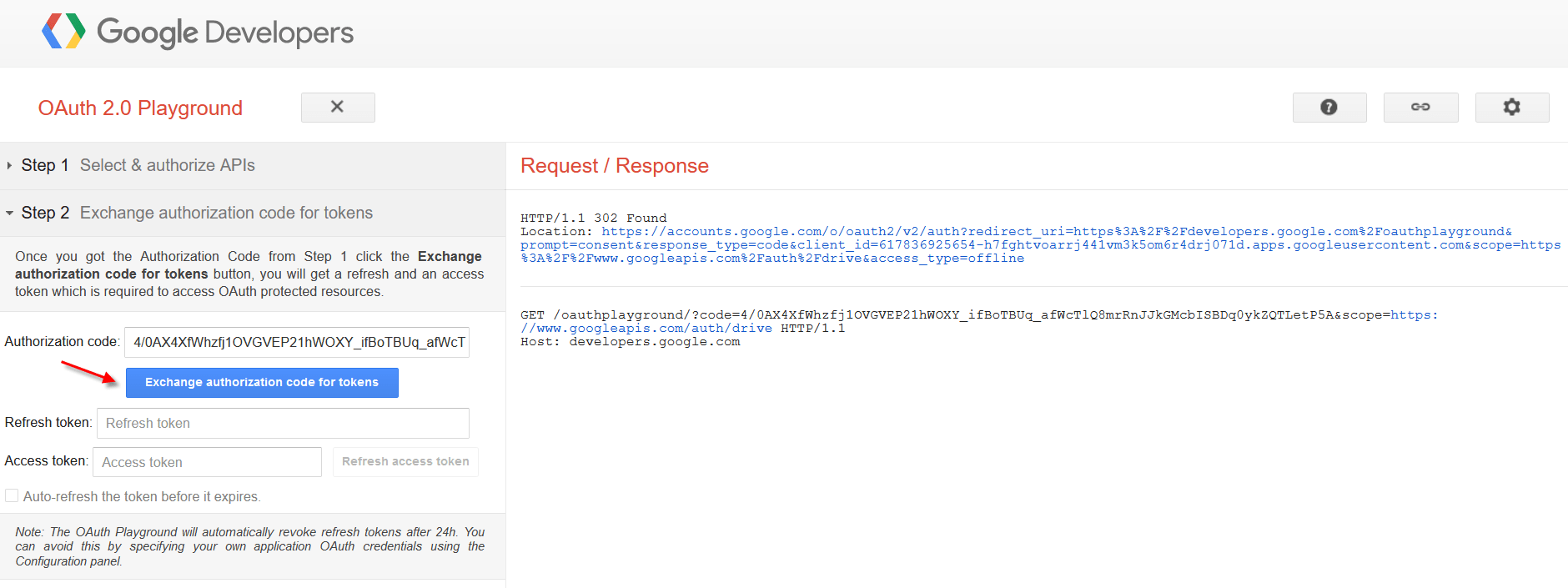
After that, we get Refresh token for using on Google Drive Adapter
