2. How to use Amazon Control Board
Introduction
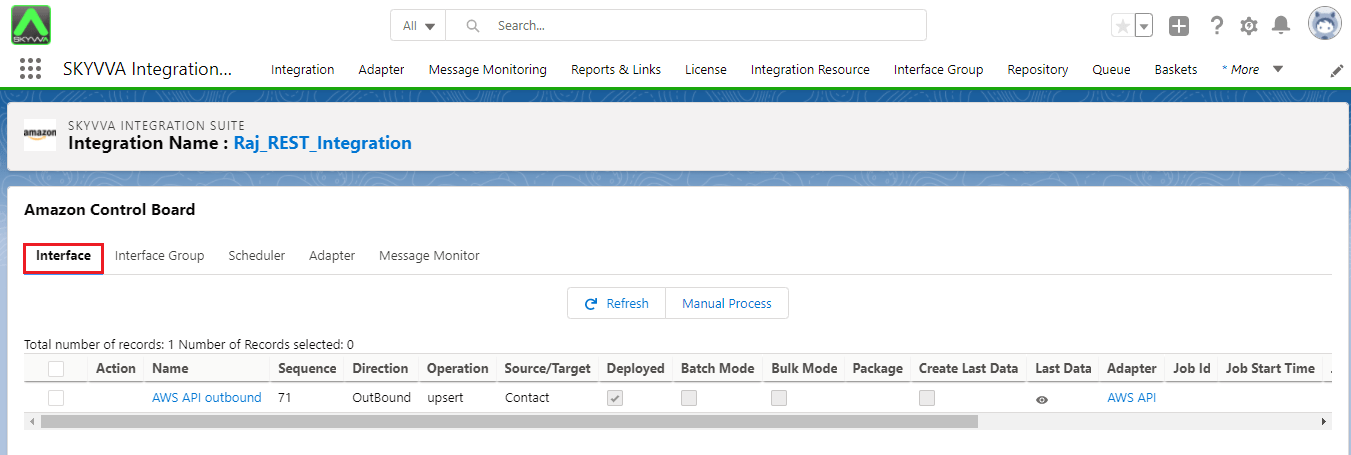
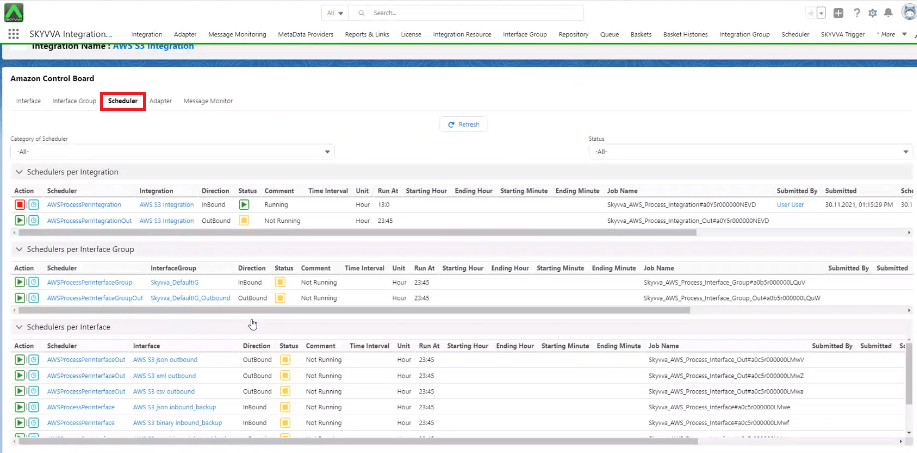
The Amazon Control Board is containing 5 tabs:
- Interface
- Interface Group
- Adapter
- Scheduler
- Message Monitor
Adapter screen

[su_box title="Note" box_color="#2a8af0" title_color="#000000"]
- On Agent, Amazon, Google and Microsoft control board (v2.48) now I have added interface and Interface Group (OutBound) validation be for start (old function like scheduler on integration tab)
- If the interface is in the other group and that group is in-progress so we can not start the interface.
and also if the interface is in-progress and we start the group so the interface will be stop. [/su_box]
Interface
Scheduler
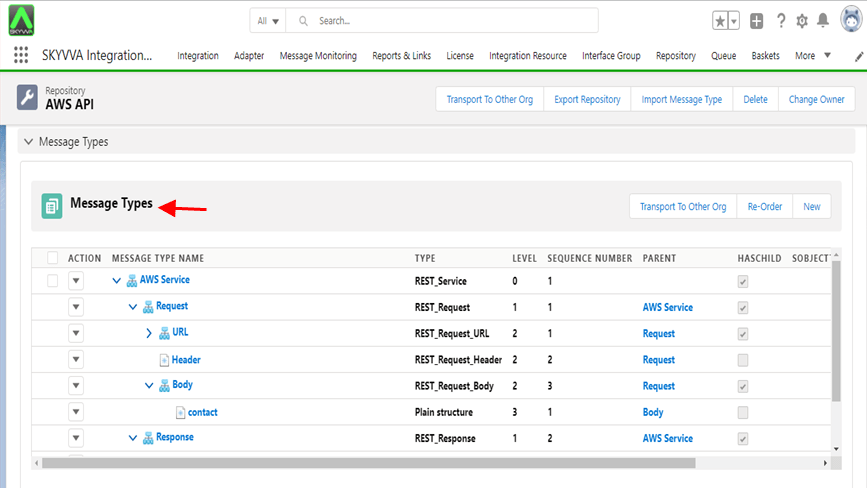
Amazon Adapter template [aux_code language="javascript" theme="tomorrow" title="" extra_classes=""] { "Amazon Service":{ "Request":{ "URL":{ "Path Parameter":{ //flat Structure }, "Query Parameter":{ //flat Structure } }, "Header":{ //flat Structure }, "Body":{ //flat Structure //Custom Hierarchical Business Message type } } “response”:{ “root”:{ //json payload } } } } [/aux_code] [su_box title="Note" box_color="#2a8af0" title_color="#000000"]Here user have used the REST message type template.[/su_box]