3. Warning
Ensure Cleanup is Executed Using the Outbound Scheduler Within the Scheduler Settings of the Agent Control Board After Upgrading
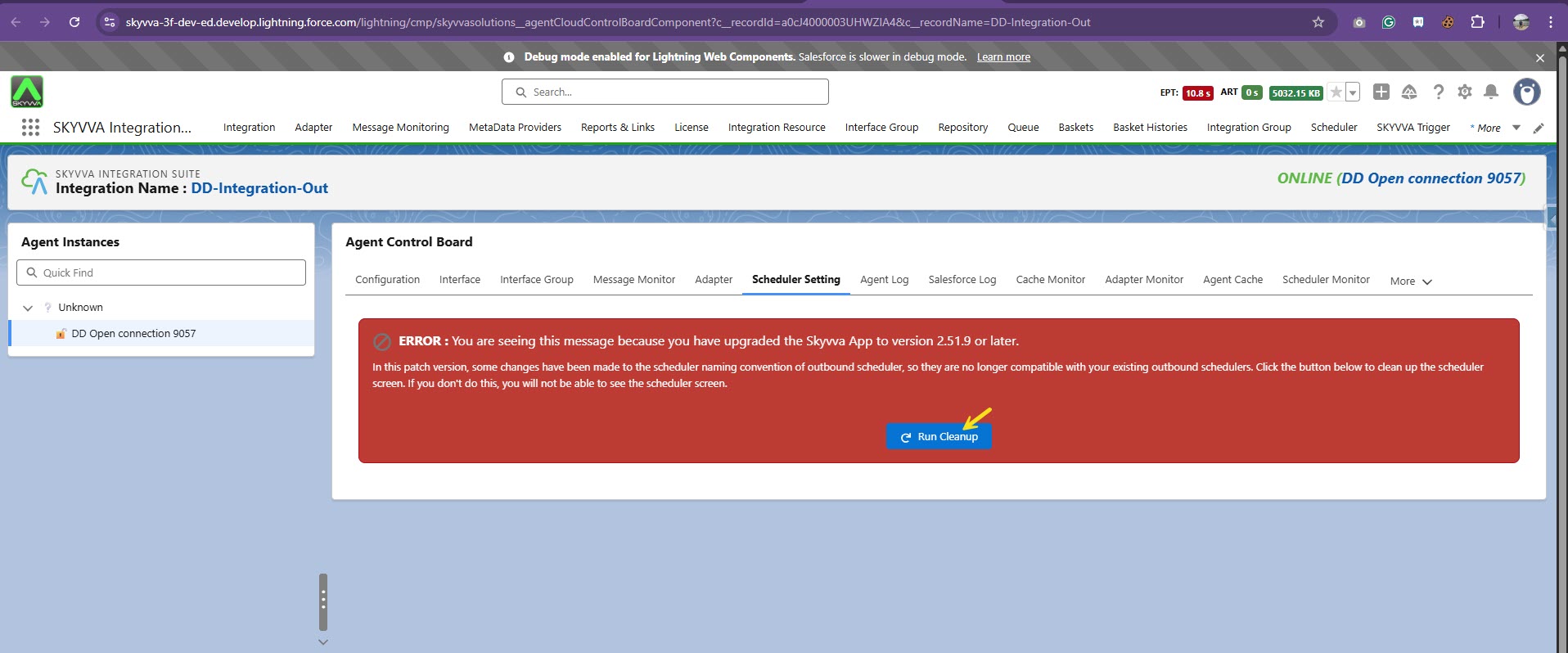
You will get the following error message, as shown in the screenshot below, in the scheduler settings tag on the Agent Control Board if you have upgraded to version 2.51.9 or later. In this version, we have modified the outbound scheduler naming schema, so your old schedulers will no longer work. The error will be displayed as shown in the screenshot below:

We offer you the function to clean up and restore the old schedulers. To execute this conversion, please click on the button ‘Run Cleanup’.
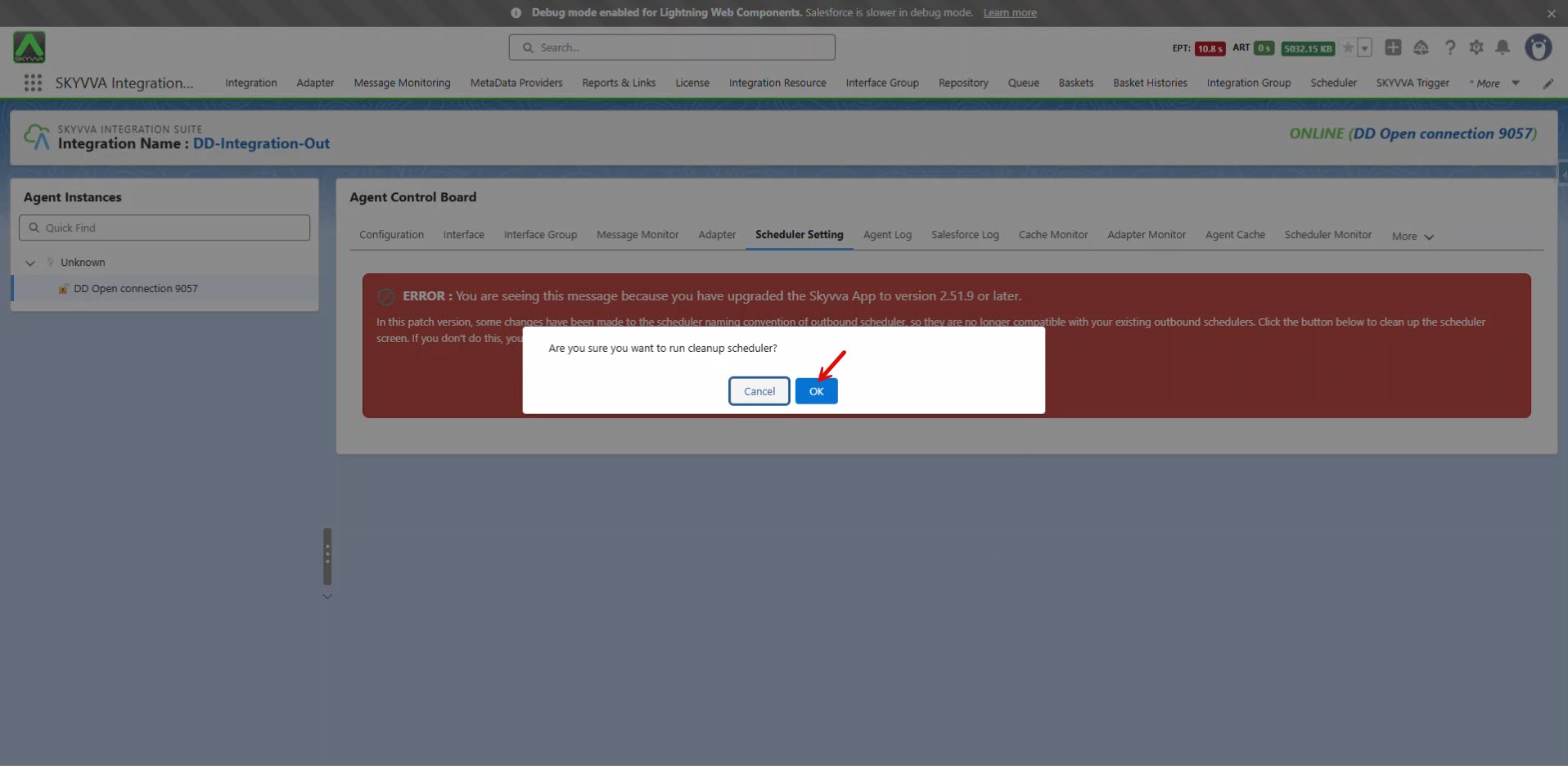
You will encounter a pop-up confirming the cleanup of the outbound scheduler. Please click 'OK' to proceed with the cleanup.
The cleanup of the outbound scheduler has now been completed.
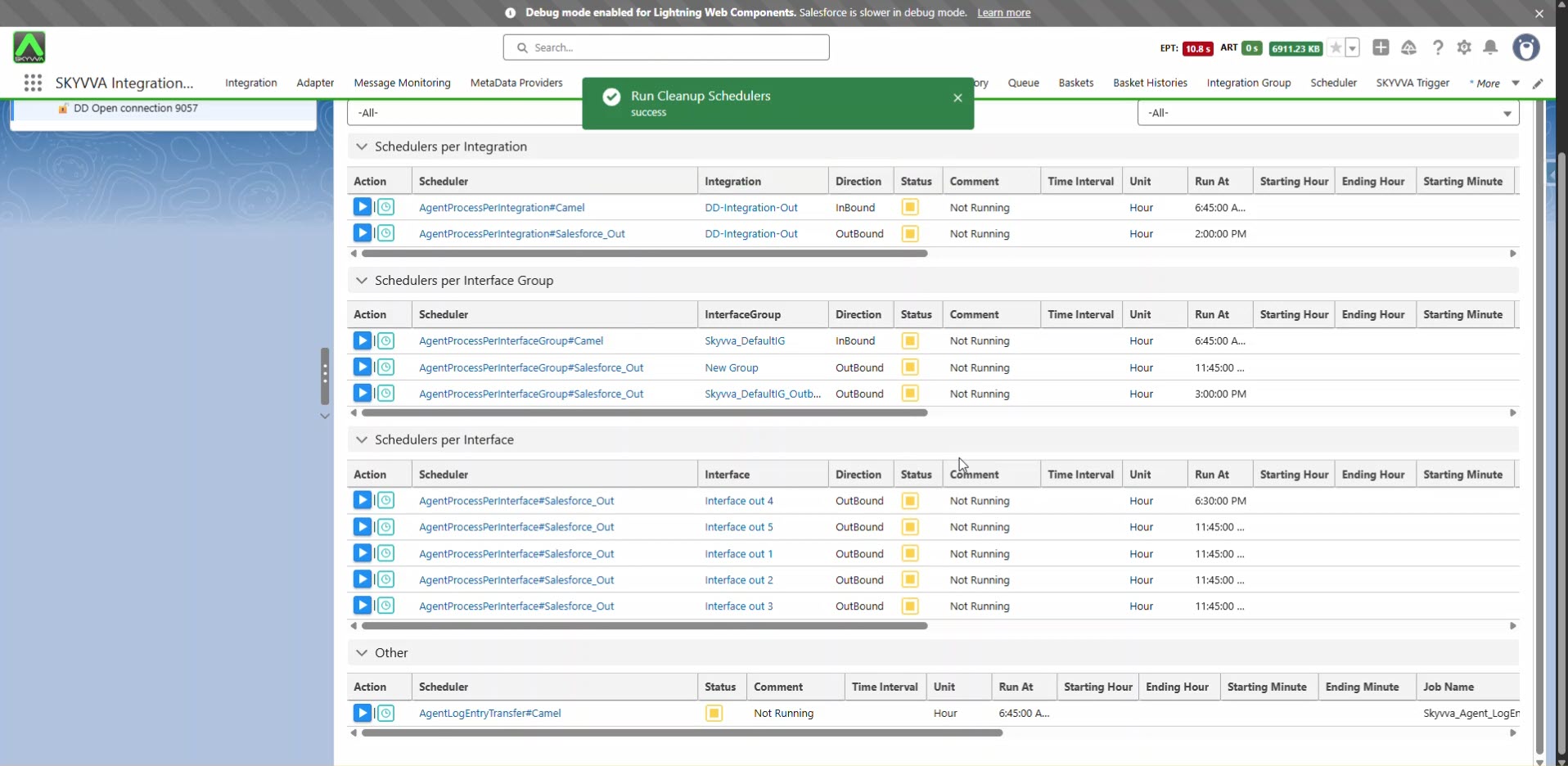
Note: The scheduler is running before the upgrade.

After the upgrade and cleanup, you must start the outbound scheduler manually; it will not run automatically afterward. Please note that this change only affects the outbound scheduler. For the inbound scheduler, there is no change, and thus you don’t need to take any action after the upgrade.
