2.7 File and Content
With Adapter CSV, Excel, XML, and FTP, we have two File Upload Mode to choose:
- CONTENT: use for integrating content in the file like CSV, Excel, and XML.
- FILE: use for integrate file attachment into Attachment Object.
[su_box title="Note" box_color="#2a8af0" title_color="#000000"]
- Maximum in each file size around 3MB
- Please input Packet=1
[/su_box]
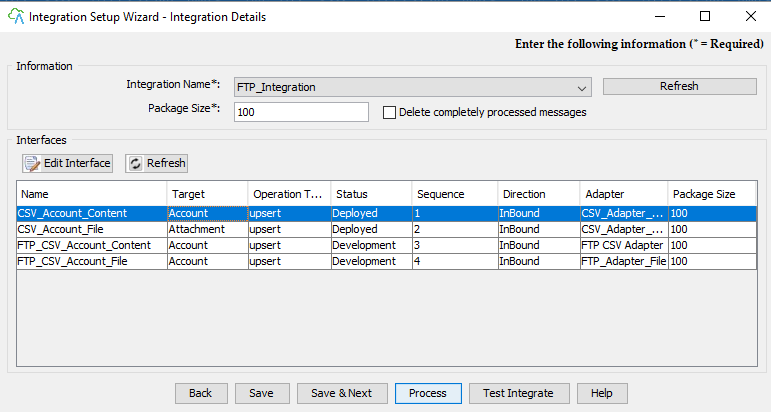
Please take a look example below how to use FILE and CONTENT:
2.7.1 CSV, Excel, and XML Adapter
Example CSV Adapter use CONTENT to integrate content file.

- Select File Upload Mode “CONTENT”
- With File Upload Mode “CONTENT”, Query Table can show only 50 records.
- Example CSV Adapter uses FILE to integrate file attachment.
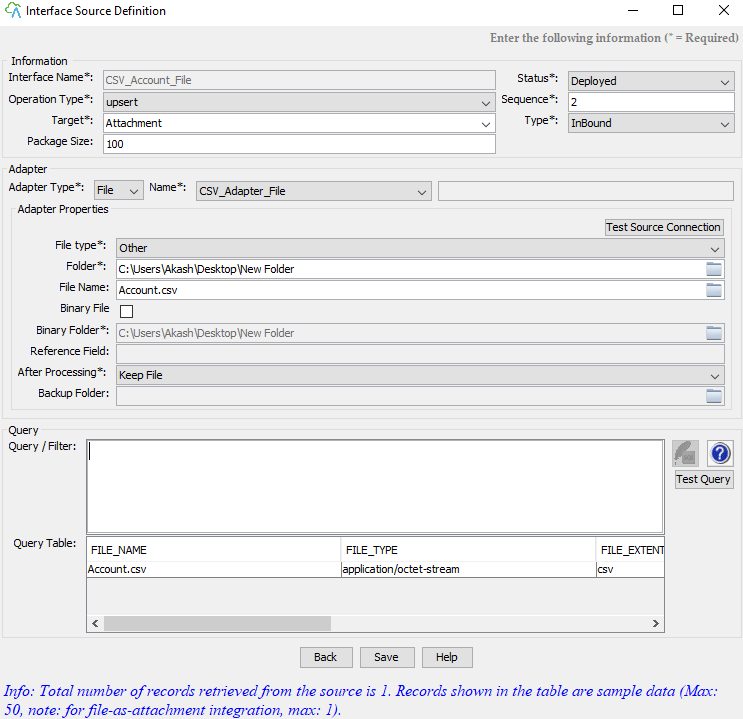
Choose File Upload Mode “FILE” and put the location of the folder that you want to attach.
- For CSV Adapter, it will get all your CSV file type from the folder.
- For Excel Adapter, it will get all your xls or xlsx file type from the folder.
- For XML Adapter, it will get all your XML file types from the folder.
[su_box title="Note" box_color="#2a8af0" title_color="#000000"]
- Maximum in each file size around 3MB
- Query Table, It shows only one record for the sample.
[/su_box] With mapping, need to map with object Attachment. This is the important filed that you need to map

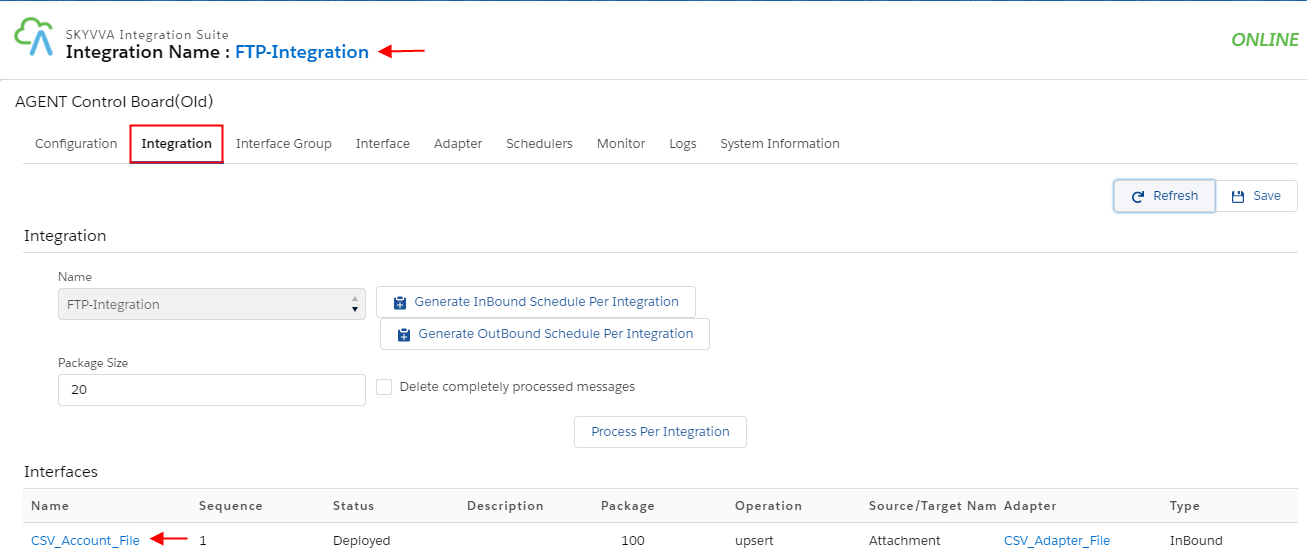
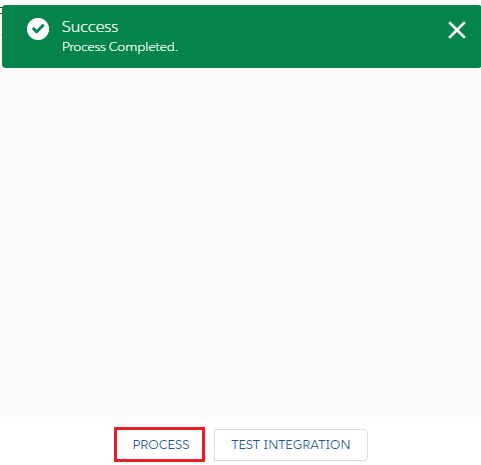
One attachment (account.csv) has been integrated successfully. Please go to SF to find your ParentId that you map to look at your file.
- Side at Salesforce

- One attachment into SF.
2.7.2 FTP Adapter
Example FTP Adapter use CSV file to integrate CONTENT
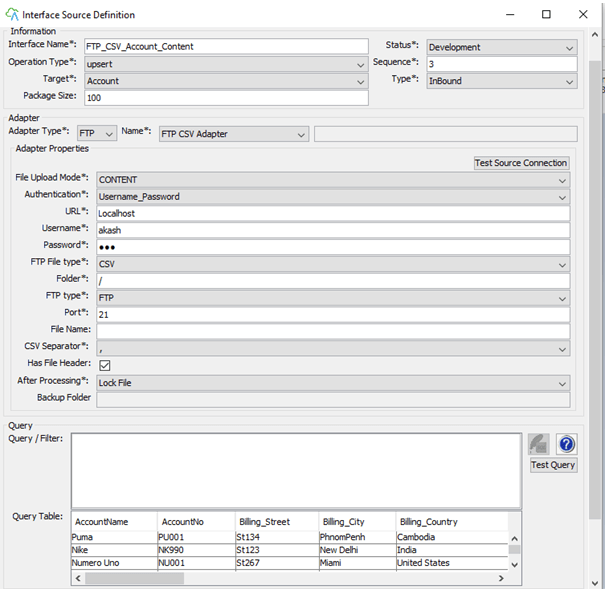
- Select File Upload Mod “CONTENT”
- With File Upload Mod “CONTENT”, Query Table can show only 50 records.
Example FTP Adapter use FILE to integrate file attachment

- Select File Upload Mode “FILE”
- File Extensions*: insert your extension file
[su_box title="Note" box_color="#2a8af0" title_color="#000000"]
- Maximum in each file size around 3MB
- For one extension use (.csv)
- For few extensions use (.csv|.pdf|.xls)
- For many extensions use (.*)
[/su_box]