2. How to install SKYVVA Bulk Data Loader
Introduction
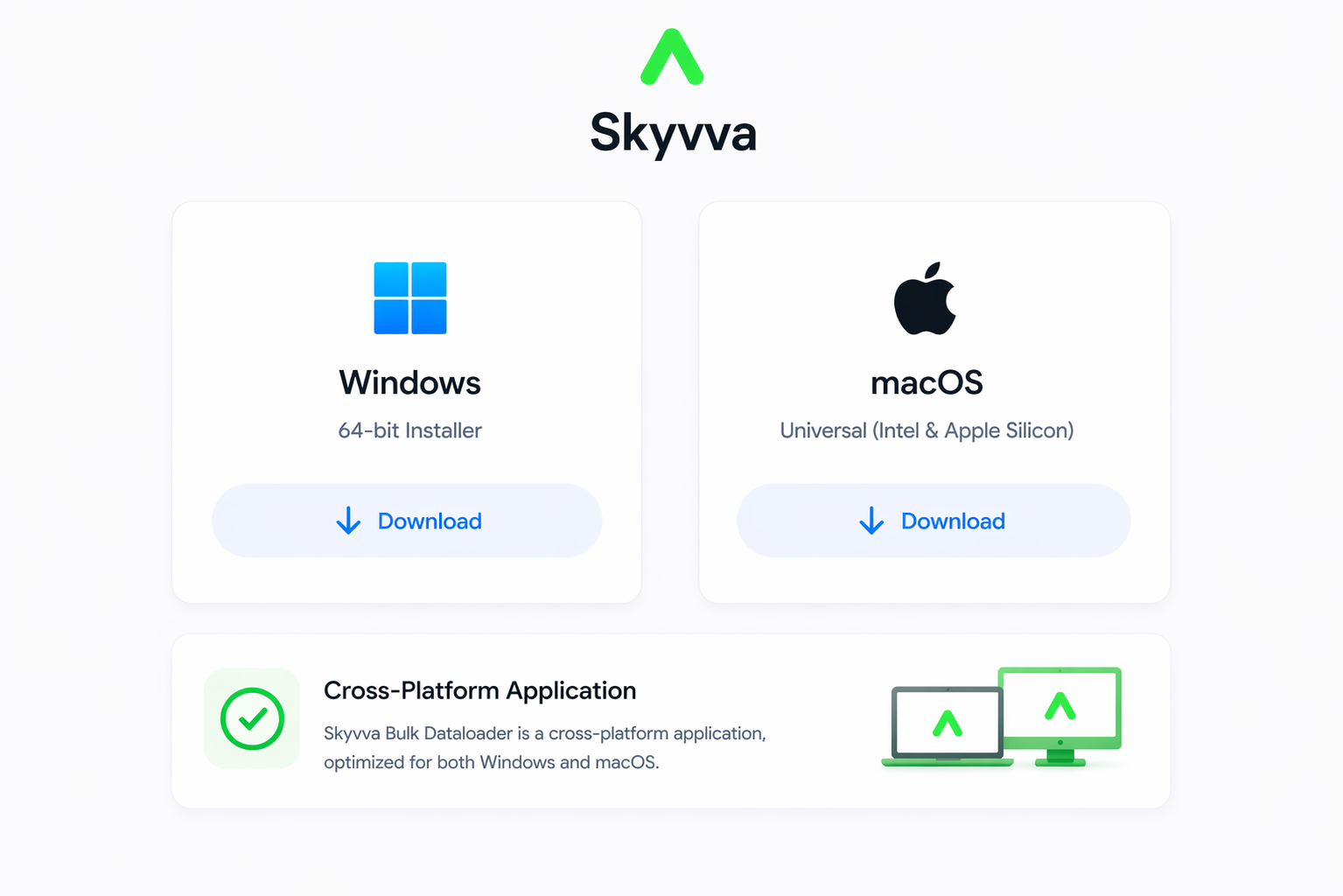
This guide provides a detailed walkthrough for installing the SKYVVA Bulk Data Loader. This tool is essential for high-volume data processing, allowing you to synchronize large datasets between your local environment and Salesforce with high performance. The SKYVVA Bulk Data Loader is a cross-platform application.Please ensure you have downloaded the correct installer for your operating system:
- Windows
- macOS
Prerequisites
- Java Runtime Environment (JRE): Ensure Java 8 or higher is installed.
- System Permissions: You may need Administrative rights to install to certain directories.
- Installer File: Ensure you have the
.exeor.dmgsetup file downloaded from the Skyvva website.
Installation Steps
1. Welcome Screen
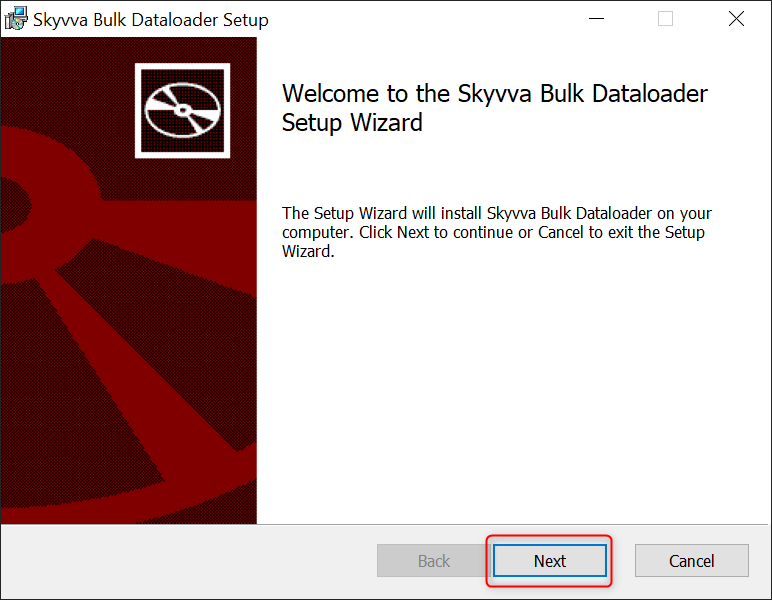
Locate your downloaded installer and double-click to run it- The "Welcome to the Skyvva Bulk Dataloader Setup Wizard" will appear.
- Click Next to initiate the configuration.
2. License Agreement
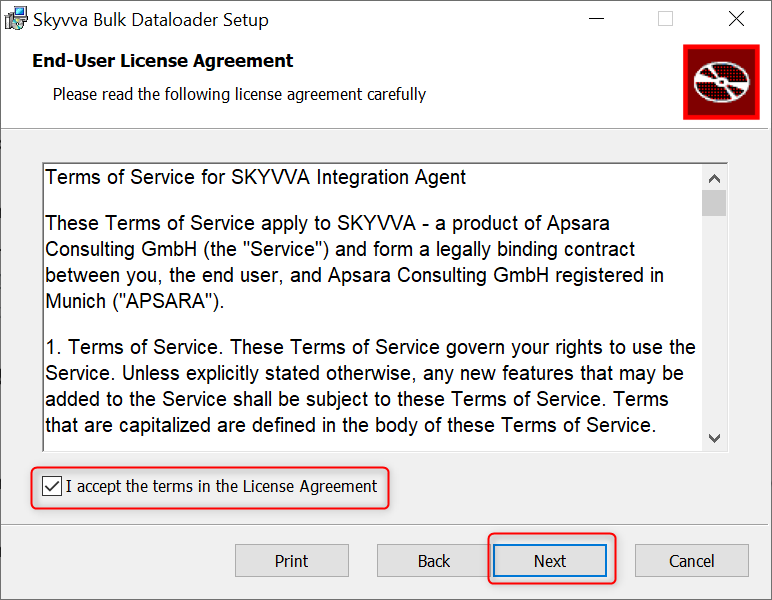
The terms of Service:- Check the box labeled "I accept the terms in the License Agreement".
- The Next button will now become active; click it to proceed.
3. Destination Folder
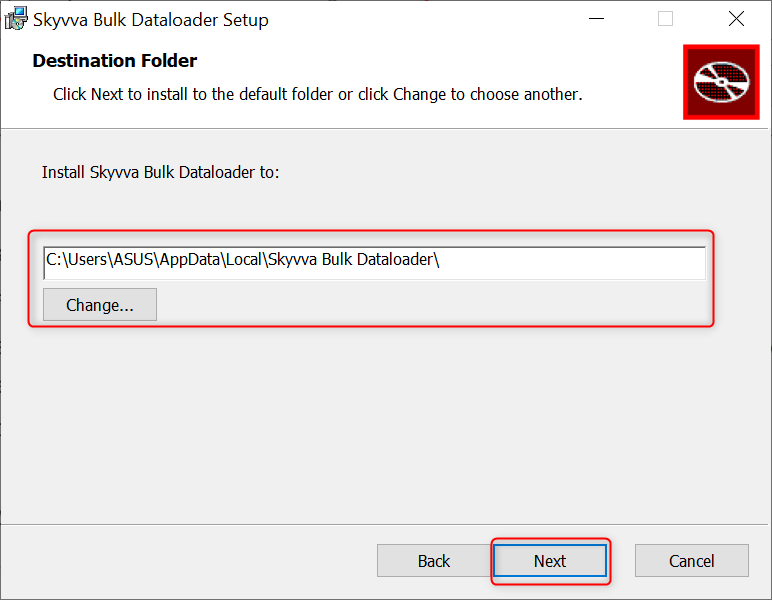
Choose where the application files will live:- Default Path: Typically C:\Users\YourUser]\AppData\Local\Skyvva.
- Custom Path: Click Change if you prefer to install it on a secondary drive or a specific Program Files folder.
- Click Next once the path is confirmed.
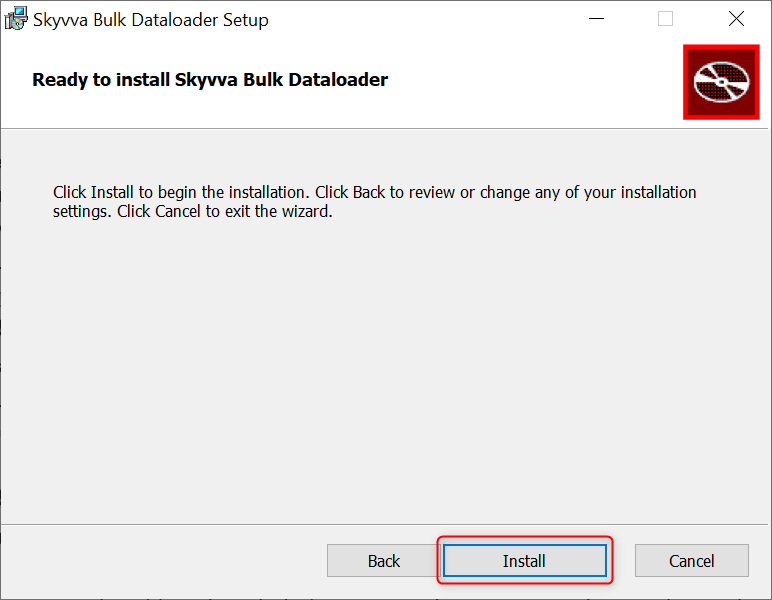
4. Ready to Install
This is the final confirmation screen:- Click Install. (Note: If prompted by Windows User Account Control, click Yes).
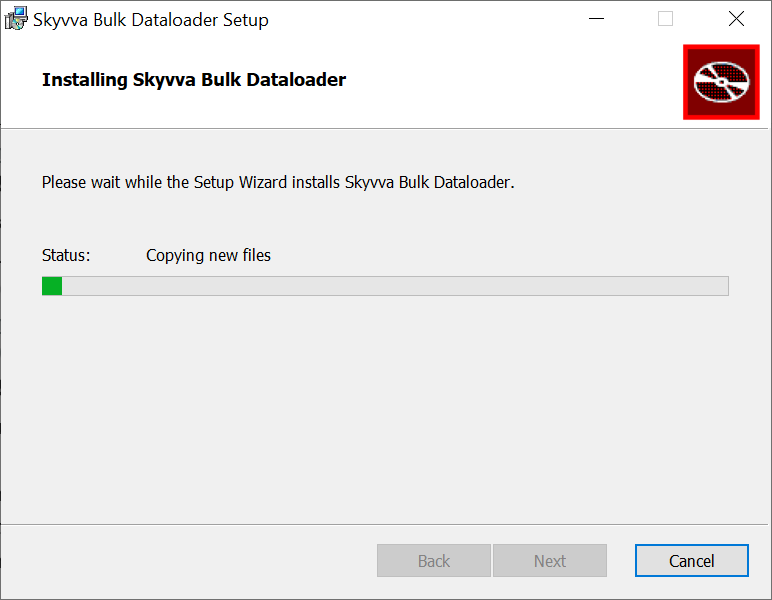
5. Installation Progress
No user interaction is required here:- The wizard will extract files, register components, and create shortcuts.
- This usually takes less than 1 minute.
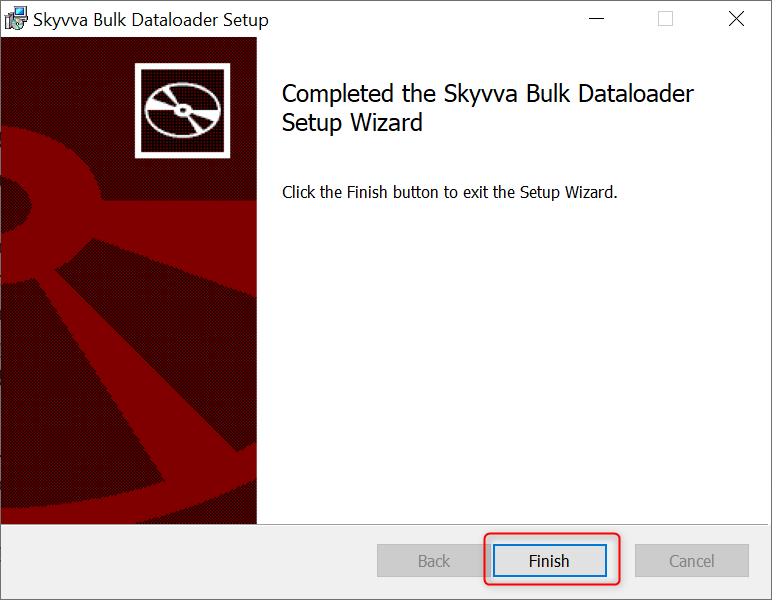
6. Finish
- Click the Finish button.
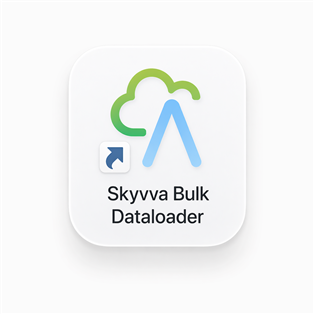
- You can now find the Skyvva Bulk Dataloader icon on your Desktop or in the Start Menu.
Summary
After following the installation guide, you should now understand and be able to perform the following:
- Environment Readiness: You know how to verify prerequisites like Java (JRE) and system permissions.
- Wizard Navigation: You can move through the setup screens, from License Acceptance to Destination Selection.
- Path Management: You understand where the application is installed (default AppData vs. custom paths).
- Final Deployment: You know how to verify a successful install and locate the application shortcut to launch the tool.