3. Deploy SKYVVA picklist via Workbench
Deployment Guide: Deploy SKYVVA Picklist Values via Workbench for Version 2.51 and Patches
To simplify setup, SKYVVA picklist values can now be deployed in bulk via Workbench rather than manually.
Steps to Deploy
Step 1: Download the Deployment Package
Please use the following link to download the deployment package: skyvva-picklist-v2.51.zip👉 https://drive.google.com/file/d/1WPSaV6wKoFQDNwZ79I79RaPWcaiPyw_y/view
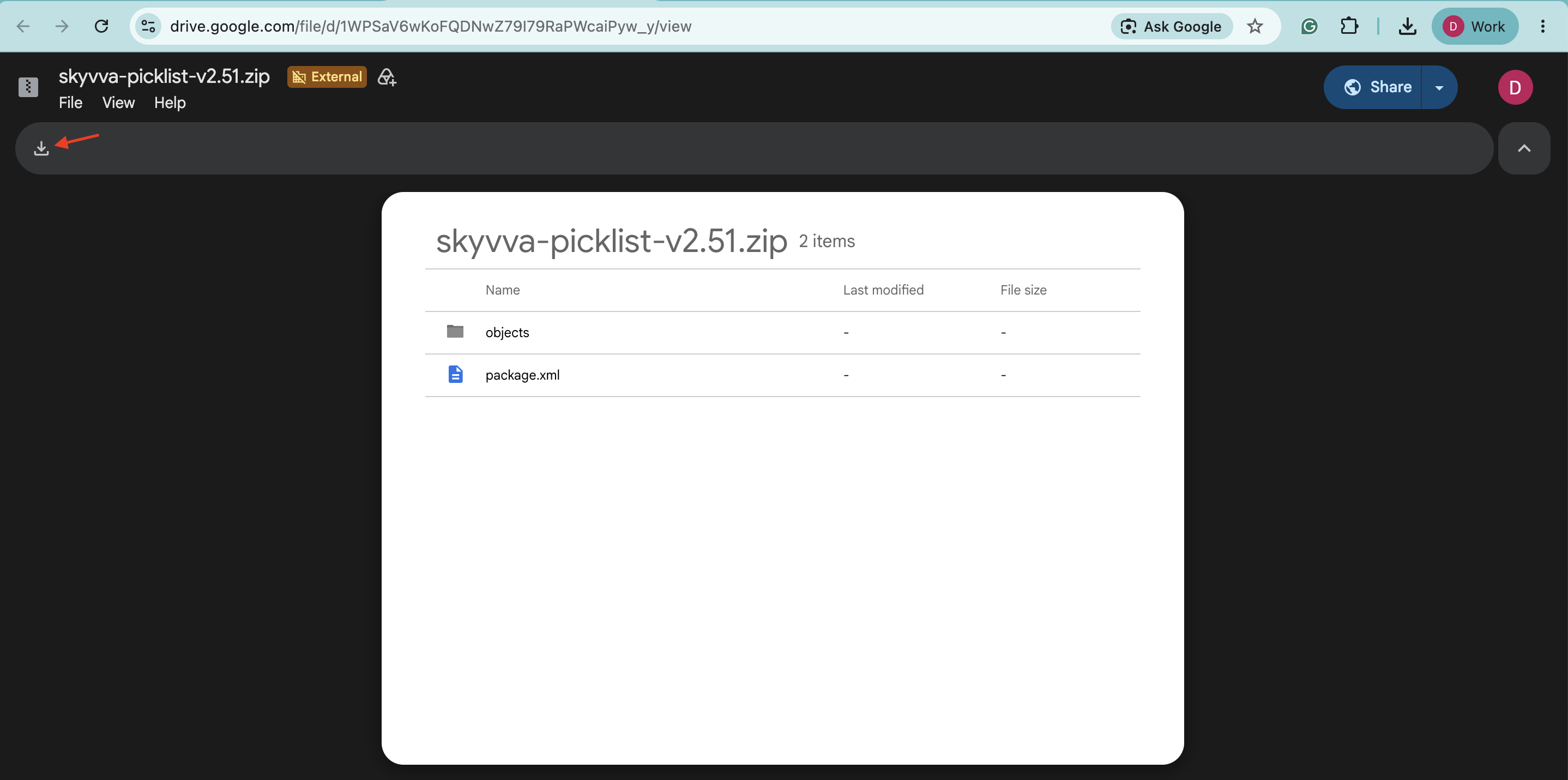
⚠️ Make sure the file is fully downloaded and saved locally before proceeding.
Step 2: Log in to Workbench
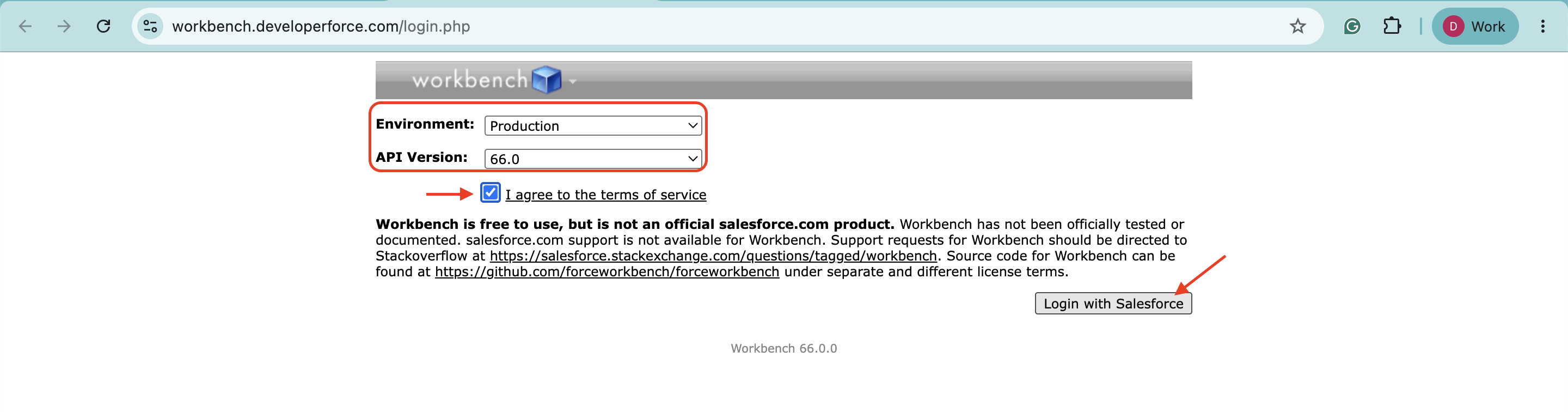
- Go to the following URL 👉 https://workbench.developerforce.com/login.php. Then select the correctEnvironment and API version, checkI agree to the terms of service, and click the 'Login with Salesforce' button.
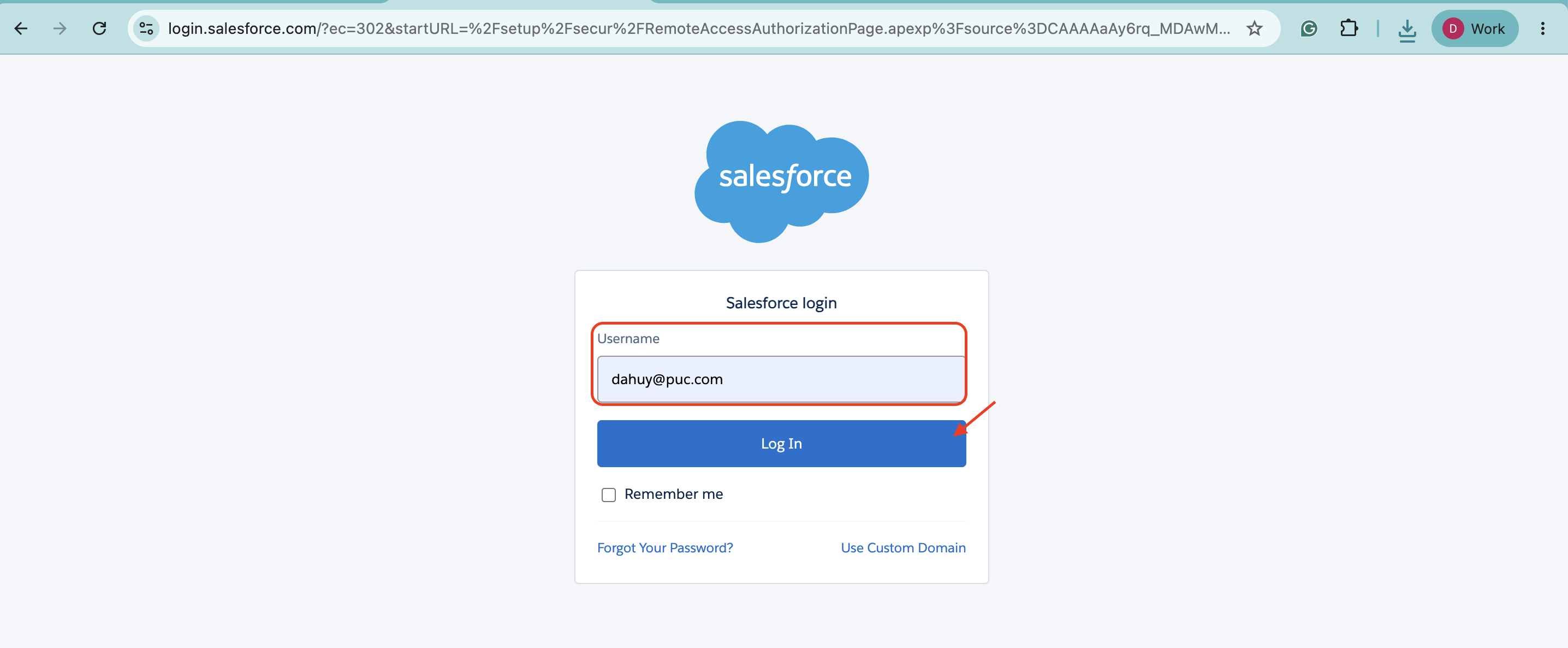
- Enter your Username and Login
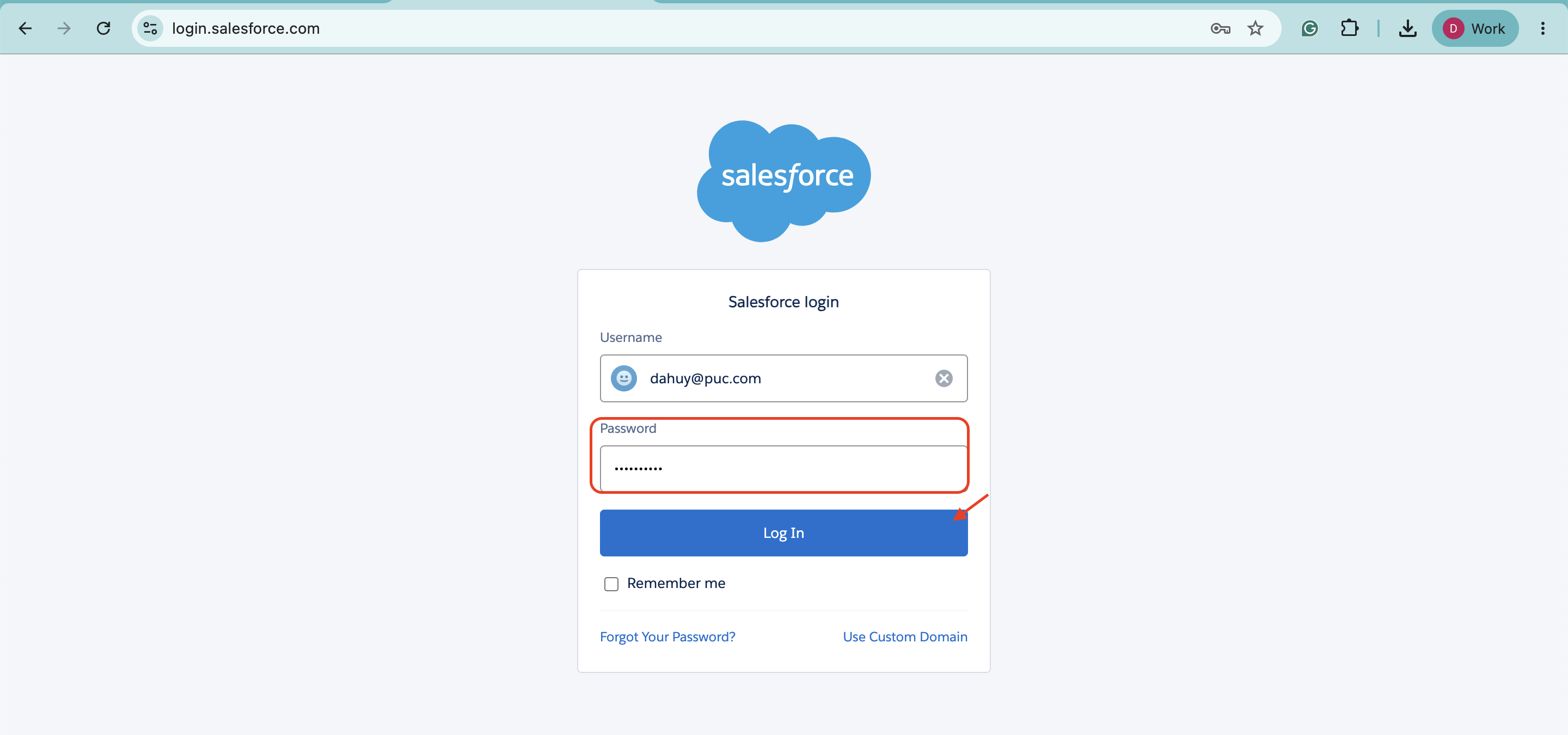
- Enter Password and click the Login' button.
Step 3: Navigate to Deployment
-
Go to Migration
-
Select Deploy
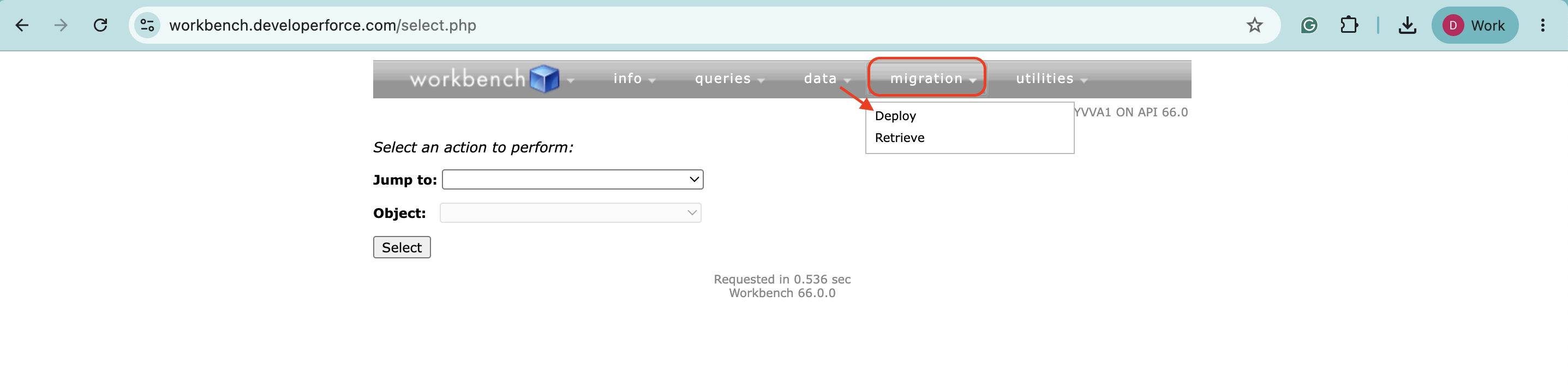
Step 4: Upload Deployment Package
-
Upload the provided
skyvva-picklist-v2.51.zipfile -
Ensure the following options are selected:
-
✅ Rollback On Error
-
✅ Single Package
- Test Level: RunSpecifiedTests
- Enter the test class name on Run Tests
- In this example, use:
IntegrationControllerTest - If multiple test classes are required, separate them with commas (
,) Example:IntegrationControllerTest,(OtherClassNameTobeRun)
-
-
Click Next
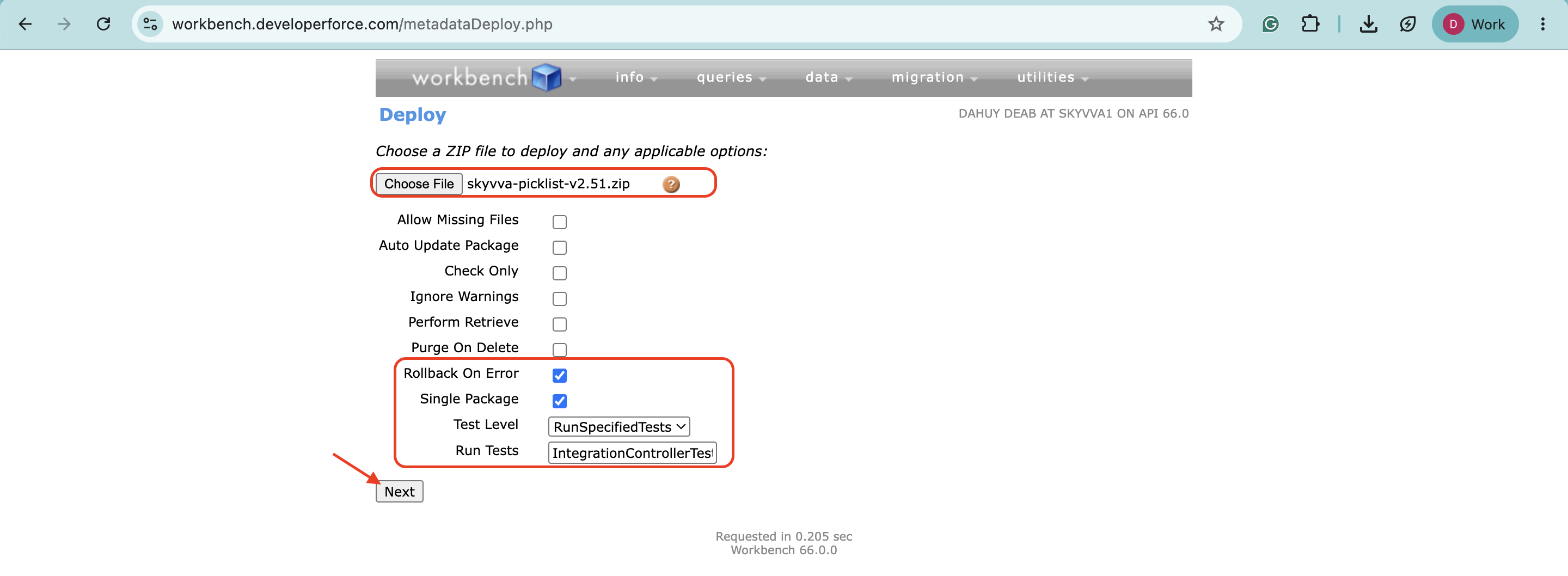
⚠️ Note: Theskyvva-picklist-v2.51.zip file is attached for this deployment.
Step 4: Deploy the Package
-
After clicking Next, a warning message may appear (this is expected)
-
Click Deploy to proceed
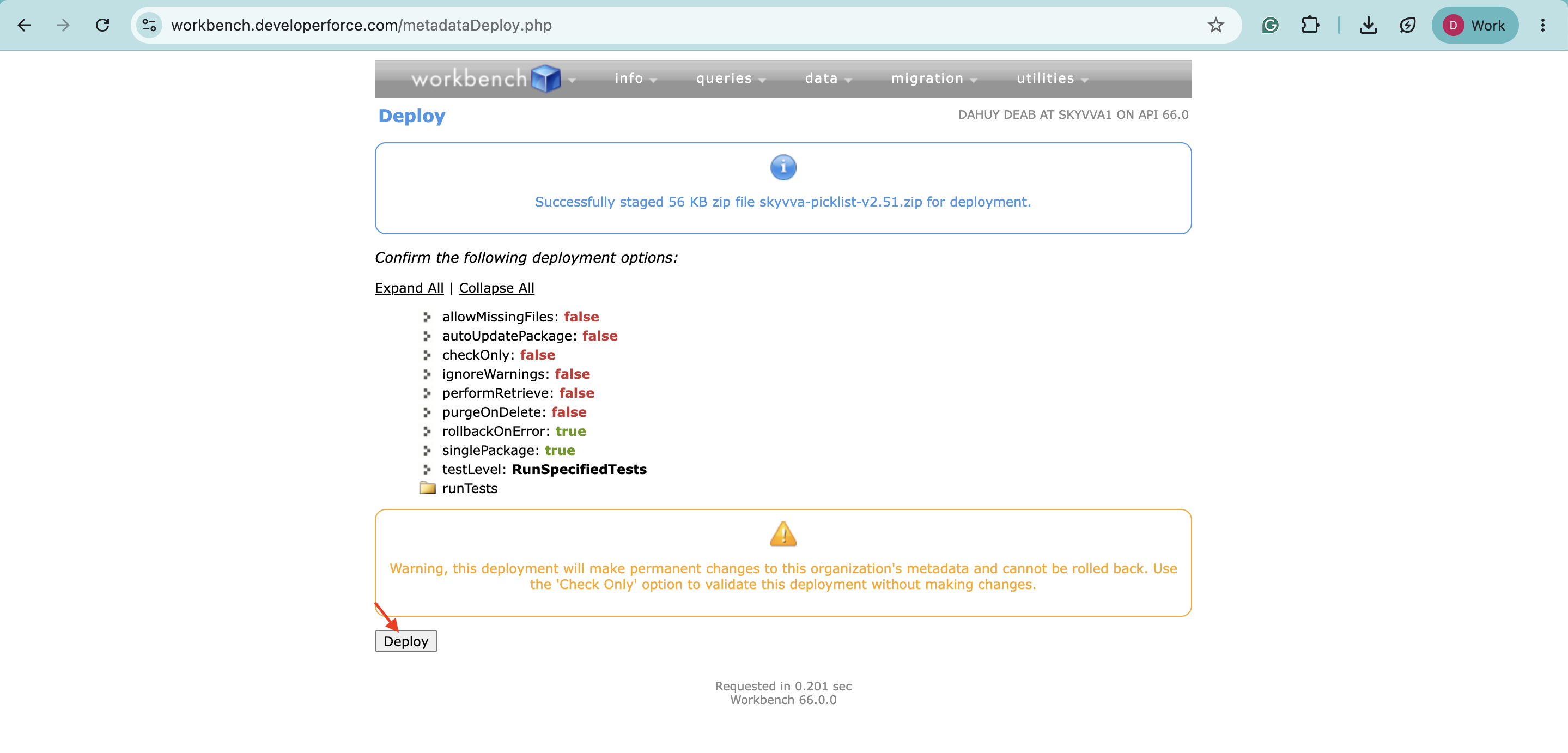
✅ Verification
-
Once the deployment is complete, check the result
-
If you see
Success: trueThe deployment was successful
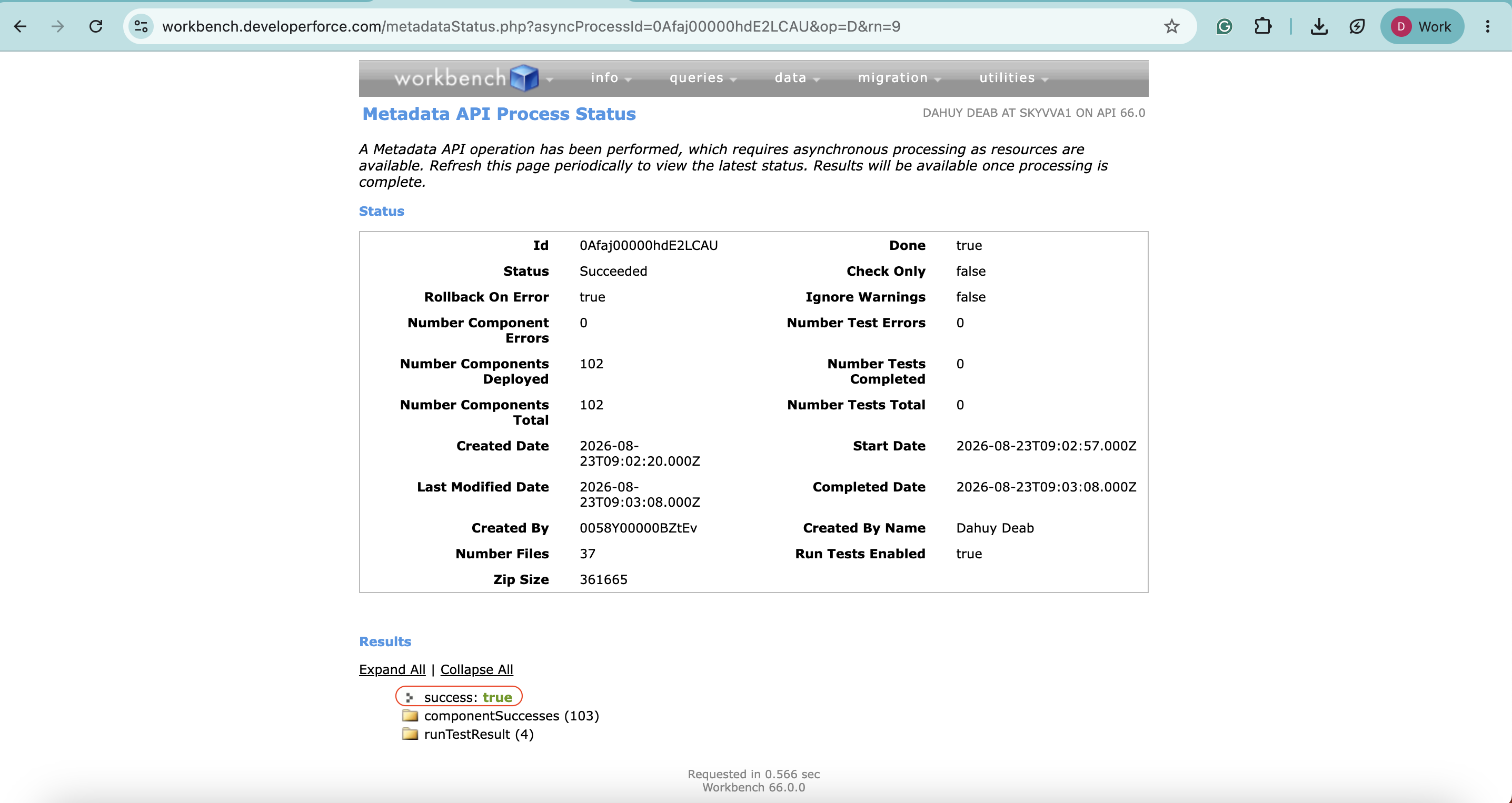
🎉 All missing SKYVVA picklist values should now be available in your Salesforce Org.