15. OutboundV3 processing using SAP PI/PO
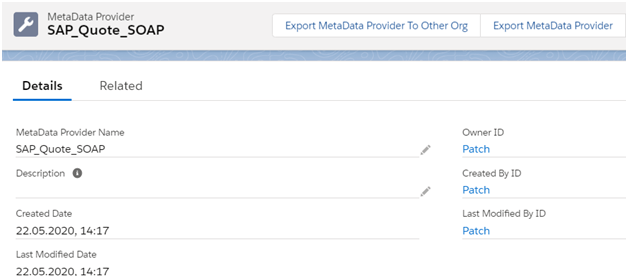
This document describes how to create an outbound Synchronous interface in SAP PO with SKYVVA V3 SOAP Adapter For SOAP V3 we have to create the message type in skyvva as explained below. SOAP V3 message type template: We use a standard message type template for SOAP Adapter { "Google SOAP Service": { "Request": { "HTTP Header": { }, "URL Query Parameter": { }, "SOAP Header": { "SessionHeader": { "SessionId": "" } }, "SOAP Body": { "Quote_Sync_Out": { "Quote_Header_Request": { "skyvvasolutions__SAP_Requested_Delivery_Date__c": "", "skyvvasolutions__SAP_Sales_Org__c": "", "skyvvasolutions__SAP_Distribution_Channel__c": "", "skyvvasolutions__SAP_Division__c": "", "skyvvasolutions__SAP_Group__c": "", "Id": "", "Name": "", "OpportunityId": "", "skyvvasolutions__SAP_Offer_Valid_To__c": "", "skyvvasolutions__SAP_Offer_valid_from__c": "", "QuoteLineItem": { "LineNumber": "", "Quantity": "", "skyvvasolutions__SAP_Material_Number__c": "", "skyvvasolutions__SAP_Customer_Number__c": "" } } } } }, "Response": { "Envelope": { "Header": { }, "Body": { "Quote_IN": { "Quote": { "Name": "", "Id": "", "OpportunityId": "", "skyvvasolutions__SAP_Quote_ID__c": "", "Status": "", "QuoteNumber": "", "QuoteLineItem": { "Id":"", "Quantity": "", "QuoteId": "", "skyvvasolutions__SAP_Material_Number__c": "", "skyvvasolutions__SAP_Quote_Line_ID__c": "", "OpportunityLineItemId": "" } } } } } } } } Initially we have to create Metadata Provider.
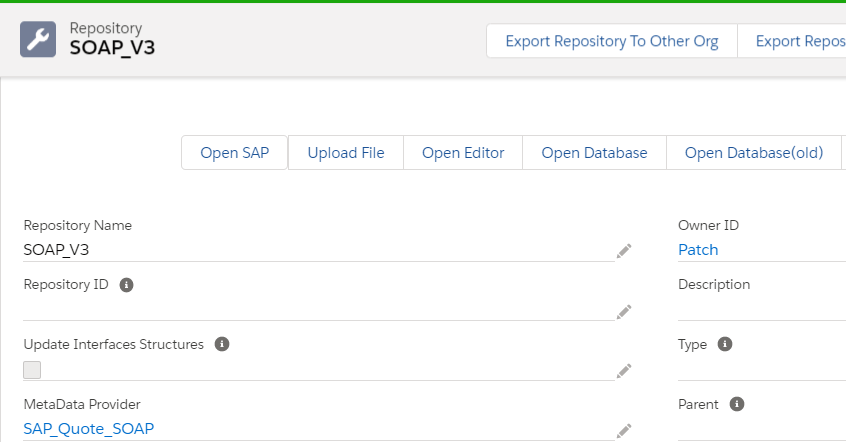
Now create Istructure repository
Now create Message type for hierarchical request and response

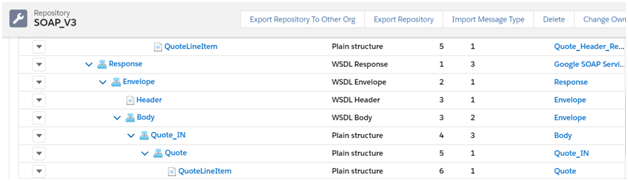
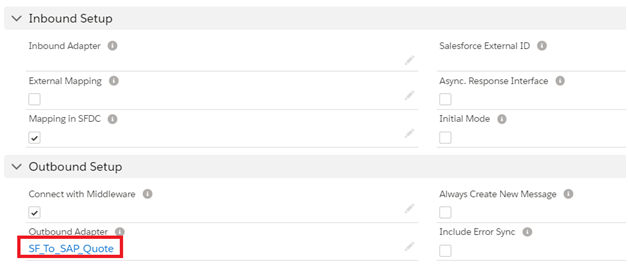
Now we have to use the message type in both request and response interface and also the child request and response interfaces Creation of Outbound SOAP adapter: Provide the details as shown below:
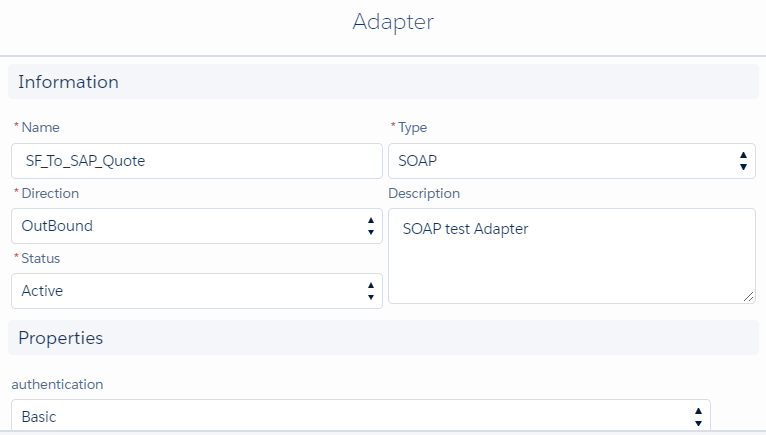
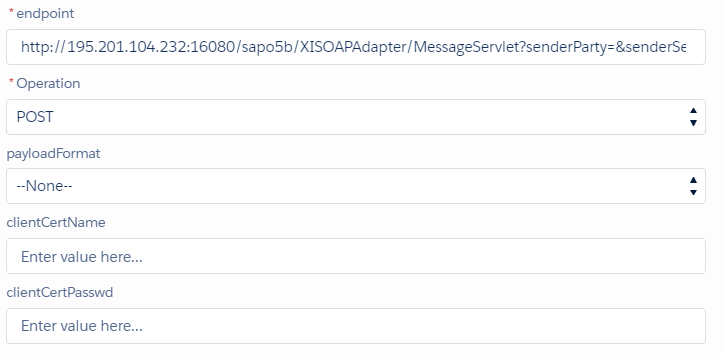
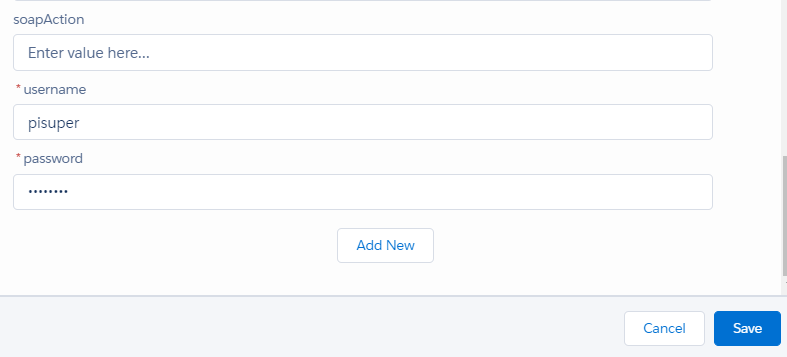
Use this adapter in the outbound request interface. In this example, I have created the interface under "SOAPV3"
- Create Outbound parent request interface
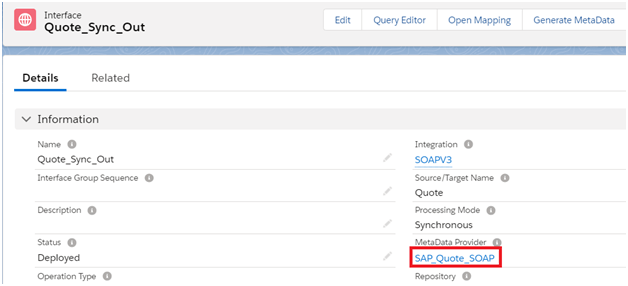


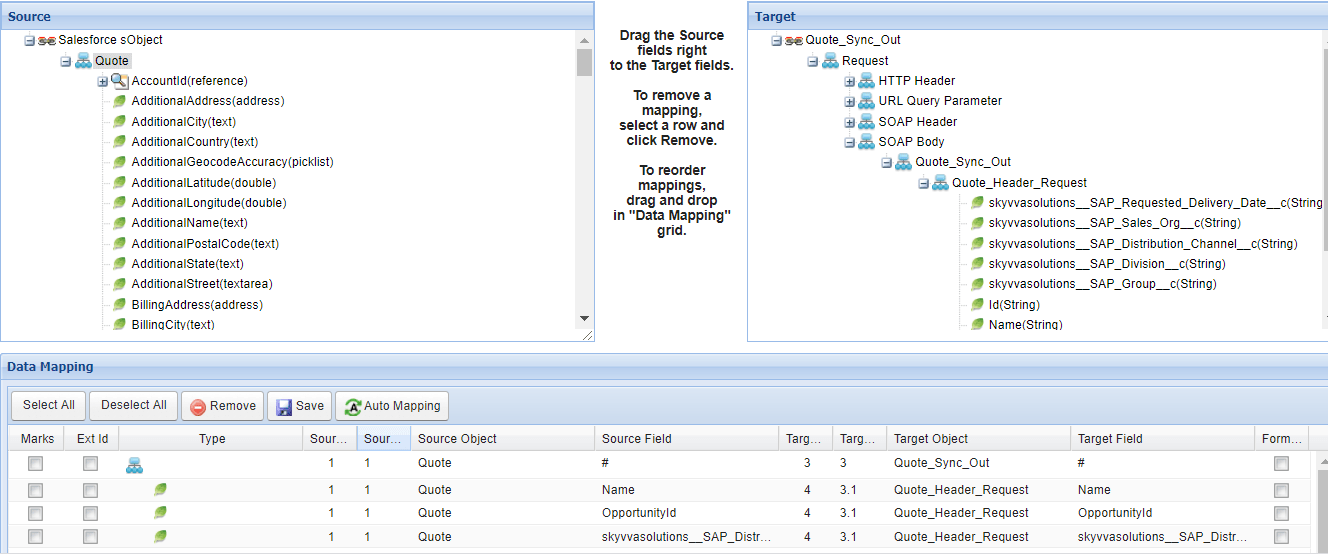
If we use the message type defined in skyvva then we have to do mapping in skyvva as shown.

Now save the mapping and the outbound parent interface.


- Create Outbound child request interface
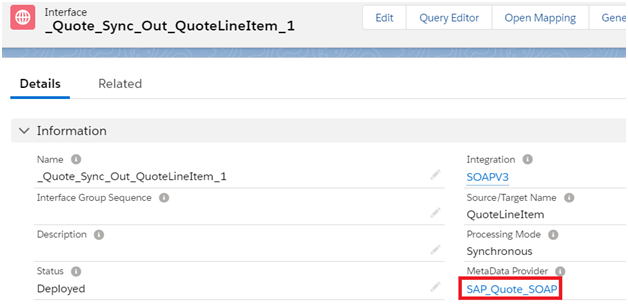
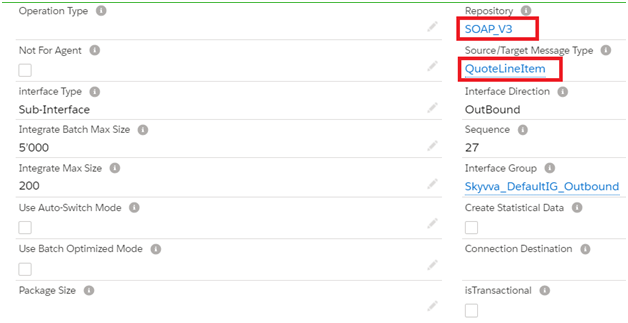

Add this child interface as i chained interface in the parent interface related tab
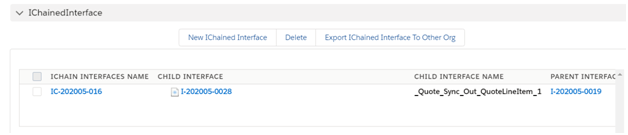
Save the outbound child interface.
- Create an inbound parent response interface

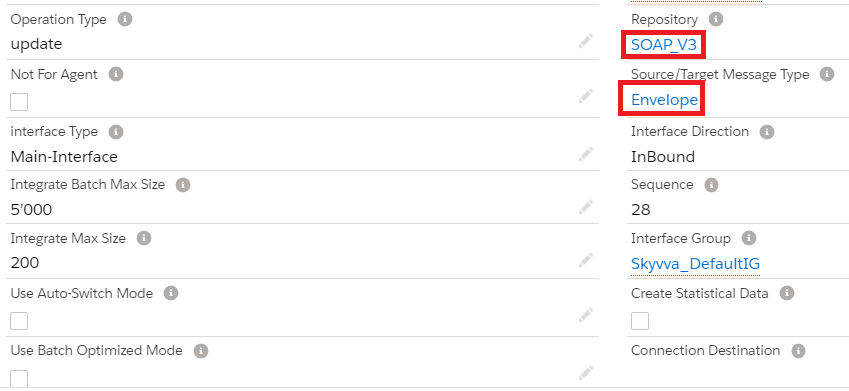
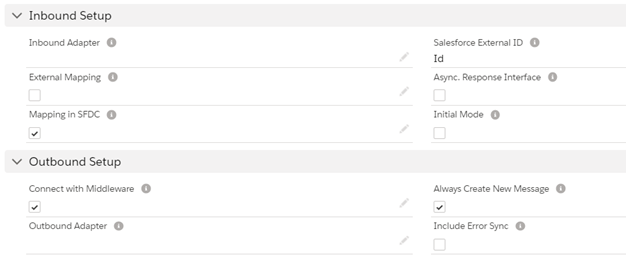
Do the mapping for inbound parent response interface
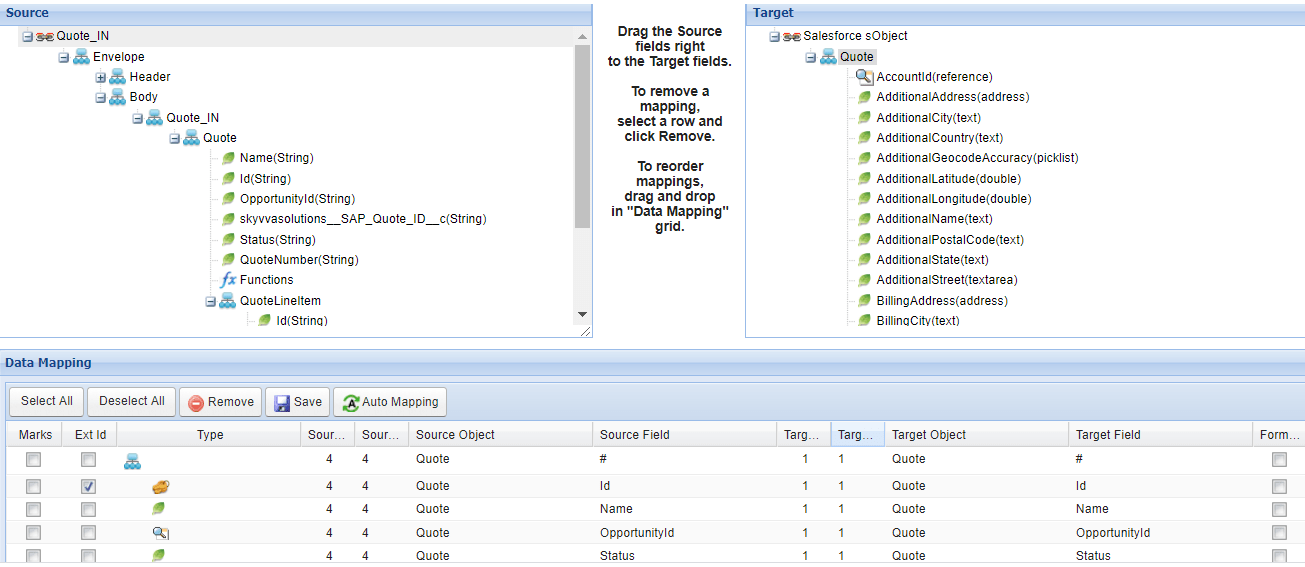

In the related tab add the foreign key fields as shown below
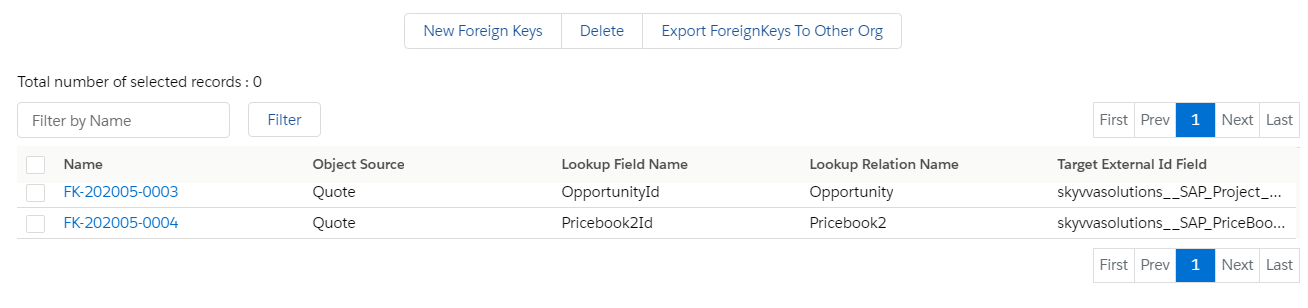
Save the mapping and the inbound response interface.
- Create an inbound child response interface
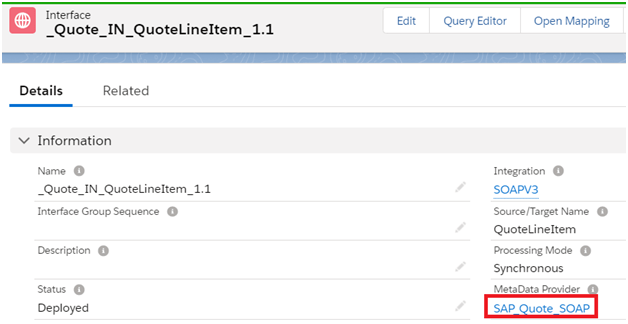
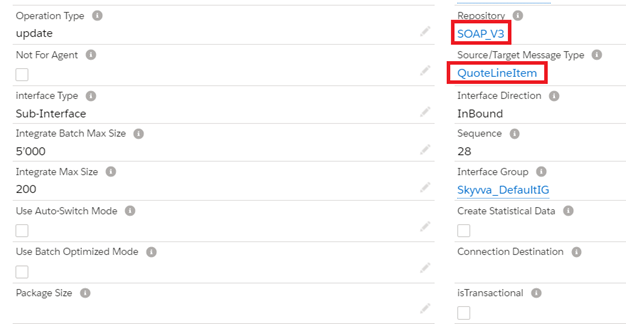
Save the interface and add this child interface as ichained interface in the parent response interface related tab

Add the foreign key field to link to the parent quote interface as shown below

Download the inbound and outbound parent interface WSDL's and upload it into SAP PO for mapping.
Callout from skyvva from developer console using the below apex code skyvvasolutions.CallOutControl c=new skyvvasolutions.CallOutControl(); c.returnXml=true; c.returnListRecord=true; c.isCreateMessage=true; c.actionDoIntegrate=true; String[] ids=new String[]{'0Q03N000000HZYbSAO'}; skyvvasolutions.Iservices.invokeCalloutV3('SOAPV3','Quote_Sync_Out',ids,'SYNC', c);
We can see the message status in the message monitor

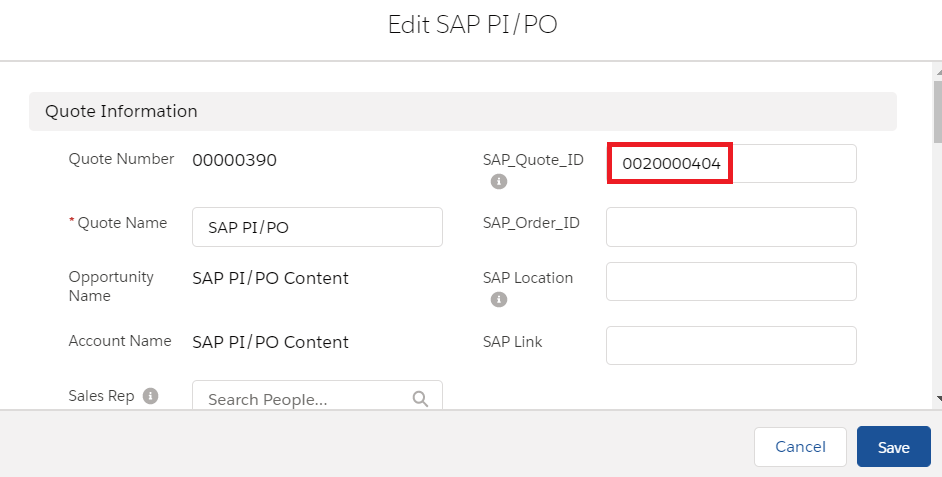
Quote Id is updated in salesforce