47.3 How to generate XSD (Integration,Interface,Repository) ?
Introduction
XSD file is the file that has extension XSD, and it is most likely an XML Shema file, a text-based file format that defines validation rules for an XML file and explains the XML form. In Skyvva, we have the function to generate XSD from the message type to get structures. Generate XSD uses for getting the structure file to be imported into the external system for further mapping. We can generate XSD from three ways, such as on Integration, Interface, and Repository; We can generate XSD from both interfaces (Inbound and Outbound). One more thing we need to remember is that when we generate XSD on Integration and Interface that is Soap and Rest message type, it will get only requests and responses body. Yet, on The Repository, it will take only a request body. So, this tutorial will show users how to generate XSD in each technique (Integration, Interface, Repository). Pre-require
- Create Integration
- Create Interface
- Create Meta provider
- Create Repository
- Create Message Type
- Link Message Type with Interface (Outbound or Inbound)
[su_box title="Note" box_color="#2a8af0" title_color="#000000"] Remember that User has configuration the pre-require already.[/su_box]
1. How to generate XSD from Generate MetaData on Integration?
Generate XSD from Integration is a technique that helps users to get structures from Interface that they choose. There are two processing, like Old ways and new ways, but both are working the same. 1.1 Generate XSD in New Way.
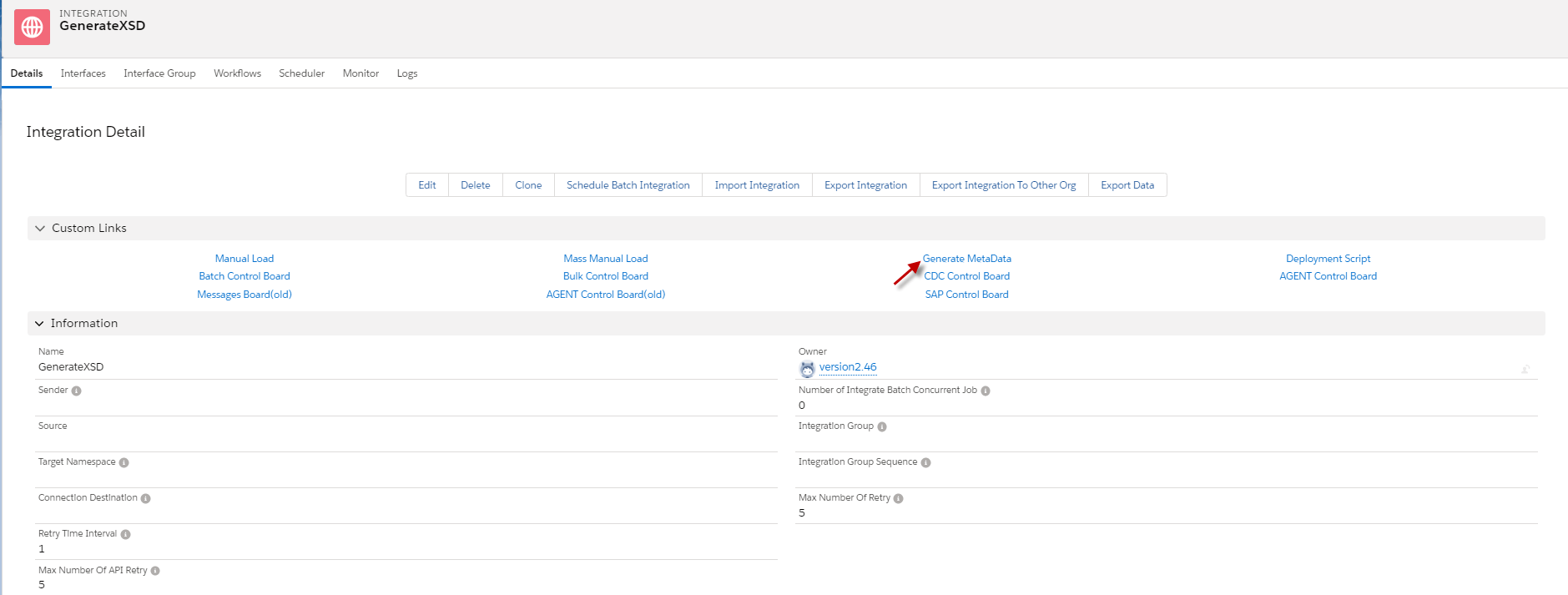
- Go to Integration -> click Generate MetaData (see the picture below)
- Select Interface -> choosing a format file = XSD -> and click export button.

- After we click the Export button, we will receive the message “file generated successfully,” and we will see the XSD file in the file section. Click View button to download the XSD file.

- Here’s the XSD file that we have generated.

1.2 Generate XSD as Old Ways.
- We can generate the XSD file to get Structure in the old way by check the flag As old Ways? ( The picture is below).

- Then, we will get the XSD file in the old way. -> Click the view button to download the XSD file.

- Here’s the Generate XSD file in Old ways.

2. How to generate XSD file from Generate MetaData on Interface?
Generate XSD file from Generate MetaData on Interface is useful for a user who knows the exact Interface that he/she wants to generate.
- Go to Interface -> click Generate MetaData (The picture is below).

- Choosing a format file =XSD and click the Export button.

- After we click the export button, it will download the XSD file automatically.
- Here’s the XSD file that we generate On Interface.

3. How to generate XSD from the Repository?
Generate XSD file from Export Metadata on message type section of repository is to allow users to choose the Message Type that the user wants to use. The Message Types that the user choosing will be takes the whole child message type. Example We have hierarchical Message Types that are parent and child like Account, Contact, and Case, then we want to generate XSD start from Contact. So, when we click Export Metadata will get XSD file Contact and Case because Case is a child of Contact.
- Go to the Repository that we want to generate XSD and enter to message type section. You will able to see the action button on the left side of the message type.

- Choosing the XSD file format and clicking the export button.

- After we click the export button, it will download the XSD file automatically.
- Here is the XSD file that we generate on the message type of repository.
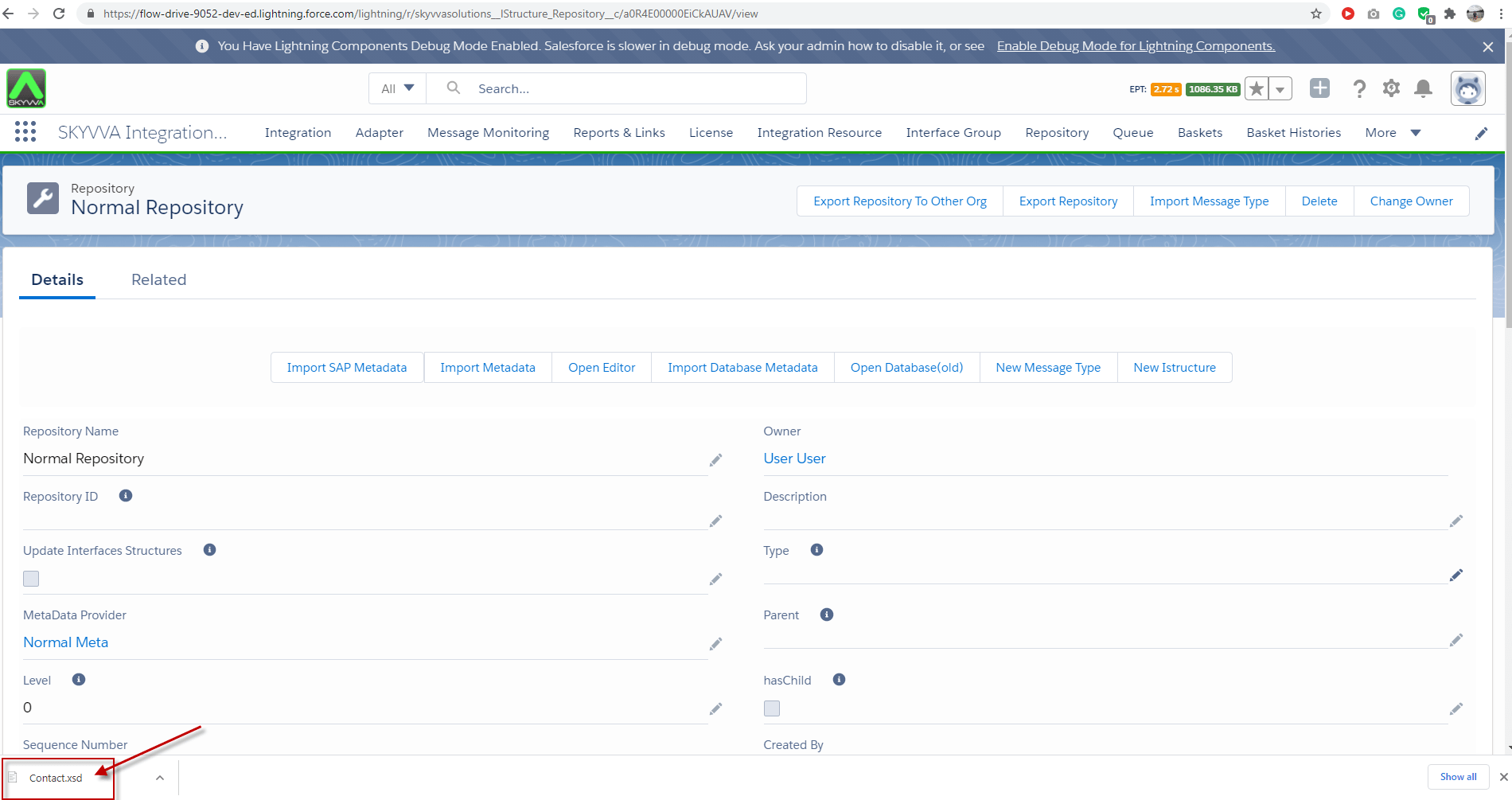
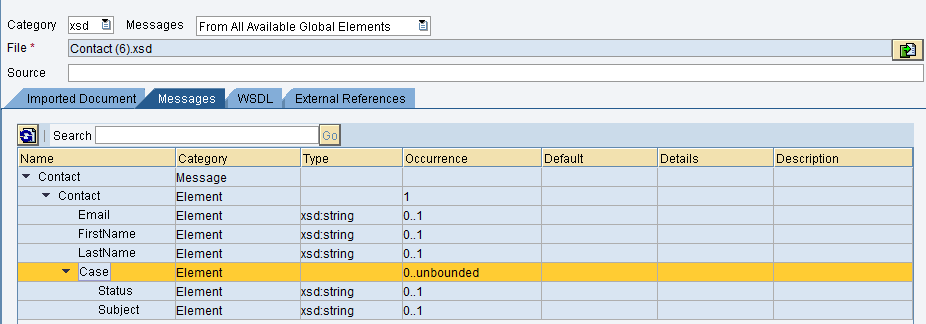
After you get the XSD file you can import it for example into the SAP PO system side as the screenshot below.
Summary Finally, we have learned how to generate the XSD file on Integration, Interface, and Repository. There are individual benefits like we use on Integration that we can choose the Interfaces that we want to get structures to generate XSD file. We use generate XSD file from the Interface when we have known the exact Interface, and We generate message types from the Repository when we want to get specific business message types.