4. Bulk Processing
This unit describes the use of API Dynamic Switch where incoming data goes automatically to be processed as synchronous, batch or bulk.
What is bulk processing?
SKYVVA Bulk Interface Processing is an interface uses for running bulk attachments. When you have much data, using Bulk Interface Processing is necessary (over 5000 records).
How to create bulk processing?
Before you can use bulk processing, you have to create an integration, define an inbound interface and mapping like we normally do. Please refer to the previous tutorials that explain how to create integration and interface and how to develop mapping using the SKYVVA mapping tool. Please click on the Account Interface. As shown in the screenshot below.
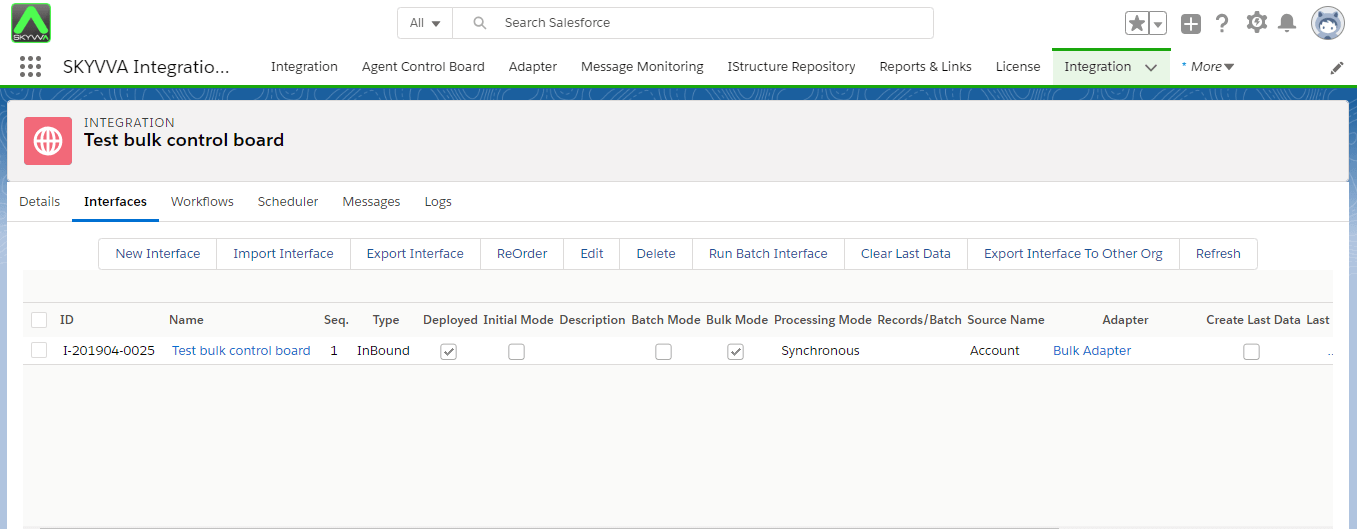
Inbound Processing:-
Inbound Processing tabs contain 5 different sections which are Filter, Bulk Interface Scheduler, Bulk Data Inbox, Bulk Data Processing, and Bulk Data Monitor. Each section plays different roles in bulk processing.
Load CSV file using Agent:-
Upload data:-
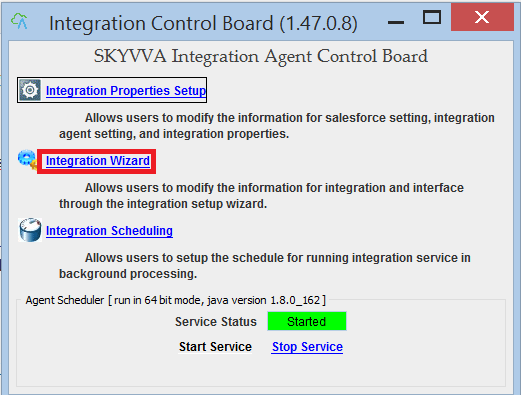
- Click on Agent UI to run->Click Integration Wizard.
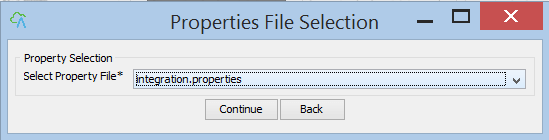
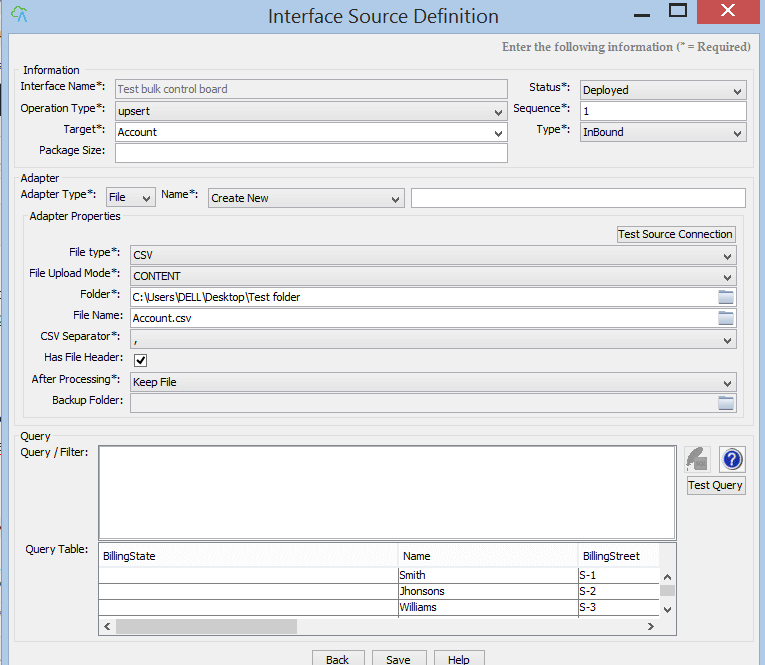
- Select Properties that log to salesforce
- Choose Integration Name and Create Adapter because it doesn’t have an adapter yet
- Choose the adapter type "File".
- Fill adapter "Name".
- Fill the Folder location.
- Fill File Name.
- Click on the "Test source connection".
- Click on the "Test query".
- Click the "Save" button.
- Select the Interface.
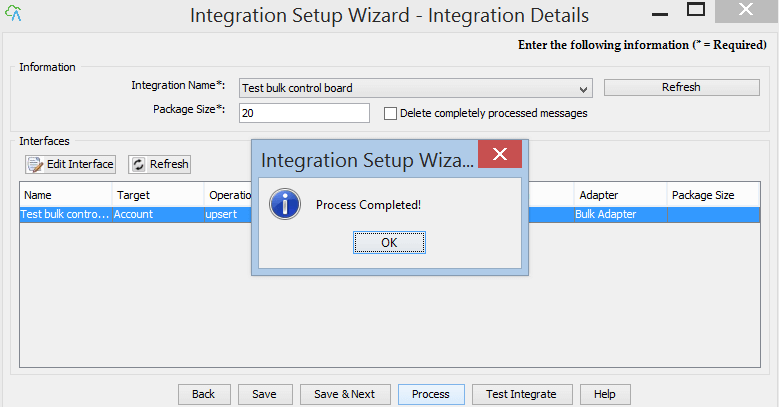
- Click the "Process" button.
- Click on Process Button, it will show the message. The message is "Process completed". Now you can check result on salesforce.
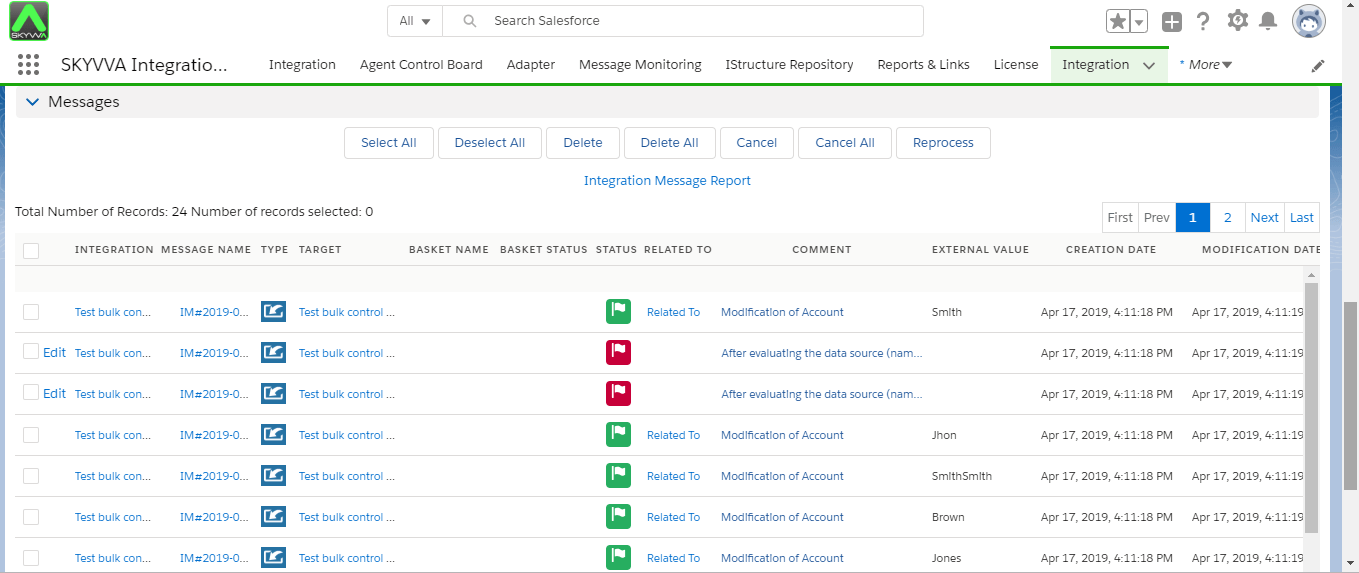
- Check the result on message monitoring:-