5. Put URL parameter to the SFDC2SAPPI adapter
A new URL parameter is created to pass the URL as a string and append to the endpoint string in the adapter. You can put any parameter to the URL as a URL parameter value. The adapter type, SFDC2SAPPI, execute callout base on the endpoint of the receiver. We need to construct the URL query parameter in the endpoint for the adapter SFDC2SAPPI. You can enter the URL query parameter manually into the URL in the parameter endpoint. You have two options to pass the URL parameter to the endpoint:
- Put the URL parameter as fix string is for the static destination. It just appends to the endpoint string in the adapter.
- Pass the URL parameter through the method invokeCallout2() is dynamic. It will pass the URL parameter for a different purpose.
Pre-requisite to use this feature
- Create an integration and an outbound interface
- Then create SFDC2SAPPI adapter
- Mapping
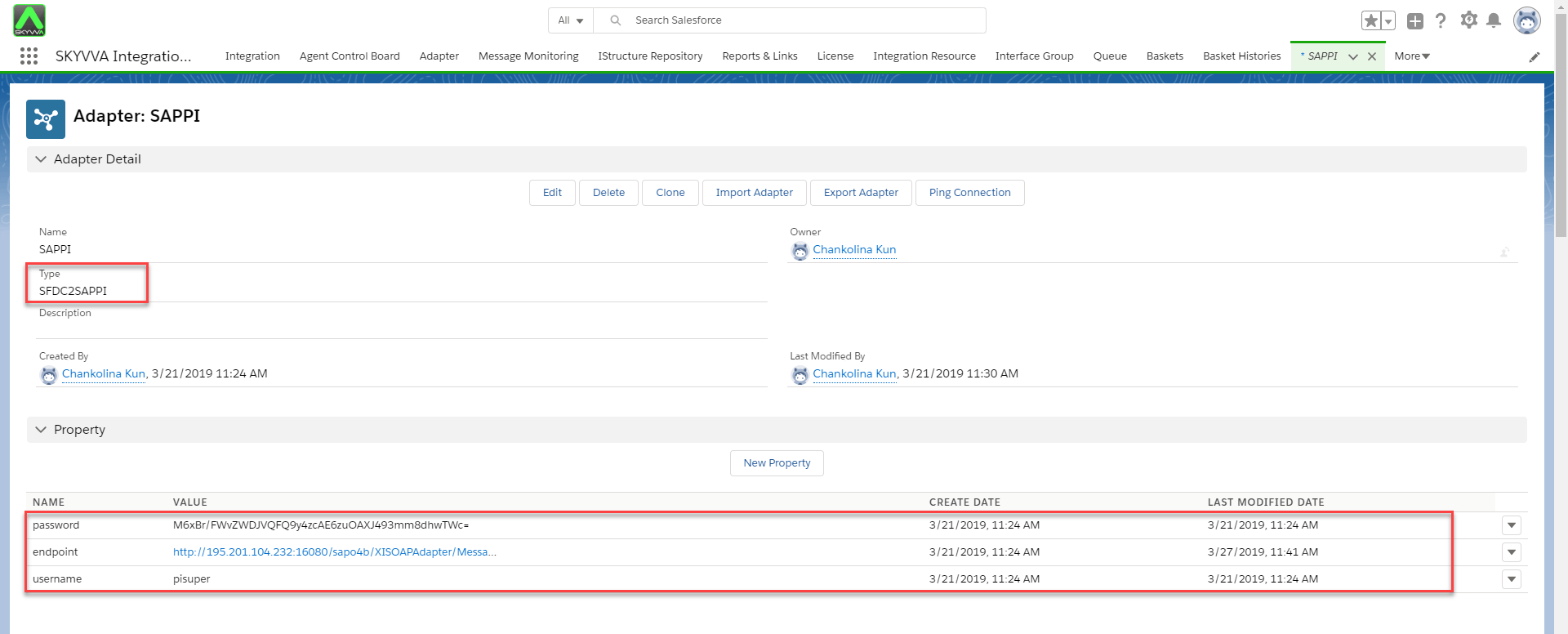
How to pass URL parameter To pass the URL parameter through the method invokeCallout2(), let look at some steps to be follow:
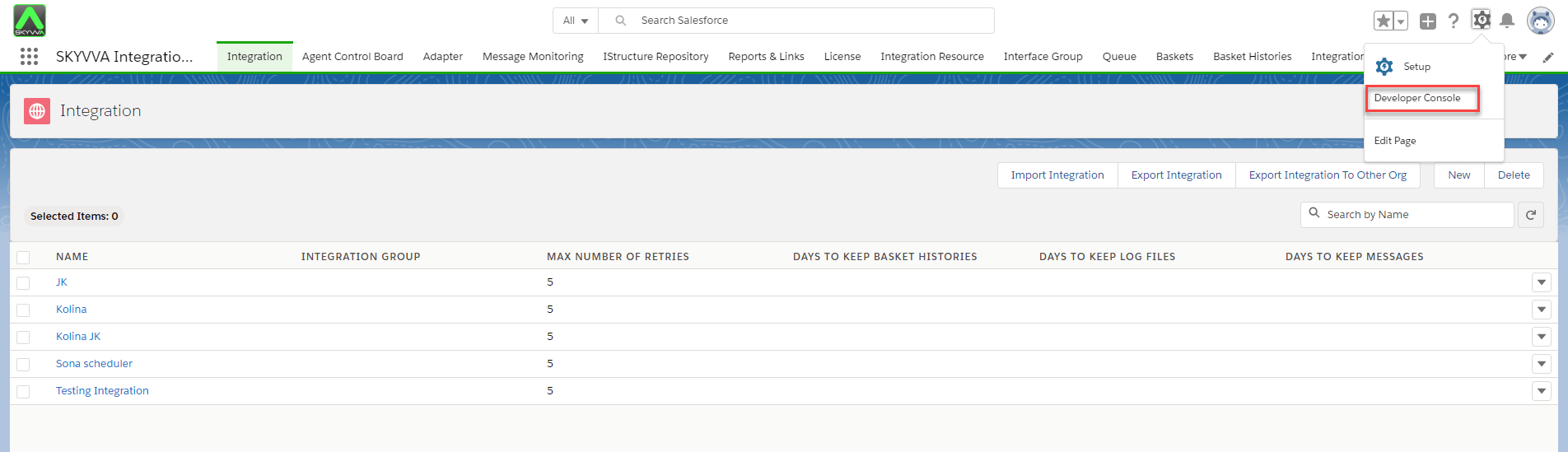
- From the Nagivating Setup, click developer Console
- Enter the code then execute
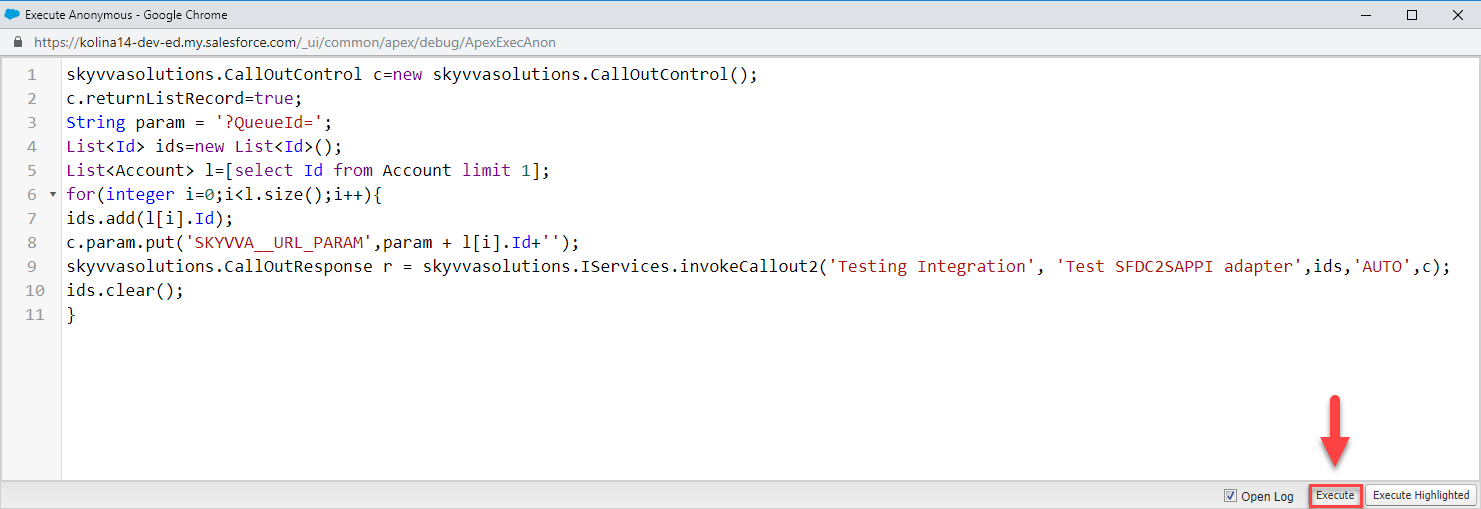
[aux_code language="javascript" theme="tomorrow" title="" extra_classes=""] skyvvasolutions.CallOutControl c=new skyvvasolutions.CallOutControl(); c.returnListRecord=true; String param = '?QueueId='; List