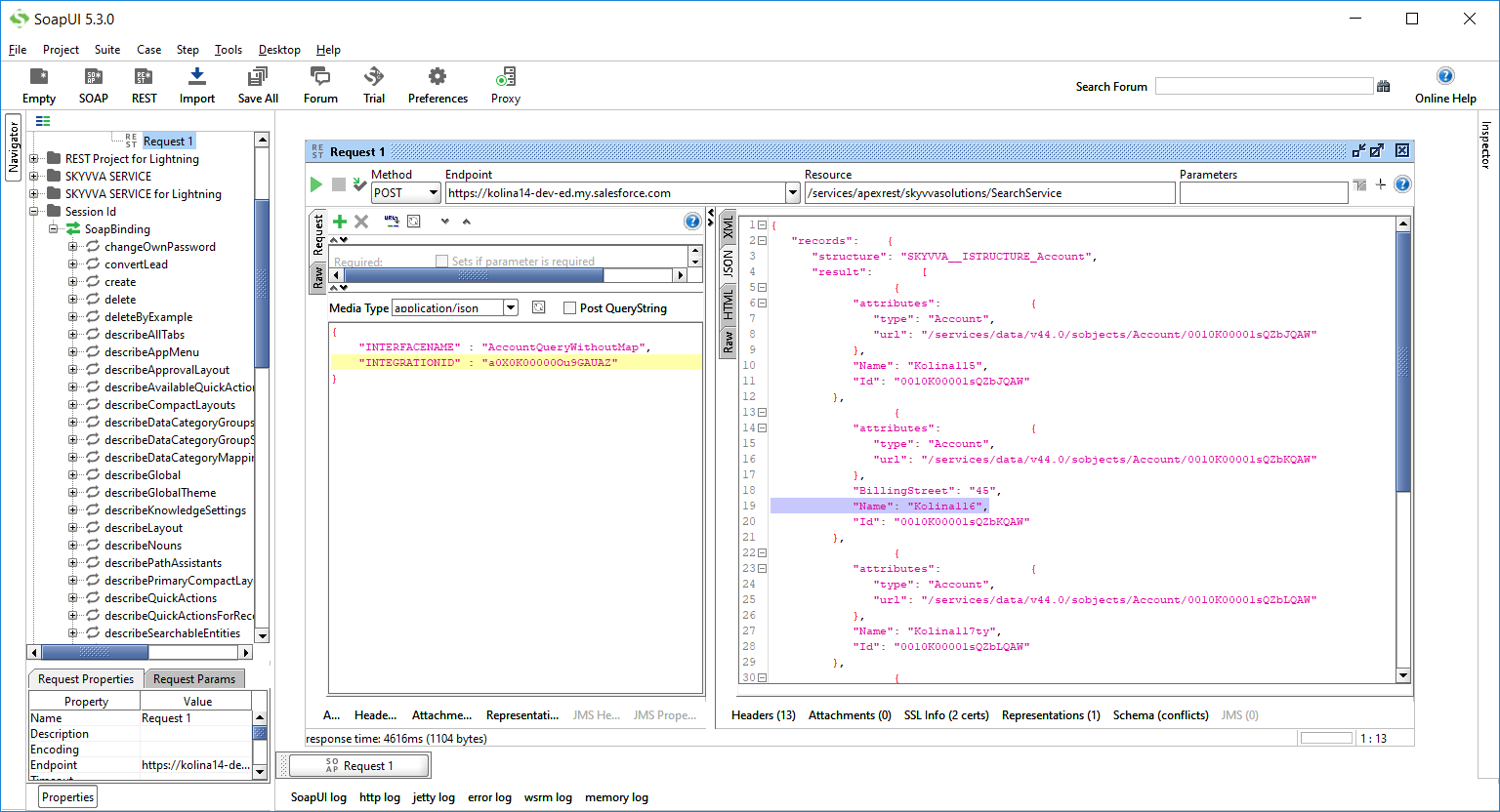
3. Rest API for integration SearchService
In the previous version, the SKYVVA API “SearchService” was available only as SOAP Webservice. Now we provide SearchService with the REST Technology. Please see the example below:
Configuration at the customer side
- Authenticate to the instance that installed SKYVVA package
- Write the code to get refresh token
- Call SKYVVA Services (Rest Integrate Searchservice) by REST API
How to authenticate to the instance that installed SKYVVA package
Need to get the code from the instance that installed SKYVVA package. This is the steps to get the code:
- Navigate to this link:
- Log in to the instance that installed Skyvva package
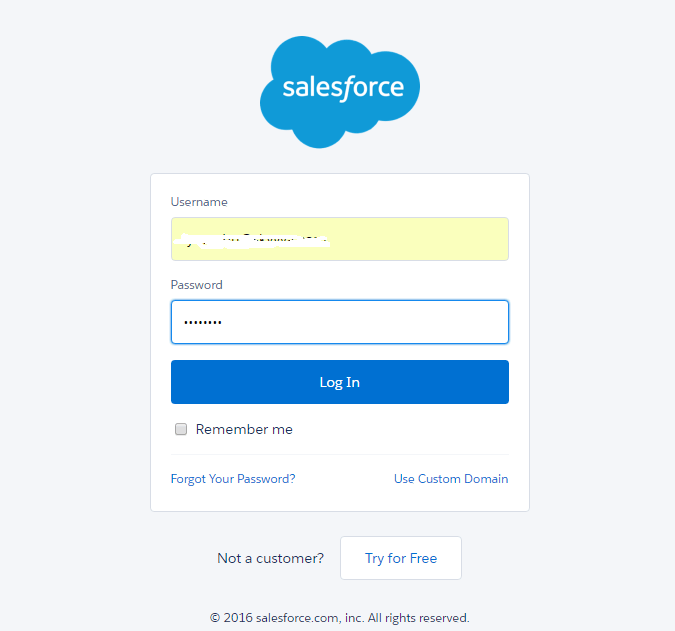
- We will get the code as below:
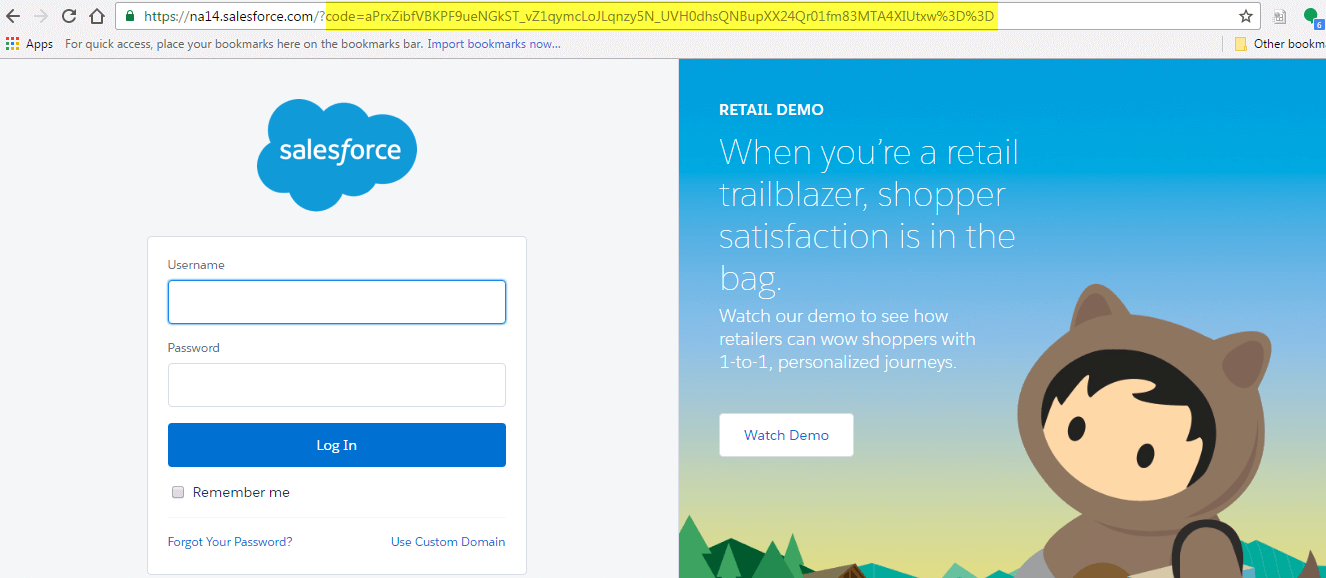
Need to get refresh token from the instance that installed SKYVVA package
- Navigate to another link:
https://login.salesforce.com/services/oauth2/token?grant_type=authorization_code&code=(above_code)&client_id=clientid&client_secret=clientsecret&redirect_uri=your_uri&client_id=clientid&client_secret=clientsecret&redirect_uri=your_uri)
- We will get refresh token as below:
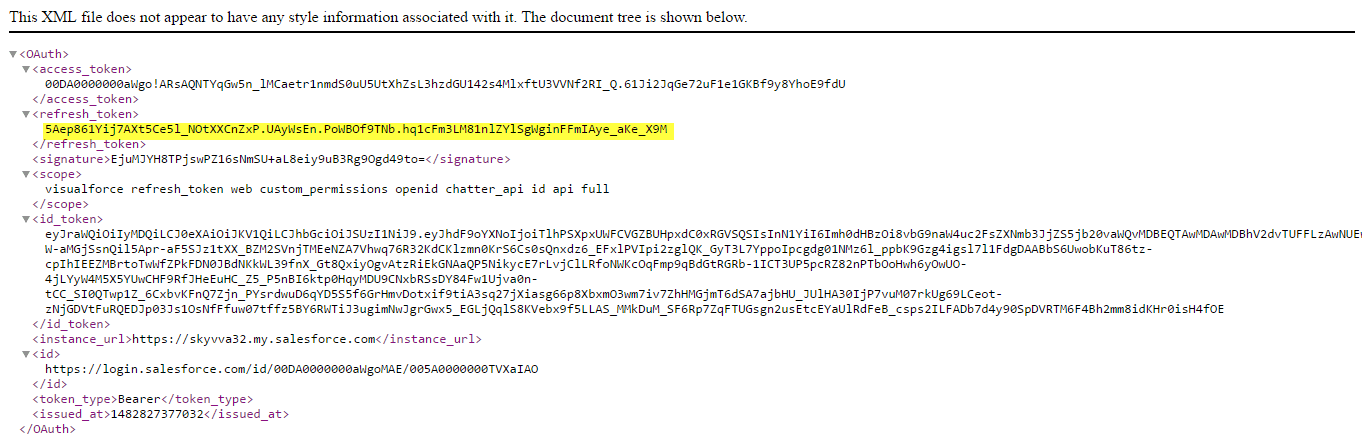
How to write the apex code to refresh token
[aux_code language="javascript" theme="tomorrow" title="" extra_classes=""]HttpRequest req = new HttpRequest(); req.setMethod('POST'); req.setEndpoint('instance that installed SKYVVA package/services/oauth2/token'); req.setBody('grant_type=refresh_token&client_id=clientid&client_secret=clientsecret&refresh_token=above_refresh_token'); Http http = new Http(); HTTPResponse res = http.send(req);[/aux_code] This is a new access token:

How to call SKYVVA Services (Rest Integrate Searchservice) by REST API in Apex code
[aux_code language="javascript" theme="tomorrow" title="" extra_classes=""]HttpRequest req = new HttpRequest(); req.setEndpoint('instance that installed SKYVVA package/services/apexrest/ skyvvasolutions/SearchService'); req.setMethod('POST'); req.setHeader('content-type','application/json');
req.setHeader('Authorization','Bearer '+above access token); Map
req.setBody(JSON.serialize(m)); Http http = new Http(); HttpResponse res = http.send(req); [/aux_code] Finally, we should get the result as below: [aux_code language="javascript" theme="tomorrow" title="" extra_classes=""]{"records":"json record","success":"true"}[/aux_code]
How to call SKYVVA Services (Rest Integrate Searchservice) by java client in Apex code
[aux_code language="javascript" theme="tomorrow" title="" extra_classes=""]import org.codehaus.jackson.map.ObjectMapper;
public class TestSearchServiceREST {
public static void main(String[] args) { HttpURLConnection connection = null; try { // Create connection URL url = new URL("server_url/services/apexrest/skyvvasolutions/SearchService"); connection = (HttpURLConnection) url.openConnection(); connection.setRequestMethod("POST"); connection.setRequestProperty("Content-Type", "application/json"); connection.setRequestProperty("Authorization", "Bearer sessionId"); Map
connection.setRequestProperty("Content-Length", Integer.toString(urlParameters.getBytes().length)); connection.setUseCaches(false); connection.setDoOutput(true);
// Send request DataOutputStream wr = new DataOutputStream(connection.getOutputStream()); wr.writeBytes(urlParameters); wr.close();
// Get Response InputStream is = connection.getInputStream(); BufferedReader rd = new BufferedReader(new InputStreamReader(is)); StringBuilder response = new StringBuilder(); // or StringBuffer if // Java version 5+ String line; while ((line = rd.readLine()) != null) { response.append(line); response.append('\r'); } rd.close(); System.out.println(response.toString()); } catch (Exception e) { e.printStackTrace();
} finally { if (connection != null) { connection.disconnect(); } } } }[/aux_code]
How to call Skyvva Services (Rest Integrate Searchservice) by SOAP-UI in apex code