84.What is the CDD (Change Data Detection) and how does it work?
I. What is the CDD (Change Data Detection)? CDD is an ability to record all data changes that you create or update on any business objects. It will be automatically push to your external system at any time you scheduled. II. How does CDD work? It’s working when you tick flag CDD setting in the interface outbound and set time for run scheduler. CDD work when data had updated or created and this feature is looking on last Modified. III. How to configuration CDD? Follow the given steps to use CDD: Step1: Create Integration and Interface Outbound (CDD can use Message Type or none).

- Check the flag Use Skyvva Outbound Scheduler the functionality of CDD is working based on this flag when we tick box Use Skyvva Outbound Scheduler the interface will display on CDC Control Board automatically
- Pick CDD in CDC Mode Query packlist mean that user need the data to create into CDC Control Board after data update.

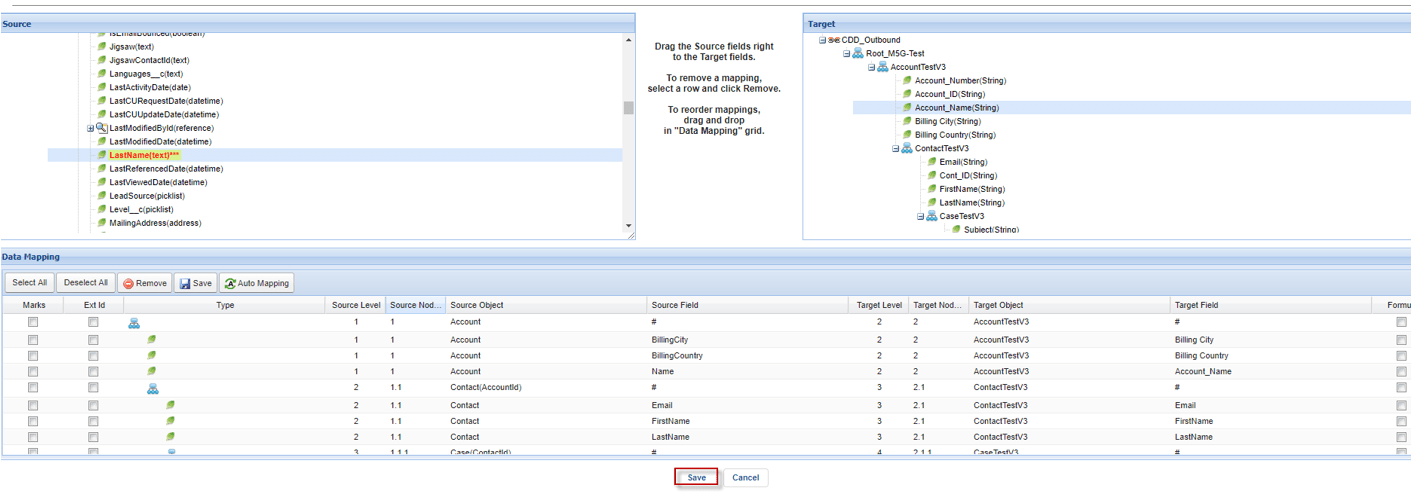
- Do mapping and save it. You can mapping the specific any field that you want the CDD works with hierarchical message type and flat message type as well.
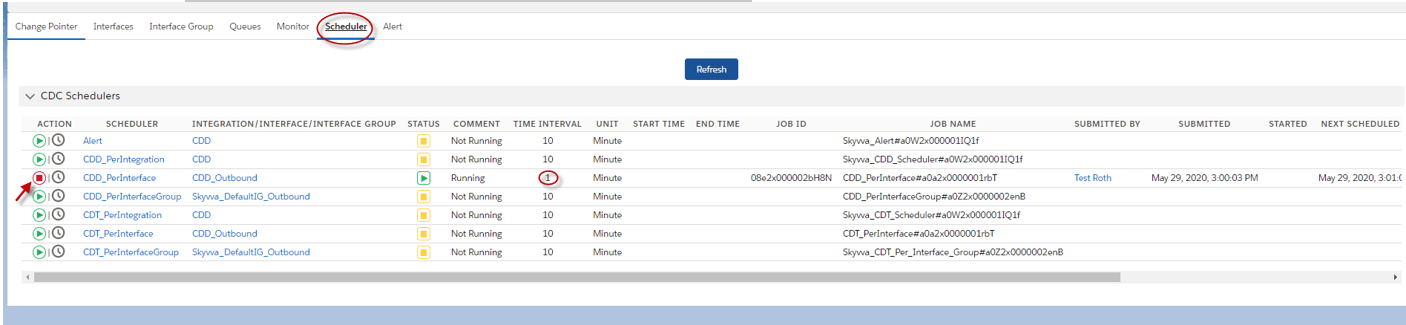
Step2: Navigate to Integration -> CDC Control Board -> Scheduler The CDD is working when scheduler processed the CDD scheduler has 3 leveld are:
- CDD_PerIntgration scheduler run based on an integration
- CDD_perinterface scheduler run based on an interface
- CDD_PerinterfaceGroup scheduler run based on interface Group
Here is example now go to Account object and create an account record named Jame

- Then we Go to Integration and click CDC Control Board the expectation we will get one record for cdc control board
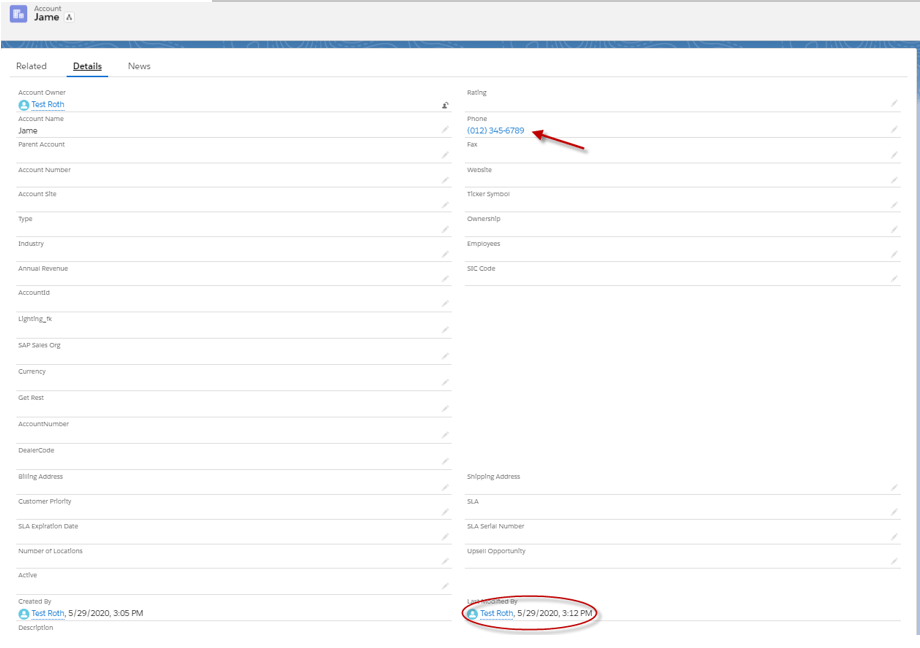
 Step3: Update account (CDD work base on Last Modifier date so if you update data different from mapping, it’s still working). So I update on Phone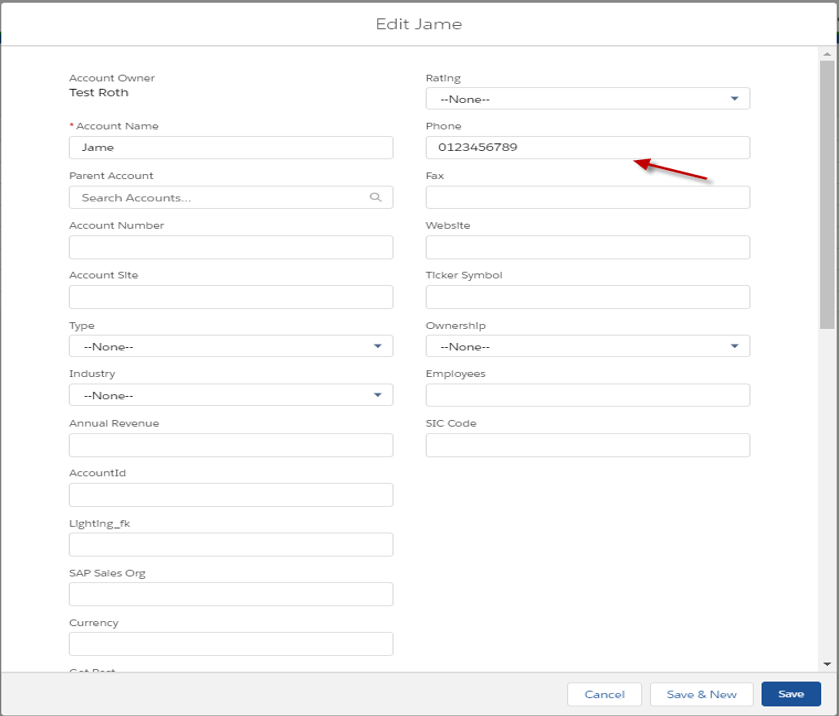
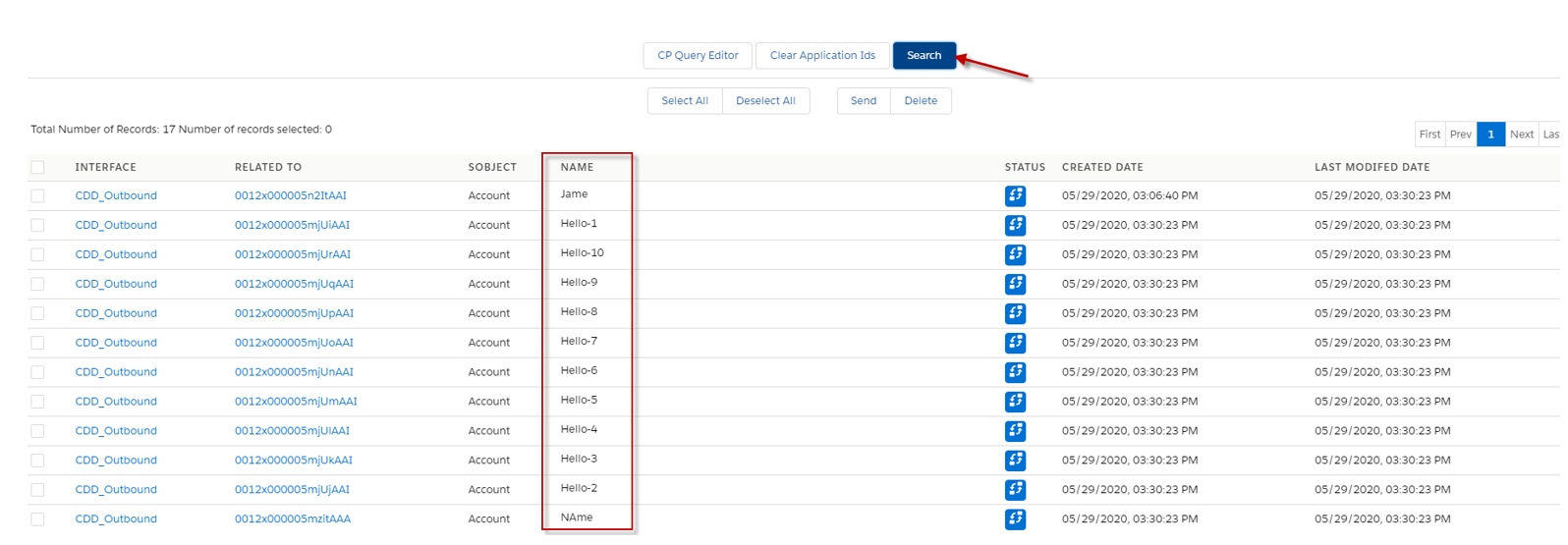
- Now we can see the result in CDC control board.

- So when we updated or edit data that doesn’t match in mapping, it’s still working.
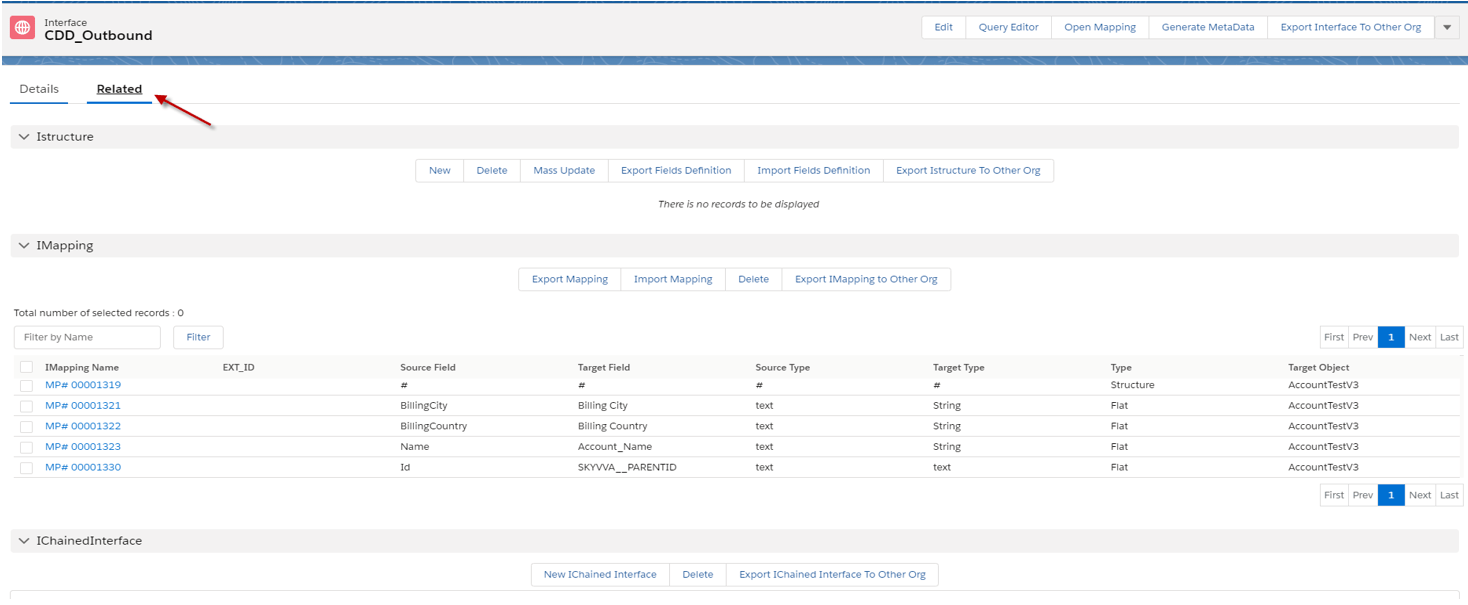
- Click on the ID

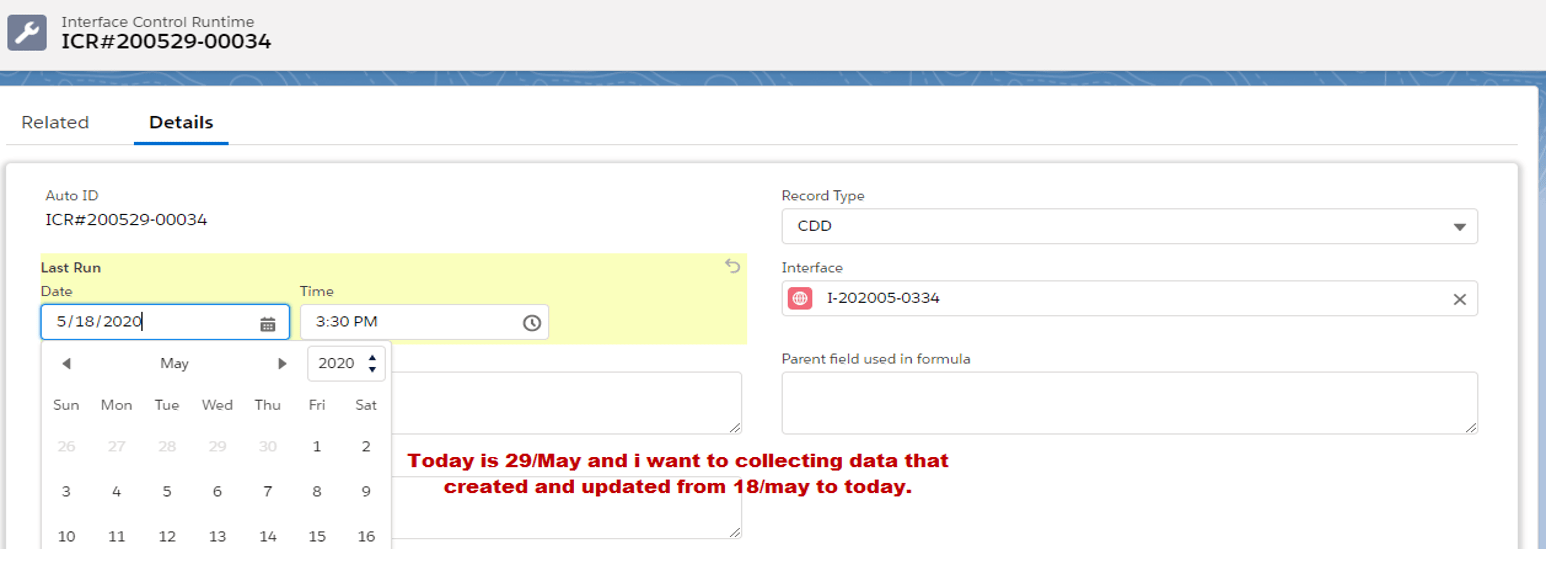
- Click edit and choose the date that you want to collecting data to display.

- Let’s change it , Today is 29 of May and I want to collecting data that created and updated from 18 of May to Now.
- Now go back to CDC control board to see the result. So I can see many accounts that have been created or updated.**
 **
**