1. How to create message type from Import SAP Metadata?
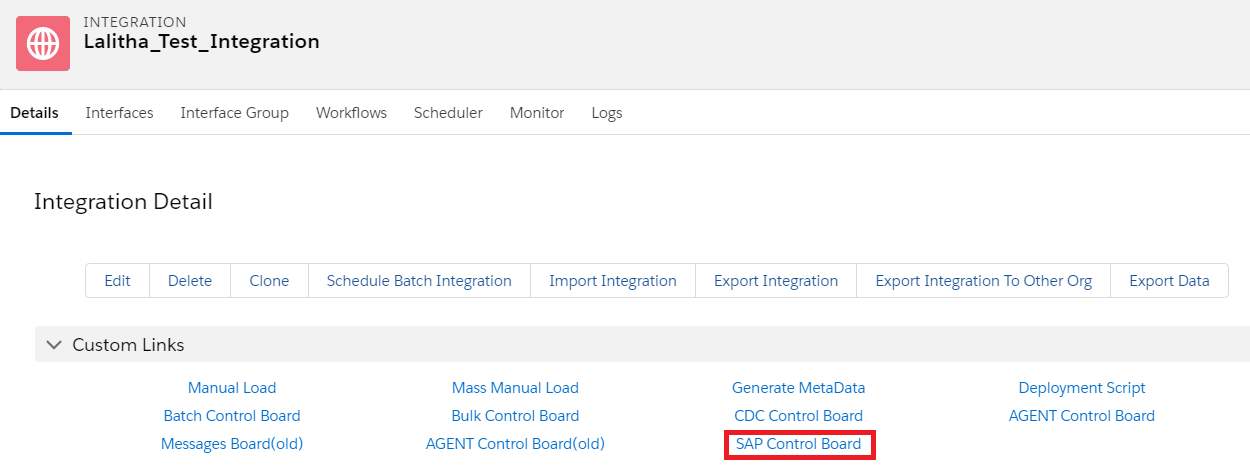
This document explains us about how to create the message type by importing IDOC and BAPI from SAP by using Import SAP Metadata function. Initially we need to create the Connection Destination in the SAP Control Board. Go to Integration details tab
In the Configuration tab. Provide the details Here we need to provide the sap configuration details as below Type: SAP ERP Deployment: Embedded Logical System: LS10 Host Url: http://xxxx.com Port: 16xxx Username: xxxx Password: SAPID: System Id Client: 820

Tab Salesforce-->SAP

Here we need to ping the Ping SAP Connection button.


Now we can ping the Ping Salesforce Connection
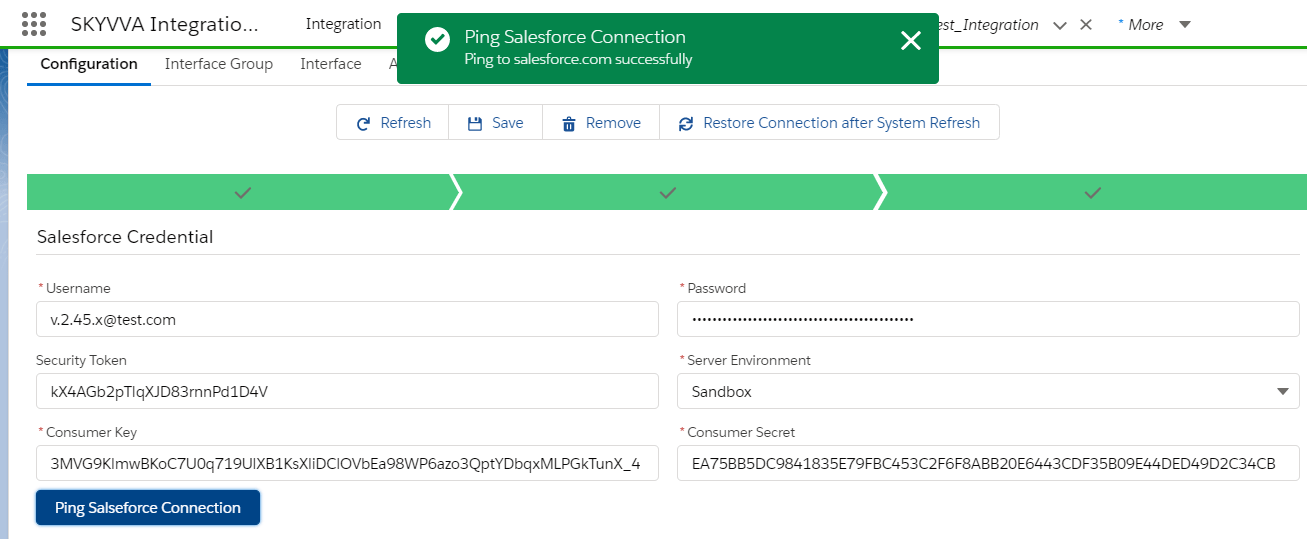
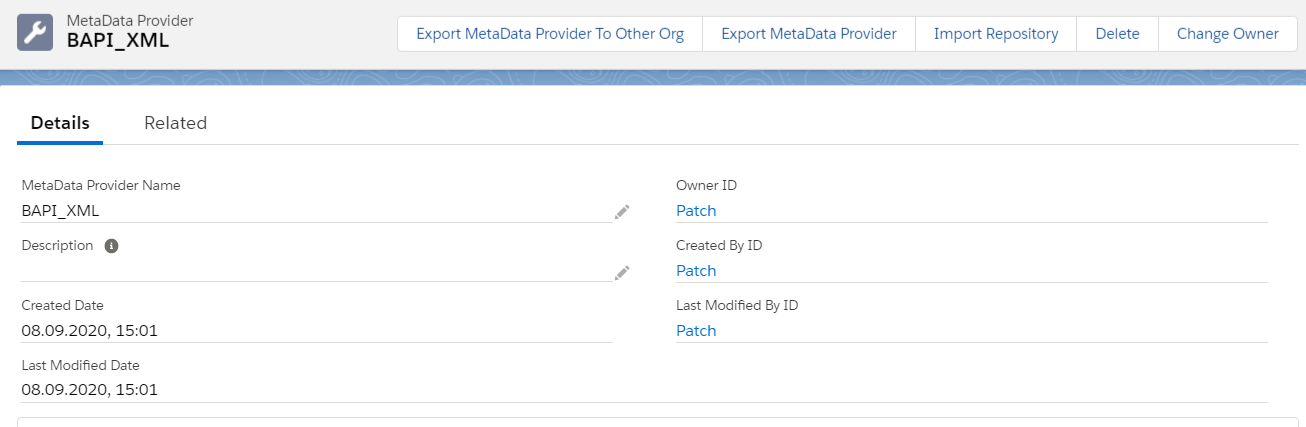
Ping connection is working. Create Metadata Provider
Create Repository
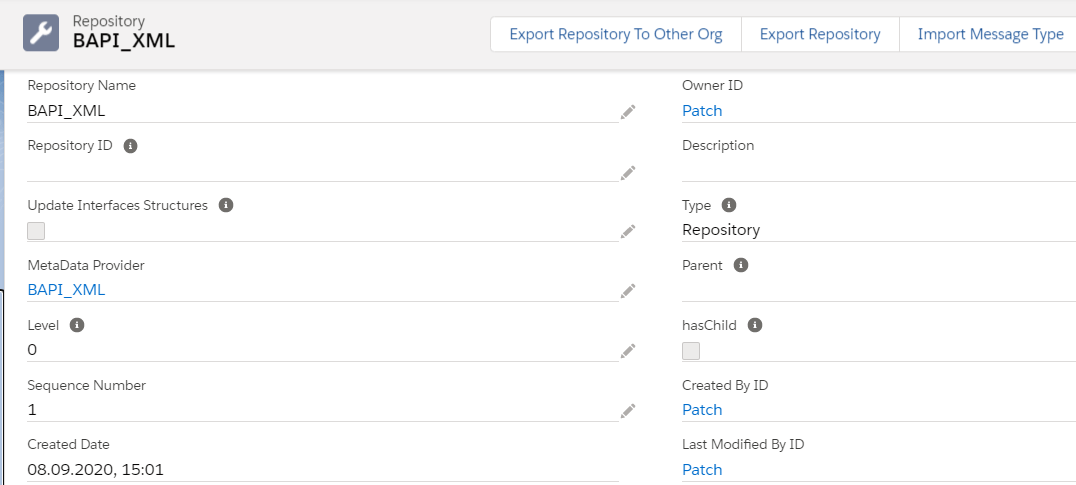
From the Repository Click on Import SAP Metadata Tab
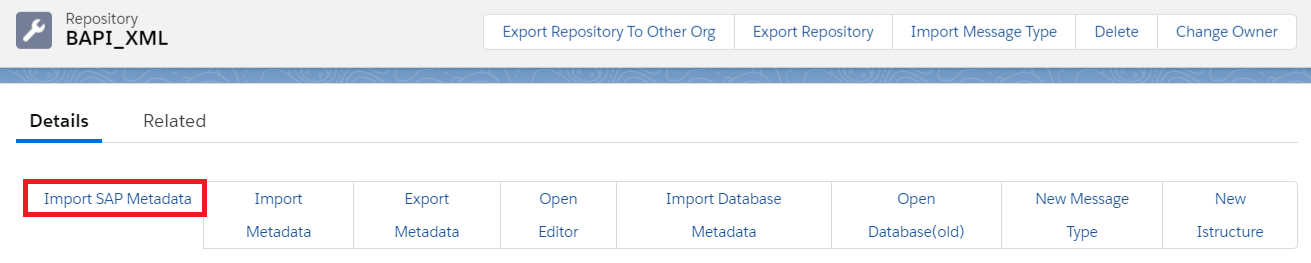
Here we need to give the details of Connection Destination which we created earlier in the SAP Control Board and RFC destination from SAP and the Select the Application Data type IDOC/RFC.

Now click on Retrieve to create the message type from SAP