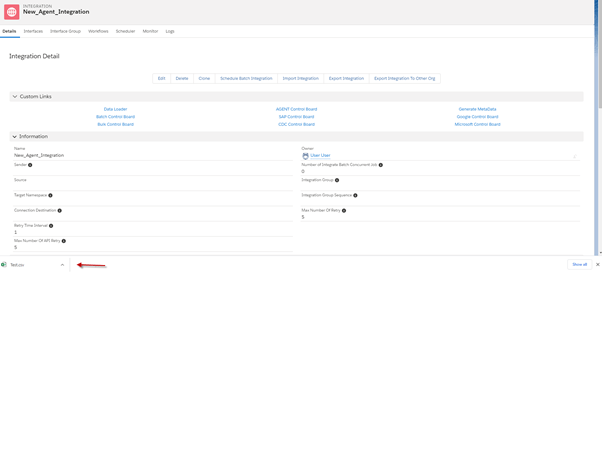
How to export csv data using the Data Loader?
The DataLoader is used for importing and exporting data from/in CSV, XML, or JSON file format. We can do export Starting from the Outbound interface.
Data Loader is running in Bulk mode. If we want to send data to email, we can check the flag batch mode.
[su_box title="Note" box_color="#2a8af0" title_color="#000000"] To use this mode please make sure that we have the library SKYVVA__Workspace. If not go to create it.[/su_box]
Usecase1:
Objective:
Export CSV File with outbound Interface without message type.
Pre-requisite:
- Create Integration and outbound Interface.
- Upload Istructure.
- Do mapping.
Steps to use CSV File with Outbound Interface
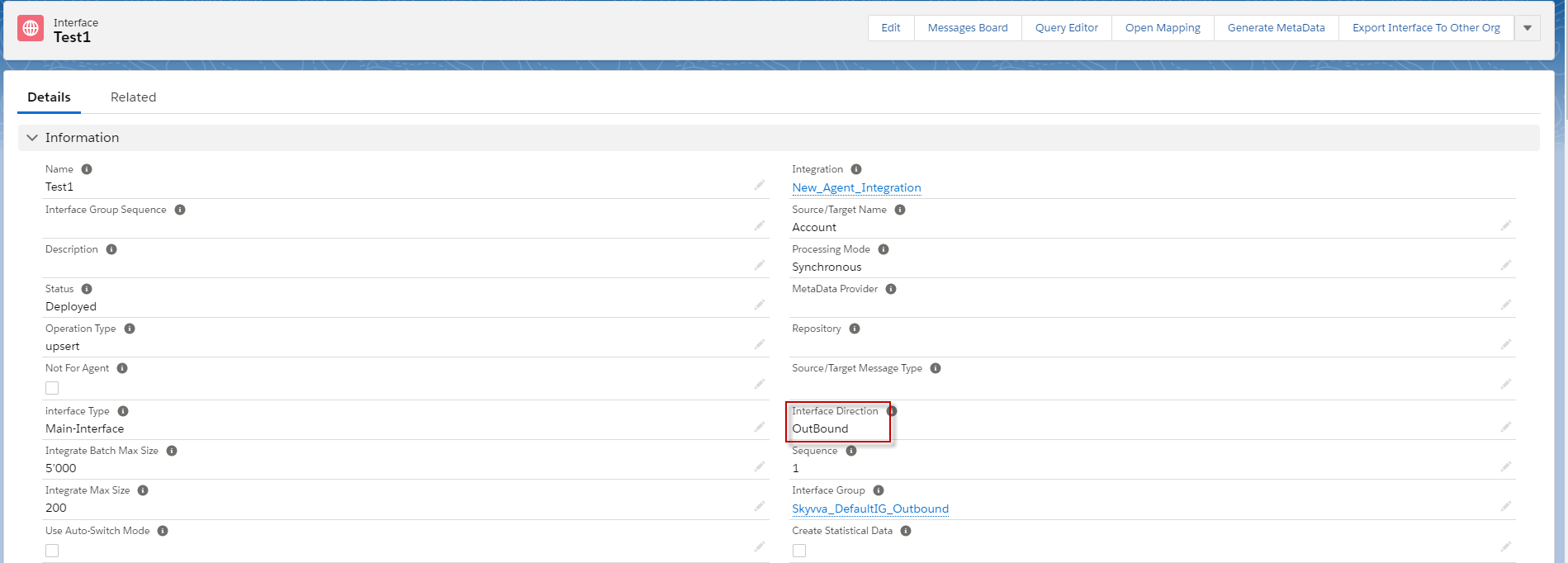
Step 1: Create Integration and Outbound Interface.
- Here’s Interface.
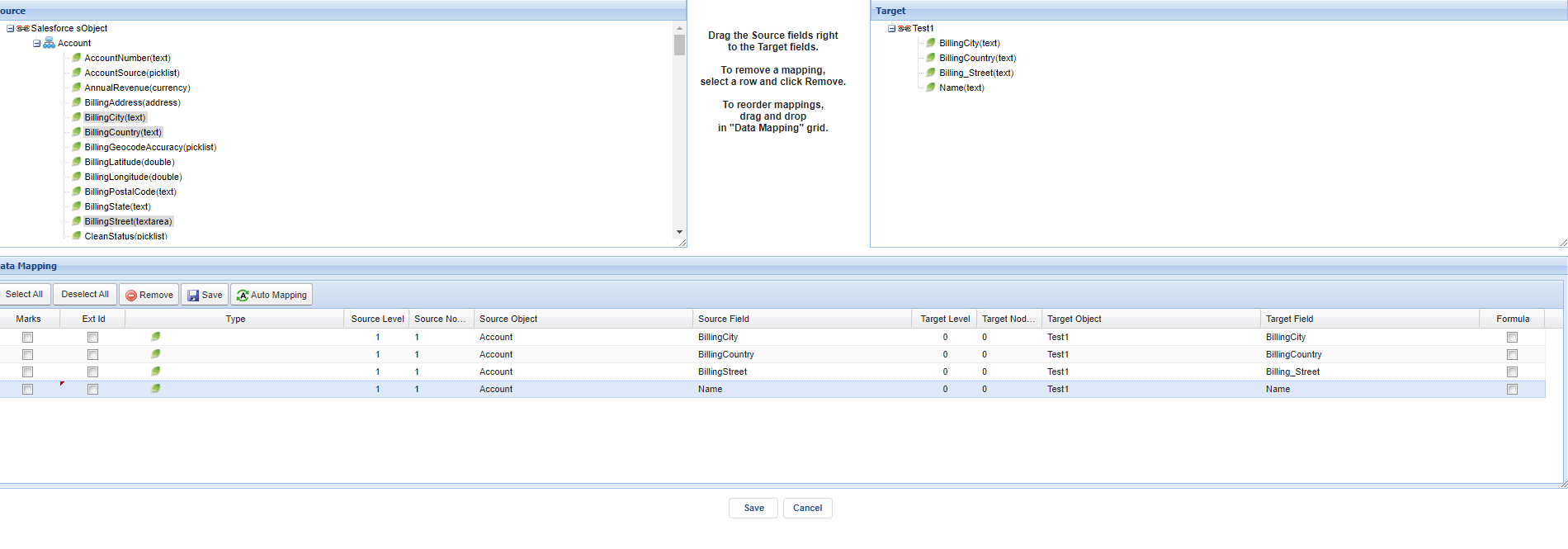
Step 2:do mapping
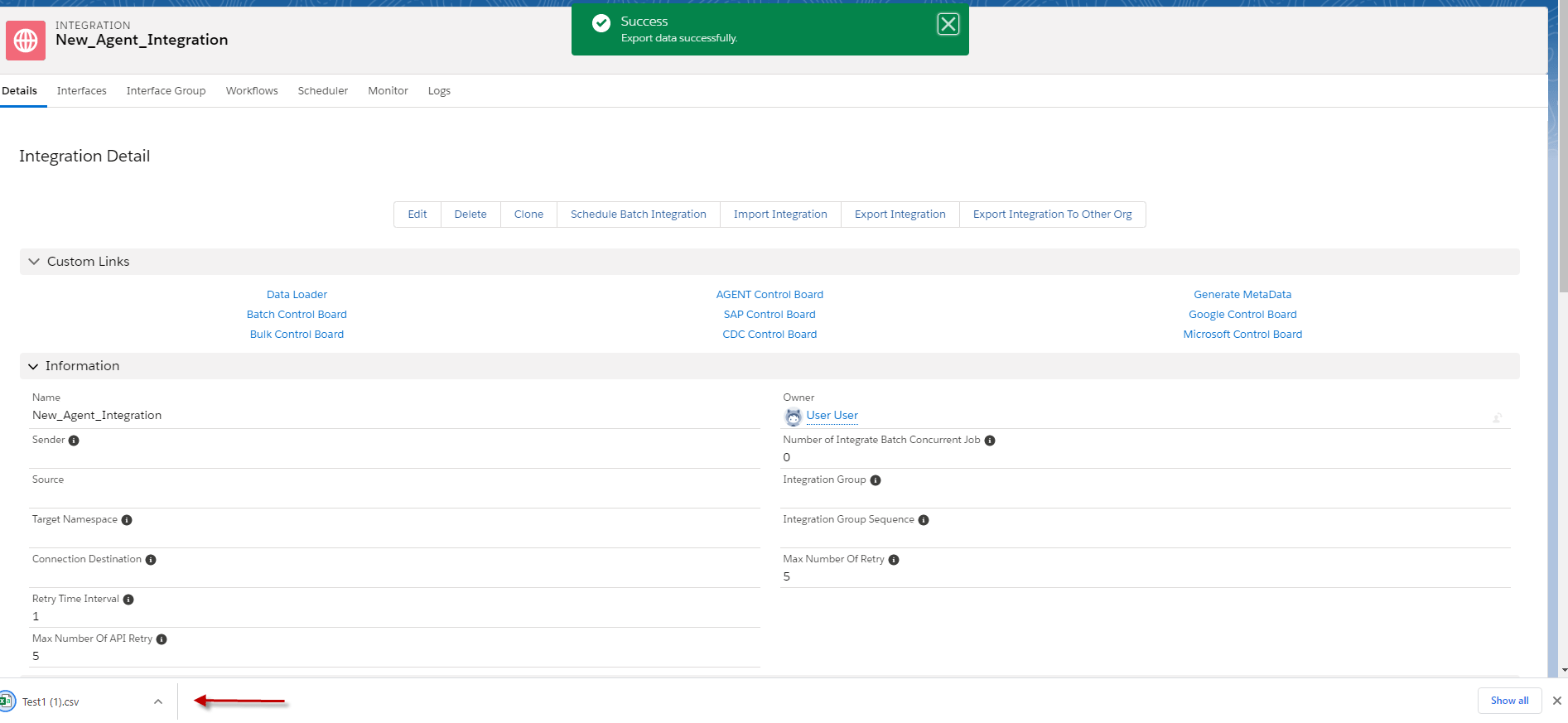
Step3: Go to Integration detail and click data loader.
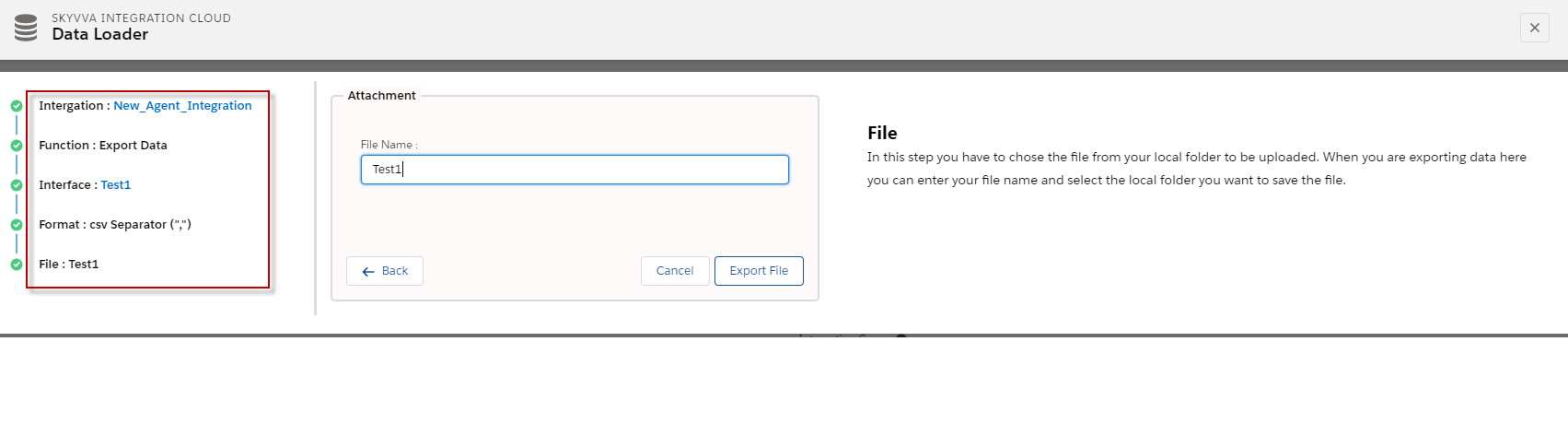
- Click export it will download automatically.
Usecase2:
Objective:
Import CSV File with outbound Interface with message type.
Pre-requisite:
- Upload message Type flat CSV.
- Create Integration and Inbound Interface.
- Do mapping.
Steps to use CSV File with Outbound Interface:
Step 1: Upload Message Type flat CSV.
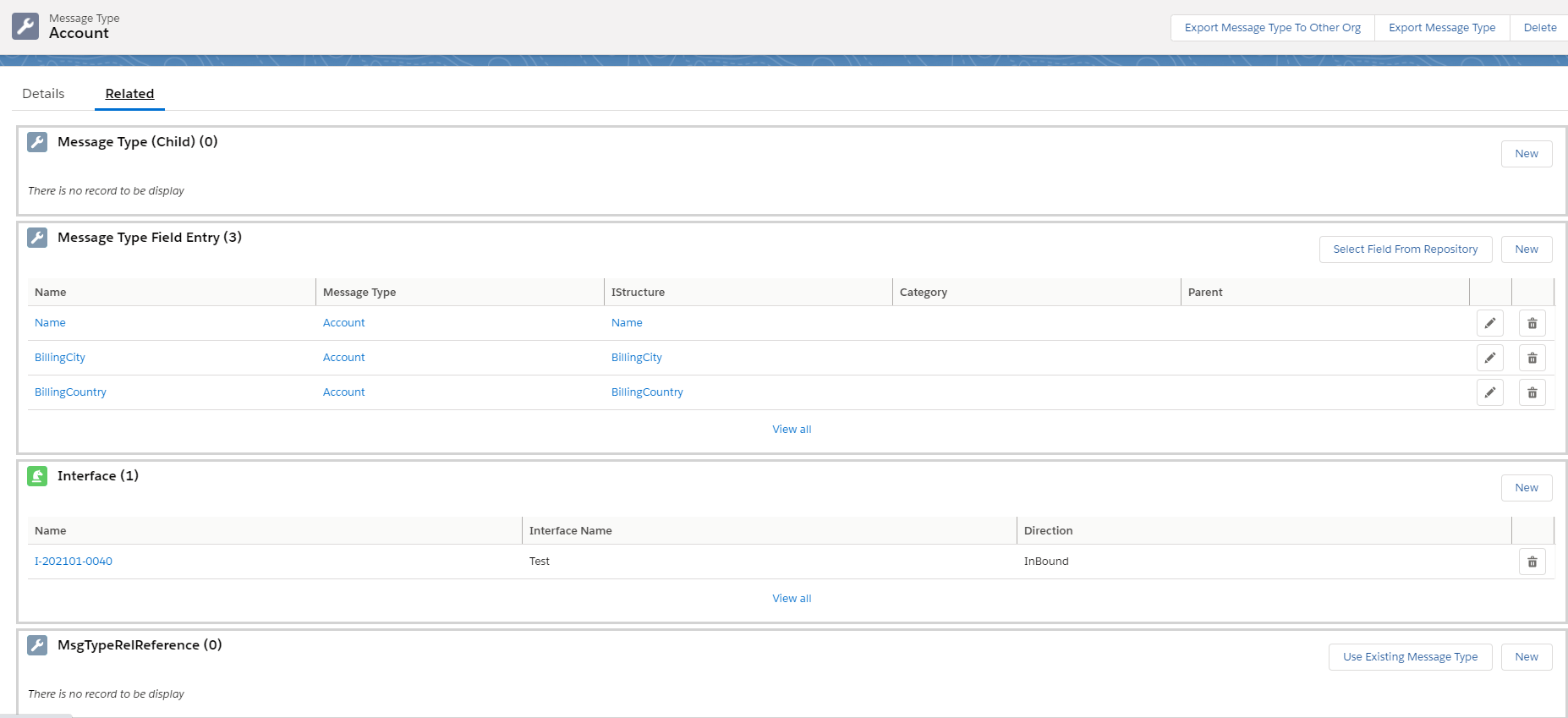
Step2: Create Integration and outbound Interface linked with message type.
- Here’s Outbound Interface.

Step 2: Do mapping.
- Here’s mapping

Step3: Go to Integration detail and click data loader.
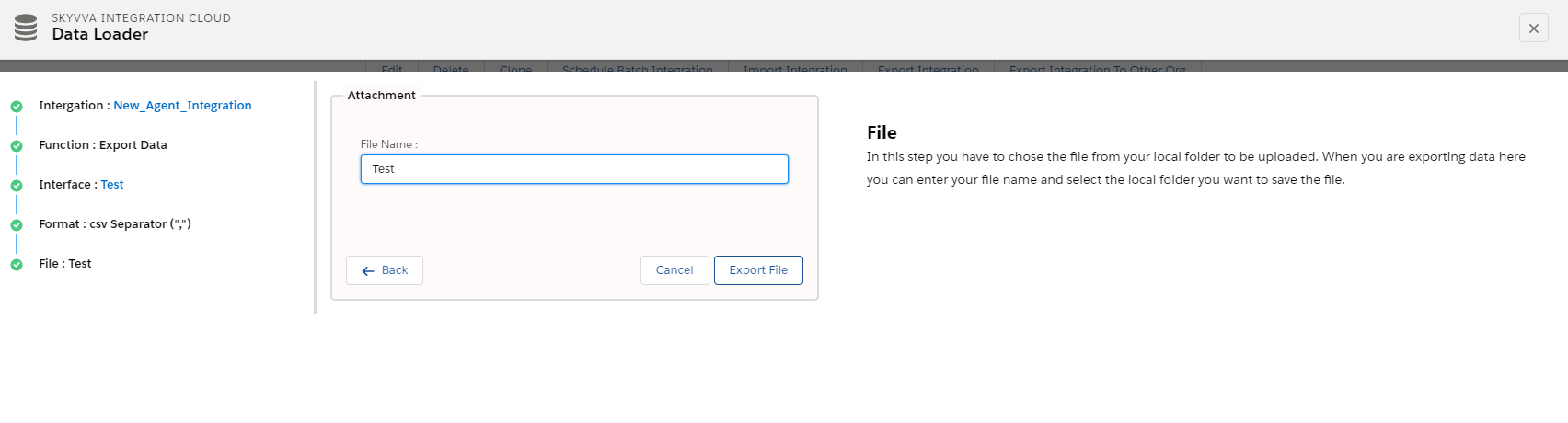
- Click export it will download automatically.