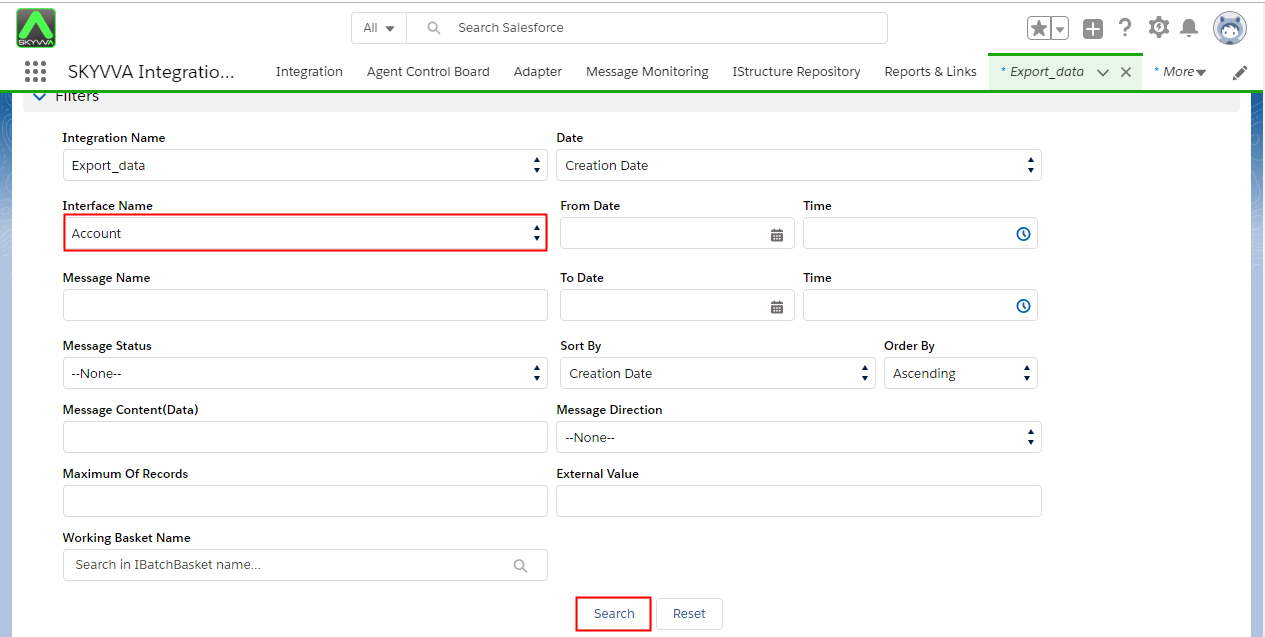
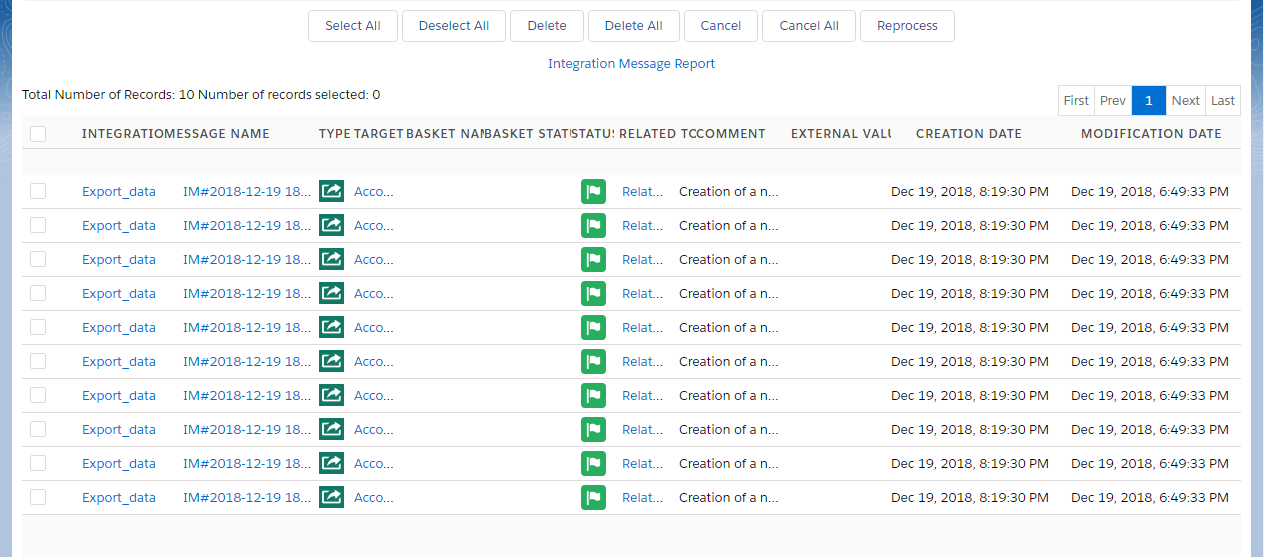
1. How to Export data without header for Agent component ?
Export Data without header for Agent Component Now user can export data from Salesforce without header with Agent Agent can export data without header with Adapter Type = File, FTP & File Type = CSV, Excel file.
- Go to Agent
- Select Integration
- Select Interface
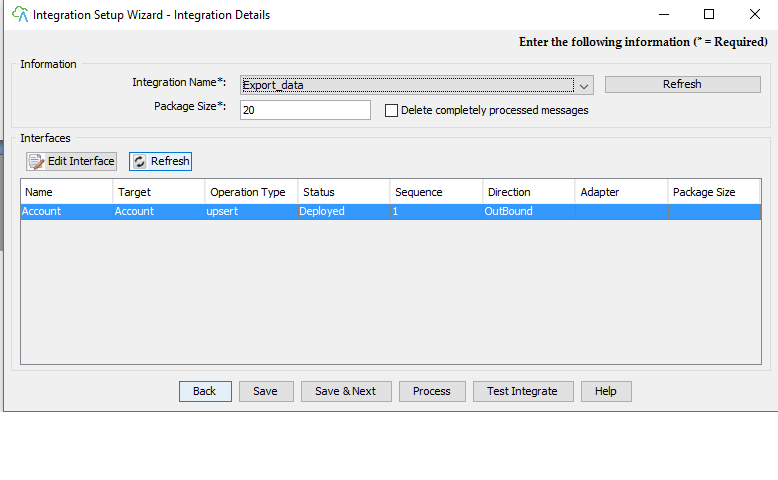
- Select interface and click on edit button
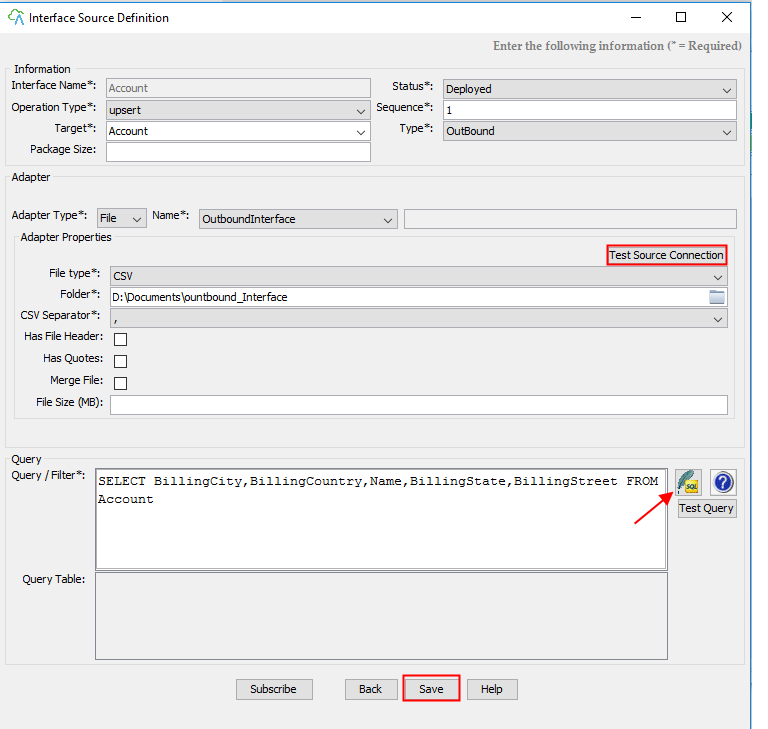
- Select BillingCountry, BillingStreet, Billing City, BillingState, Name from Account
- Click ok
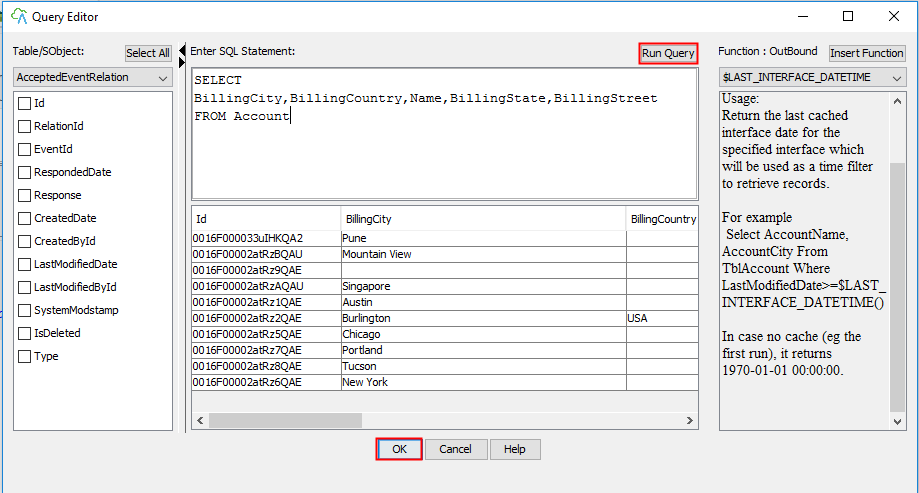
- Click ok
- Save
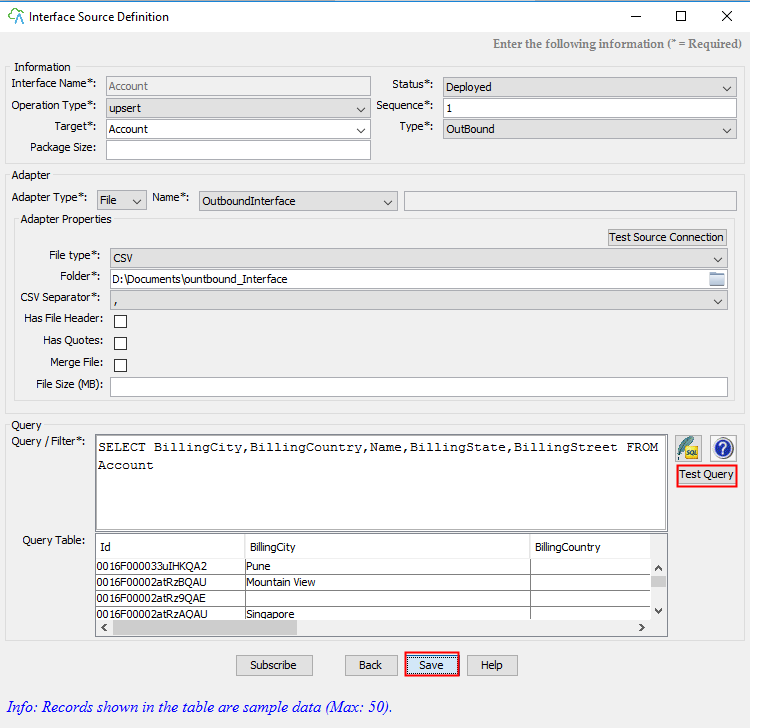
- Go to your Salesforce Dev
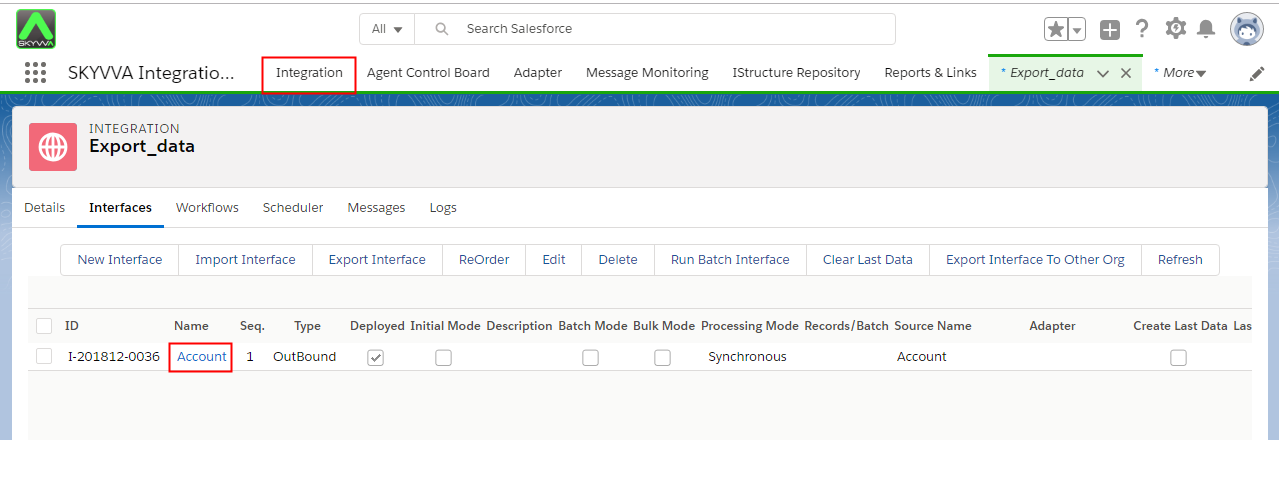
- Click on Interface
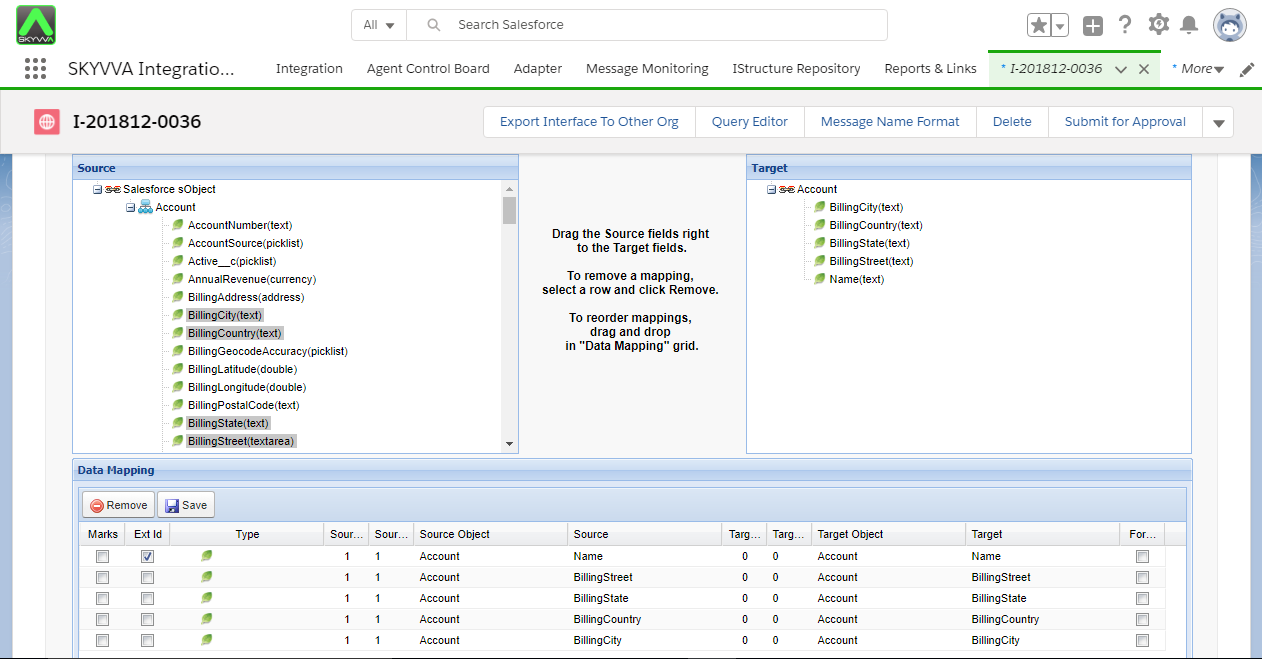
- Scroll down to Mapping Section & Map fields.
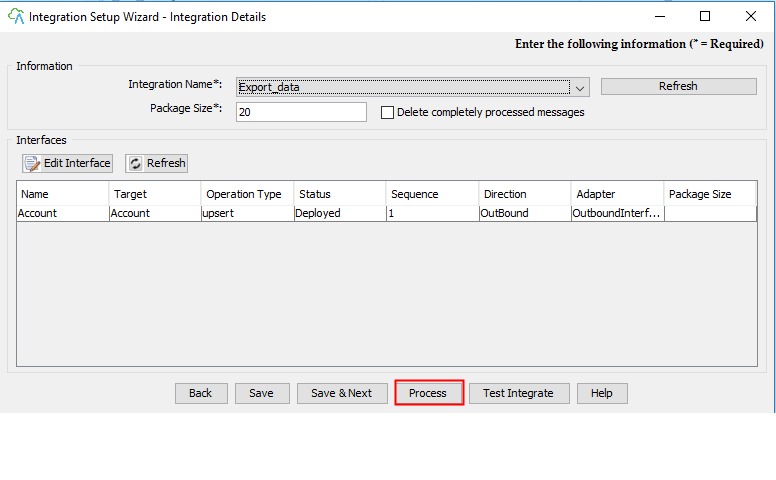
- Click on Process button
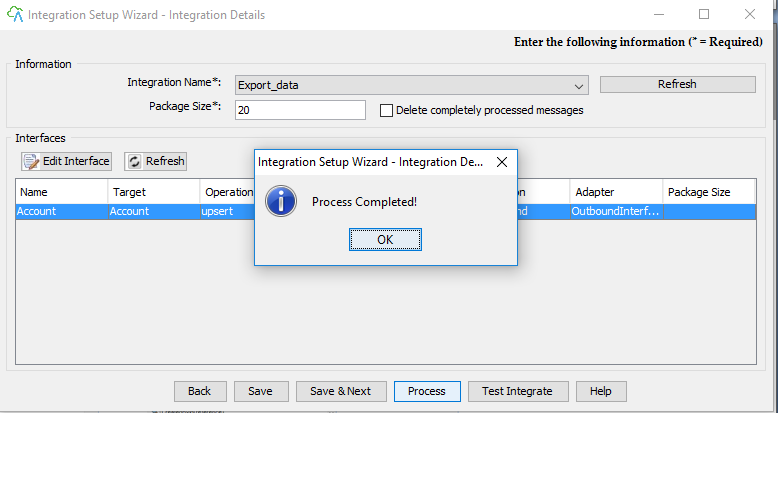
- Process complete
- Press ok
- Go to message board
- Click on Search button