1. How to use v2 processing with New Agent?
** Learning Objectives :-** This unit describes:-
- This unit describes how to use v2 processing with New Agent
- Configuration of v2 processing with New Agent
Introduction
Skyvva has an enhanced New Agent to work with processing v2. For users who want to use New Agent instead of Old Agent, They can keep the old Interfaces, workflows, and mapping or the rules that they had set before but they need to change the old adapter to new Agent Adapter. In this tutorial, we will learn how to enable the v2 processing with the New Agent.
How to do Inbound Integration v2 with New Agent.
We can do Inbound Integration v2 CSV, Excel and flat XML with the new Agent by just configuration the Agent file Adapter instead of the File Adapter. It supports normal mode, batch mode, bulk mode and Auto Switch mode. [su_box title="Note" box_color="#2a8af0" title_color="#000000"]In this case, we just show about Integration Inbound CSV. If the user wants to use excel or XML, the user can follow the same step like Integration Inbound CSV . [/su_box] Pre-required
- Integration and two inbound Interface to make a chain.
- Connection Agent Control board.
- Create Agent file Adapter.
- Linked adapter with interface
Step1: Go to Interfaces Inbound processing v2.
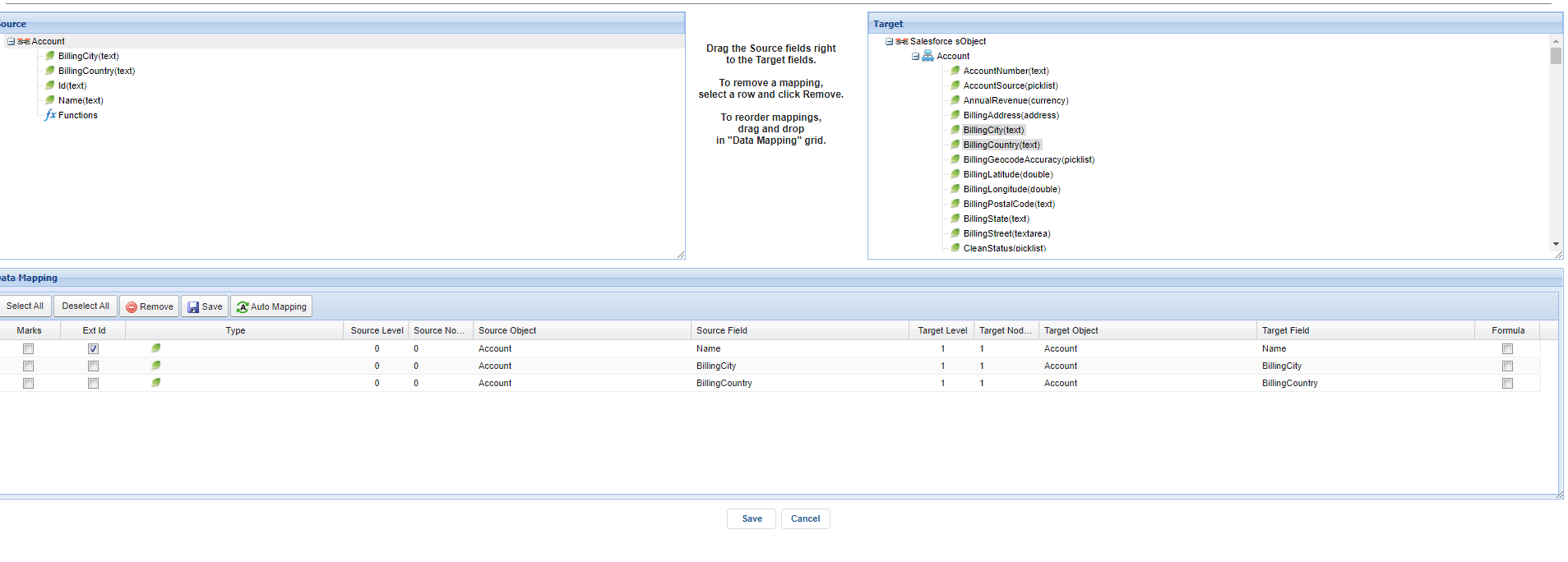
- Here’s the V2 Account Interface.

- Here's the mapping
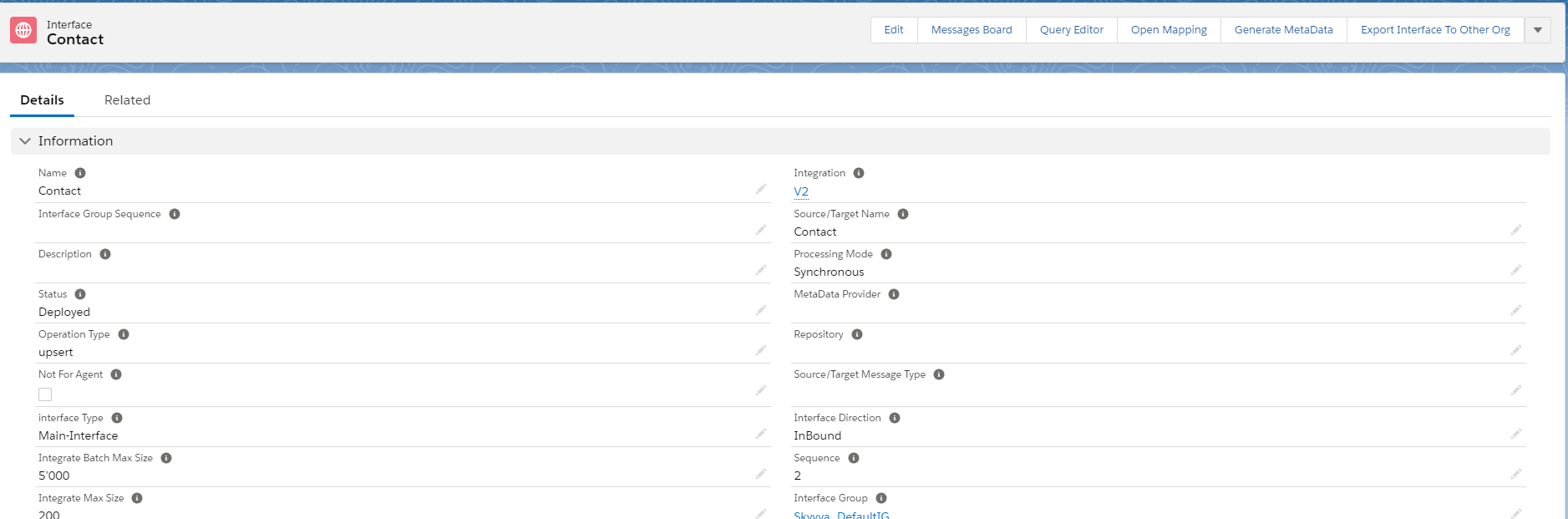
- Here's V2 Contact Interface.
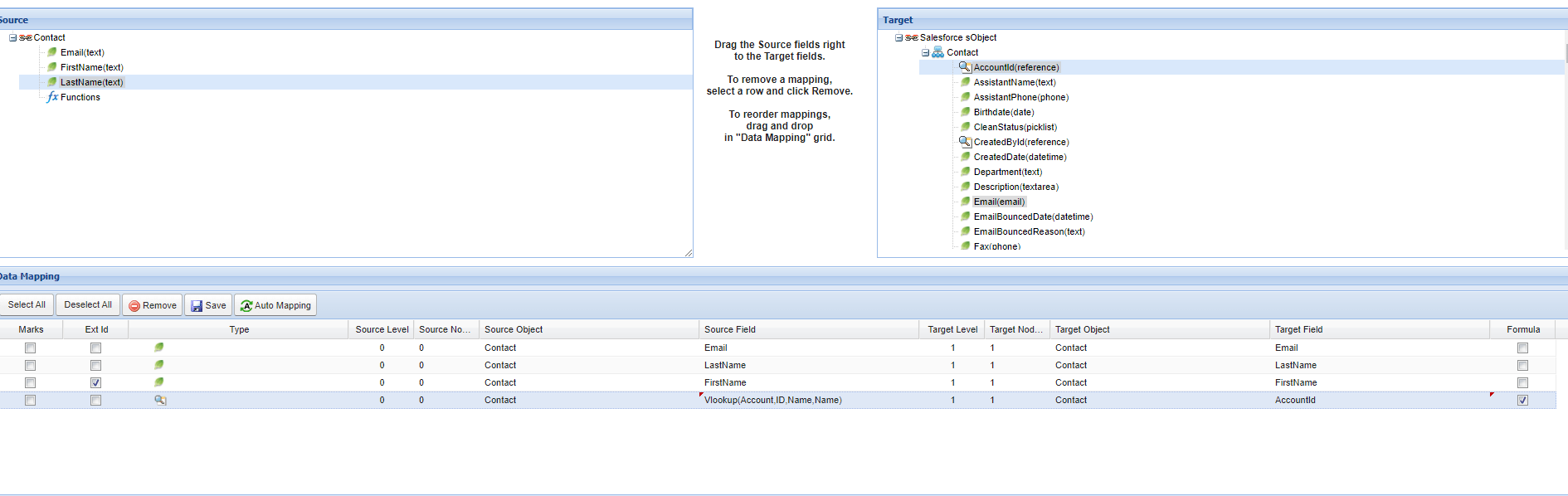
- Here's the mapping
We need to using Ichain to connect Account and Contact has relationship.
- Go to Interface account related and configuration ichain.
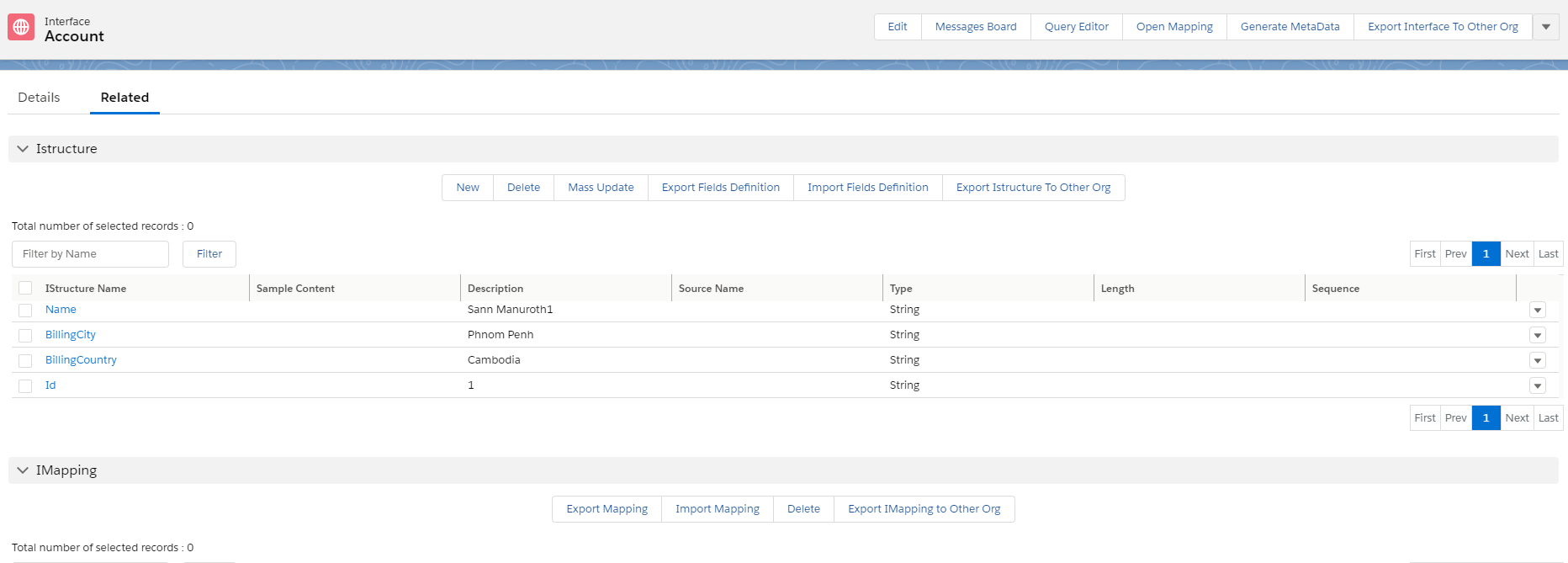
- Click new Ichained Interface.

- See the example below.

Step2: Connection Destination. We need to create a Connection Destination on New Agent Control Board to using Agent File Adapter.
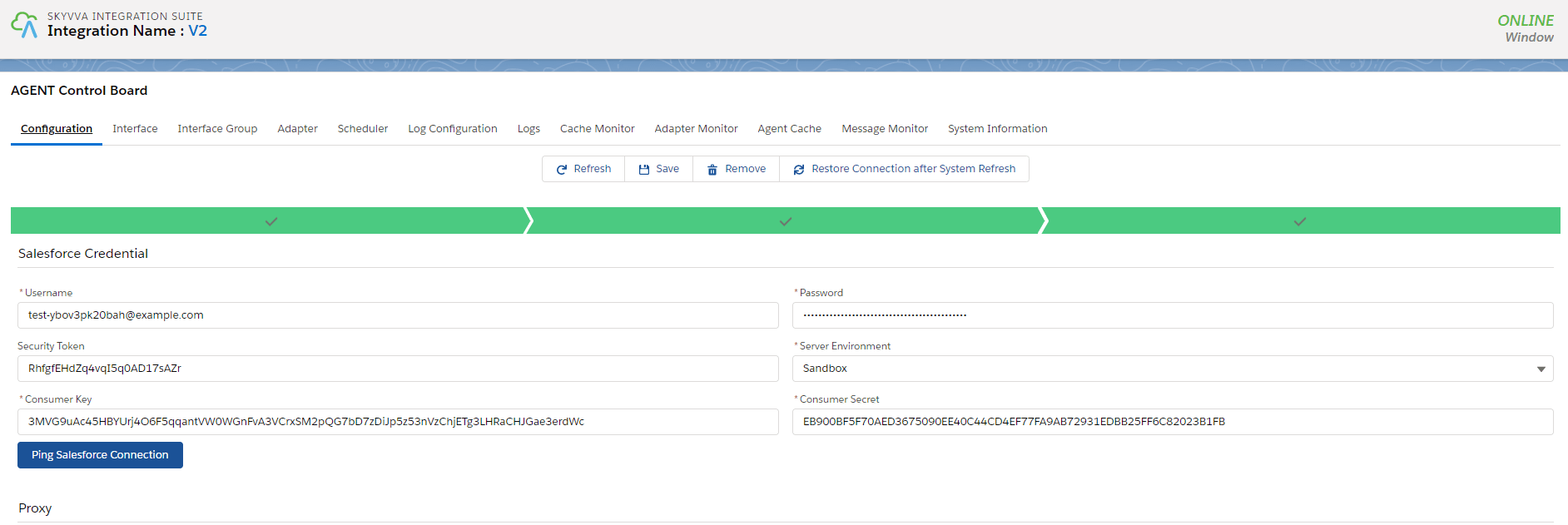
Then we connected the destination successfully we need to create Agent File Adapter.
- Create Agent File Adapter.

Step3: Linked Adapter with Interface Account.

Step4: Go to the Adapter on the agent control board and click the button Start.
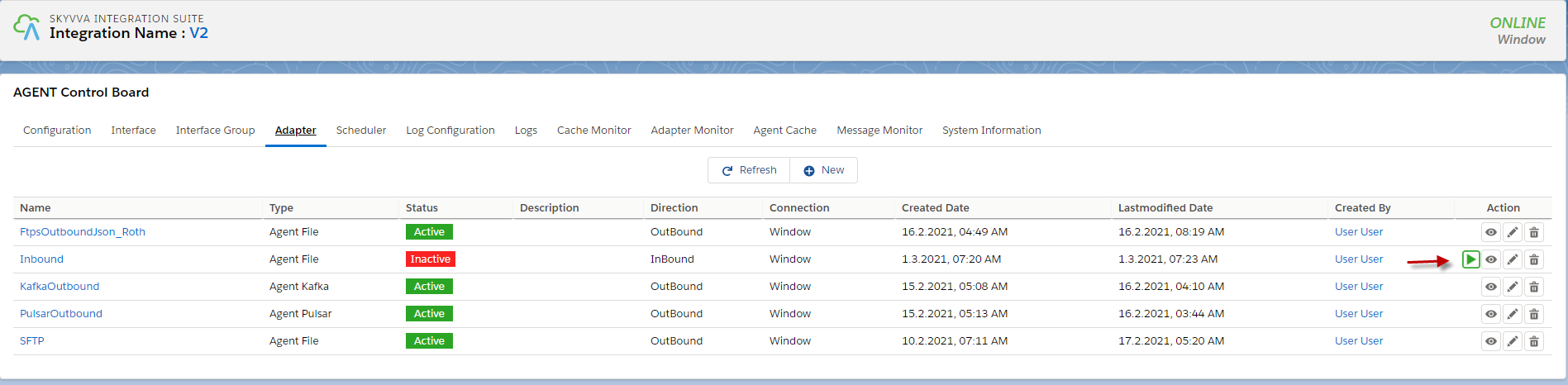
- Go to monitor to check the result.

How to do Outbound Integration v2 with New Agent.
We can do Outbound Integration v2 CSV, Excel and flat XML with the new Agent by just configuration the Agent file Adapter instead of the File Adapter. [su_box title="Note" box_color="#2a8af0" title_color="#000000"]In this case, we just show about Integration Outbound CSV. If the user wants to use excel or XML, the user can follow the same step like Integration Outbound CSV . [/su_box] Pre-required
- Integration and Outbound Interface
- Connection Agent Control board.
- Create Agent file Adapter.
- Linked adapter with interface
Step1: Go to Interfaces Inbound processing v2.
- Here’s Outbound Interface.

- Here's mapping
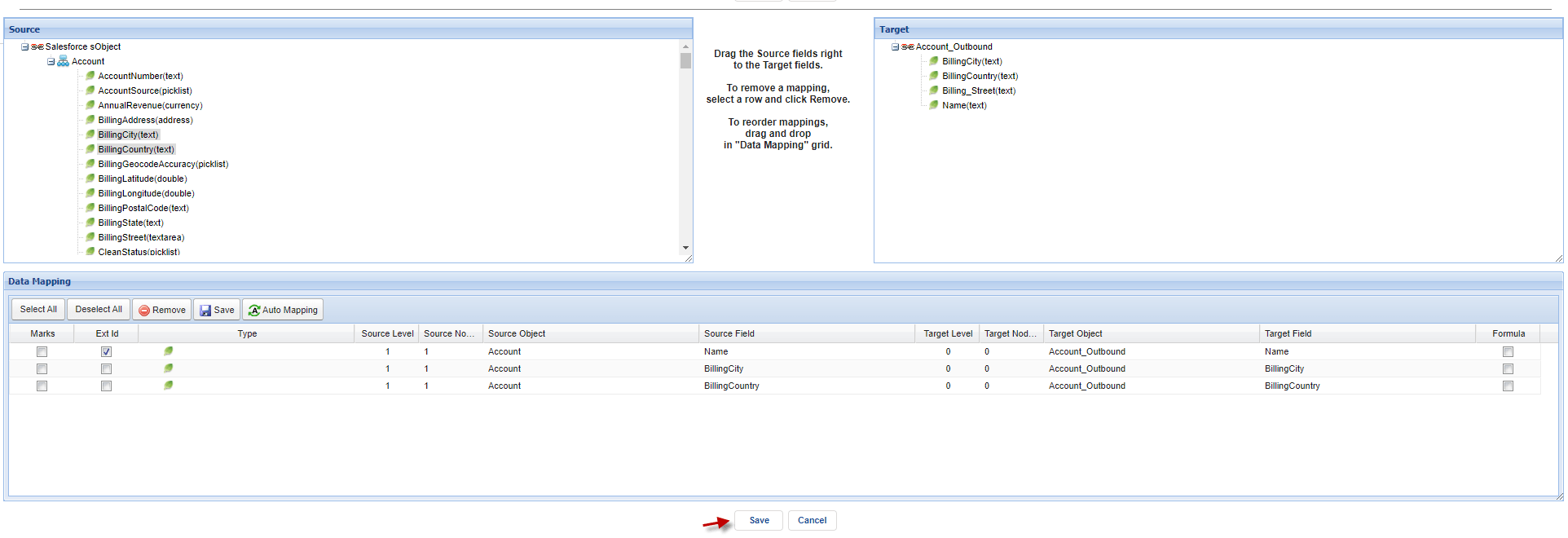
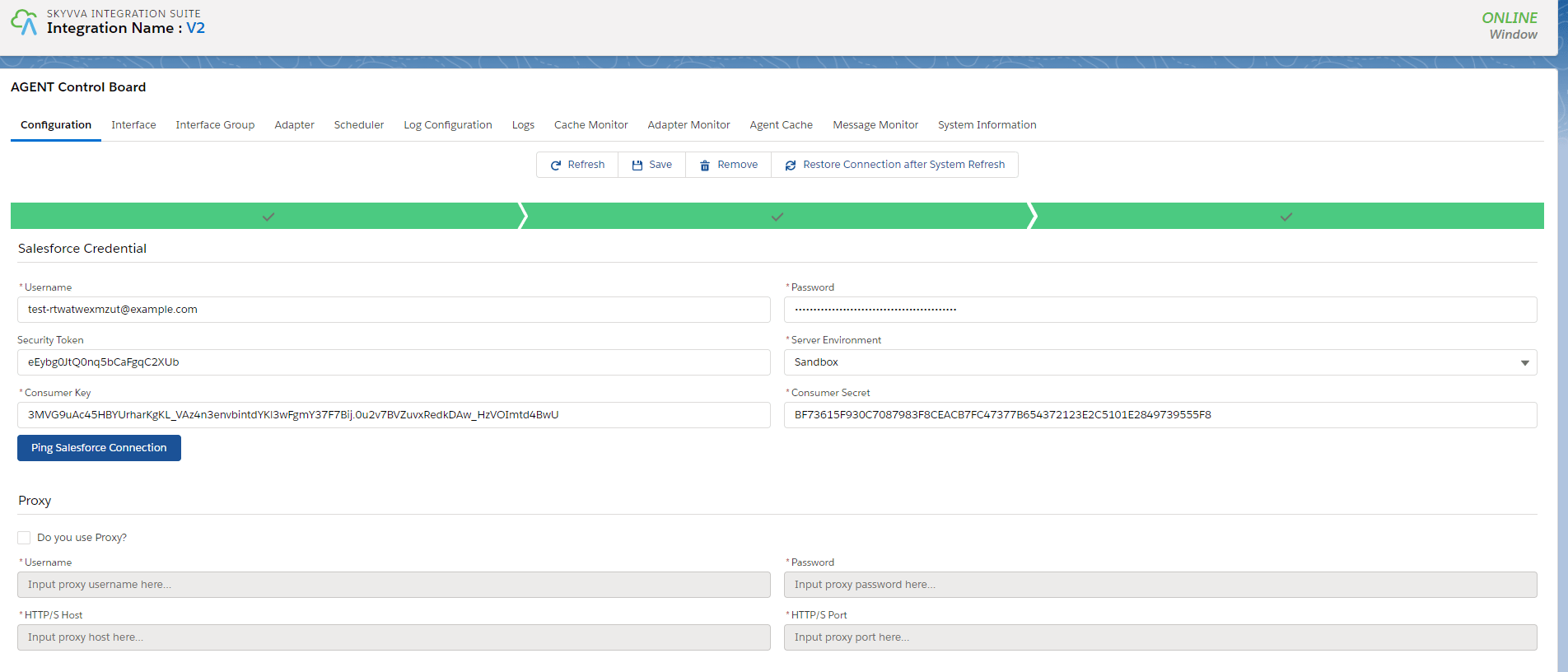
Step 2: Connect destination with Agent control board new. Go to Integration and click Agent control board.
- Here’s the destination.
- Create Agent file Adapter.
- Here’s Adapter.

- Checking caches
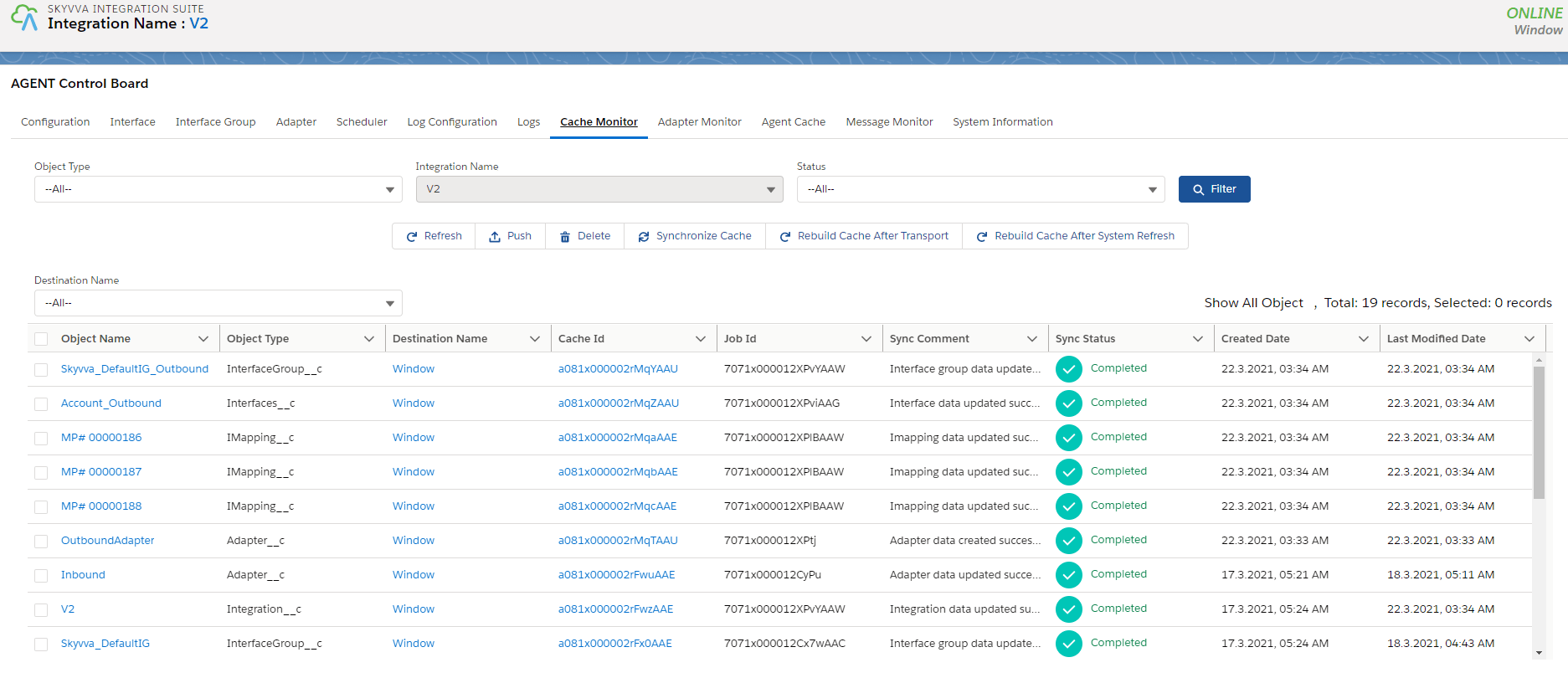
- Go to Interface to process outbound.
- Select Interface that we want to do outbound and click manual process.

- Select Manually select the sObject using the query builder.
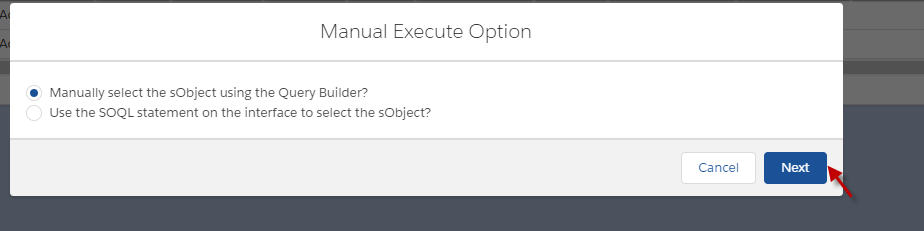
- Click Execute SOQL
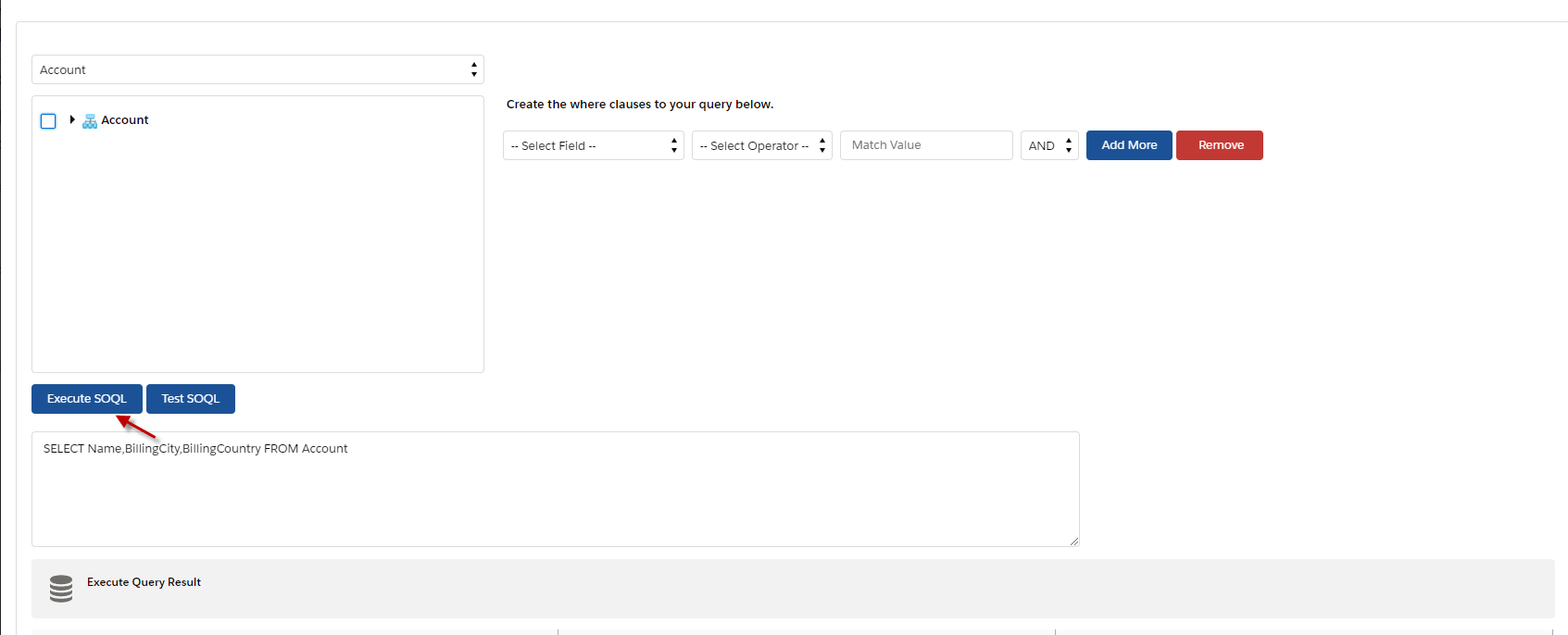
- Select Account that we want to do outbound and click ok.

- Click Send button.
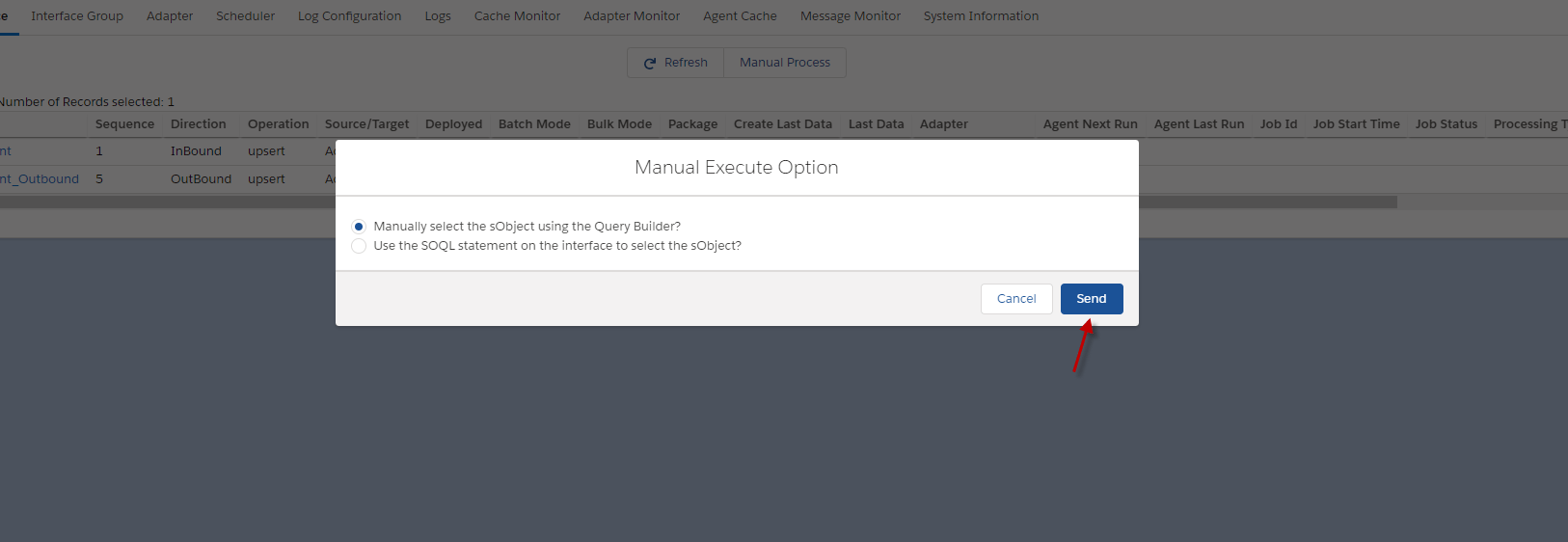
- Go to monitor to see the result.
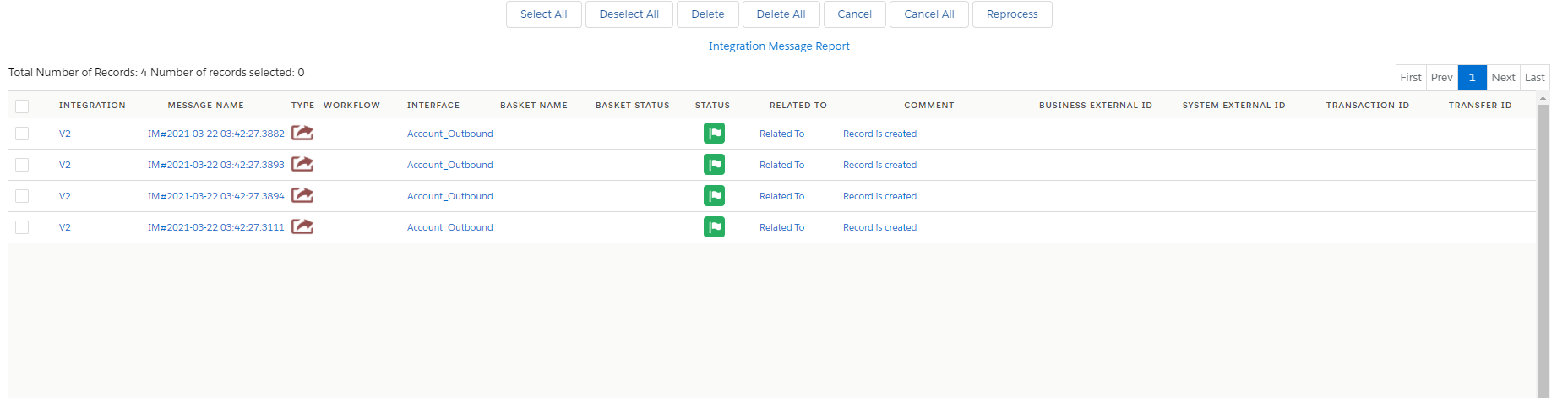
- Here are the records that we do outbound.
