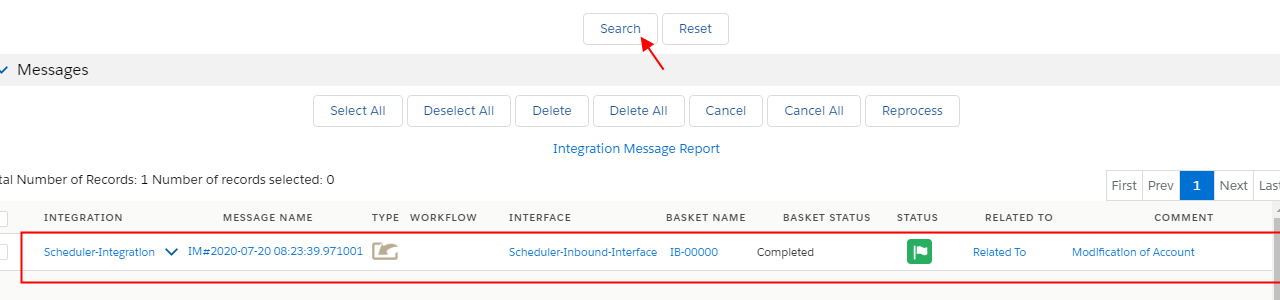
1. Inbound Processing
Inbound Processing
Within Agent, Control Board operations can be executed a number of ways, such as manually, automatically via an API call, or automatically via a schedule. This page covers setting up a schedule to run your operation automatically. Schedules contain information about when an operation will automatically be activated. Agent Control Board lets you define virtually any type of schedule you need, such as every Friday at 5 pm, the last Friday of each quarter, or every hour for one day.
The functionality of Agent Scheduler
These schedules are important. They play different roles. To know more detail about these schedulers, you can check them below: [su_box title="Note" box_color="#2a8af0" title_color="#000000"]Schedulers is a type of scheduled job which runs regularly bases on-time setting. There are categories of Schedulers.[/su_box]
- Schedule per integration: is a global scheduler process all interfaces on integration, it will skip either Interface group or interface that is running its scheduler.
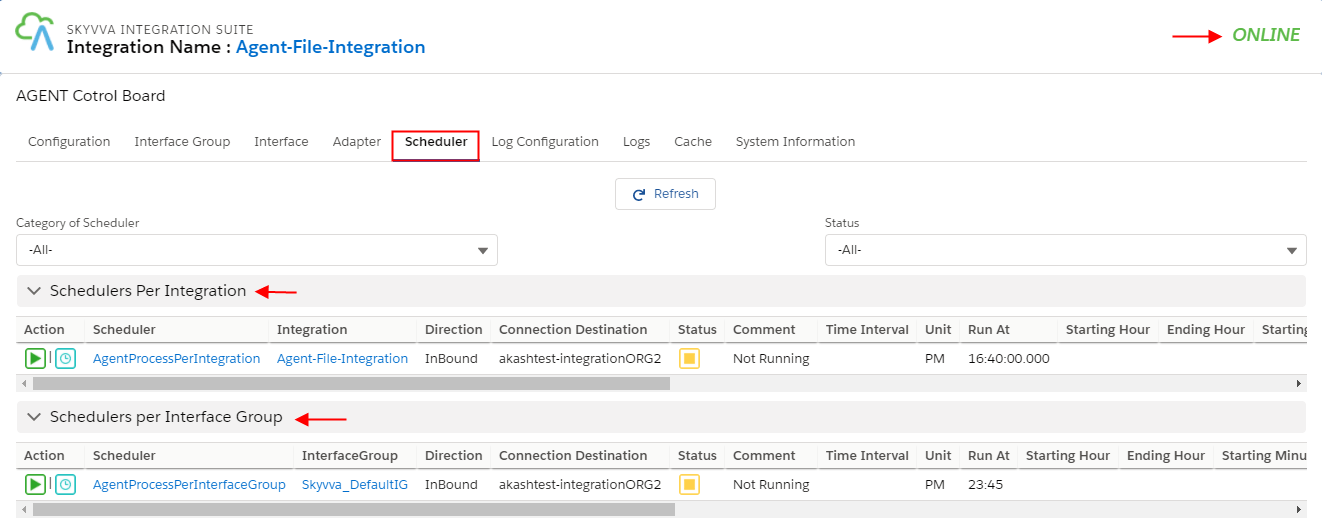
- Schedule per-interface group: process all interfaces in the group, if the scheduler has been started then all the schedule of the interface in this group will stop automatically.
- Schedule per interface: it will process a specific interface. It cannot be started if its interface group scheduler has already started.

- Other: Others are Scheduler which doesn't fit the above 3 categories which are per Integration, per Interface group, and per Interface. This Scheduler has come under the section ilog__2 table using a Scheduler from Agent.
Prerequisite Before setup the scheduler, there are some properties you must know:
- Schedule Mode →There are two types of modes that you can choose. These modes are Processing and Reprocessing.
- Integration Name →The name of your integration.
- Interface Name →The name of your interface in an integration.
- Integration Mode →The direction of integration. Inbound
- Daily Frequency →
- Run at→ If you check this button it means you want the scheduler to run once a day but at a specific time.
2. Run every→ The scheduler will run every hour or minute depending on you who set them up. If you want to run every X hour then you have to choose Hours. However, you have to choose the starting time along with the ending time you want it to end.
- Weekly Frequency → The default is all day is selected. It means the scheduler will run every day. But if you want to skip one day or more you can deselect that day.
- Monthly Frequency → The function of this one is similar to the above. If you want the scheduler to skip then deselect the month you don’t want to run.
- Choose the schedule Mode →Processing or Reprocessing
- Choose Integration, Interface Name
- Select Integration Mode →Inbound
- Choose the one of Frequency you want to set for running
- Click Save.
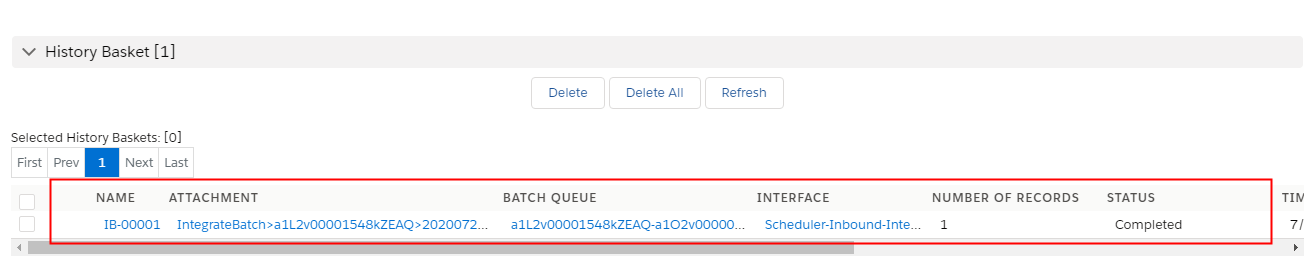
Agent Control Board Scheduler Inbound Processing Agent Scheduler is one of the SKYVVA schedules which is used in agent for running integration service. You can set up the scheduler as your wish. To find Agent Scheduler If you want to know where Agent scheduler is, please see the steps below: