4. Jump to Interface from message Monitor
On the page Integration Admin, we can open the message Monitor. The messages of all Integration will be shown there. You can now jump to an Interface from the list view. Steps to configure this feature:
- Click on the Integration tab
- Choose an Integration name
- Click on Messages tap
- Select the Search button to see all messages
Example: See screenshot below:
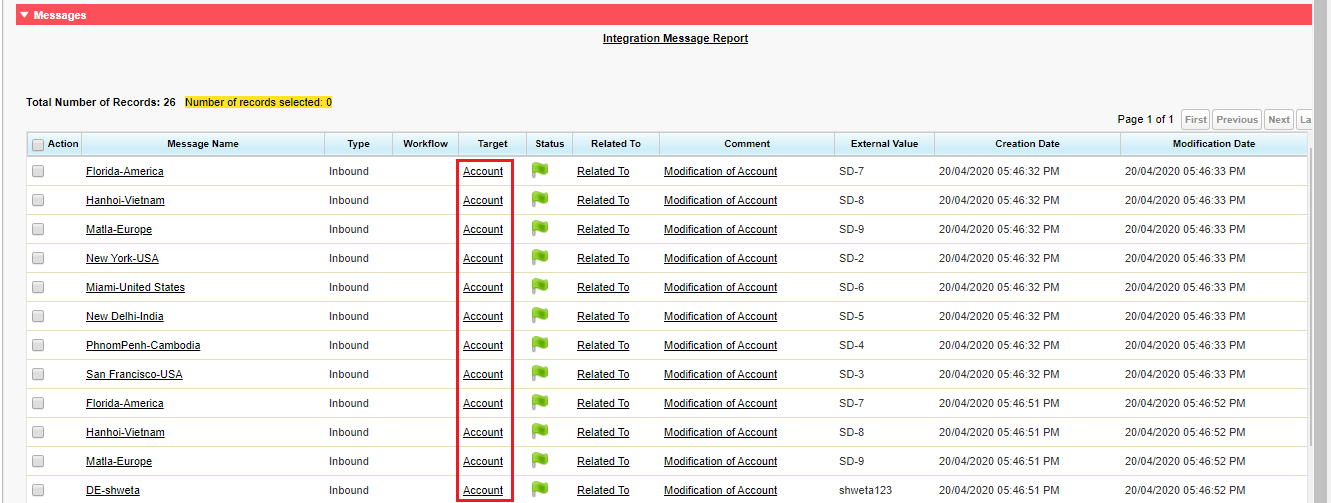
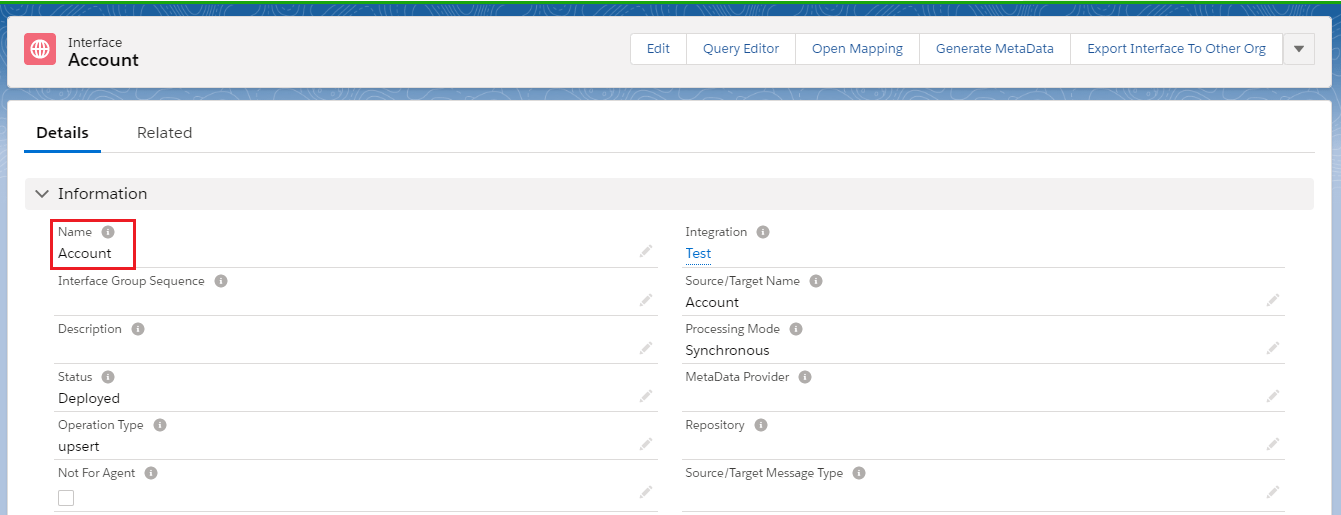
- Click on the interface to see the detail page:
The result after clicking on the interface:
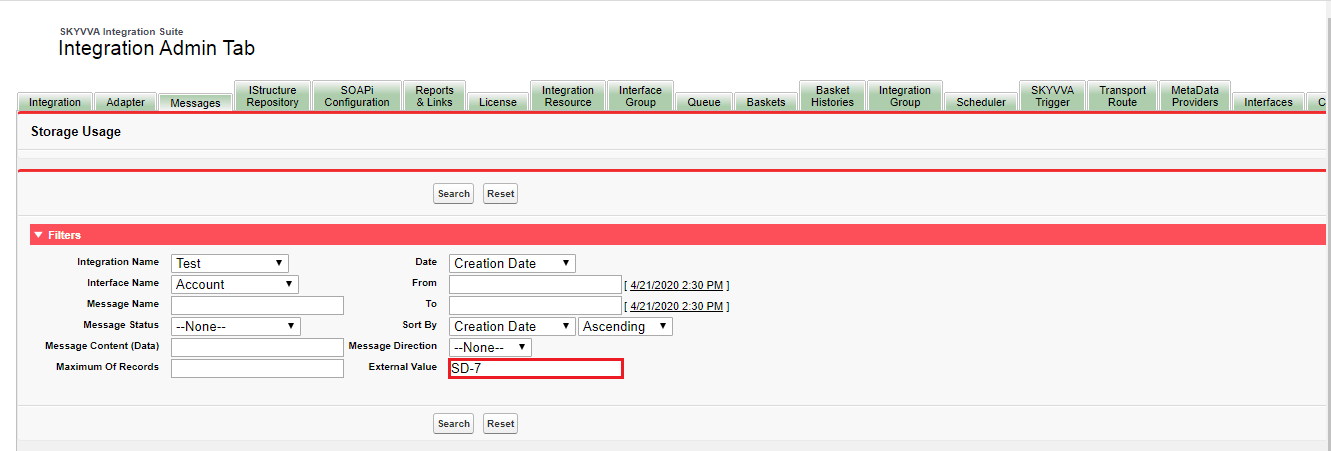
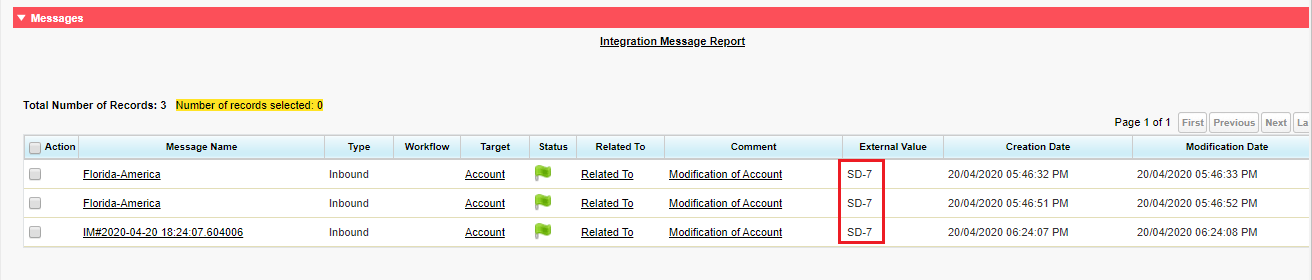
Search by external Value in message monitor
Before this version, the filter does not have the External value, but now it quite easy for the user to search more messages base on External value. This version adds the possibility to search with an 'external value'. As you can see the screenshots below show the External Value was added on the filter. If you want to find any message which has the same external value you can enter the value there so the messages will show the result on the section message.