9. RabitMQ Adapter
Summary
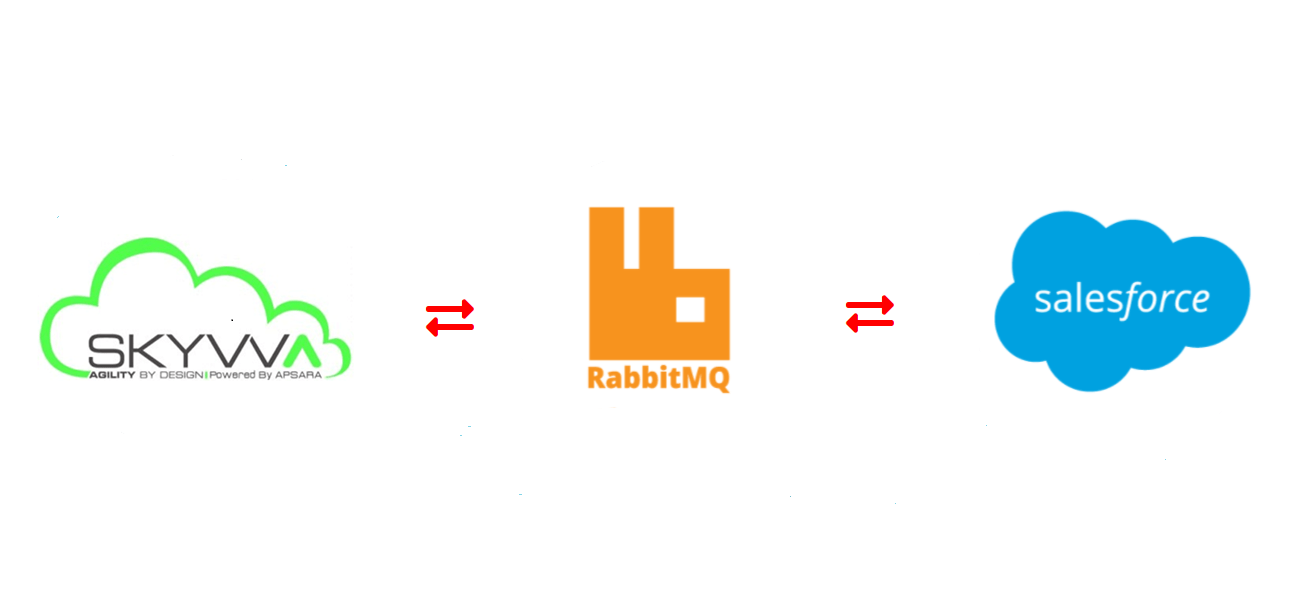
The Any Connect RabbitMQ Adapter provides an interface for entering user-provided input such as credentials to create an authenticated RabbitMQ connection. That connection provides the foundation to configure associated RabbitMQ activities that interact with the connection.
Supported API Versions and Prerequisites
The RabbitMQ Adapter uses the RabbitMQ Java Client v5.8.0. Refer to the RabbitMQ documentation for information on the schema fields. The RabbitMQ connector requires the use of an Agent version 10.1 or later. These agent versions automatically download the latest version of the connector when required.
Connector Overview
This connector is used to first configure a RabbitMQ connection, establishing access to RabbitMQ, and then used to configure one or more RabbitMQ activities associated with that connection as a source or target within an operation:
- Get: Gets a message at a RabbitMQ endpoint and is intended to be used as a source in an operation.
- Get Bulk: Gets messages at a RabbitMQ endpoint and is intended to be used as a source in an operation.
- Acknowledge: Sends an acknowledgement to a RabbitMQ endpoint and is intended to be used as a target in an operation.
- Publish: Publishes a message to a RabbitMQ endpoint and is intended to be used as a target in an operation.
- Publish Bulk: Publishes messages to a RabbitMQ endpoint and is intended to be used as a target in an operation.
Together, a specific RabbitMQ connection and its activities are referred to as a RabbitMQ endpoint.
Mandatory Properties
- exchangeType - Pick List consisting of 4 values i.e. direct, topic, headers, fanOut. direct will be the default value. Its a String type value.
- exchangeName - Name of the exchange. It's a String-type property.
- host- String type. Denotes the IP address of the Rabbit MQ server.
- port- String type. Denotes the port number of the Rabbit MQ server.
- routingKey - String type. Denotes the key with which an Exchange will bind in order to deliver or consume a message.
Common Properties
- username - String type. Contains the connection username.
- password - String type. Contains the connection password.
- isSSLRequired - Boolean. Default is false. Denotes whether to use SSL to connect to Message Broker.
- filetype - Pick List. Should contain CSV, XML, JSON, Binary & EXCEL
- separator - Picklist. Should contain following values , ; | Tab
- has_file_header - Boolean
- has_quotes - Boolean
- xmlRootTag- String type.
– How to use RabbitMQ Outbound Adapter for CSV Payload format?
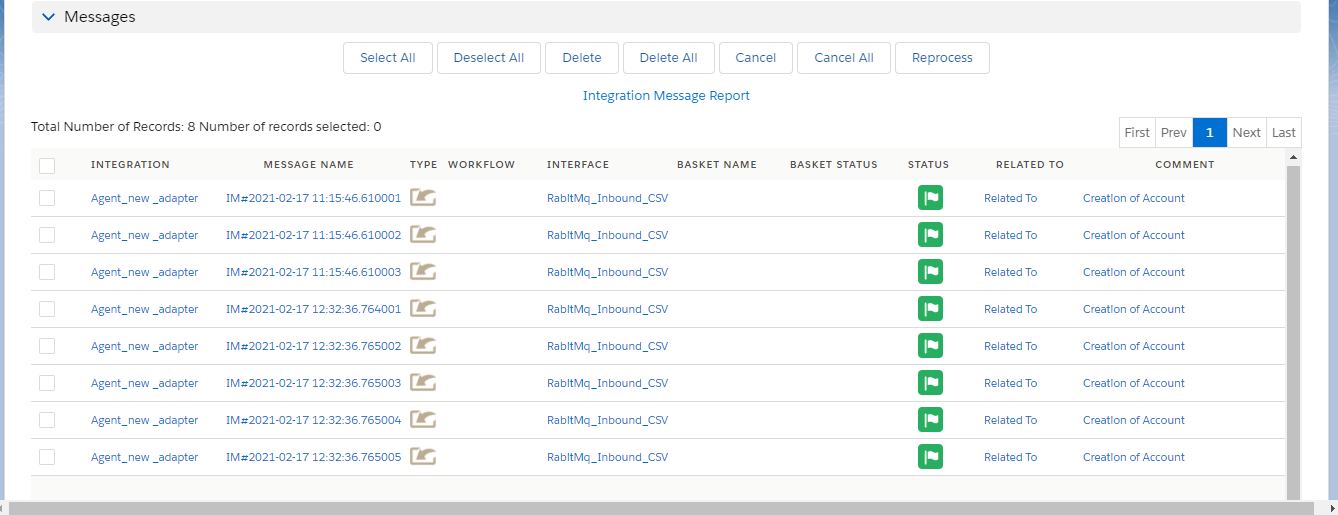
– How to use RabbitMQ Inbound Adapter with CSV Payload?
[su_box title="Note" box_color="#2a8af0" title_color="#000000"] In Inbound direction we don't need to execute any callout logic because you are sending data RabbitMQ server to Salesforce side. You just need to start route example: go to adapter tab => All adapter will display in the list view and you just need to click on the start button and your route will be started automatically or you can change adapter status inactive to active and it also starts route automatically. If you will make any changes inside the adapter property then you need to stop the route and start again after your changes will reflect server.[/su_box] After data sent successfully, you will get Message Published notification on the web page.