SAP Business ByDesign Adapter Operation Delete.
Introduction
The Skyvva adapter for SAP Business ByDesign provides a seamless connection between the SAP Business ByDesign system and Salesforce. This adapter offers a straightforward way to delete records within the SAP Business ByDesign system. With this feature, users can easily remove unwanted records, ensuring data accuracy and maintaining a clean system.
To Delete record in sap business by design using OData, we need to using sap business by design adapter with operation DELETE and we need to know the ObjectID which will use in PATH Parameter.
How to delete record in sap business bydesign?
Pre-required
- Create Integration
- Create Connection Destination in Sap bydesign.
- Create Metadata and Repository
- Generate Message Type of Material
- Create Request Interfaces and linked with message Type
- Create Sap Business Bydesign adapter and Linked with request Interface.
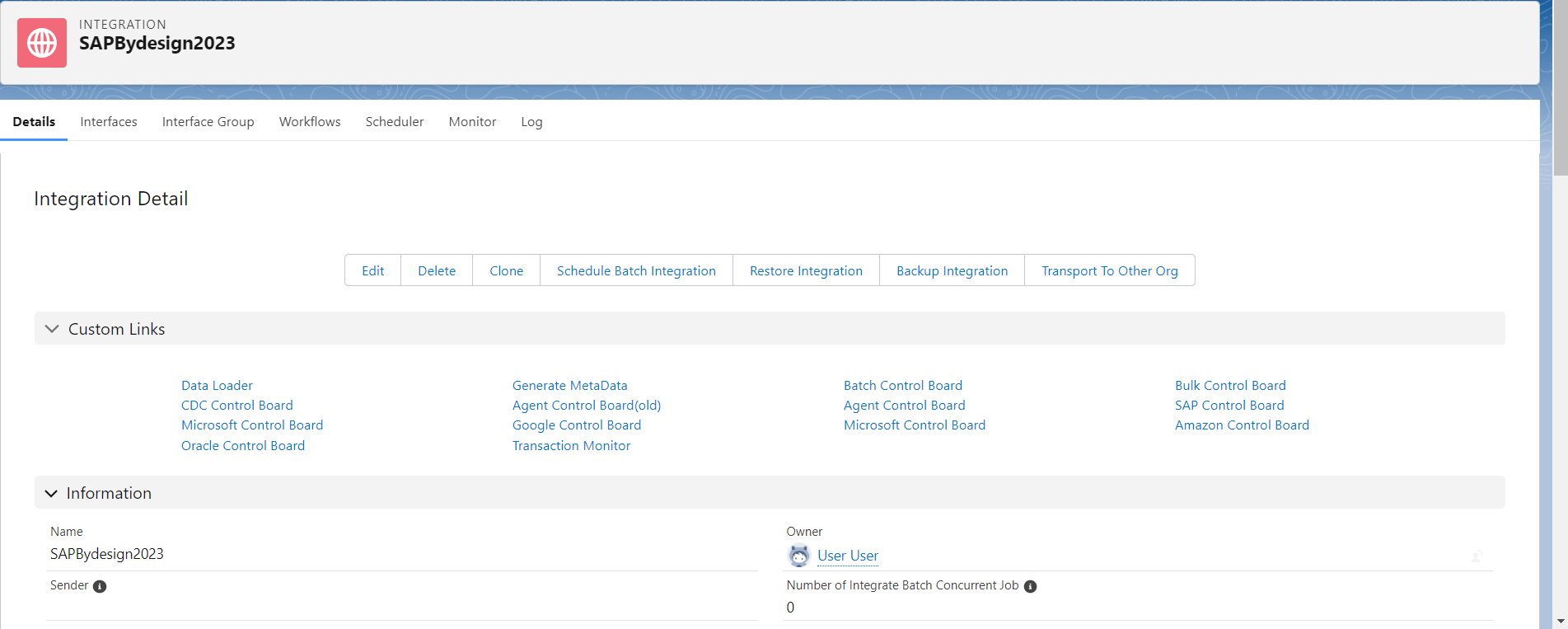
Step 1 : Create Integration
- Here’s Integration
Step2: Create Connection Destination of SAP Business Bydesign.
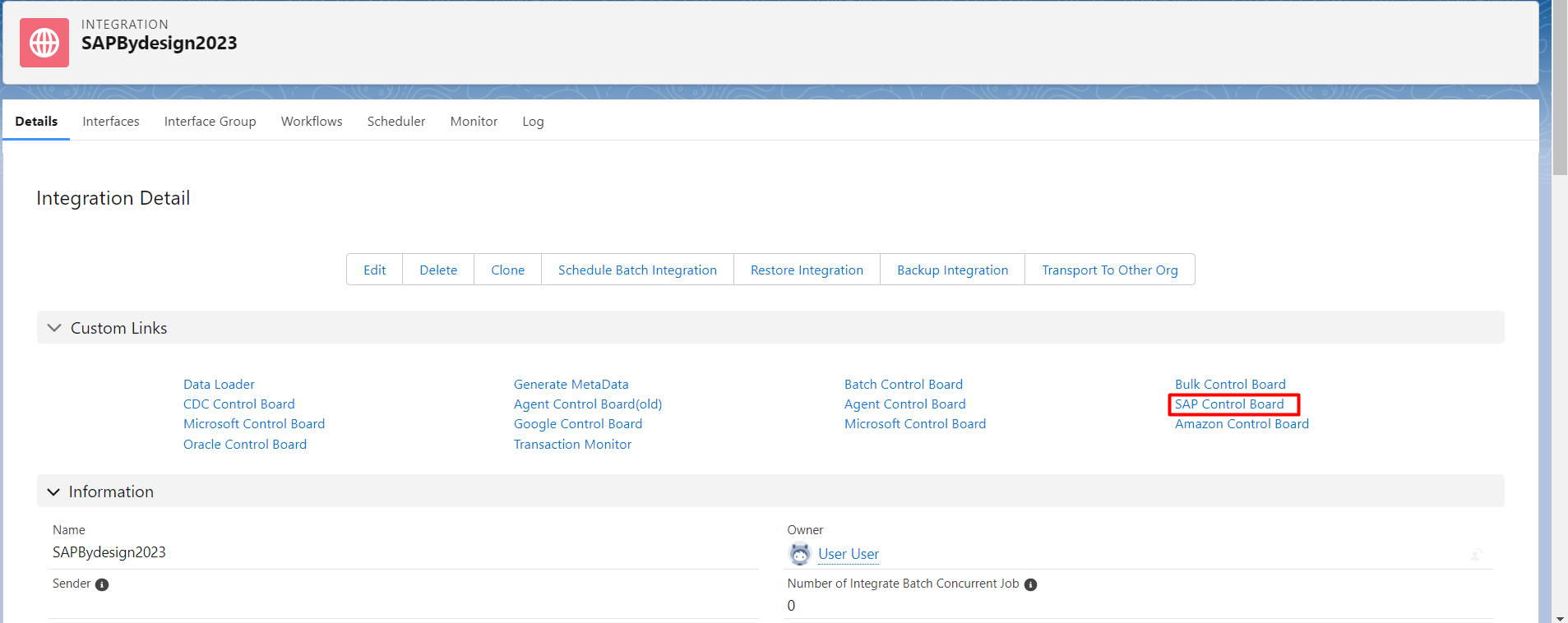
- Go to Integration detail-> Click Sap Control board.
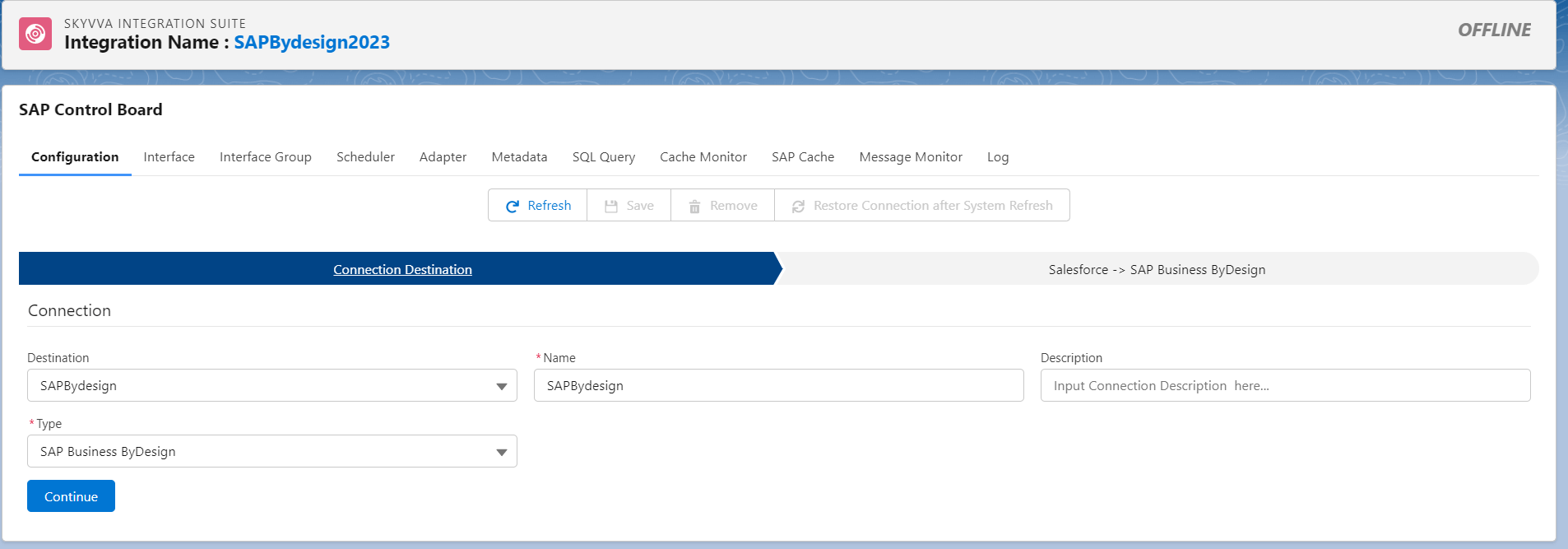
- Destination: New, fill name, choose type: Sap Business ByDesign and click continue button.
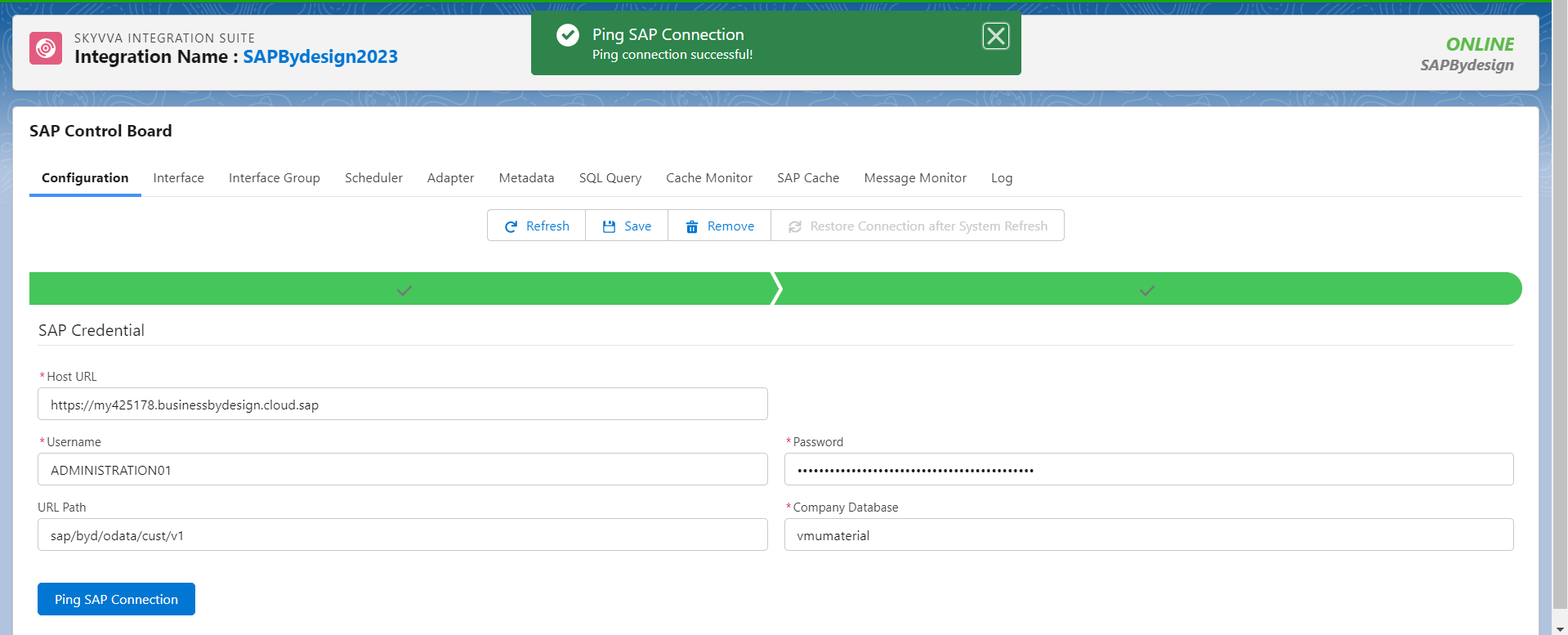
- Fill Host URL which is the OData API of sap business bydeisgn, fill Username and password which have permission to access the service that to get API OData fill your path of the sap API of By design see the example below.
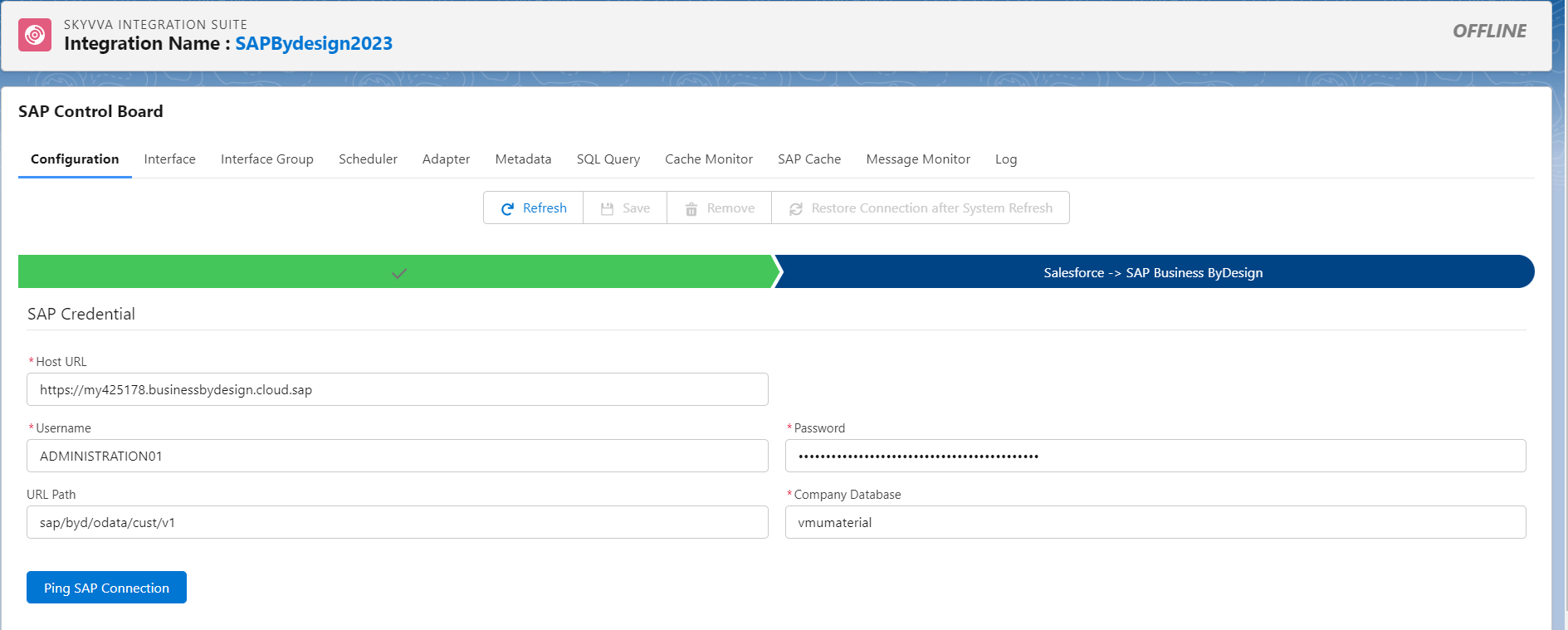
- Click Ping SAP Connection to make sure that the SAP Credential is correct.
Step3: Create Metadata and Repository
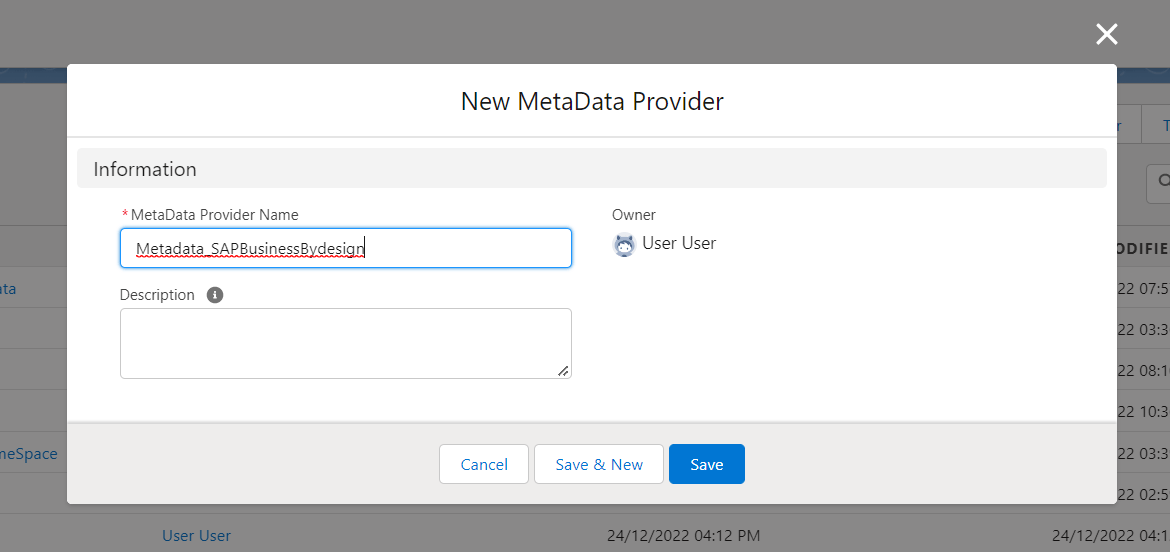
- Here’s the Metadata.
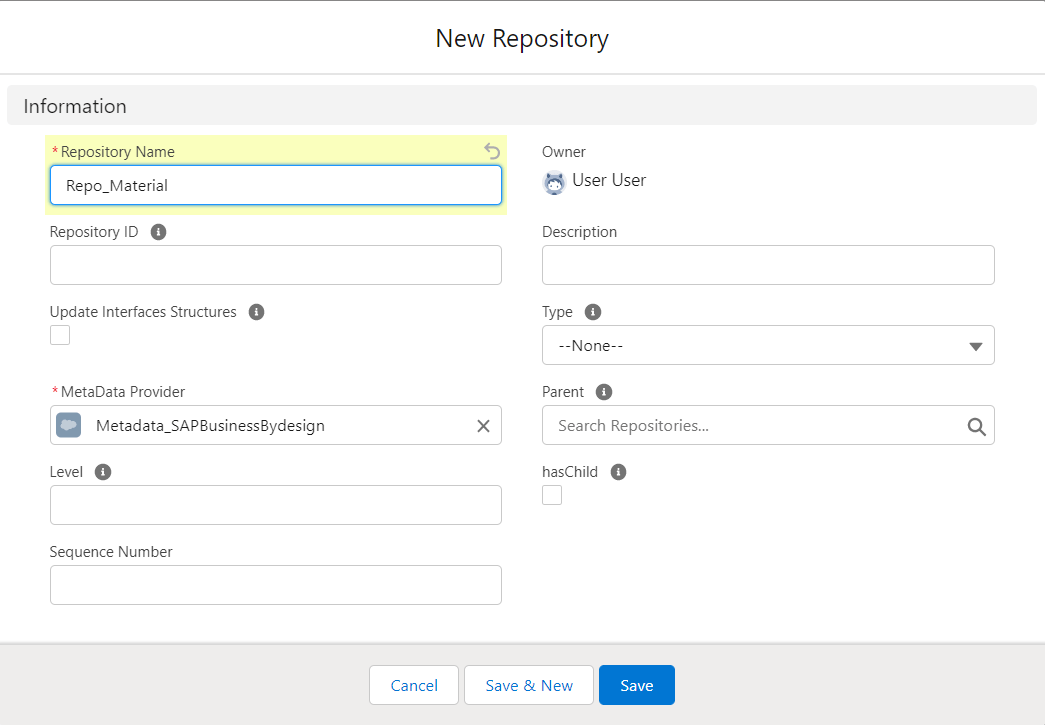
- Here’s the Repository
Step4 : Generate Material Message Type.
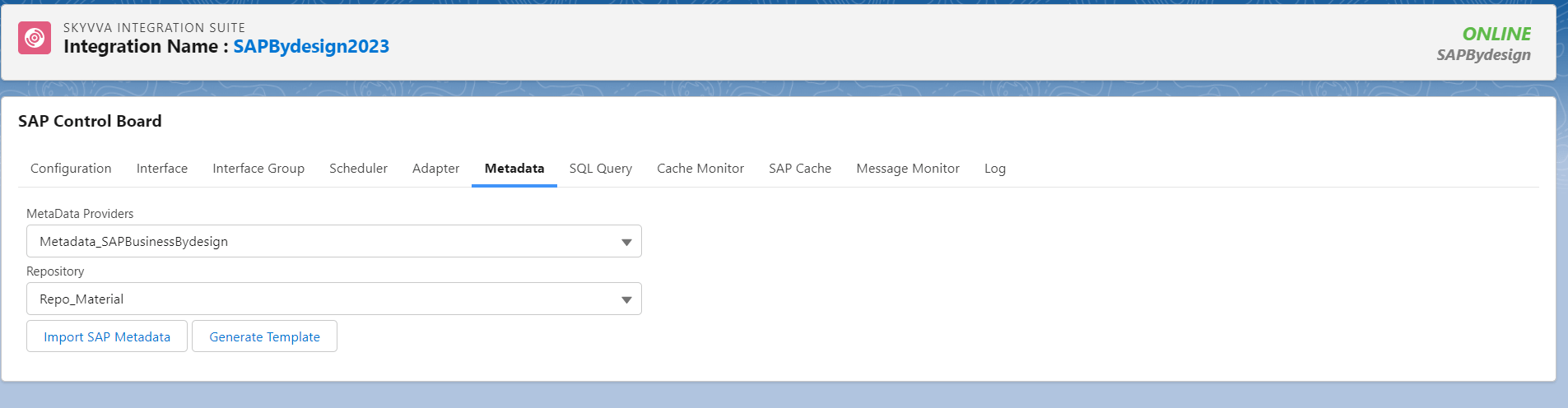
- Go to SAP control board -> Ping connection SAP Business Bydesign -> click Metadata. Choose the Metadata and Repository which created in step3 and click Import Sap Metadata button.
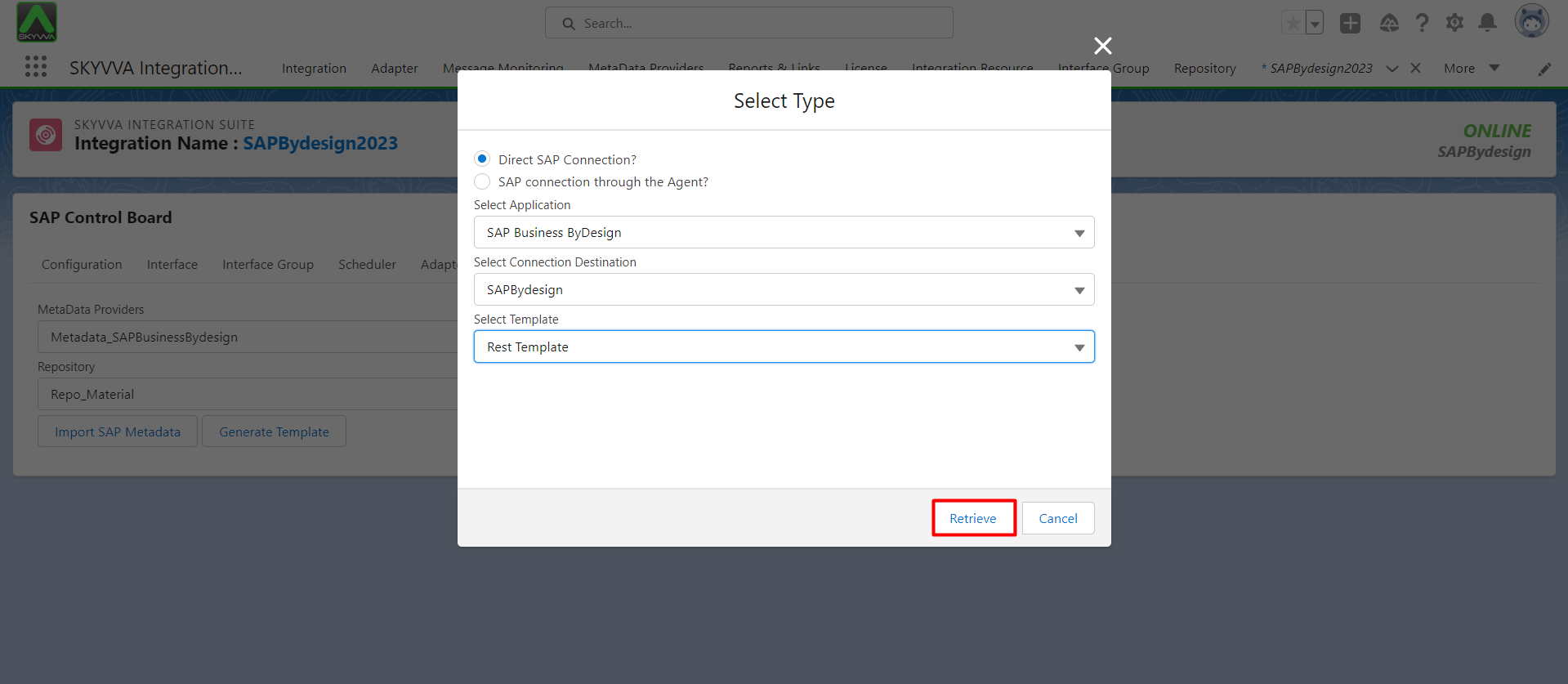
- Select the Application: SAP Business ByDesign, Select the connection Destination , Select Type Rest Template and click retrive button.
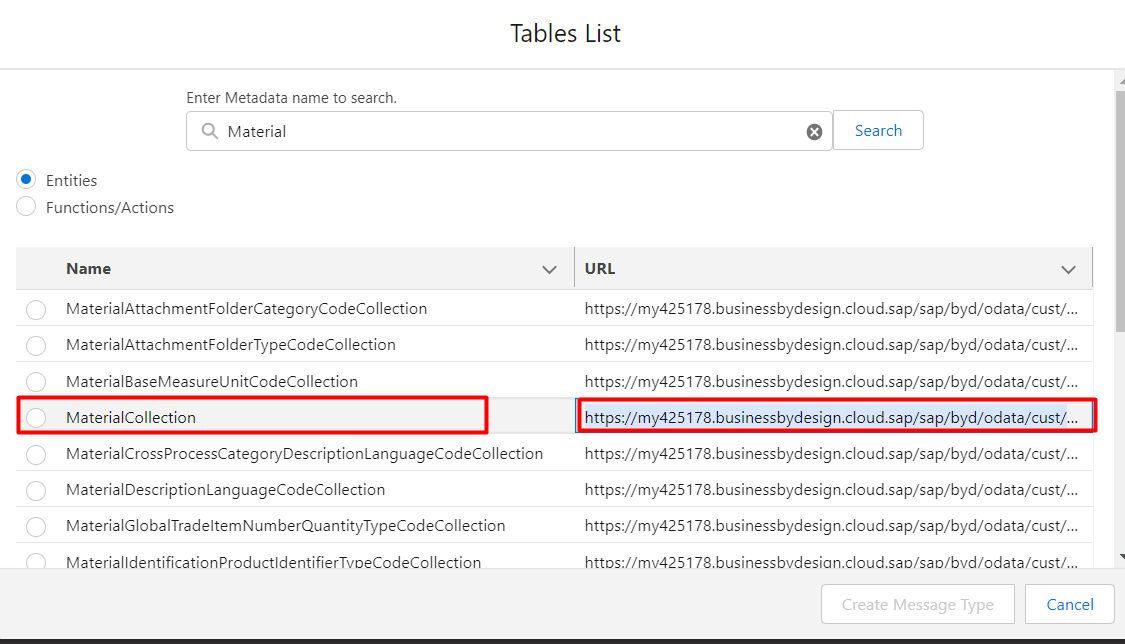
- Find the Entity that we want to do, in this case We choose Material Collection for Create, Update, Get and Delete. Then click Generate Message Type.
- Here’s the message type that we generate.
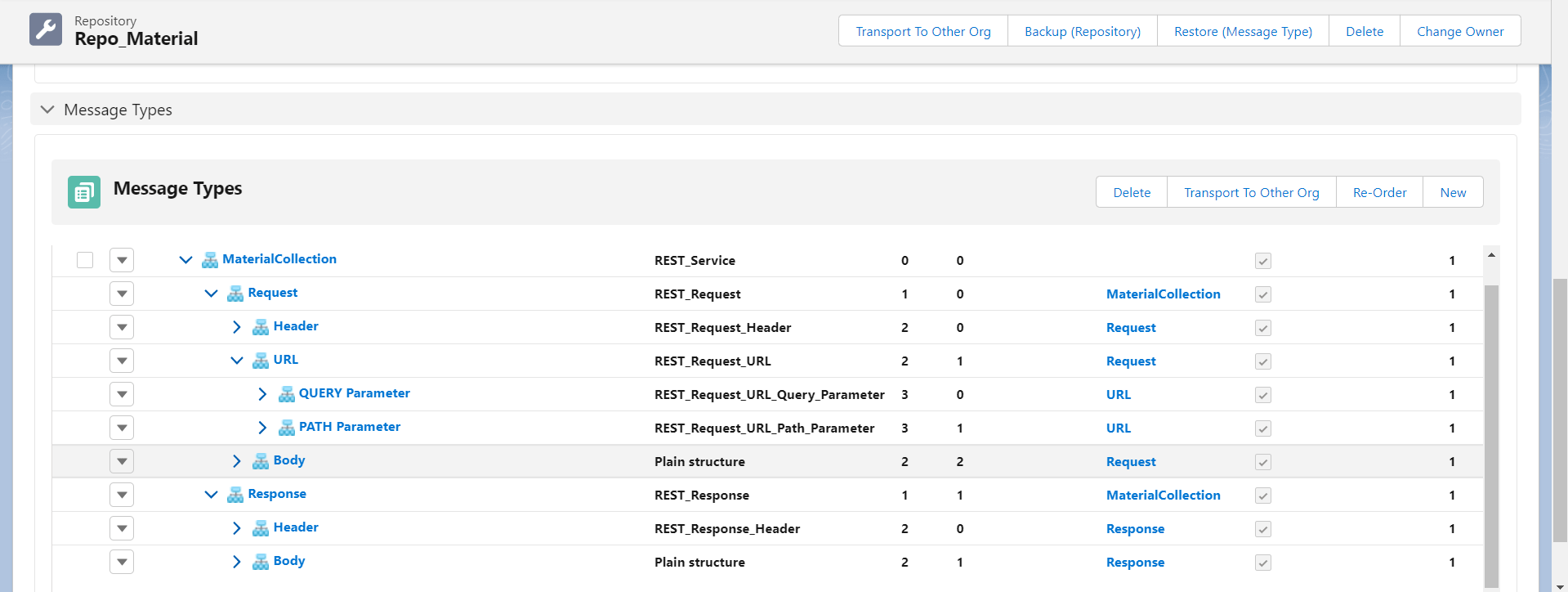
Due to we have generated already in case create record in sap by design, so we can use the template existed.
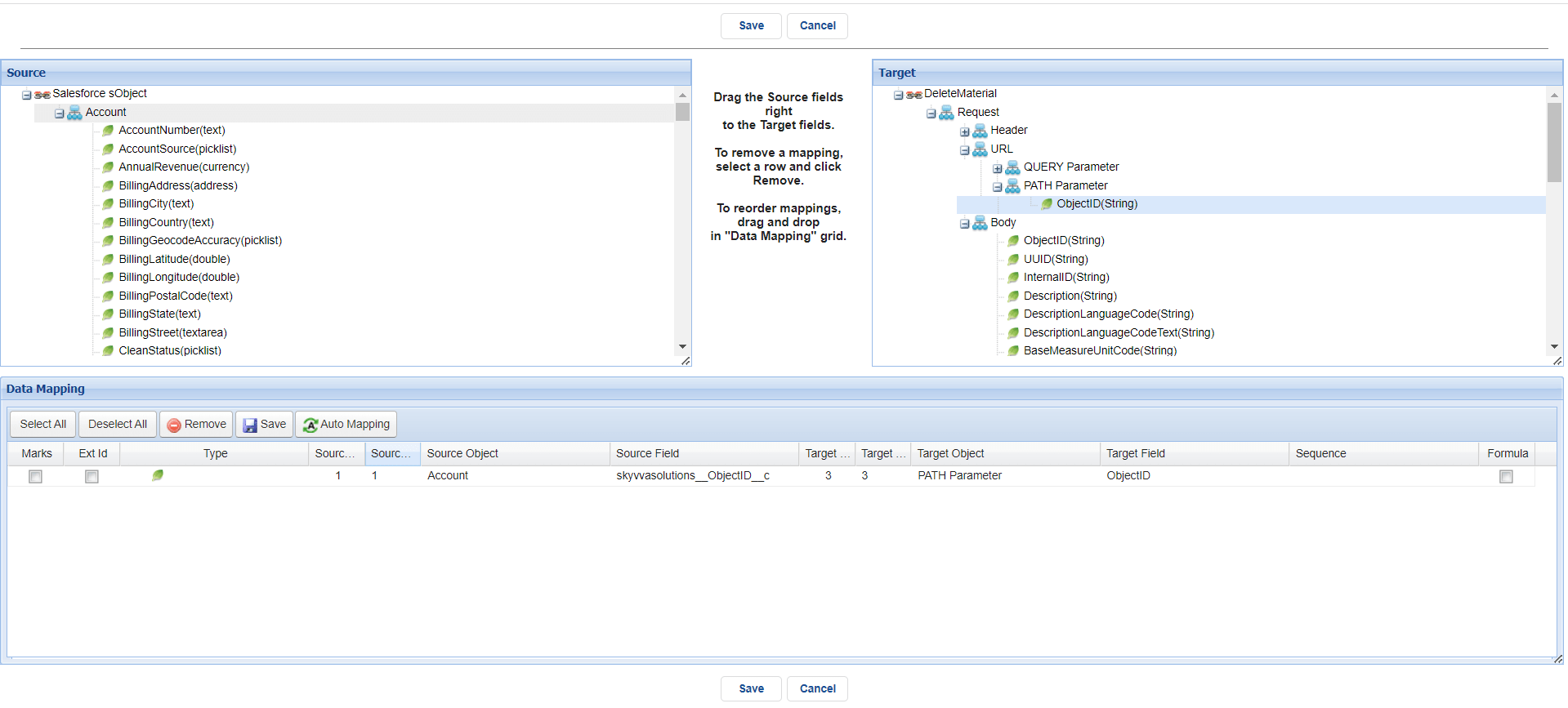
In case Update Material we need to have ObjectID so we can use in mapping by add field Object ID in the node Path _Paramater as the dynamic value.
- To add fields in PATH Parameter, we need to go PATH Parameter and click detail

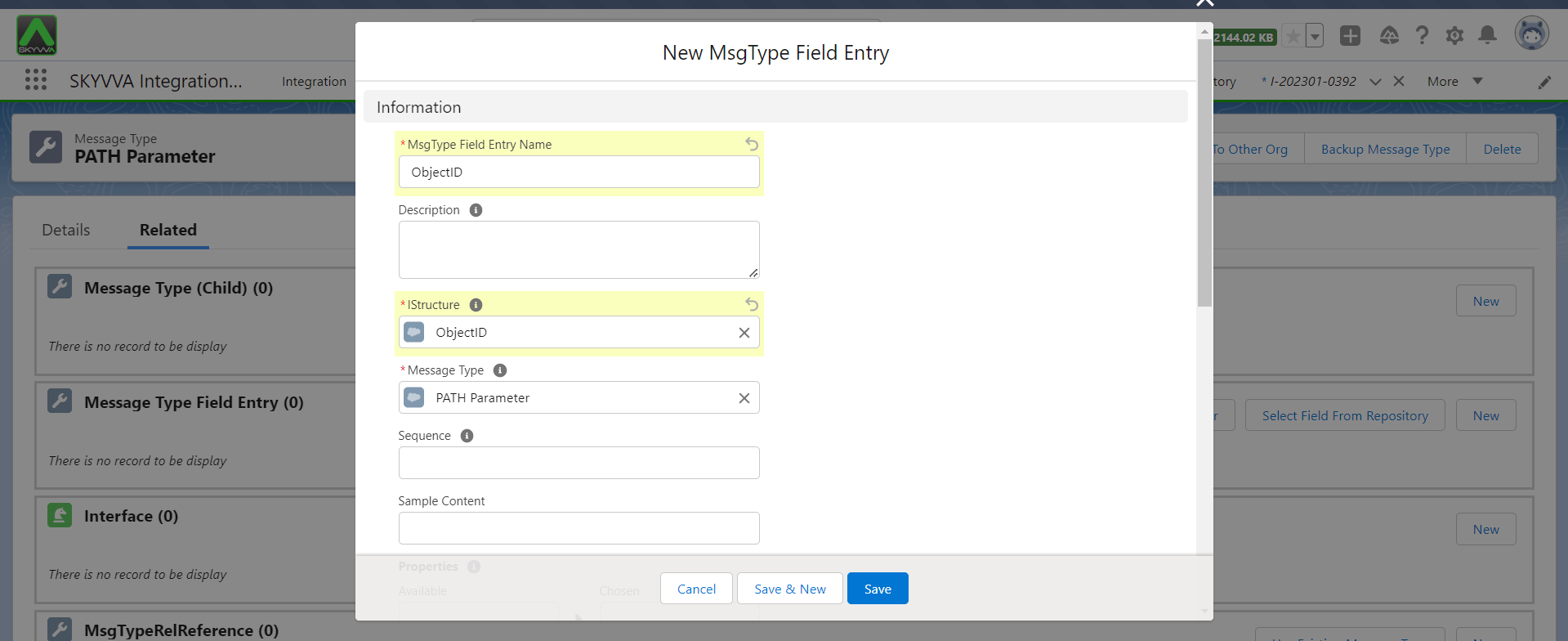
- Create field ObjectID. See the picture below.
Fill the MsgType Field Entry Name and Istructure then click Save.
Step 5: Create Integration, Outbound Interface.
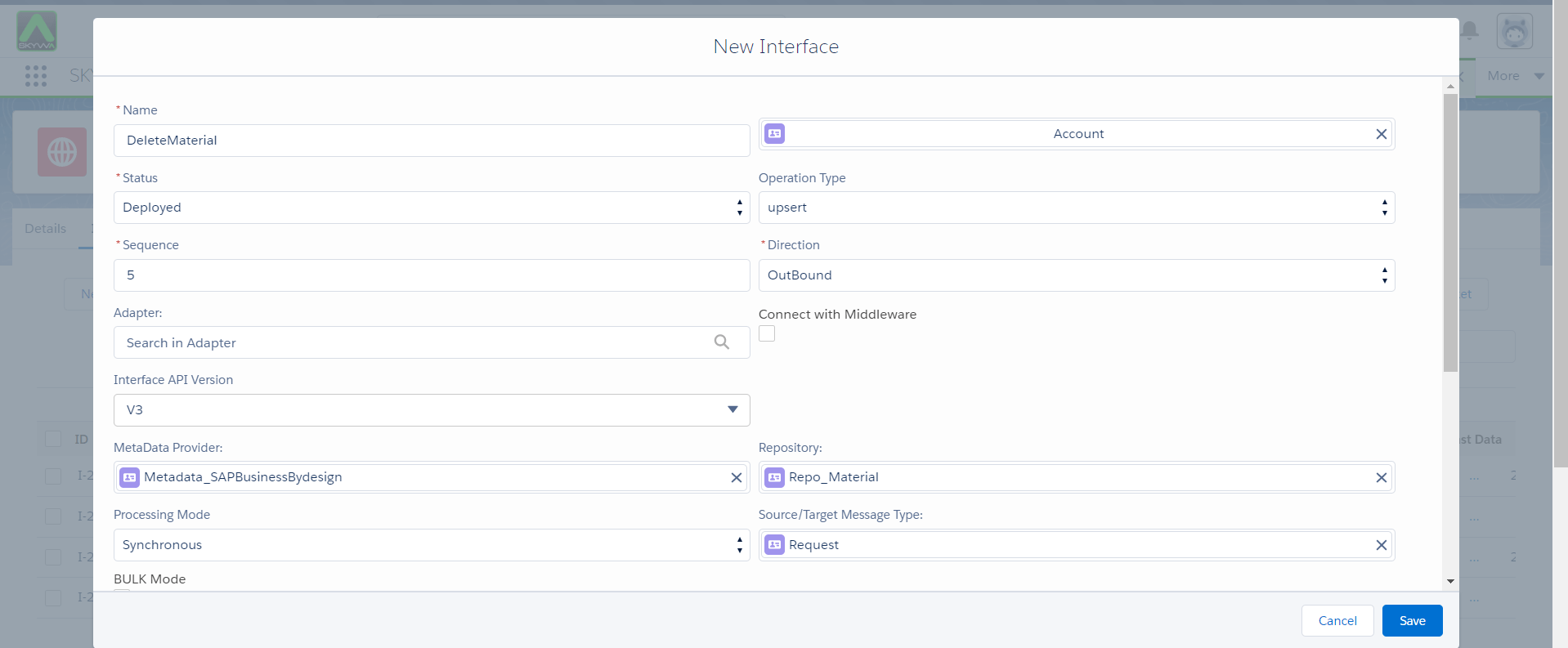
- Create Outbound Interface and linked with message type. See the picture below.
- Do mapping
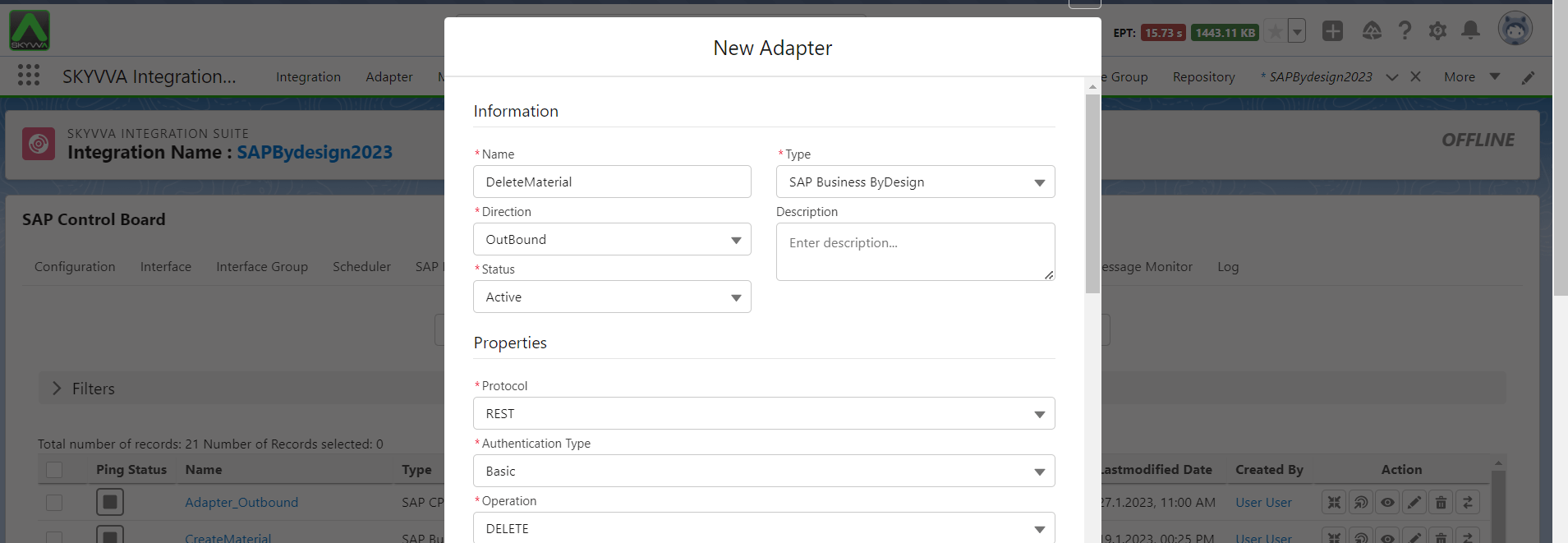
Step 6: Create SAP Business By design using operation Delete.
- Here’s example.


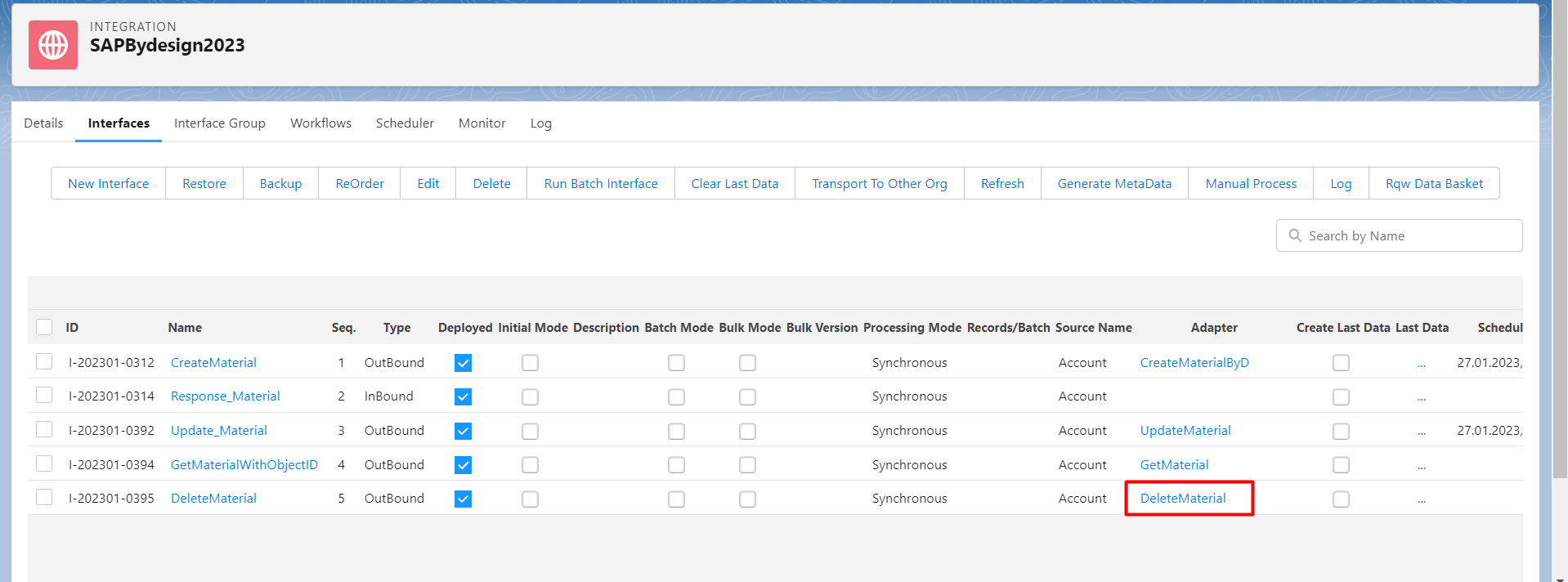
- Linked this adapter with Outbound Interface see the picture below.
Callout by manual Process button on Integration.
- Go to integration, Click Interface tap, select request Interface and click manually processing see the picture below. Click next button.

- Select Account and click Execute SOQL

- We can do SOQL with the fields that we want. Then select Record and click Ok

- Go to monitor to see the result
