160.What to do with failed messages when processing a new message with the same external Id?
Introduction:
In Skyvva , We have a feature that called what to do with failed message ? This feature is using with Inbound processing and the the located is in the Runtime Configuration - Inbound which is in Interface details. There are six picklist value such as:
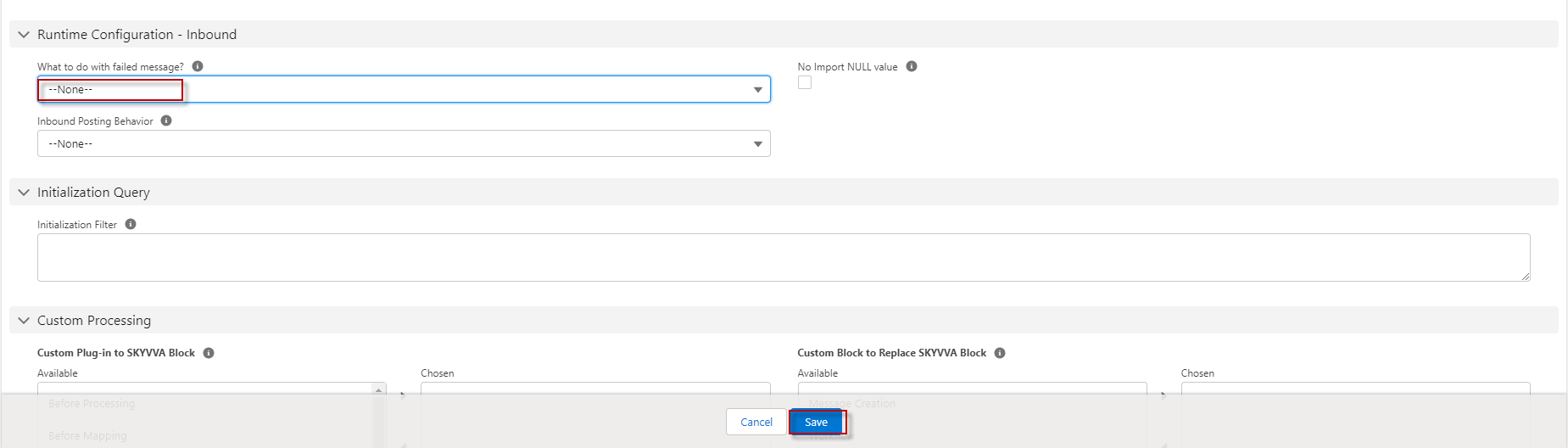
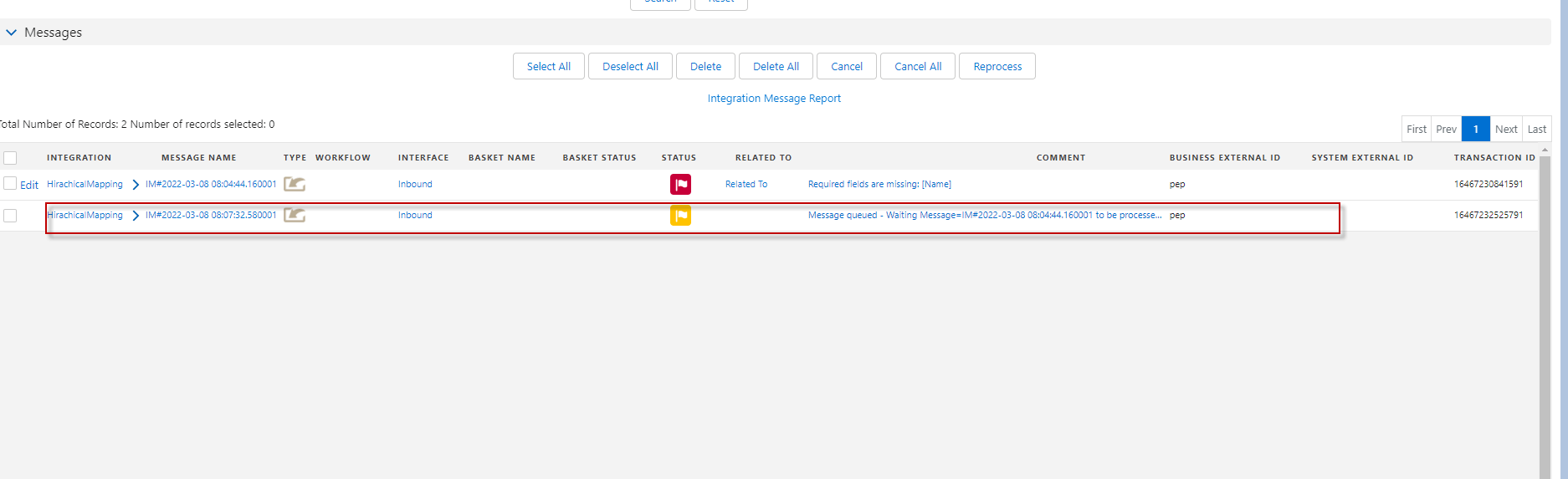
- If we set to None, It will create a new message with the same external Id.
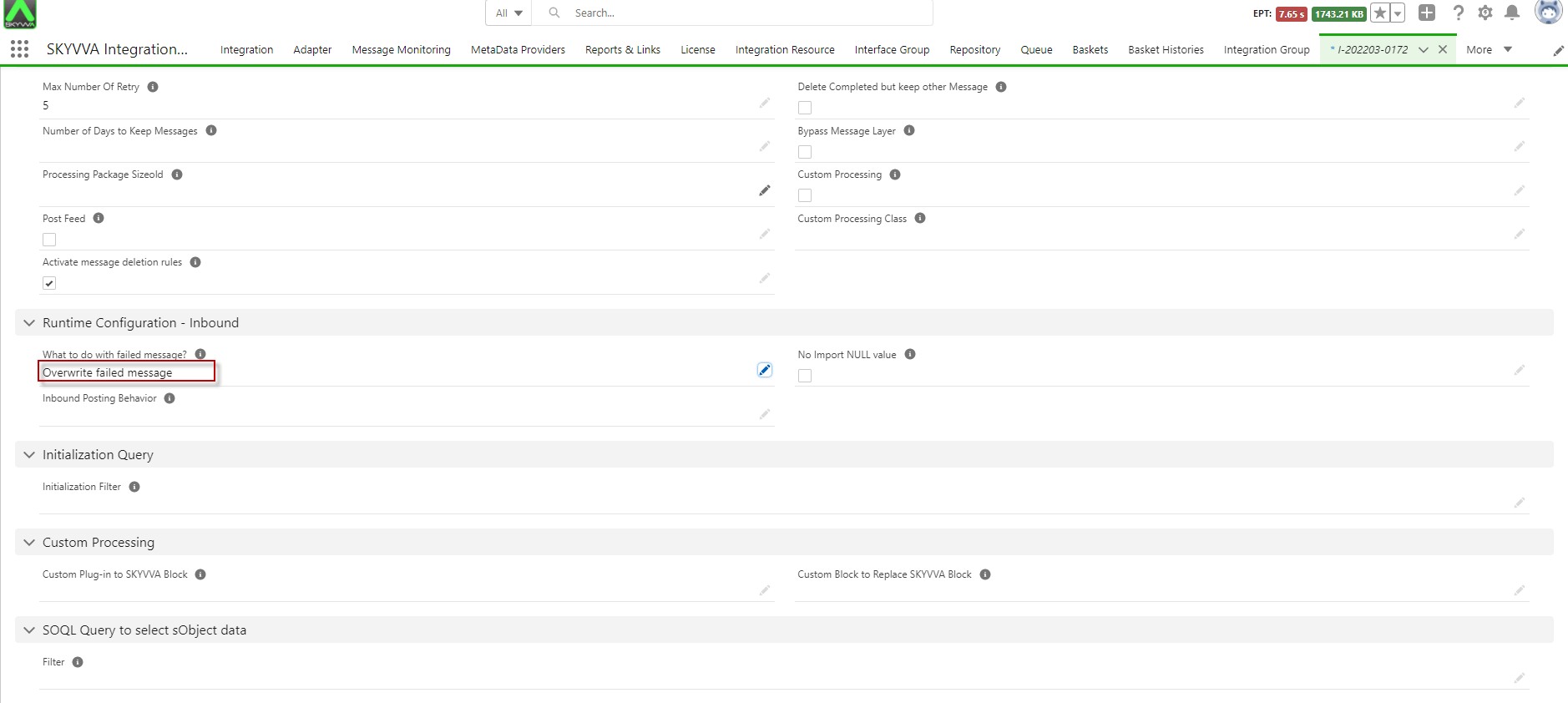
- If we set to Overwrite failed message , it will overwrite with the same external Id.
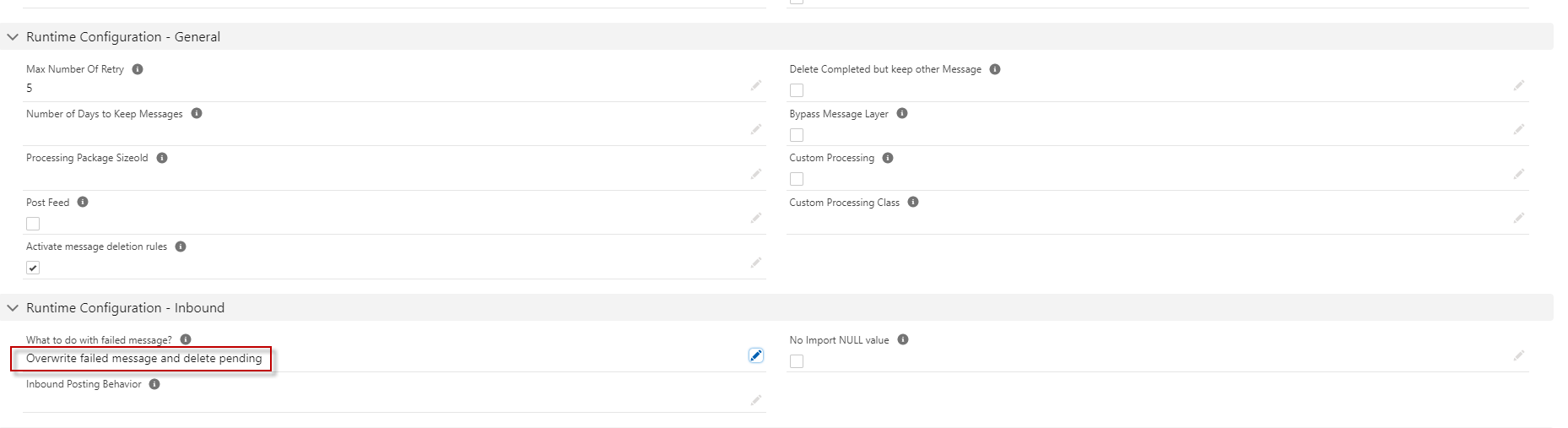
- If we set to Overwrite failed message and delete pending, it will overwrite the existing message and delete pending.
- If we set to Merge failed message, it will merge the old with the new payload and process again
- If we set to Merge failed message and delete pending, it will merge the old with the new payload message and delete pending.
- If we set to Delete failed message , it will delete all failed message".
Why we use this feature ?
This feature is using when the payload missing some fields or user want to add more column without edit message type or structure and it is useful, when we do with workflow meaning that If the message is failed that means message match condition some workflows, the message will pass to the next workflow to processing. We can set some field on interface force deletion, but the user will lose monitoring the message of processing other interface processing In this case we don't delete the current message which we are processing. We want to keep the current processing, not delete it. But we want to delete the older messages with the same external Id which are red or pending. Only these two status. If the user want to have like that then user doesn't want to have the monitoring for the old failed or pending message with the same external Id. But the other messages with other external Ids are still there and we don't delete them, Except when user choose delete failed message. So the condition is only the messages with the same external Id. Pre-required:
- Upload Istructure or message type
- Create Integration
- Create Inbound Interface
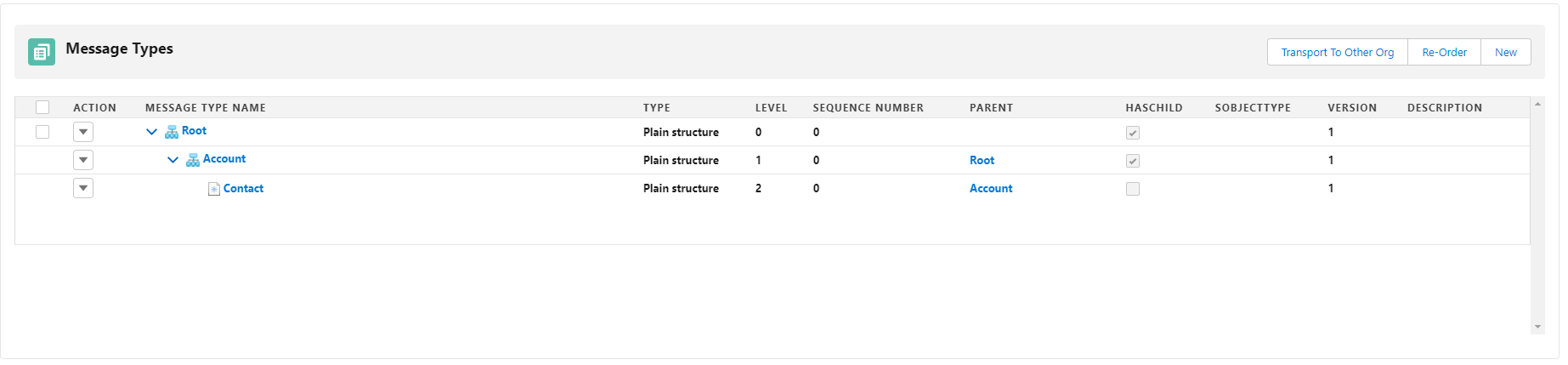
- Here's message type.
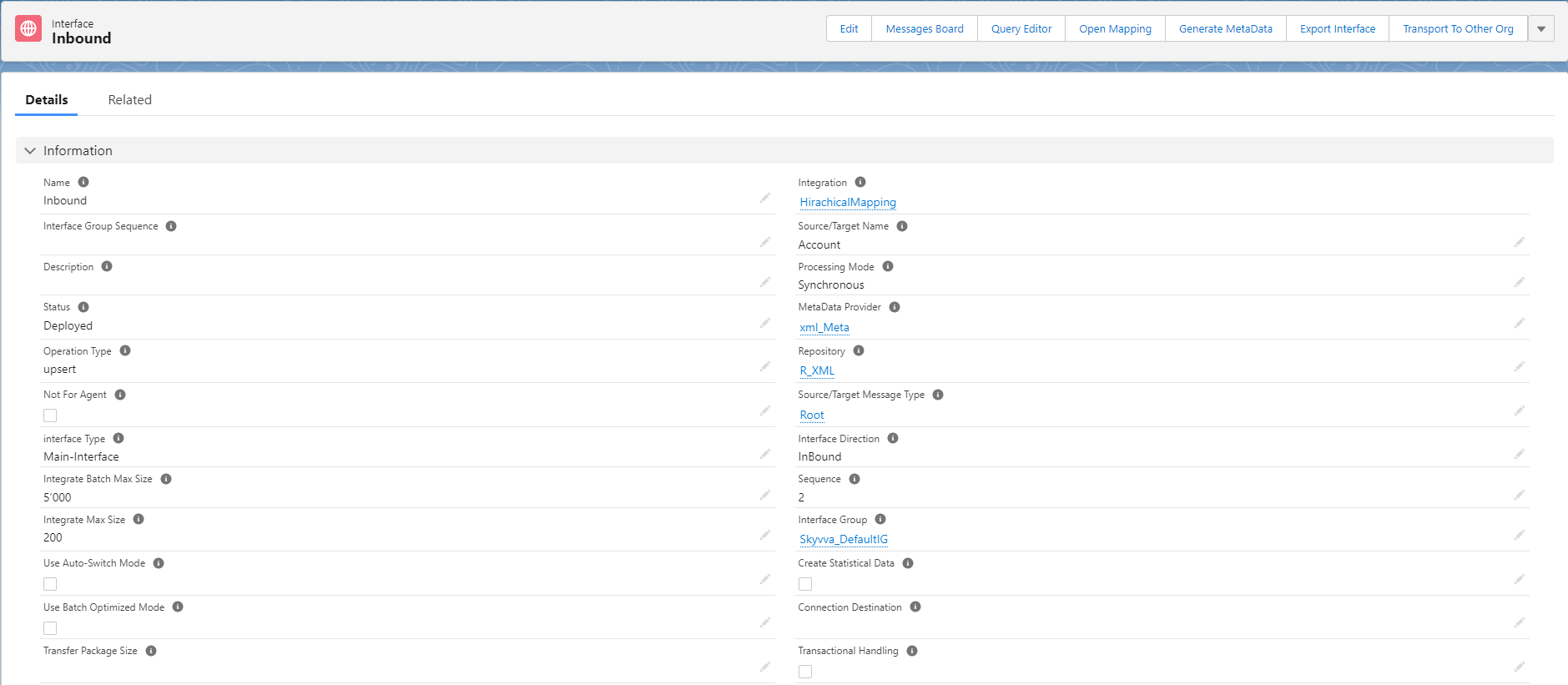
- Here's Inbound Interface which is link with message type.
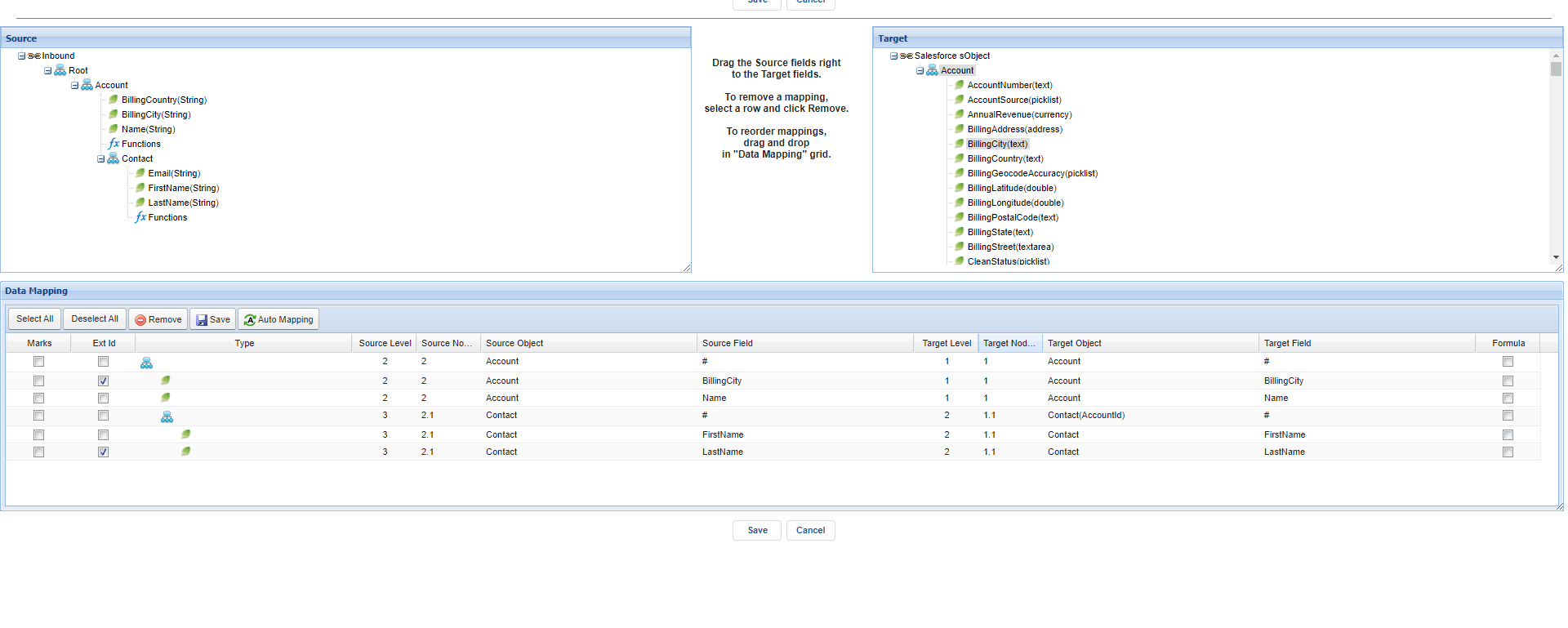
- Do Mapping. See the example bellow .
How to use this feature ?
As we known that this feature is in the Runtime Configuration -Inbound so now we go on. Go to Interface details.
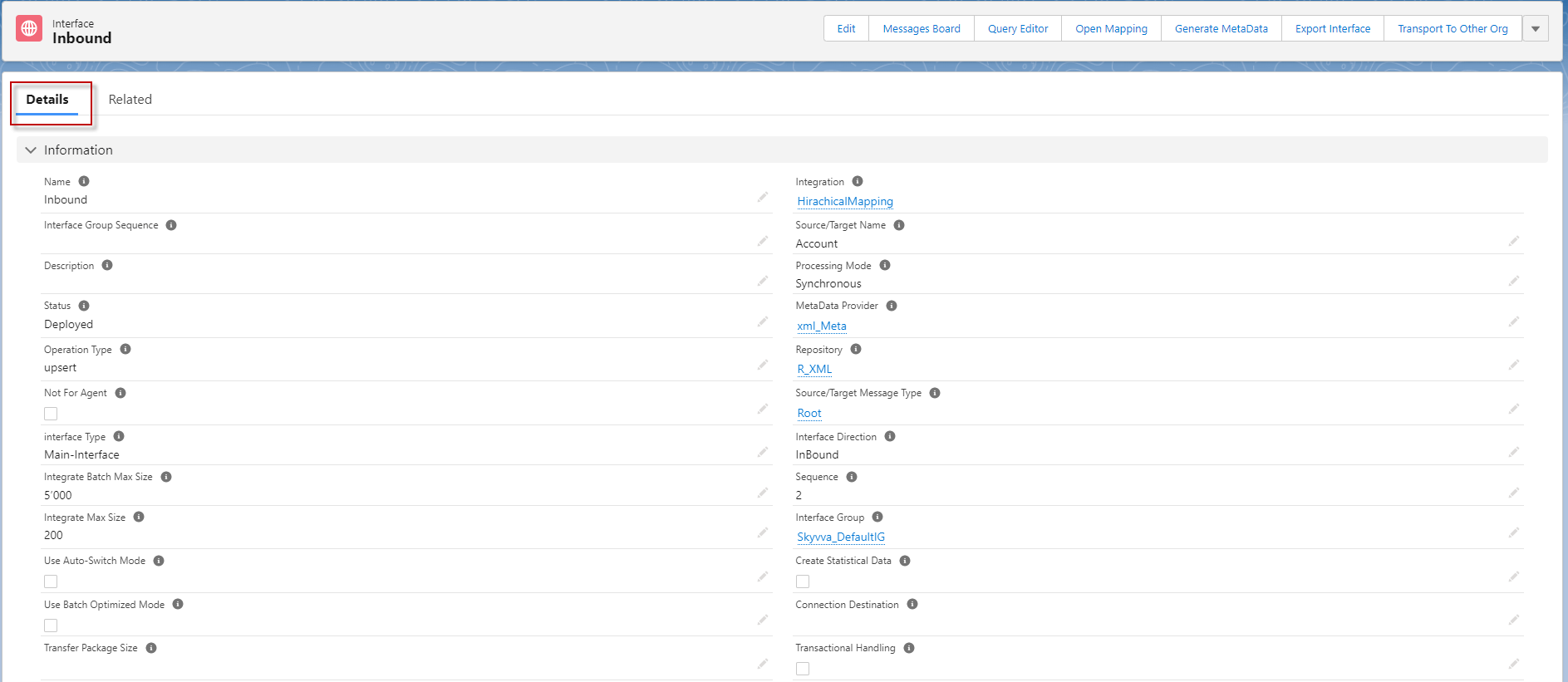
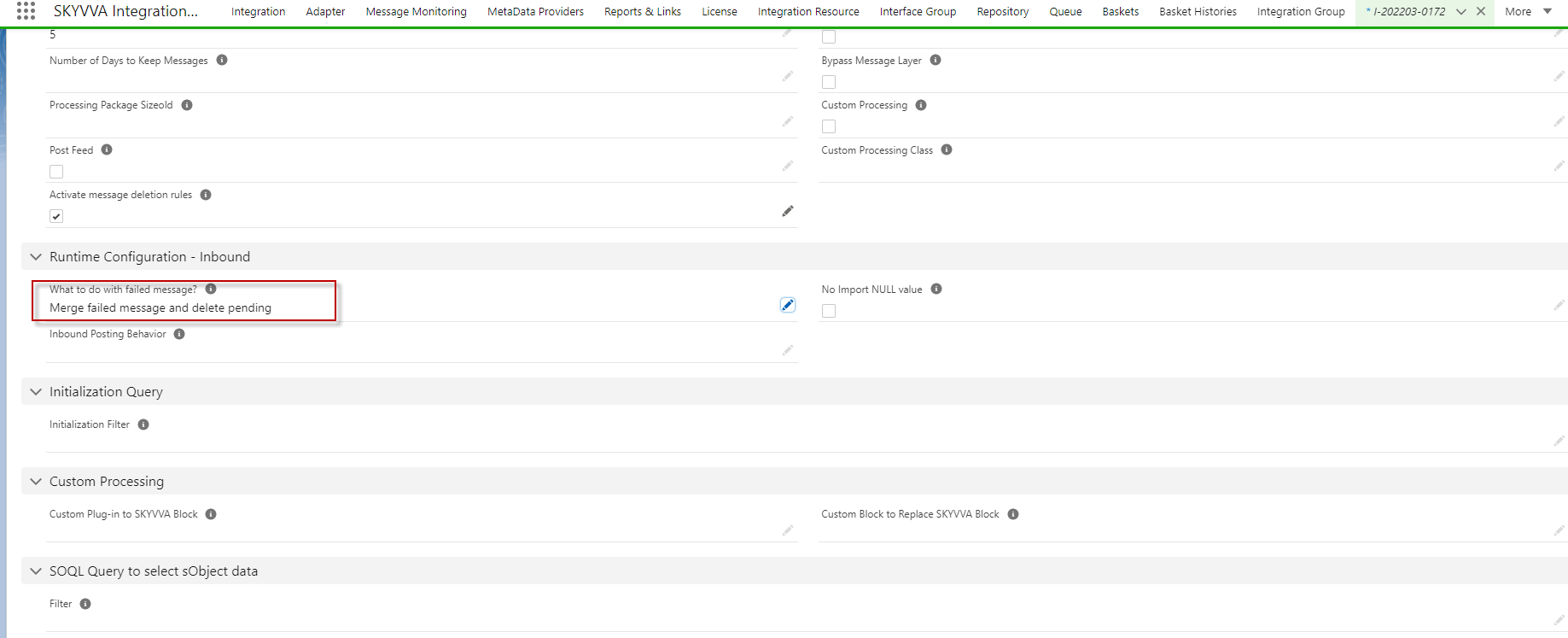
- Scroll down to see the section Runtime Configuration- Inbound
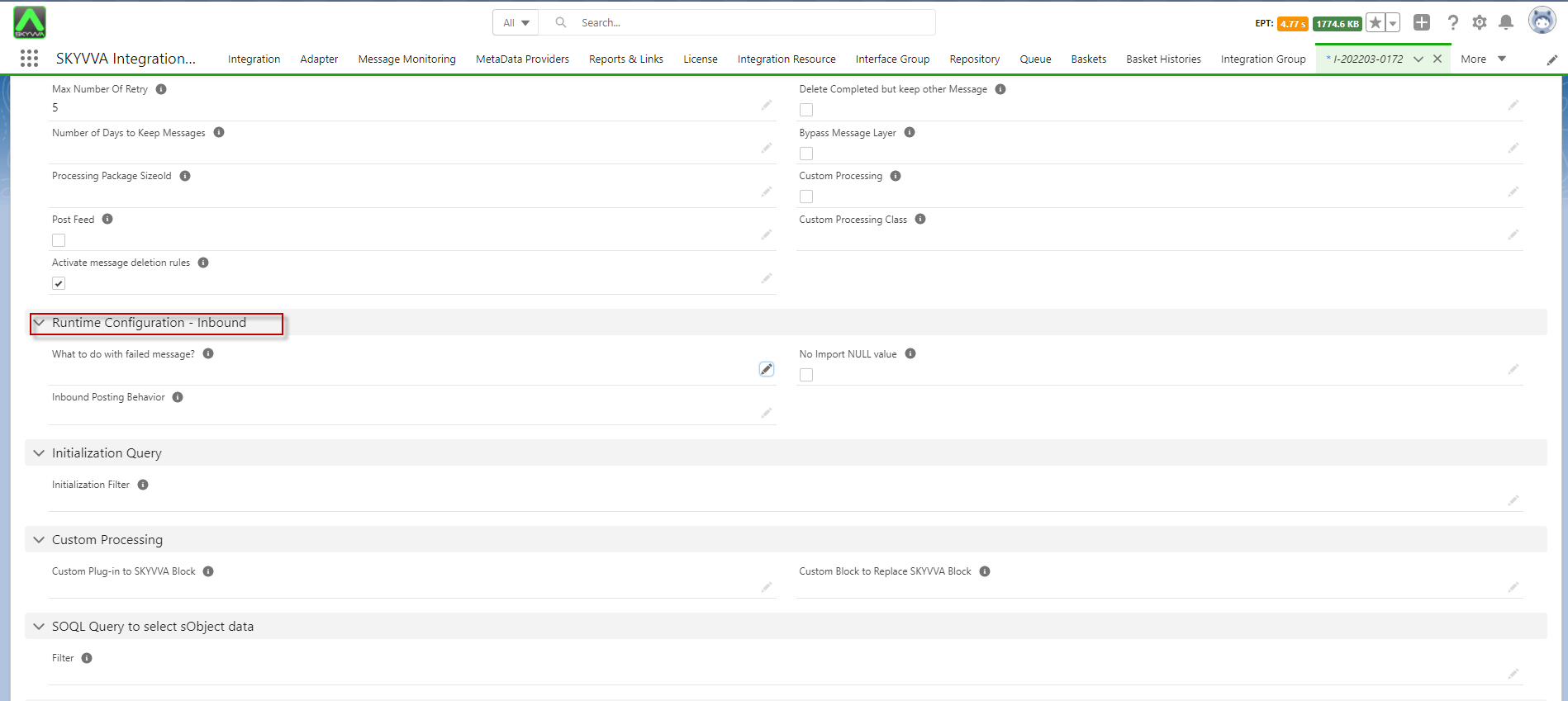
Now we can see the place to configuration so we will see the details about the six picklist . First is , What to with failed message when we set "None" . It will create a new message with the same external Id.
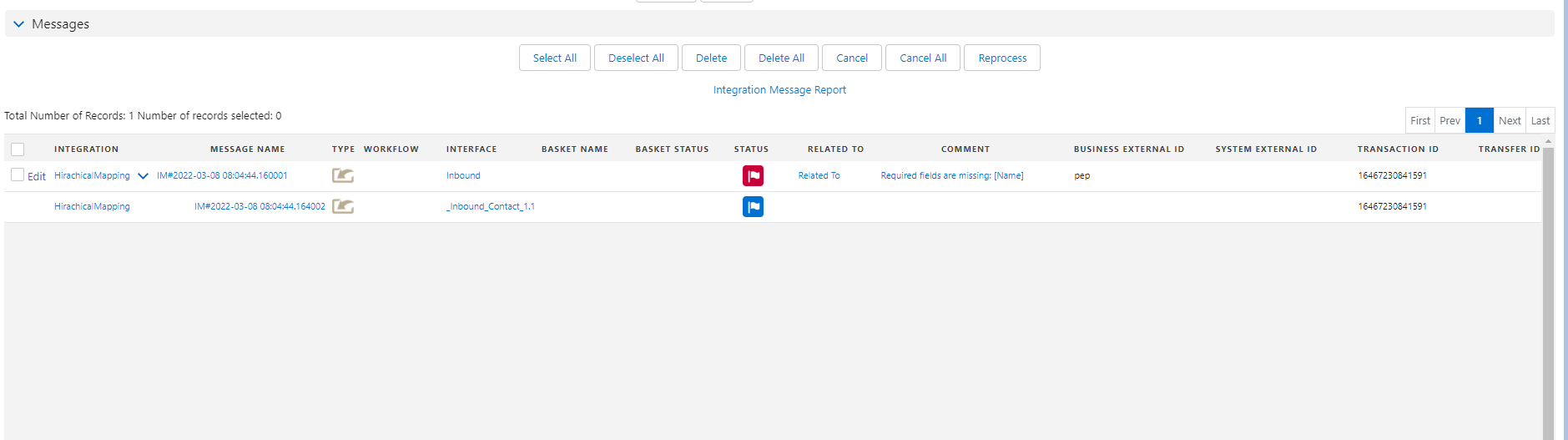
- Here's the first failed message.
- When we do process inbound again it will create the new message because we choose picklist "None". Here's the result after processing again.
Second is, What to with failed message when we set "Overwrite failed message" , it will overwrite with the same external Id.
- Here's the example.
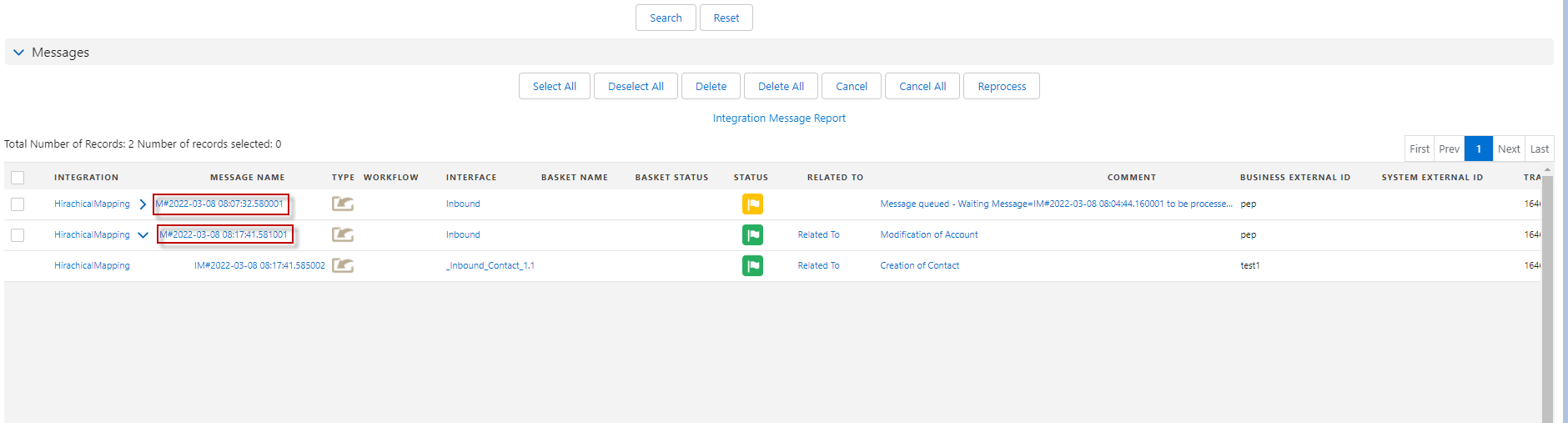
- Here's the failed and pending that we have done.
- When we processing the right payload that match the structure, it will overwrite the failed message from failed to complete and it still keep the pending we can see the both message is the same id. Here's the example.
Third is, What to with failed message when we set "Overwrite failed message and delete pending", it will overwrite the existing message and delete pending.
- Here's the example
- Here's the failed and pending messages .
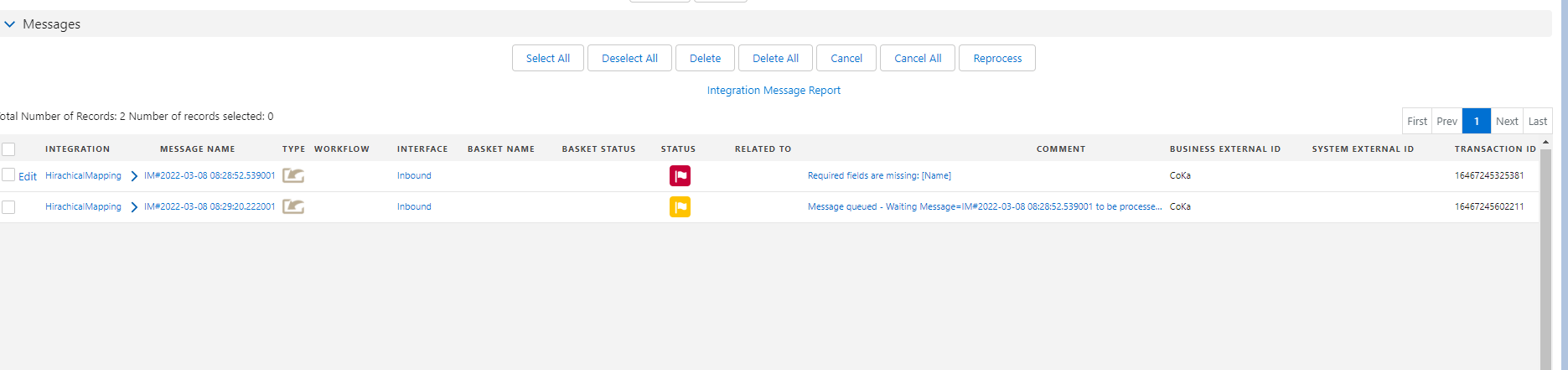
- When we processing the right payload that match the structure, it will deleting the pending and overwrite the failed message to complete . see the message after processing Inbound below.
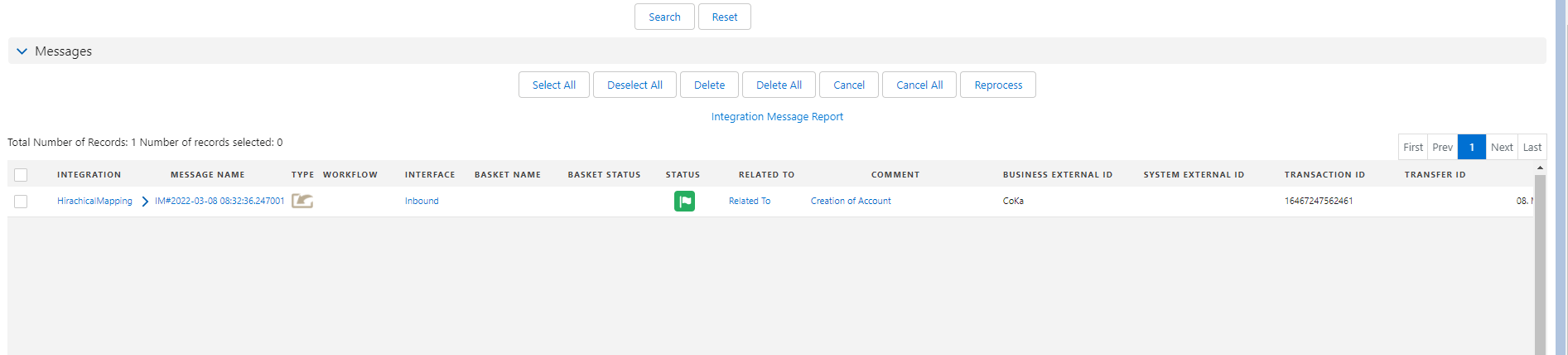
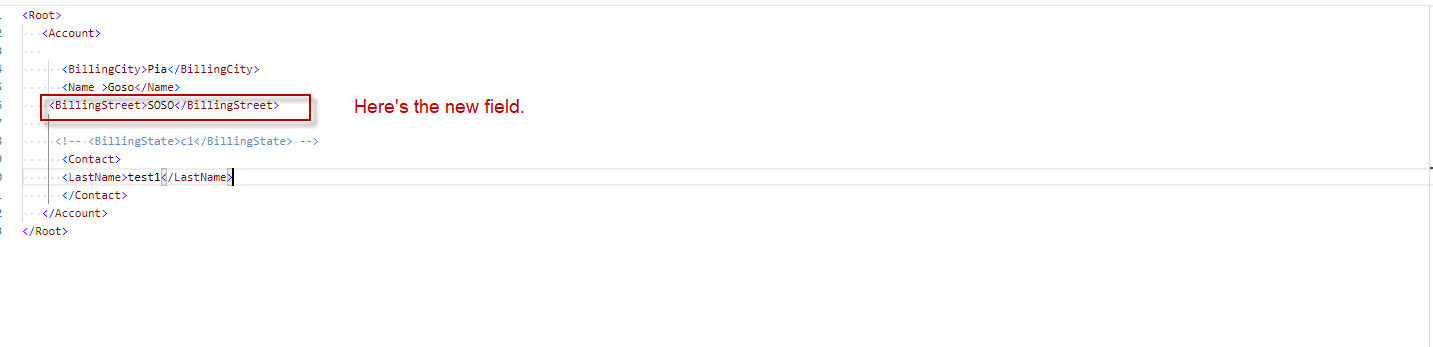
Forth is, What to do with failed message when we set " Merge failed message", it will merge the old with the new payload and process again. This meaning that when the payload is failed and then we want to keep the old payload message and want to add new the fields so it will merge the old payload with the new payload. In this case we need more field to show so now we can add 5 fields more. Here's the first mapping which we will make it failed message.
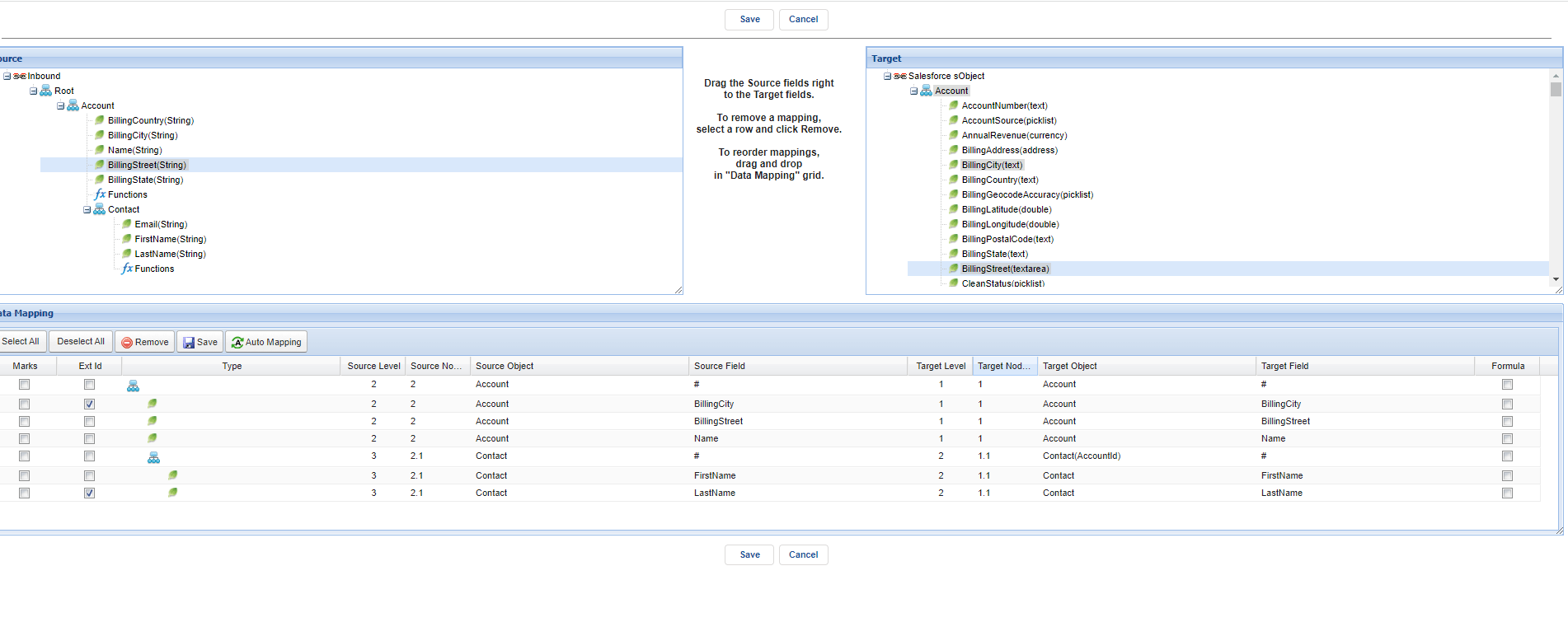
- Here's the example
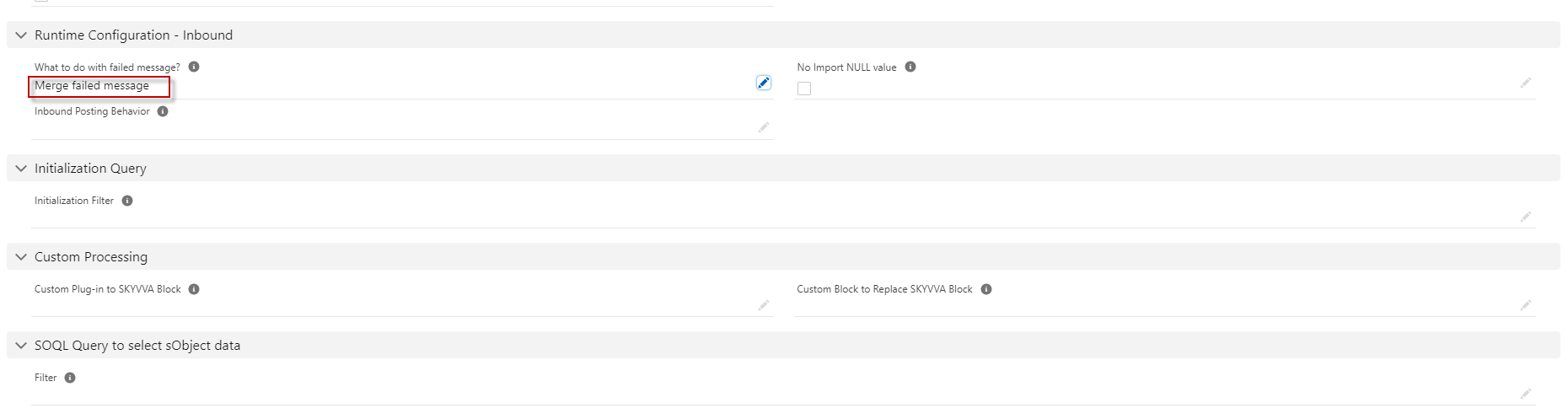
- Here's the failed message.
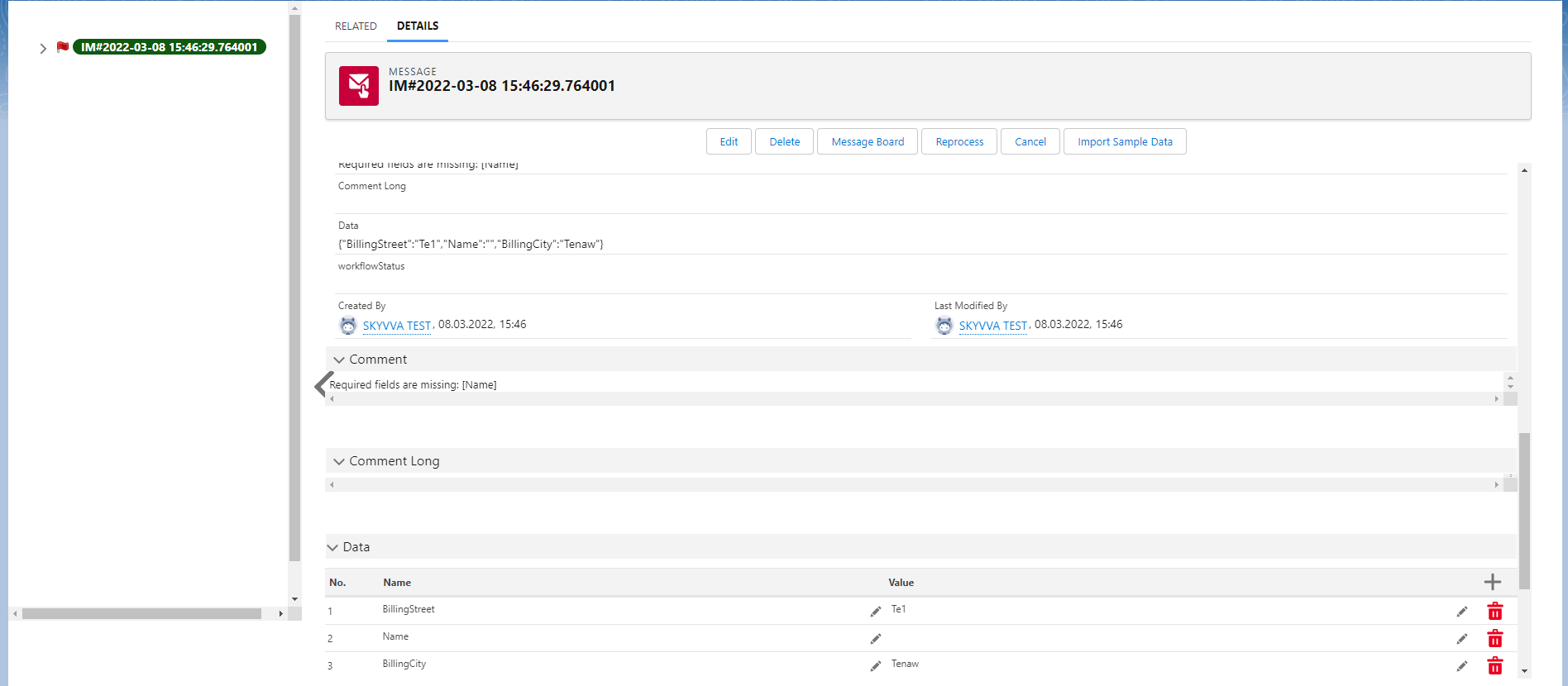
Now we want to keep the value that failed and want to merge the new payload with the failed payload by changing mapping .
- Here's the new mapping
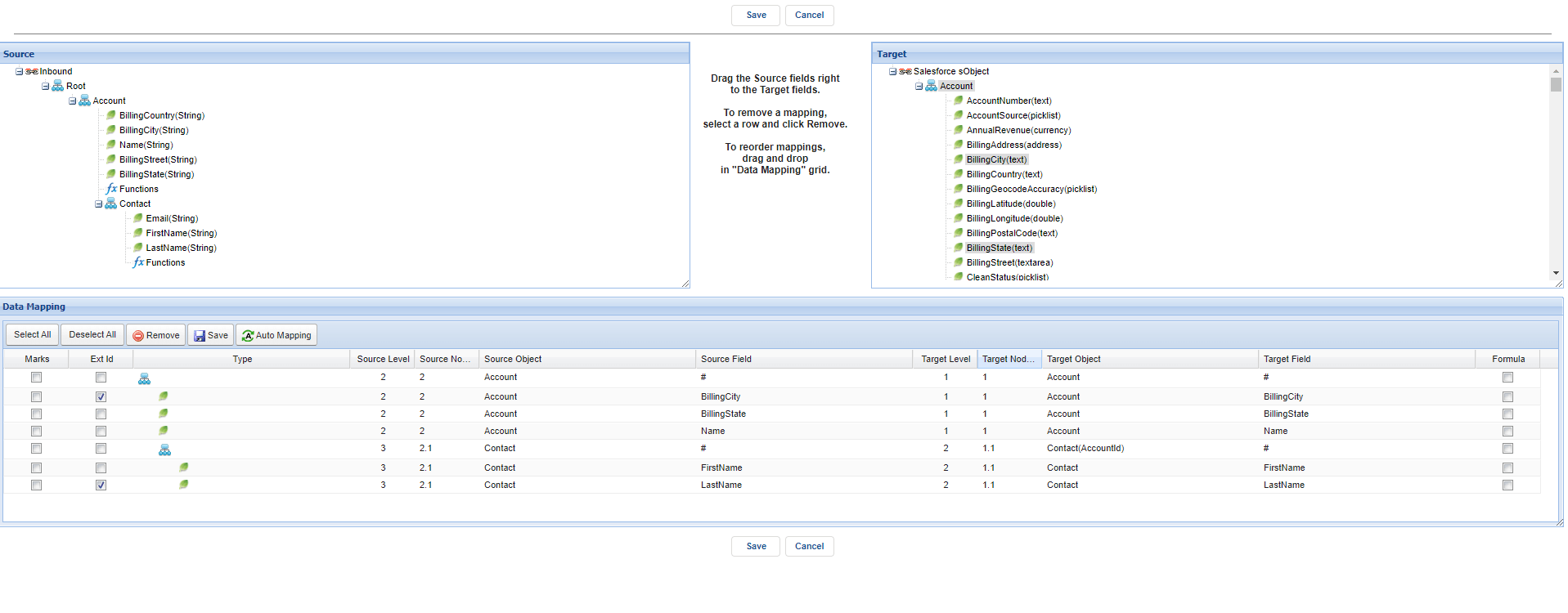
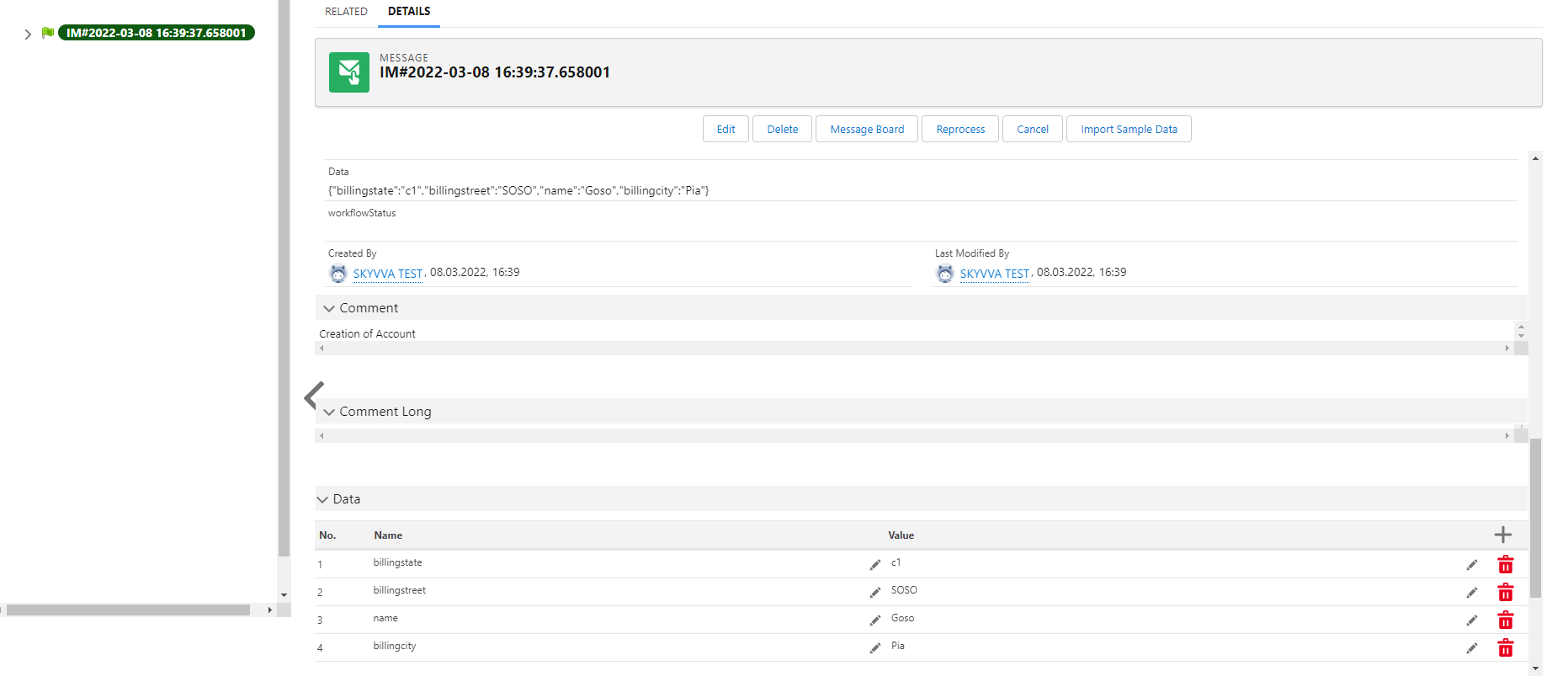
- Here's the payload new and it will merge the old failed payload with the new failed payload.
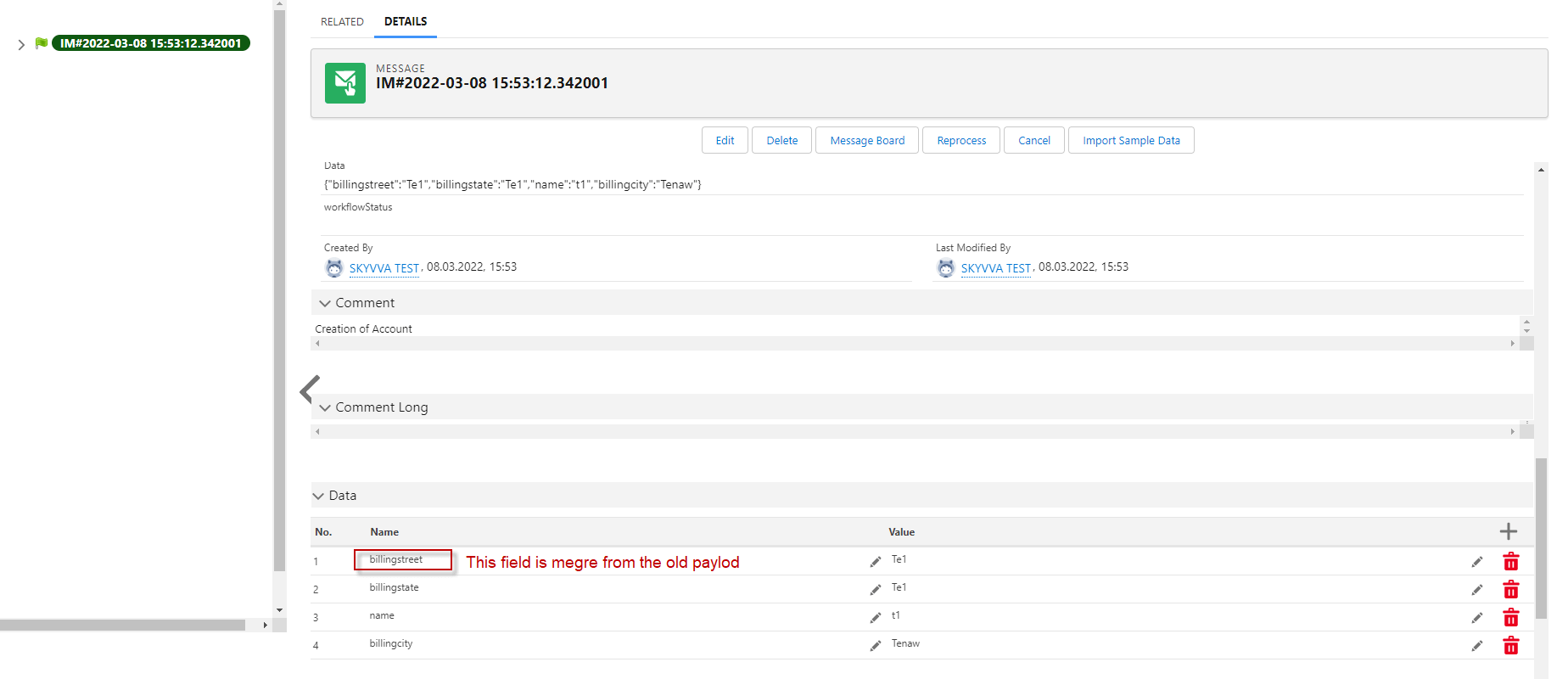
Fifth is , If we set to Merge failed message and delete pending, it will merge the old with the new payload message and delete pending.
- Here's the pending message
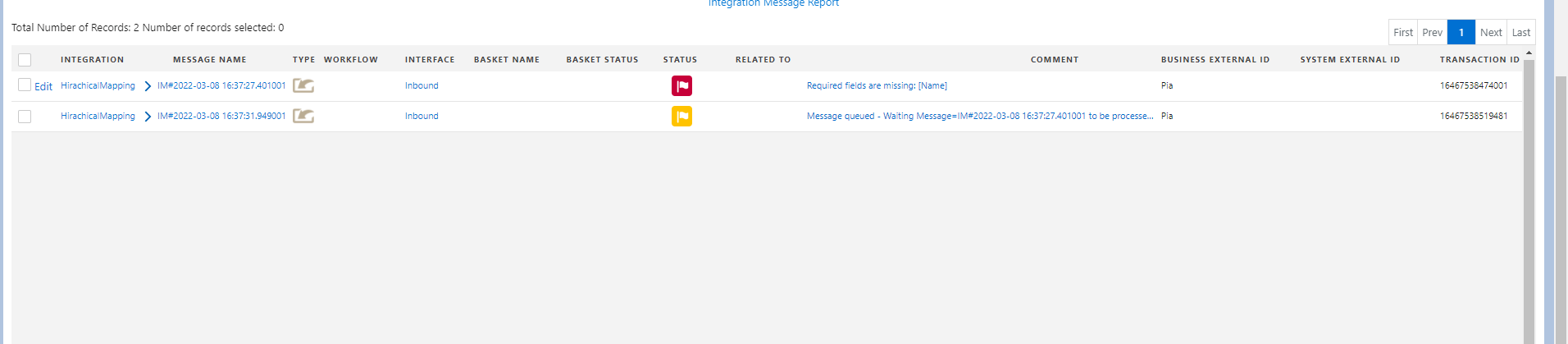
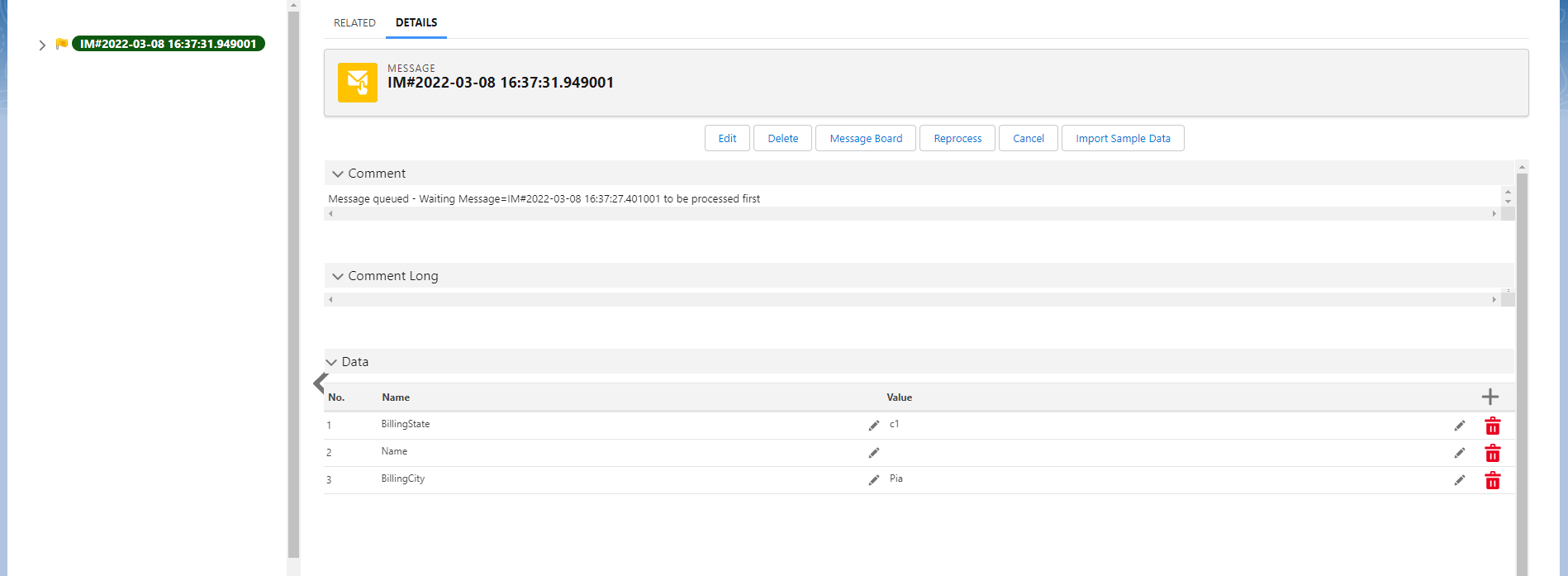
Sixth is ,If we set to Delete failed message , it will delete all failed message"
- Here's the interface.
- Here's the callout v4 from postman that we push only 2 old fields and new one fields and the result will merge the old payload with the new payload.
- When we processing it will merge the old payload and with the new payload and delete the pending payload see the message monitor below.
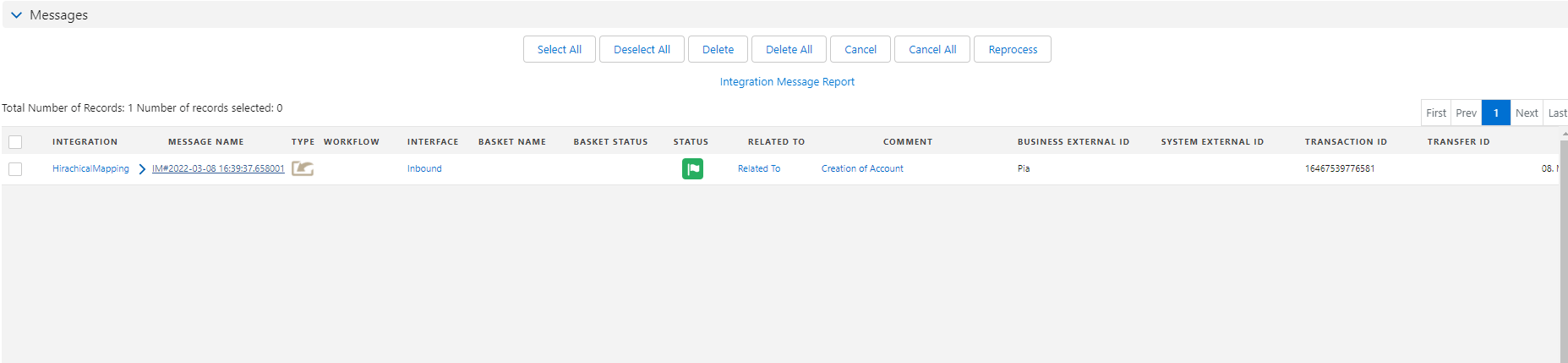
Summary Now we have already learn about sixth difference picklists for what to do with failed message. It is very helpful for user who want to use which picklist that match his business.